

NightVision EA MT4 V7.1 For Build 1473+
$14.95
NightVision EA is the breakthrough trading tool you’ve been waiting for. Learn how to use it effectively and watch your forex portfolio soar to new heights!



Description
NightVision EA: Complete Review of the Night-Session Expert Advisor for Safer Scalping
NightVision EA – A Practical Guide to Setting Up and Running This Night Scalper
Table of Contents
- What Is NightVision EA?
- Stand-Out Features
- Supported Currency Pairs
- How NightVision EA Operates
- Installation & First Run
- Recommended Account Setup
- Frequently Asked Questions
- Final Thoughts
What Is NightVision EA?
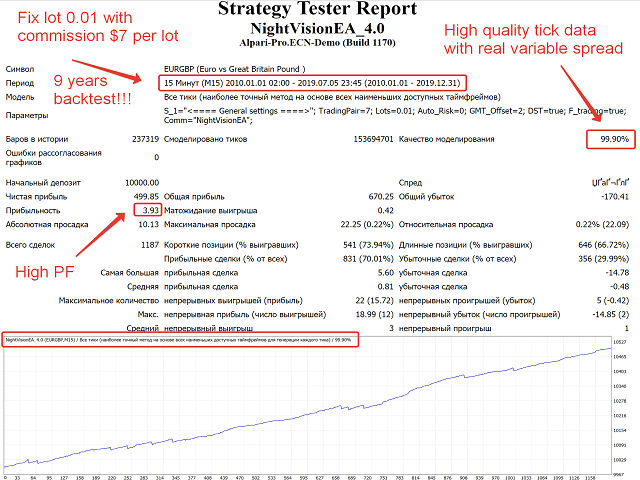
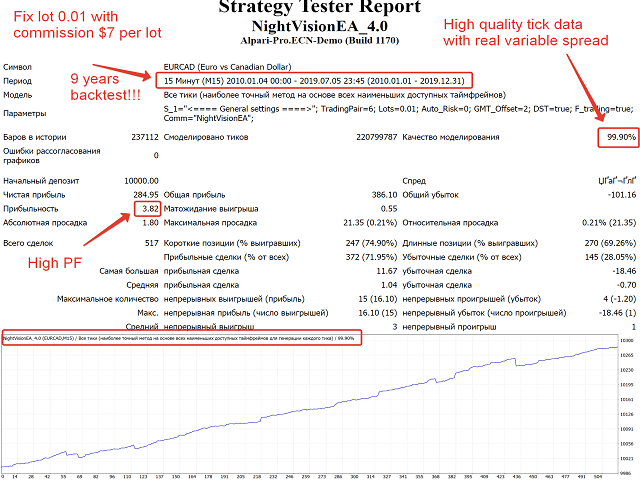
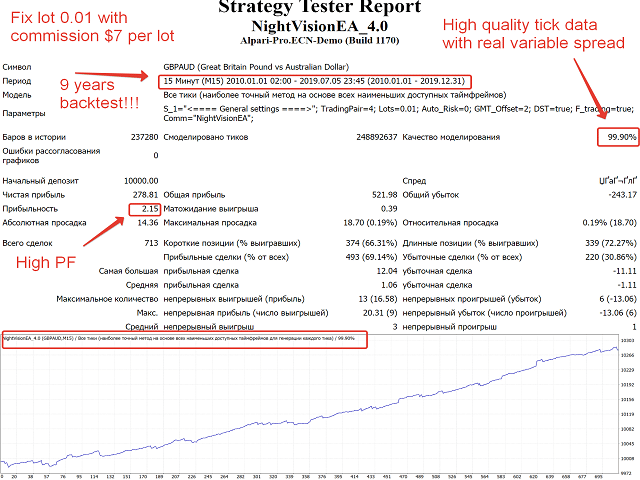
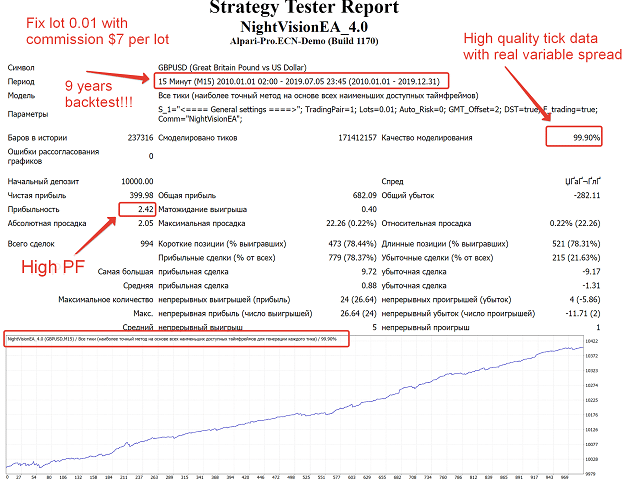
NightVision EA is an automated trading robot created for the MetaTrader 4 and MetaTrader 5 platforms. The Expert Advisor opens and closes short-term trades late in the American trading session when the market generally calms down and spreads can tighten. Unlike many scalpers that rely on risky position sizing, NightVision EA places a stop loss and a take profit on every order, so each position has clearly defined risk.
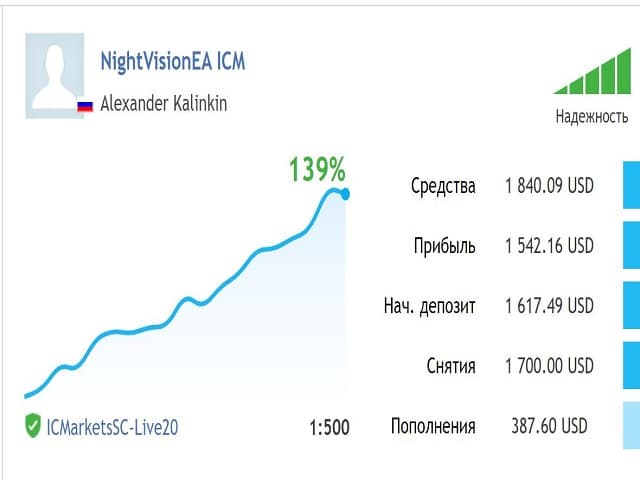
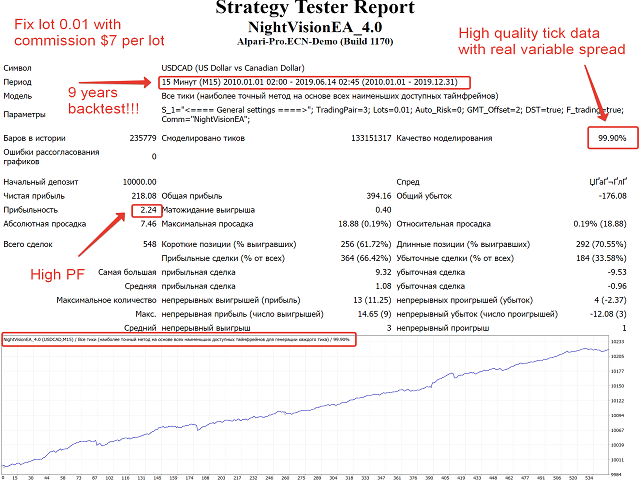
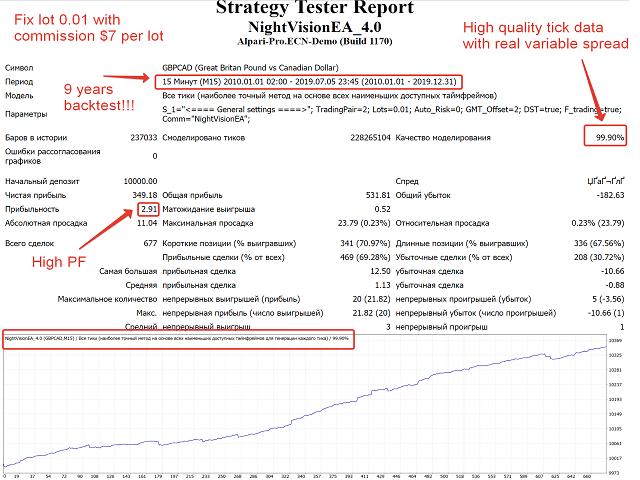
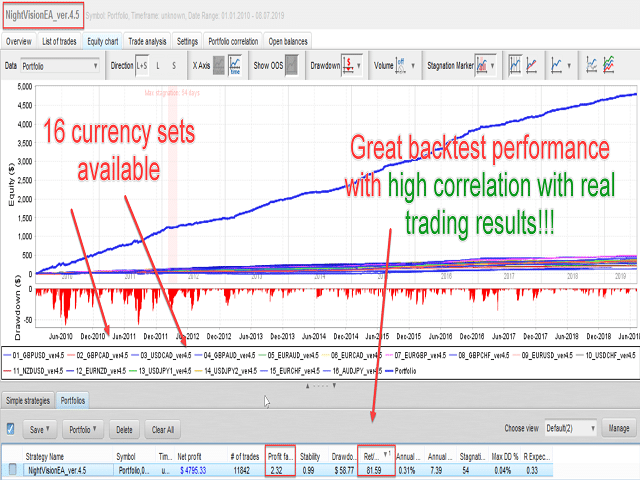
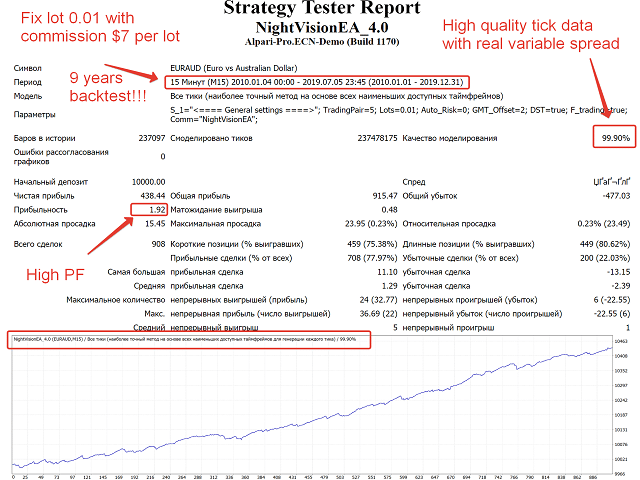
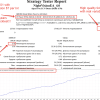
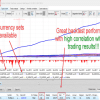
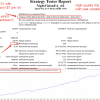
Real-money tests published by the author show that the code has gone through years of tweaks. Traders who prefer a “set-and-observe” approach like the EA because it has few settings, meaning less room for user error.
Stand-Out Features
Below are the core qualities that separate NightVision EA from dozens of look-alike scalpers:
| Feature | Benefit to the trader |
|---|---|
| No toxic tactics | The EA does not use martingale, grid, arbitrage, or any similar approach that can wipe an account. |
| Hard stop & take profit | Each order has pre-defined levels, so maximum loss is visible upfront. |
| Multi-pair support | One copy of the EA can trade 16 instruments. Diversification smooths equity curves. |
| Few settings | You can be up and running in less than 10 minutes. |
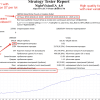
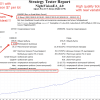
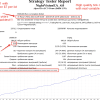
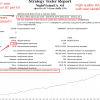
| Author’s live results | The vendor publishes verified Myfxbook links (see external resources below). |
| Clean code | Works on MT4 without extra DLLs. |
Supported Currency Pairs
NightVision EA ships with set files for the following symbols:
- GBPUSD
- GBPCAD
- USDCAD
- GBPAUD
- EURAUD
- EURCAD
- EURGBP
- GBPCHF
- EURUSD
- USDCHF
- NZDUSD
- EURNZD
- USDJPY
- EURCHF
- AUDJPY
- AUDNZD
You may load the EA on as many charts as you like, or use the built-in TradingPair dropdown to select a bundle of pairs under one chart. For example, the “Major8” preset activates GBPUSD, EURUSD, USDCHF, and five more majors at once.
How NightVision EA Operates
The robot looks for very short-term mean-reversion signals roughly 30–90 minutes before the daily rollover. Spreads and swap costs remain important, so brokers with wide mark-ups can erode the edge. After a trigger fires, the EA:
- Calculates position size via either Risk % or Fix Lot.
- Places a market entry with SL and TP.
- Monitors spread; if a spike is detected, the trade will be skipped.
- Closes positions automatically if TP or SL is reached or if the time filter expires.
No Martingale or Grid
NightVision EA opens one trade per signal, per pair, per direction. It will not add additional positions when price moves against you. That eliminates compounding loss scenarios.
Built-In Risk Management
Key protection layers include:
- StopLoss: Usually 5–12 pips, depending on the pair.
- TakeProfit: Often equal or slightly larger than SL, so win and loss size remain balanced.
- Max Orders with the Same Currency: Lets you cap correlated exposure. Setting = 0 disables the cap.
Installation & First Run for NightVision EA
Below is the shortest path from download to live trading:
- Download the
.ex4file from the official Onshoppie.com. - In MetaTrader, open File → Open Data Folder → MQL4 → Experts and copy the file.
- Restart the terminal.
- Drag NightVision EA onto a chart (preferably M5).
- Activate AutoTrading and ensure DLL imports are disabled (not required).
Recommended Account Setup
NightVision EA performs best when trade costs are low and execution is fast:
- Account type: ECN or Raw Spread
- Maximum spread during night: ≤ 1.5 pips on EURUSD
- Commission: ≤ $7 per standard lot round turn
- Execution delay: < 200 ms
Frequently Asked Questions For NightVision EA
Q1: Can I run NightVision EA alongside another robot?Yes, just assign a distinct Magic Number to avoid order mix-ups.
Q2: What minimum deposit is safe?With 0.01 lots per trade and Risk % = 0, many traders start at 1 000 USD. Smaller balances are possible but may hit stop-out faster.
Q4: VPS—required or optional?Highly recommended. A VPS near your broker’s server reduces slippage, which is critical for scalpers.
Q5: Do I need to keep my PC on all night?Only if you skip the VPS. The platform must stay online to manage active trades.
Final Thoughts About NightVision EA
NightVision EA gives traders a straightforward way to participate in late-session forex moves without babysitting charts. Its strict stop loss, take profit, and no-martingale rule set reduce the stress that often comes with scalping robots. For traders with access to a low-spread ECN account and a stable VPS, the EA has the tools to become part of a balanced trading portfolio.
Risk warning: Forex trading carries risk. Past performance does not guarantee future results. Trade only with money you can afford to lose.
Live Signal – Click Here
Vendor Site – Click Here
| Membership | Yearly Membership |
|---|---|
| Additional Services | Unlock & Decompile |
| Recommended Brokers | Exness Broker, FPMarkets |
| Recommended VPS | FXVM (Low Latency) |
| Youtube Channel | ForexForYou |
| Telegram Channel | Onshoppie Forex EA's & Indicators |
| Telegram Support | Onshoppie Support |
| Installation Guides | Onshoppie Forex Guides |
Brand
ea-mt4
Only logged in customers who have purchased this product may leave a review.
Related products



Products
-
 ThunderGold Scalper MT5 V1.3 + Setfiles For Build 6140+
Original price was: $379.00.$14.95Current price is: $14.95.
ThunderGold Scalper MT5 V1.3 + Setfiles For Build 6140+
Original price was: $379.00.$14.95Current price is: $14.95.
-
 Steve Pro EA MT5 V5.0 + Setfiles For Build 6140+
$14.95
Steve Pro EA MT5 V5.0 + Setfiles For Build 6140+
$14.95
-
 HEXA FX Scalper EA MT5 With DLL Build 6140
Original price was: $749.00.$34.95Current price is: $34.95.
HEXA FX Scalper EA MT5 With DLL Build 6140
Original price was: $749.00.$34.95Current price is: $34.95.
-
 H4 Gold Scalper EA MT5 V1.5 With DLL Build 6122
Original price was: $150.00.$14.95Current price is: $14.95.
H4 Gold Scalper EA MT5 V1.5 With DLL Build 6122
Original price was: $150.00.$14.95Current price is: $14.95.
-
 Mavrik Scalper EA MT5 V18.306 For Build 6140+
$14.95
Mavrik Scalper EA MT5 V18.306 For Build 6140+
$14.95
-
 Dude Alpha Gold EA MT5 V1.4.2 + Set Files For Build 6140+
Original price was: $499.00.$14.95Current price is: $14.95.
Dude Alpha Gold EA MT5 V1.4.2 + Set Files For Build 6140+
Original price was: $499.00.$14.95Current price is: $14.95.
-
 Ultra Beast EA MT5 + Setfiles For Build 6140+
$14.95
Ultra Beast EA MT5 + Setfiles For Build 6140+
$14.95
-
 Algo Edge SMC AI EA MT5 V3 For Build 6140+
$14.95
Algo Edge SMC AI EA MT5 V3 For Build 6140+
$14.95
Recent reviews
-
 Advanced Dashboard Currency Strength
by Balram
Advanced Dashboard Currency Strength
by Balram
Reviews
There are no reviews yet.