
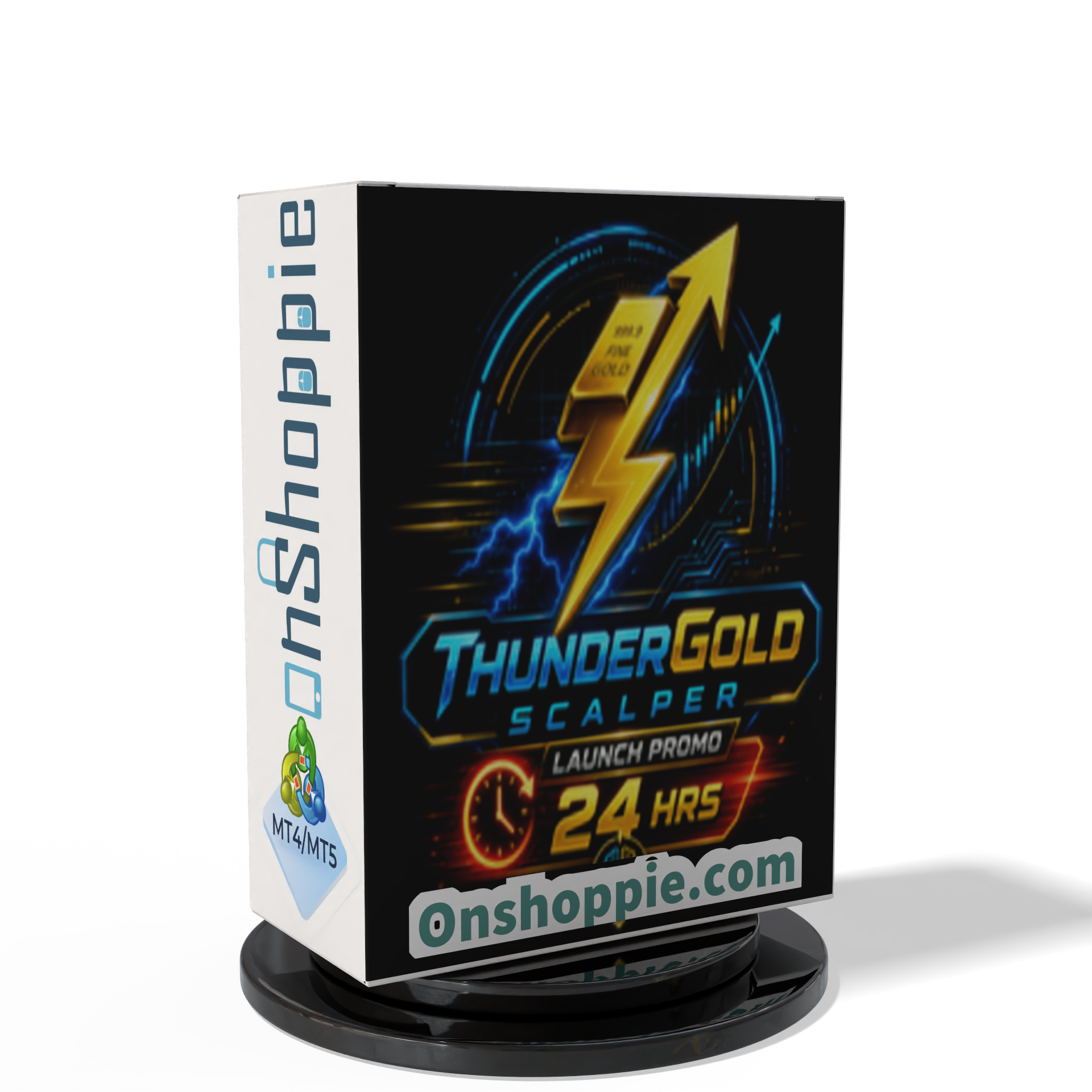




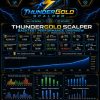


ThunderGold Scalper MT5 V1.3 + Setfiles For Build 6140+
Original price was: $379.00.$14.95Current price is: $14.95.
Discover ThunderGold Scalper MT5, an XAUUSD M15 gold trading EA with multi-factor signals, risk controls, news filters, and automated trade management.


Description
ThunderGold Scalper – Mastering XAUUSD on the M15 Chart
Table of Contents
- What Is ThunderGold Scalper?
- Why Trade Gold With an Expert Advisor?
- How ThunderGold Scalper Works
- Step-by-Step Setup Guide
- Frequently Asked Questions
- Final Thoughts
What Is ThunderGold Scalper?
ThunderGold Scalper is an Expert Advisor developed for automated gold trading on MetaTrader 5.• Designed for the XAUUSD and GOLD symbols• Trades on the M15 timeframe• Fully autonomous — no manual intervention needed once configured
In simple terms, the EA watches the market for you, opens and manages positions according to its internal logic, and then closes them when its rules say the move is over. The goal is to capture frequent, small moves in the gold price while controlling risk at every step.
Why Trade Gold With an Expert Advisor?
Gold (XAUUSD) is one of the most liquid instruments in the world. However, it is also volatile and prone to sudden spikes around news events. Trading it manually can be stressful and time-consuming. An Expert Advisor (EA) can help by:
- Monitoring the market 24/5
- Reacting faster than a human during volatile moves
- Sticking to predefined risk rules
- Avoiding emotion-driven decisions
ThunderGold Scalper was built specifically for these tasks, using a multi-factor decision engine that filters market noise and looks for high-probability setups.
How ThunderGold Scalper Works
The EA uses a proprietary multi-factor model. While the exact formula is locked inside the code, the public documentation tells us it checks:
- Market Structure – recent highs, lows, and price ranges
- Trend Direction – filters that decide if the short-term move supports a long or short trade
- Candle Quality – size, wicks, and close position relative to the range
- Volume – tick volume spikes that confirm or reject a setup
- Momentum – velocity of recent price changes
- Execution Controls – spread, slippage, and time filters
Because the EA waits for all factors to align, it does not trade every bar. Instead, it sits flat until its checklist is satisfied.
Trade Management
- Each trade is opened with an automatic Stop Loss and Take Profit.
- A dynamic trailing stop locks in gains once price advances.
- The system can size positions by fixed lot or percentage risk.
- Daily trade limits and cool-down periods prevent over-trading.
Step-by-Step Setup Guide
Download & Install
- Open MetaTrader 5.
Attach to Chart
- Open an XAUUSD, M15 chart.
- Drag ThunderGold Scalper onto the chart.
- Tick Allow Algo Trading in the EA settings window.
- Confirm broker type:
- “Default” for TMGM, Vantage, VT Markets
- “Exness” for Exness users
Enable Algo Trading
Click the Algo Trading button on the MT5 toolbar so it turns green. The EA will begin monitoring immediately, but may not trade for hours or days if conditions are not ideal.
Frequently Asked Questions regarding ThunderGold Scalper
Q1: Can I run other EAs on the same account?A: Yes, but make sure each EA has a unique Magic Number to avoid conflicts.
Q2: Why are there no trades for several days?A: The multi-factor engine may not see good setups. Patience is part of the strategy.
Q3: What VPS specification do I need?A: 1 GB RAM, 1 CPU core is enough for one MT5 instance. More is helpful if you run several charts.
Q4: Does the EA work on MetaTrader 4?A: No. ThunderGold Scalper is coded for MetaTrader 5 only.
Final Thoughts About ThunderGold Scalper
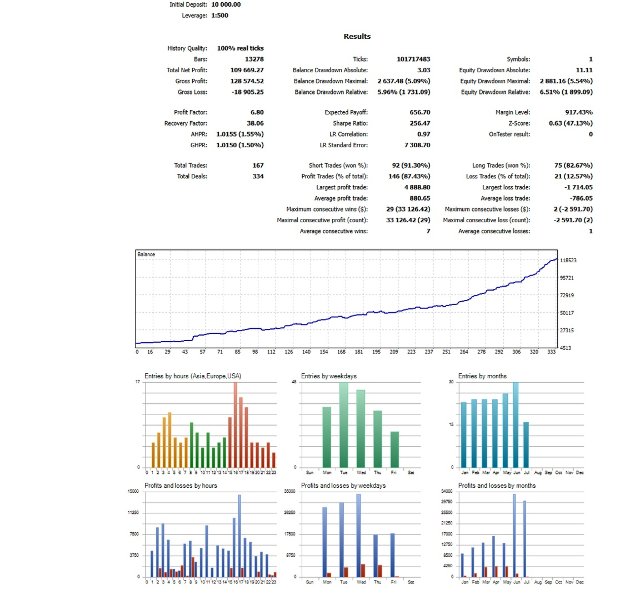
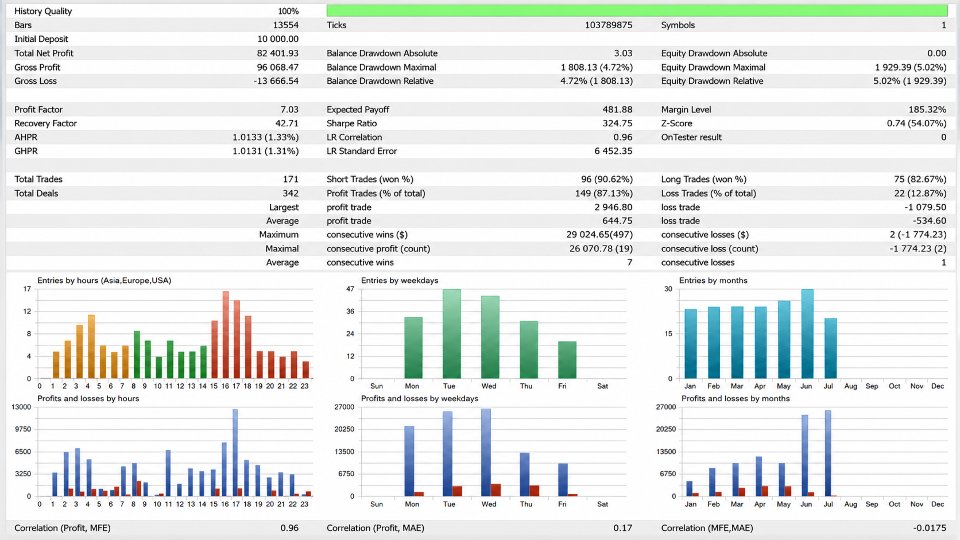
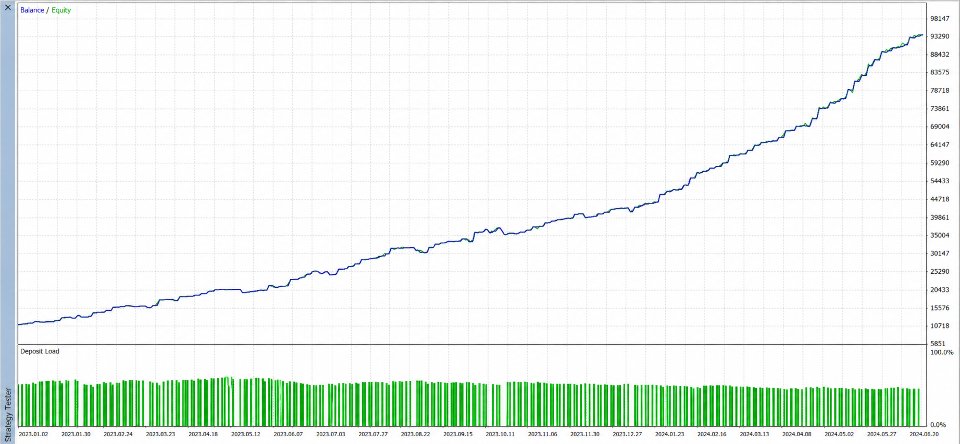
ThunderGold Scalper offers a structured, rule-based approach to gold trading on MetaTrader 5. By combining market structure, trend filters, volume analysis, and strict risk controls, it aims to capture frequent, controlled moves on the XAUUSD chart.
To get the most from the Expert Advisor:
- Stick to a Raw Spread/ECN account.
- Keep risk modest—0.5 % to 1 % per trade.
- Use a VPS near your broker for faster execution.
- Allow the EA time to work; avoid manual interference.
Ready to see it in action? Install ThunderGold Scalper on a demo account, watch how it behaves for a few weeks, and only then consider moving to live funds.
Happy trading, and may your next gold position be a profitable one.
Live Signal – Click Here
Vendor Site – Click Here
| Membership | Yearly Membership |
|---|---|
| Additional Services | Unlock & Decompile |
| Recommended Brokers | Exness Broker, FPMarkets |
| Recommended VPS | FXVM (Low Latency) |
| Youtube Channel | ForexForYou |
| Telegram Channel | Onshoppie Forex EA's & Indicators |
| Telegram Support | Onshoppie Support |
| Installation Guides | Onshoppie Forex Guides |
Brand
ea-mt5
Only logged in customers who have purchased this product may leave a review.
Related products


Products
-
ThunderGold Scalper MT5 V1.3 + Setfiles For Build 6140+
Original price was: $379.00.$14.95Current price is: $14.95.
-
 Steve Pro EA MT5 V5.0 + Setfiles For Build 6140+
$14.95
Steve Pro EA MT5 V5.0 + Setfiles For Build 6140+
$14.95
-
 HEXA FX Scalper EA MT5 With DLL Build 6140
Original price was: $749.00.$34.95Current price is: $34.95.
HEXA FX Scalper EA MT5 With DLL Build 6140
Original price was: $749.00.$34.95Current price is: $34.95.
-
 H4 Gold Scalper EA MT5 V1.5 With DLL Build 6122
Original price was: $150.00.$14.95Current price is: $14.95.
H4 Gold Scalper EA MT5 V1.5 With DLL Build 6122
Original price was: $150.00.$14.95Current price is: $14.95.
-
 Mavrik Scalper EA MT5 V18.306 For Build 6140+
$14.95
Mavrik Scalper EA MT5 V18.306 For Build 6140+
$14.95
-
 Dude Alpha Gold EA MT5 V1.4.2 + Set Files For Build 6140+
Original price was: $499.00.$14.95Current price is: $14.95.
Dude Alpha Gold EA MT5 V1.4.2 + Set Files For Build 6140+
Original price was: $499.00.$14.95Current price is: $14.95.
-
 Ultra Beast EA MT5 + Setfiles For Build 6140+
$14.95
Ultra Beast EA MT5 + Setfiles For Build 6140+
$14.95
-
 Algo Edge SMC AI EA MT5 V3 For Build 6140+
$14.95
Algo Edge SMC AI EA MT5 V3 For Build 6140+
$14.95
Recent reviews
-
 Advanced Dashboard Currency Strength
by Balram
Advanced Dashboard Currency Strength
by Balram
Reviews
There are no reviews yet.