

Radar Signal Indicator MT4 For Build 1455+
Radar Signal Indicator MT4 For Build 1455+


Original price was: $400.00.$9.95Current price is: $9.95.
Discover the ultimate radar signal indicator techniques with mind-blowing insights. Learn professional methods that actually work for better detection.
This item: Radar Signal Indicator MT4 For Build 1455+
Original price was: $400.00.$9.95Current price is: $9.95.
Original price was: $400.00.$9.95Current price is: $9.95.
Original price was: $14.95.$11.96Current price is: $11.96.
Original price was: $14.95.$11.96Current price is: $11.96.

Original price was: $9.95.$7.96Current price is: $7.96.
Original price was: $9.95.$7.96Current price is: $7.96.
Main Title
Radar Signal Indicator MT4 – A Simple Guide to Clear Buy/Sell Signals
Alternative Title
Radar Signal Indicator: How the MT4 Upgrade Gives You Crystal-Clear Entries
Table of Contents
- Quick Overview
- What Is the Radar Signal Indicator MT4?
- Key Features at a Glance
- Why Traders Like It
- How to Install the Radar Signal Indicator on MT4
- Simple Buy/Sell Rules
- Five Practical Tips for Better Accuracy
- Frequently Asked Questions
- Final Thoughts
Quick Overview
If you have ever wished for a tool that points out trades without forcing you to study thick manuals, the Radar Signal Indicator might be what you’re looking for. Built for MetaTrader 4 (MT4), it gives clear buy (blue) and sell (red) signals in real time. Beginners like it because it is easy to read. Pros like it because it cuts out noise and speeds up decision-making.
What Is the Radar Signal Indicator MT4?
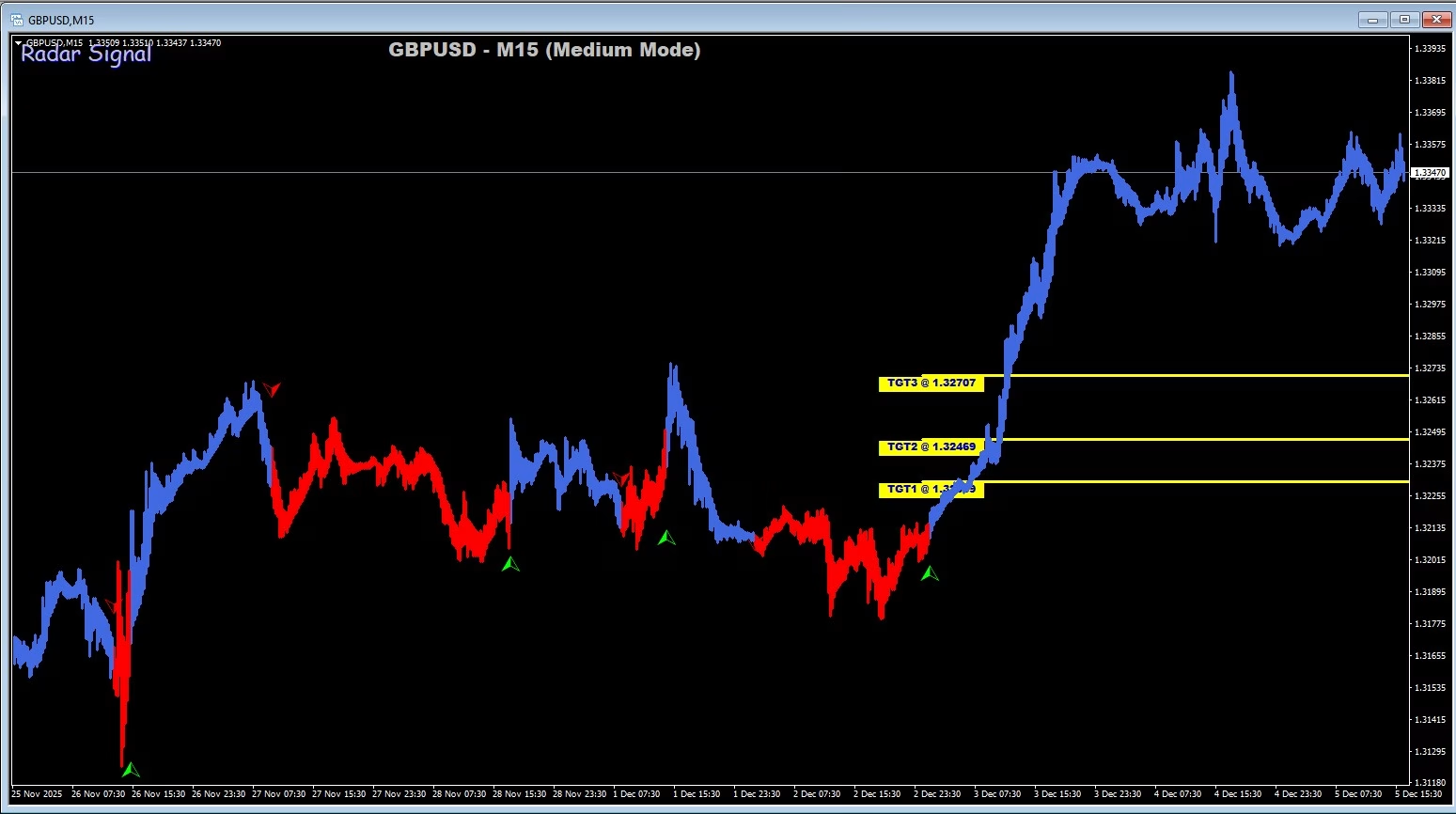
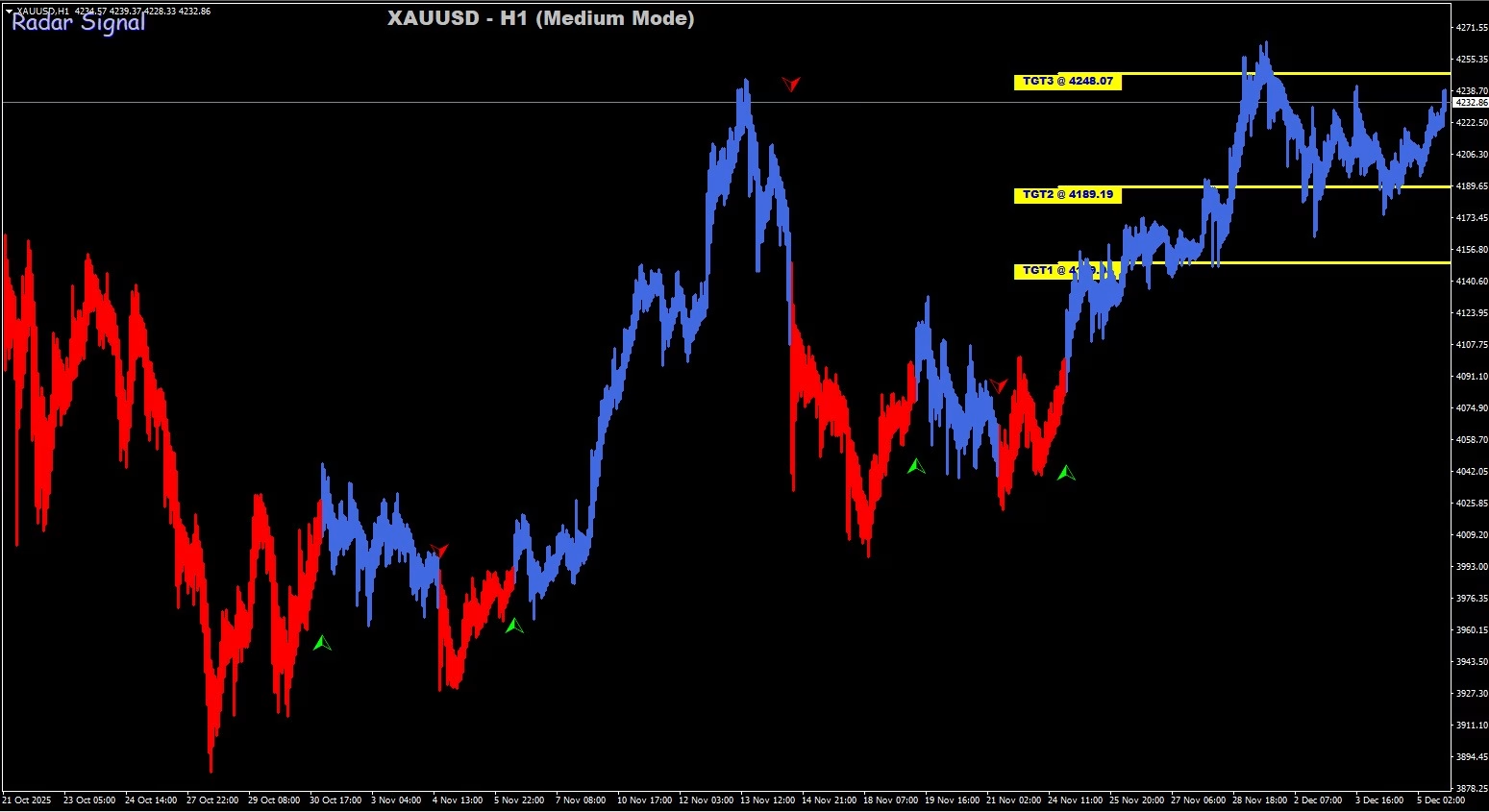
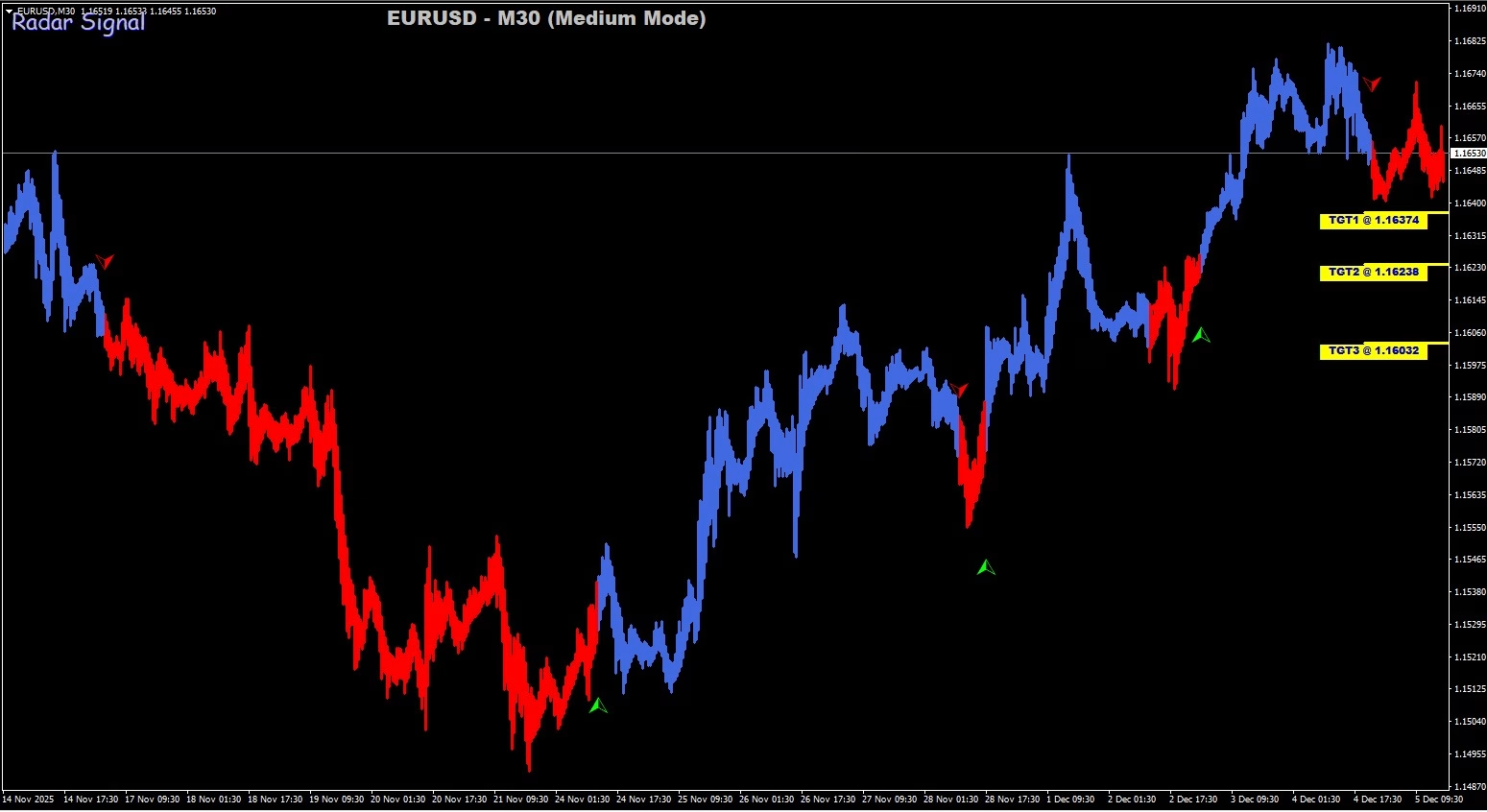
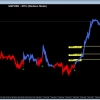
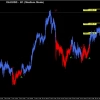
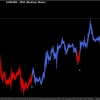
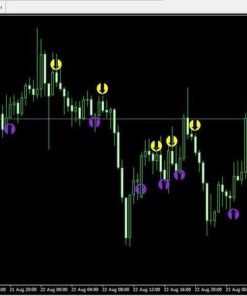
The Radar Signal Indicator MT4 is an upgraded technical tool that reads price data and highlights momentum shifts on your chart. Unlike many MT4 add-ons that display crowded arrows, this indicator replaces standard candles with color-coded bars:
- Blue = possible start of a bullish move
- Red = possible start of a bearish move
Each new color is also paired with an alert (popup, email, or push notification), so you can step away from the screen and still know when a fresh signal appears.
Learn more about MetaTrader 4 on the official website.
Key Features at a Glance
| Feature | Why It Matters |
|---|---|
| Accurate Buy/Sell Signals | Highlights shifts in momentum so you can spot trend changes sooner. |
| Instant Alerts | Get popups, emails, or phone push alerts the moment a new candle changes color. |
| Advanced Graphical Display | Clean blue/red bars replace classic candles, reducing clutter. |
| Zero Complex Settings | No need for long parameter lists—simply drag, drop, and trade. |
| Works on All Time Frames | Whether you scalp on M5 or swing on H4, the indicator adapts automatically. |
Why Traders Like It
- Speed – Signals appear the instant price meets built-in criteria, so you are not waiting through lag.
- Clarity – One candle, one color. You can see trend shifts in a second.
- Flexibility – Suitable for forex, metals, and even crypto pairs on MT4.
- Beginner Friendly – No need for advanced math or algorithm knowledge.
- Consistency – The same rules work across many market conditions, reducing second-guessing.
“Since adding the Radar Signal Indicator to my MT4, I spend less time staring at charts and more time planning actual trades.” – Maria S., Intraday Trader
How to Install the Radar Signal Indicator on MT4
- Download the file (usually a
.ex4or.mq4). - Open MT4 →
File→Open Data Folder. - Go to
MQL4→Indicatorsand paste the file. - Restart MT4.
- Drag
Radar_Signal_Indicatorfrom the Navigator panel onto any chart. - Choose your alert preference (popup, email, push).
- Click OK. You should now see blue/red candles and be ready to trade.
Simple Buy/Sell Rules of Radar Signal Indicator
Keep your strategy simple. The indicator does the heavy lifting.
| Action | Condition | Extra Filter (Optional) |
|---|---|---|
| Buy | First blue candle appears | Confirm price above 50-period SMA |
| Sell | First red candle appears | Confirm price below 50-period SMA |
| Exit | Opposite color or set fixed TP/SL | 1:1 or 1.5:1 risk-to-reward |
Tip: If you are new to risk management, Investopedia’s guide to position sizing is worth a read.
Five Practical Tips for Better Accuracy with Radar Signal Indicator
- Use a Trend FilterCombine the Radar Signal Indicator with a simple moving average to align with the dominant trend.
- Avoid Low-Volume SessionsTrade when the market is active (e.g., London or New York sessions for major forex pairs).
- Enable Push NotificationsSet up the MT4 app on your phone so you never miss a new candle alert.
- Back-Test FirstScroll your MT4 chart back in time and mark past signals to gauge performance on your favorite pair.
- Keep Stops SensiblePlace stop-loss orders a few pips below/above the signal candle to protect your capital.
Frequently Asked Questions Regarding Radar Signal Indicator
Does the Radar Signal Indicator repaint?
No. Once a candle closes, the color remains fixed. This lets you test and trust historical signals.
Which time frame is best?
It works on all frames. Scalpers often choose M5, while swing traders prefer H1 or H4.
Can I add it to MetaTrader 5?
The current build is optimized for MT4. An MT5 version is in development.
Is it legal to use in funded accounts?
Yes. It follows standard indicator guidelines. Always check with your prop firm’s rule book.
How much screen space does it take?
It replaces your candles, so charts stay clean—no extra sub-windows.
Final Thoughts For Radar Signal Indicator
The Radar Signal Indicator MT4 stands out because it keeps trading decisions straightforward. With blue for buys and red for sells, plus real-time alerts, it removes much of the guesswork that usually slows traders down. Whether you are a beginner seeking clarity or a seasoned pro wanting quick confirmations, this tool helps you focus on what matters: getting in and out of the market with confidence.
Vendor Site – Click Here
| Membership | Yearly Membership |
|---|---|
| Additional Services | Unlock & Decompile |
| Recommended Brokers | Exness Broker, FPMarkets |
| Recommended VPS | FXVM (Low Latency) |
| Youtube Channel | ForexForYou |
| Telegram Channel | Onshoppie Forex EA's & Indicators |
| Telegram Support | Onshoppie Support |
| Installation Guides | Onshoppie Forex Guides |
Brand
Indicator-mt4
Only logged in customers who have purchased this product may leave a review.




Reviews
There are no reviews yet.