

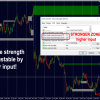
Advanced Supply Demand Indicator MT4 V8.3 For Build 1474+
Advanced Supply Demand Indicator MT4 V8.3 For Build 1474+

Original price was: $99.00.$14.95Current price is: $14.95.
Discover the proven Advanced Supply Demand Indicator strategies that top traders swear by. Unlock powerful insights to boost your trading game starting today!
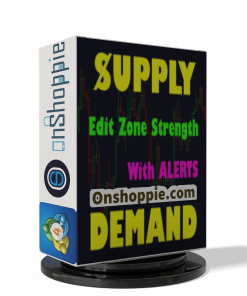
This item: Advanced Supply Demand Indicator MT4 V8.3 For Build 1474+
Original price was: $99.00.$14.95Current price is: $14.95.
Original price was: $99.00.$14.95Current price is: $14.95.
Original price was: $9.95.$7.96Current price is: $7.96.

Original price was: $9.95.$7.96Current price is: $7.96.


Original price was: $9.95.$7.96Current price is: $7.96.

Original price was: $9.95.$7.96Current price is: $7.96.
Advanced Supply Demand Indicator: A Practical Guide to Smarter Trading
Alternative Title – Advanced Supply Demand Indicator: Best Solution for any Newbie or Expert Trader!
Table of Contents
- Why Supply-Demand Matters in Everyday Trading
- What Makes the Advanced Supply Demand Indicator Different?
- Quick-Start Checklist
- FAQs
- Final Thoughts & Next Steps
Why Supply-Demand Matters in Everyday Trading
Advanced Supply demand indicator sit at the heart of every market move. When buyers outnumber sellers, price rises. When sellers win, price drops. Simple—yet catching that shift on time challenges beginners and experienced traders alike.
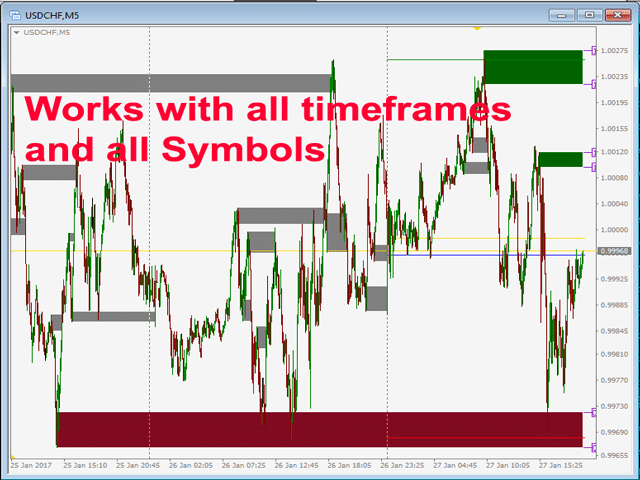
Classic support-resistance tools rely on static price lines. They tell us where something happened once. The Advanced Supply Demand Indicator goes further by:
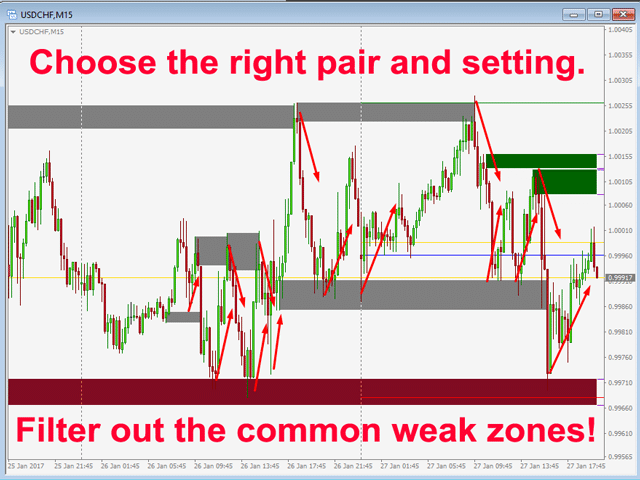
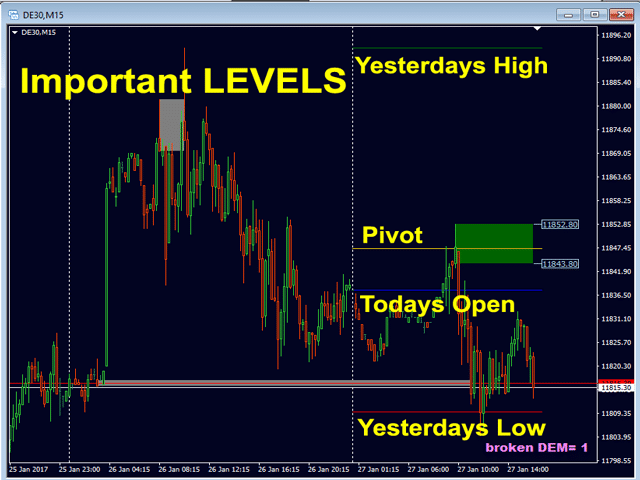
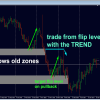
- Highlighting fresh, still-valid zones.
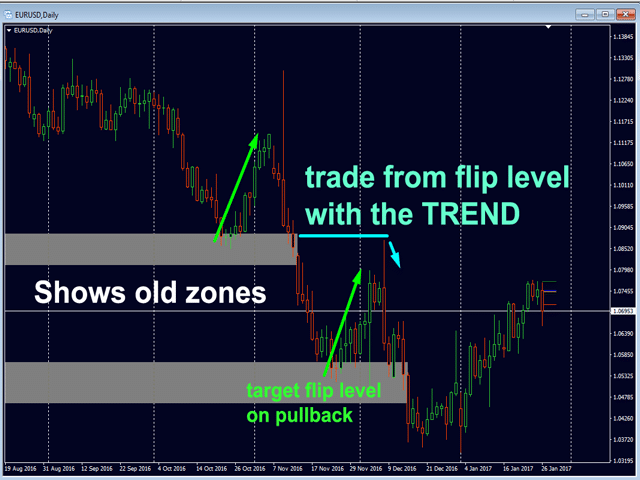
- Showing if price reacted well the last time it touched that zone.
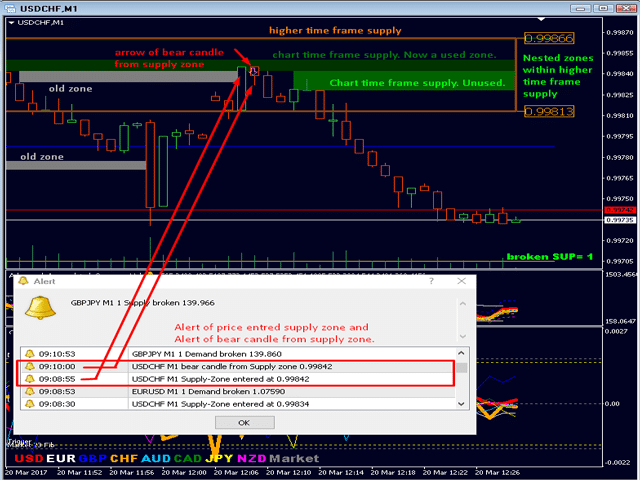
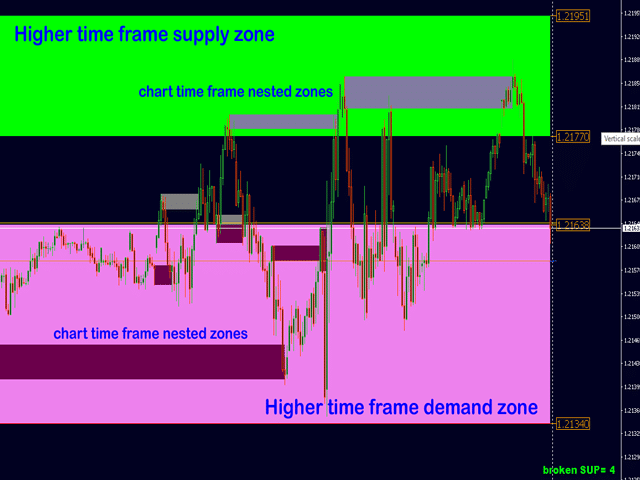
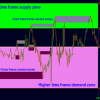
- Allowing a look at nested zones—the chart timeframe inside a higher timeframe.
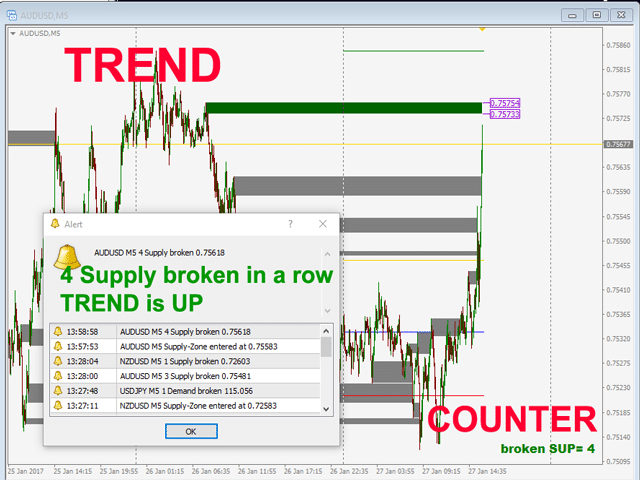
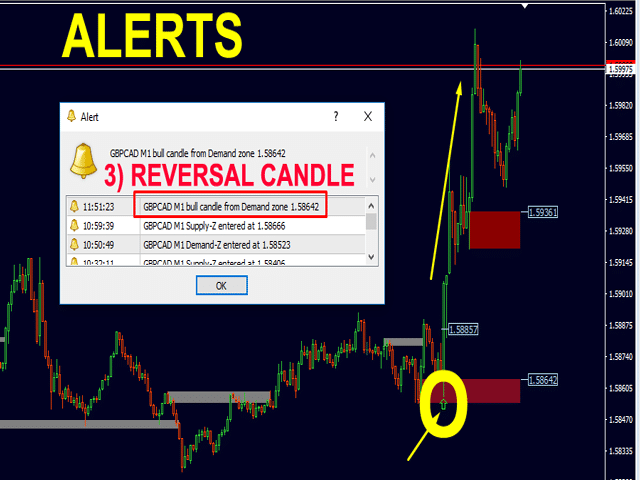
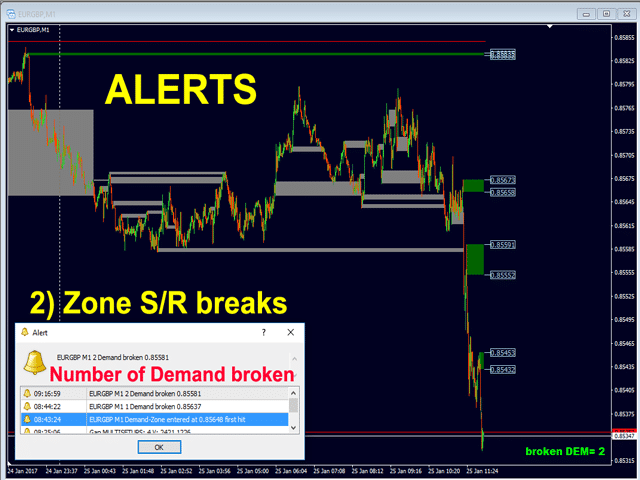
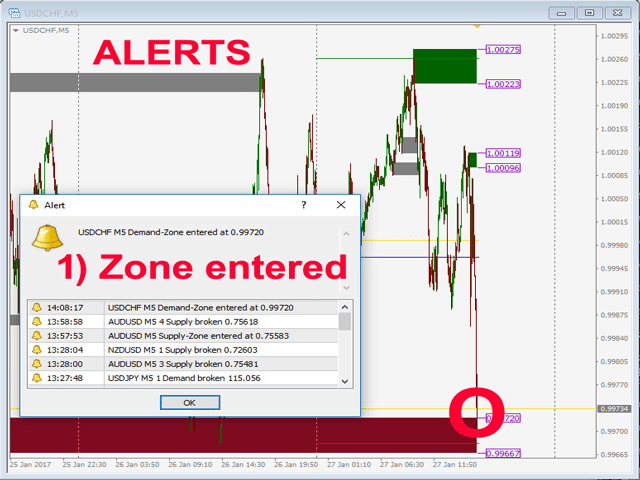
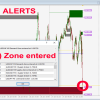
- Sending alerts so you never stare at a screen all day.
Traders call it the Best Solution for any Newbie or Expert Trader! because it removes guesswork without hiding key data.
What Makes the Advanced Supply Demand Indicator Different?
| Feature | Classic S/D Tools | Advanced Supply Demand Indicator |
|---|---|---|
| Double timeframe display | No | Yes – chart TF + higher TF |
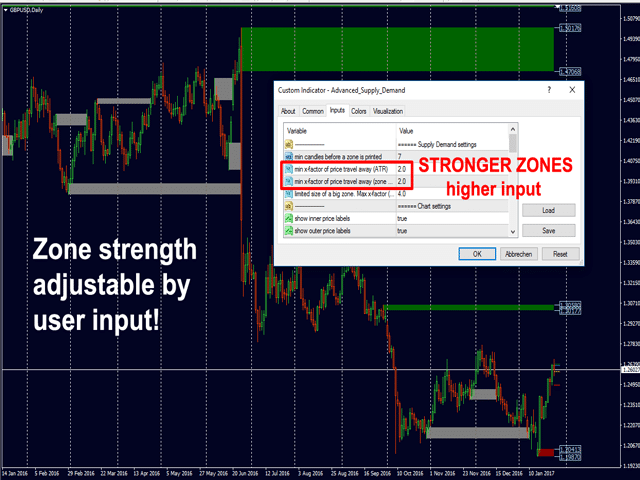
| User-set zone strength | No | Yes – X & Y factors |
| Past zone performance | Limited | Built-in “old zone” overlay |
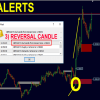
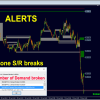
| Three alert types | Rare | Zone hit · Zone break · Reversal candle |
| Nested-zone filter | No | Yes – optional |
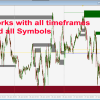
| Works on all symbols | Varies | Yes – forex, indices, crypto, stocks |
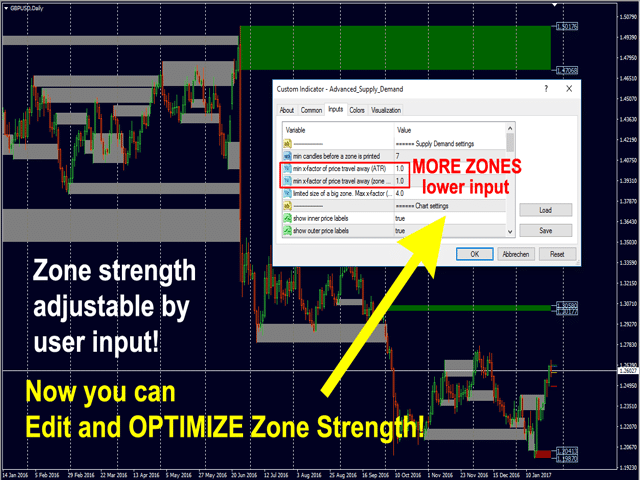
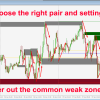
New formula + proprietary settings mean you see zones most other indicators miss. You can also tweak strength filters to fit a quiet forex pair or a fast crypto asset.
Quick-Start Checklist
- Install on MetaTrader 4 (or 5) as you would any custom indicator.
- Pick a chart and timeframe—EURUSD M15 for instance.
- In indicator settings:
- Keep default Min candles at
30until you gather data. - Set Add higher TF to
true; chooseH1. - Leave Alert zone hit ON.
- Keep default Min candles at
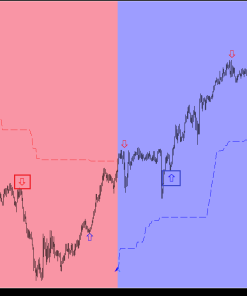
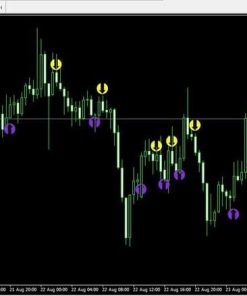
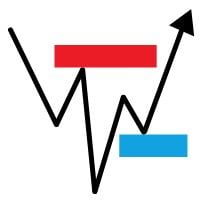
- Watch how the tool paints fresh supply (red) and demand (green) blocks.
- When an alert pops up, switch to that chart, check confirmation, enter or wait.
FAQs regarding Advanced Supply Demand
Q1: Does the Advanced Supply Demand Indicator work on cryptocurrencies?Yes. Because it relies on price action, not lagging overlays, it works on BTCUSD, ETHUSDT, and alt pairs. Just adjust ATR-based settings—the average range is bigger than forex.
Q2: What’s the difference between zone hit and zone break alerts?“Hit” means price entered the rectangle. “Break” means price went beyond the opposite edge, signaling possible trend continuation.
Q3: How many charts can I run at once?As many as your computer and MT4 allow. Each chart with the indicator active counts as one instance; alerts are independent.
Q4: I’m a beginner. Which default settings should I keep?Leave X-factor at 2, Y-factor at 1. Use only zone hit alerts first. Add layers as you gain confidence.
Final Thoughts & Next Steps About Advanced Supply Demand
The Advanced Supply Demand Indicator mixes clear visuals, flexible alerts, and multi-timeframe insight in one place. Whether you’re a total beginner or a seasoned day trader, being able to spot and rank true imbalances keeps trades simple and objective.
Manual – Click Here
Vendor Site – Click Here
| Membership | Yearly Membership |
|---|---|
| Additional Services | Unlock & Decompile |
| Recommended Brokers | Exness Broker, FPMarkets |
| Recommended VPS | FXVM (Low Latency) |
| Youtube Channel | ForexForYou |
| Telegram Channel | Onshoppie Forex EA's & Indicators |
| Telegram Support | Onshoppie Support |
| Installation Guides | Onshoppie Forex Guides |
Brand
Indicator-mt4
Only logged in customers who have purchased this product may leave a review.





Reviews
There are no reviews yet.