


MoonDog EA MT5 V3.38 + Setfiles For Build 6184+
MoonDog EA MT5 V3.38 + Setfiles For Build 6184+


Original price was: $349.00.$11.95Current price is: $11.95.
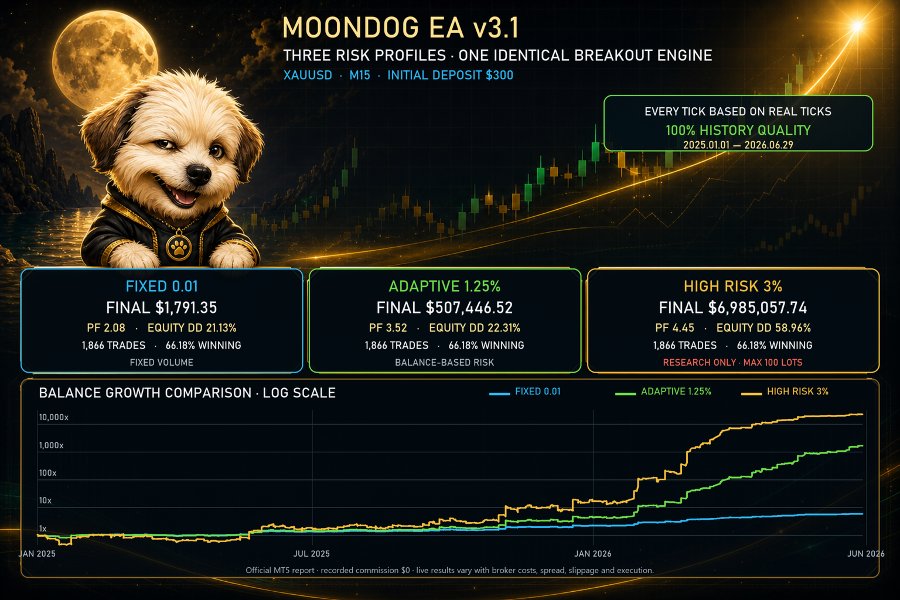
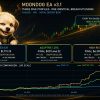
Trade XAUUSD with MoonDog EA MT5, a five-strategy breakout robot featuring no martingale, flexible risk controls and protective trade management.

This item: MoonDog EA MT5 V3.38 + Setfiles For Build 6184+
Original price was: $349.00.$11.95Current price is: $11.95.
Original price was: $349.00.$11.95Current price is: $11.95.

Original price was: $9.95.$7.96Current price is: $7.96.

MoonDog EA: Complete Guide to the Multi-Strategy Breakout Expert Advisor for XAUUSD
Table of Contents
- Overview – What Is MoonDog EA?
- Why a Multi-Strategy Breakout Approach Matters
- How MoonDog EA Opens and Manages Trades
- Five Independent Strategy Modules Explained
- No Martingale, No Recovery – Straightforward Risk Control
- Broker Checklist for Gold Breakout Trading
- Step-by-Step Installation on MetaTrader 5
- Frequently Asked Questions
- Final Thoughts & Next Steps
Overview – What Is MoonDog EA?
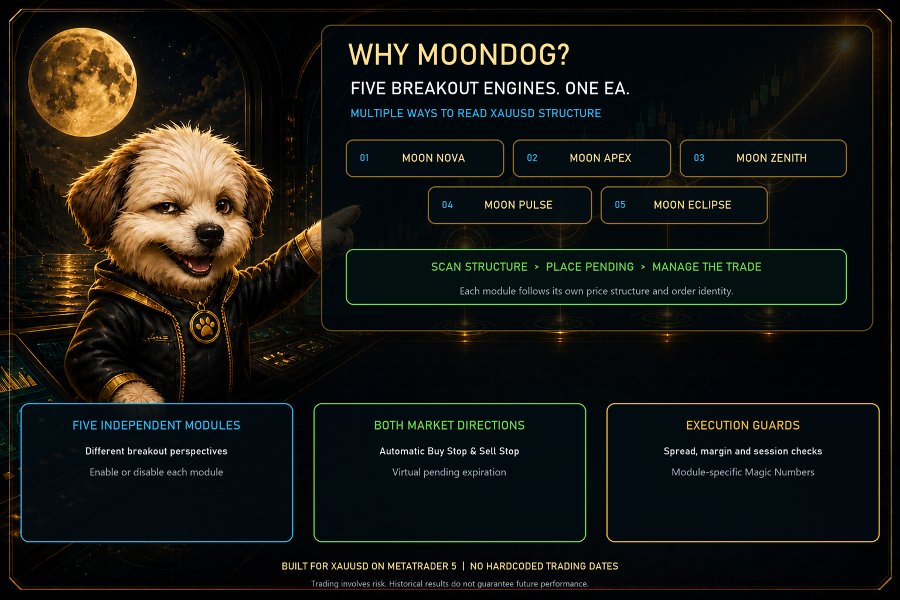
MoonDog EA is an Expert Advisor designed for one purpose: breakout trading on XAUUSD (spot gold) in MetaTrader 5. Unlike many automated systems, MoonDog EA uses five separate breakout strategies instead of relying on one entry method. Each strategy searches for a different type of price expansion, helping the program adapt to changing gold volatility.
Key points at a glance:
- Works only on XAUUSD (gold)
- Runs on MetaTrader 5 (MT5)
- Uses Buy Stop and Sell Stop pending orders
- Every position has its own Stop Loss (SL) and Take Profit (TP)
- No martingale, grid, or loss-averaging tactics
- Protective tools include break-even, trailing stop, and MoonLock
Because it does not increase lot size after a loss, MoonDog EA offers clearer risk than systems that double down to recover earlier trades.
Why a Multi-Strategy Breakout Approach Matters
Gold often moves in sudden bursts, especially around economic news. Relying on one breakout rule can miss opportunities or produce false entries when market behavior shifts. MoonDog EA solves this by letting five independent modules monitor different breakout patterns:
- Early-session range expansion
- London session momentum break
- U.S. open volatility push
- High-volatility squeeze release
- End-of-day reversal break
When any module spots its specific setup, the EA places a pending order in that direction. By splitting the logic, MoonDog can stay active in a wider range of market moods without crowding a single entry idea.
How MoonDog EA Opens and Manages Trades
Below is the full life cycle of a trade:
- Signal Detected – One of the five modules meets its conditions.
- Pending Order Placed – Buy Stop or Sell Stop with predefined SL/TP.
- Order Triggered – Price breaks the level; position opens.
- Protection Adjusts – Break-even, trailing stop or MoonLock may move SL.
- Exit – Position closes at TP, modified SL, or manual close by user.
At no point does MoonDog EA add more lots to an existing losing trade. Every deal is separate, which keeps the account balance clearer and drawdowns easier to monitor.
Five Independent Strategy Modules Explained
Below is a plain-language outline of what each module looks for. The actual code is proprietary, but understanding the concept helps when reading backtests:
| Strategy | General Idea | Typical Session | Primary Goal | Example Filter |
|---|---|---|---|---|
| S-1 Early Range | Break from tight Asian range | Asia ⇢ Early London | Catch first impulsive move | Min candles in range |
| S-2 London Momentum | Spike after European data | London | Ride fast first wave | High volume |
| S-3 U.S. Volatility | Move after New York open | New York | Join big U.S. news flows | Spread check |
| S-4 Vol Squeeze | Breakout after low ATR | Any | Jump after compression | ATR threshold |
| S-5 Late Session | Reverse of daily extreme | Late U.S. | Capture end-of-day correction | Time filter |
Because modules are independent, two or more can open trades on the same day. That is normal and one reason why total exposure sometimes exceeds the risk per trade.
No Martingale, No Recovery – Straightforward Risk Control
Many Expert Advisors promise “fast recovery” by multiplying lots. While this can produce eye-catching equity curves in a backtest, the hidden risk is account wipe-out. MoonDog EA refuses to do any of the following:
- No lot multiplication after a loss
- No grid of limit orders to average down
- No “recovery mode” that stacks extra trades
Instead, you can size each trade in two simple ways:
- Fixed Lot – e.g., always 0.10 lot per trade.
- Percentage Risk – e.g., 1 % of account balance per trade.
Once you pick a model that fits your comfort level, MoonDog leaves it unchanged.
Broker Checklist for Gold Breakout Trading
Because XAUUSD is volatile, execution quality is key. Run through this list before going live:
- Spread – Under 30 points (3 pips) during liquid hours.
- Commission – Fixed and known in advance.
- Slippage – Test with a small lot during NFP or CPI to see worst-case.
- Stop Level – Should allow SL and TP placement near price (0–20 points ideal).
- Order Execution – ECN/STP usually beats market-maker for speed.
- Latency – VPS ping below 10 ms preferred if broker’s server is far away.
Step-by-Step Installation on MetaTrader 5
Installing MoonDog EA is straightforward:
- Open onshoppie.com, search “MoonDog EA”.
- Click Buy and then download the file.
- After download, restart MT5 or right-click Expert Advisors → Refresh.
- Drag “MoonDog EA” onto an XAUUSD M1 chart.
- In the Inputs tab, load the provided .set file or tweak settings.
- Enable Algo Trading in MT5 toolbar.
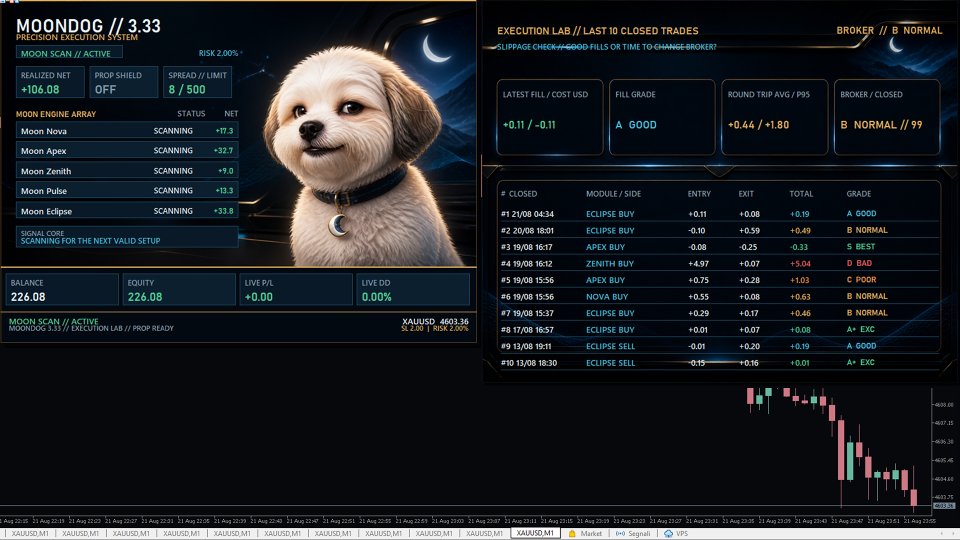
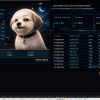
- Watch the on-chart MoonDog Dashboard for status and any error.
Frequently Asked Questions Regarding MoonDog EA
Q1: Can MoonDog EA run on pairs other than XAUUSD?A: It is coded for gold only. Running on EURUSD or indices is not supported.
Q2: What timeframe chart should I attach it to?A: Attach it to an M1 (1-minute) chart. The internal logic picks higher timeframes as needed.
Q3: How many accounts can I use?A: Purchases from the Market usually include up to 10 activations. Check your MQL5 account for exact limit.
Q4: Does the EA need a VPS?A: Not required but highly recommended. Gold moves fast; a VPS near your broker’s server cuts slippage.
Final Thoughts & Next Steps for MoonDog EA
MoonDog EA brings together five breakout methods, simple risk controls, and clear on-chart management—all aimed at XAUUSD traders who prefer no-martingale discipline. If you want an automated gold strategy that avoids dangerous lot escalation, MoonDog EA is worth a thorough test.
Next actions:
- Download the demo from the MT5 Market.
- Backtest on real ticks for at least three years.
- Run it live on a demo account with 1 % risk per trade.
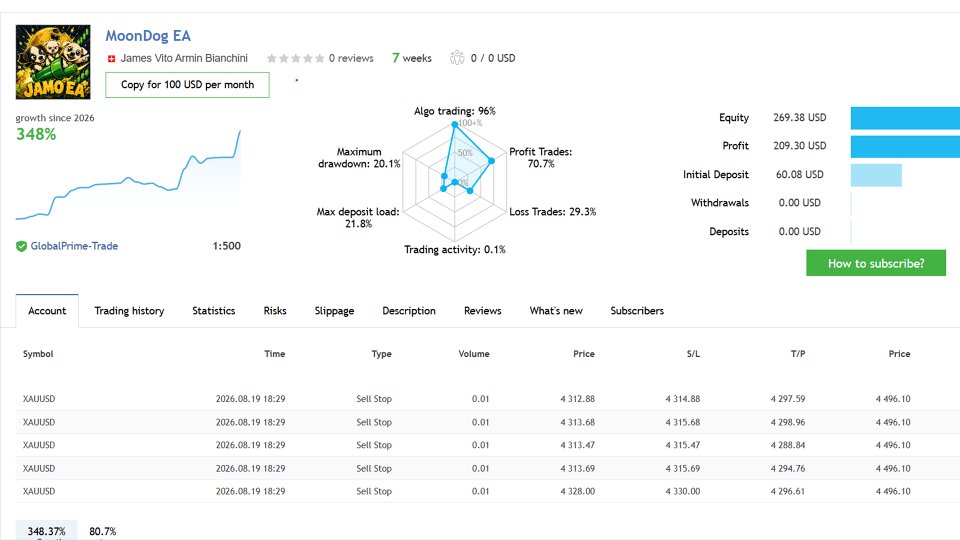
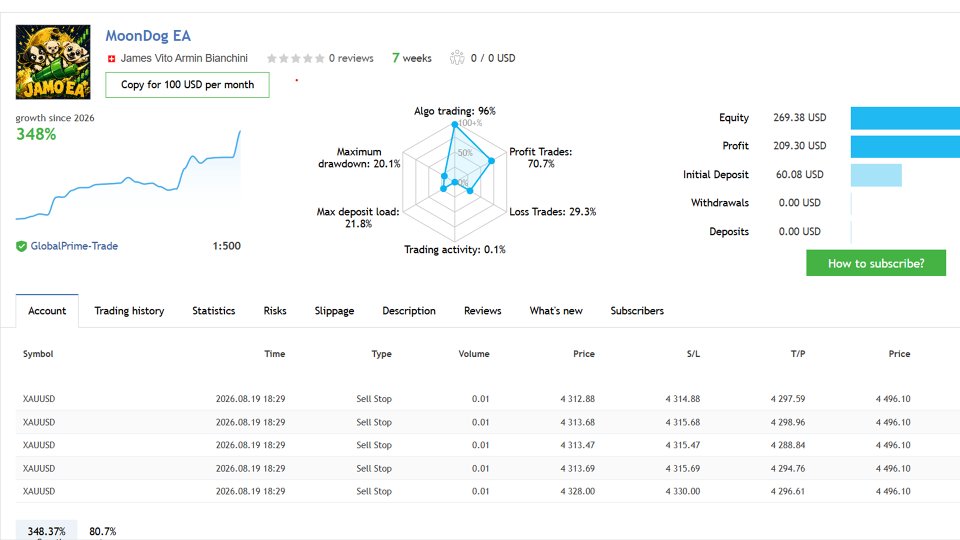
- Compare your results with the Official Live Signal.
- When comfortable, move to a small real account and keep risk low.
For installation checks or set-file questions, reach out to the developer through the MQL5 inbox—help is usually quick.
Manual – Click Here
Live Signal – Click Here
Vendor Site – Click Here
| Membership | Yearly Membership |
|---|---|
| Additional Services | Unlock & Decompile |
| Recommended Brokers | Exness Broker, FPMarkets |
| Recommended VPS | FXVM (Low Latency) |
| Youtube Channel | ForexForYou |
| Telegram Channel | Onshoppie Forex EA's & Indicators |
| Telegram Support | Onshoppie Support |
| Installation Guides | Onshoppie Forex Guides |
Brand
ea-mt5
Only logged in customers who have purchased this product may leave a review.









Reviews
There are no reviews yet.