


Japan AI EA MT5 V3.10 With DLL 5836
$14.95
Powerful Japan AI EA trading system that’s taking markets by storm. Uncover exclusive strategies to boost profits and trade smarter starting today!



Description
Japan AI EA MT5 Review: A Simple Guide to Automated Forex Trading
Japan AI EA: Your Roadmap to Stress-Free Trading on MT5
Table of Contents
- Quick Overview
- Why Automated Trading Matters
- How Japan AI EA MT5 Works
- Recommended Settings
- Step-by-Step Setup Guide
- Ongoing Tips & Optimisation
- Frequently Asked Questions
- Final Thoughts
Quick Overview
Japan AI EA MT5 is a fully automated Forex Expert Advisor for MetaTrader 5. By blending AI-inspired analysis with clear trade rules, it helps traders spot high-probability setups, place orders automatically, and manage positions around the clock—all with minimum manual input.
Why Automated Trading Matters
- Speed: The Forex market moves in milliseconds. Automated tools react faster than a human can click.
- Consistency: Robots follow rules 24/7, cutting out emotional decisions.
- Focus: Automation frees up time for analysis, learning, or simply living life.
Japan AI EA gives you all three benefits in one MT5 package.
How Japan AI EA MT5 Works
AI-Inspired Market Analysis
Japan AI EA MT5 scans price data in real time and checks:
- Trend Direction – Uses moving averages and slope analysis.
- Momentum Strength – Measures price speed through RSI and custom momentum filters.
- Price Action – Looks for breakouts and retracements for extra confirmation.
Intelligent Trade Management
Once a trade is open, the EA:
- Sets a smart Stop Loss and Take Profit.
- Trails the stop to lock gains during strong moves.
- Closes trades early if market conditions flip.
Advanced Risk Controls
- Lot Sizing: Chooses position size based on your account balance or risk percentage.
- Volatility Filter: Avoids new entries during extreme spikes.
- Time Filter: Skips low-liquidity hours to reduce slippage.
Recommended Settings
| Parameter | Suggested Value | Note |
|---|---|---|
| Account Type | ECN / Low Spread | Lower costs |
| Minimum Deposit | $300 – $500 | EA will work with micro lots |
| Leverage | 1:100 or higher | Gives room for stops |
| Pairs | EURUSD, GBPUSD, USDJPY, AUDUSD | Start with majors |
| VPS | Yes – near broker server | Keeps EA online 24/7 |
| Risk Level | 1–2 % per trade | Adjust to comfort |
| Timeframe | H1 | Balanced noise vs. signal |
Step-by-Step Setup Guide for Japan AI EA
- Download the EA – Get the .ex5 file from the official source.
- Install on MT5
- Open MT5 →
File > Open Data Folder - Copy file into
MQL5 > Experts - Restart MT5.
- Open MT5 →
- Attach to Chart
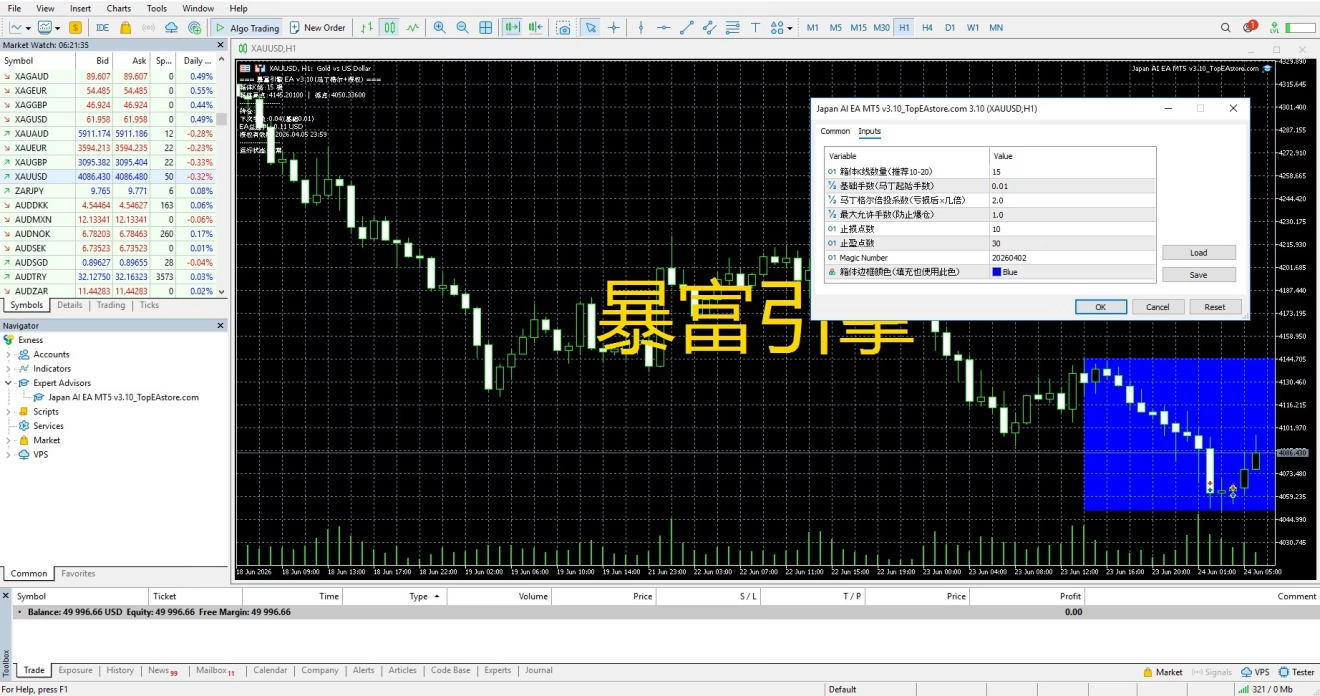
- Drag Japan AI EA onto your preferred pair & timeframe.
- Enable AutoTrading – Click the “Algo Trading” button on MT5.
- Run on VPS – Upload your MT5 to a VPS for 24/7 uptime.
- Monitor – Check trade journal and performance weekly.
Ongoing Tips & Optimisation
- Forward Test First – Use a demo or small live account for at least two weeks.
- Adjust Risk Only After Data – Bump up lot size slowly after stable returns.
- Check Broker Conditions – Swap fees and execution speed matter.
- Keep a Journal – Note down market events that impact results.
For extra reading, visit the MetaTrader 5 documentation for platform tips.
Frequently Asked Questions Regarding Japan AI EA
Q1: Does Japan AI EA MT5 guarantee profits?A: No trading tool can promise profit every time. Use sound risk management.
Q2: Can I run it on MetaTrader 4?A: This EA is designed for MT5 only. Check if an MT4 version is planned.
Q3: How many charts can I attach it to?A: As many as your license and computer can handle, but watch CPU load.
Q4: Is a VPS mandatory?A: Not mandatory, but strongly advised for stable trading and lower latency.
Final Thoughts About Japan AI EA
Japan AI EA MT5 combines AI-inspired market analysis, automated order handling, and smart risk tools in one neat package. It aims to deliver steady execution without constant screen time. Like any strategy, it needs proper settings, a good broker, and realistic expectations. Give it a try on a demo first, tweak carefully, and let Japan AI EA handle the heavy lifting while you focus on the bigger picture of your trading journey.
| Membership | Yearly Membership |
|---|---|
| Additional Services | Unlock & Decompile |
| Recommended Brokers | Exness Broker, FPMarkets |
| Recommended VPS | FXVM (Low Latency) |
| Youtube Channel | ForexForYou |
| Telegram Channel | Onshoppie Forex EA's & Indicators |
| Telegram Support | Onshoppie Support |
| Installation Guides | Onshoppie Forex Guides |
Brand
ea-mt4
Only logged in customers who have purchased this product may leave a review.
Related products


Products
-
 ThunderGold Scalper MT5 V1.3 + Setfiles For Build 6140+
Original price was: $379.00.$14.95Current price is: $14.95.
ThunderGold Scalper MT5 V1.3 + Setfiles For Build 6140+
Original price was: $379.00.$14.95Current price is: $14.95.
-
 Steve Pro EA MT5 V5.0 + Setfiles For Build 6140+
$14.95
Steve Pro EA MT5 V5.0 + Setfiles For Build 6140+
$14.95
-
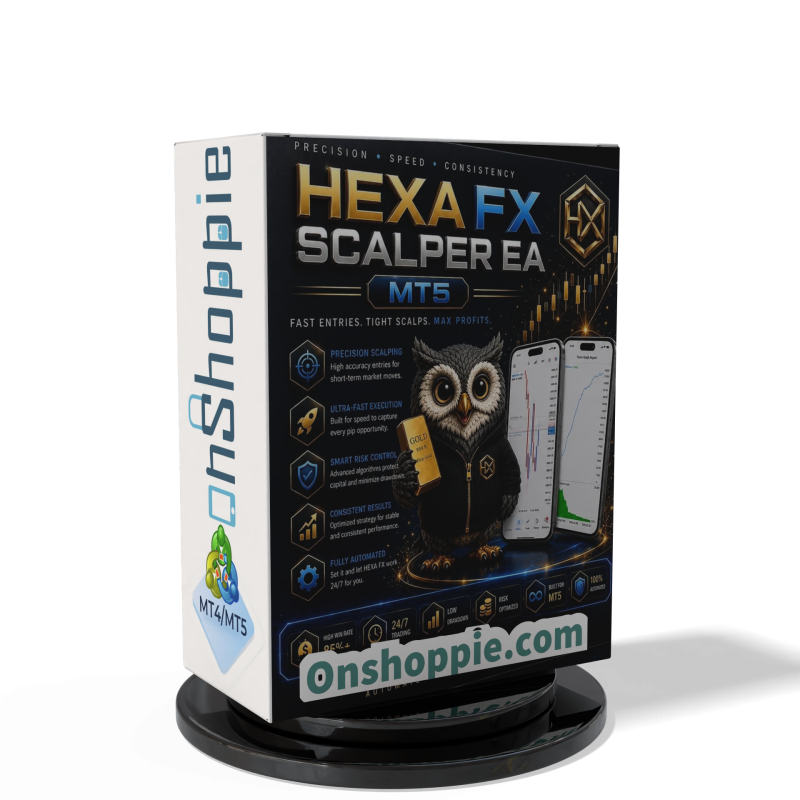 HEXA FX Scalper EA MT5 With DLL Build 6140
Original price was: $749.00.$34.95Current price is: $34.95.
HEXA FX Scalper EA MT5 With DLL Build 6140
Original price was: $749.00.$34.95Current price is: $34.95.
-
 H4 Gold Scalper EA MT5 V1.5 With DLL Build 6122
Original price was: $150.00.$14.95Current price is: $14.95.
H4 Gold Scalper EA MT5 V1.5 With DLL Build 6122
Original price was: $150.00.$14.95Current price is: $14.95.
-
 Mavrik Scalper EA MT5 V18.306 For Build 6140+
$14.95
Mavrik Scalper EA MT5 V18.306 For Build 6140+
$14.95
-
 Dude Alpha Gold EA MT5 V1.4.2 + Set Files For Build 6140+
Original price was: $499.00.$14.95Current price is: $14.95.
Dude Alpha Gold EA MT5 V1.4.2 + Set Files For Build 6140+
Original price was: $499.00.$14.95Current price is: $14.95.
-
 Ultra Beast EA MT5 + Setfiles For Build 6140+
$14.95
Ultra Beast EA MT5 + Setfiles For Build 6140+
$14.95
-
 Algo Edge SMC AI EA MT5 V3 For Build 6140+
$14.95
Algo Edge SMC AI EA MT5 V3 For Build 6140+
$14.95
Recent reviews
-
 Advanced Dashboard Currency Strength
by Balram
Advanced Dashboard Currency Strength
by Balram
Reviews
There are no reviews yet.