
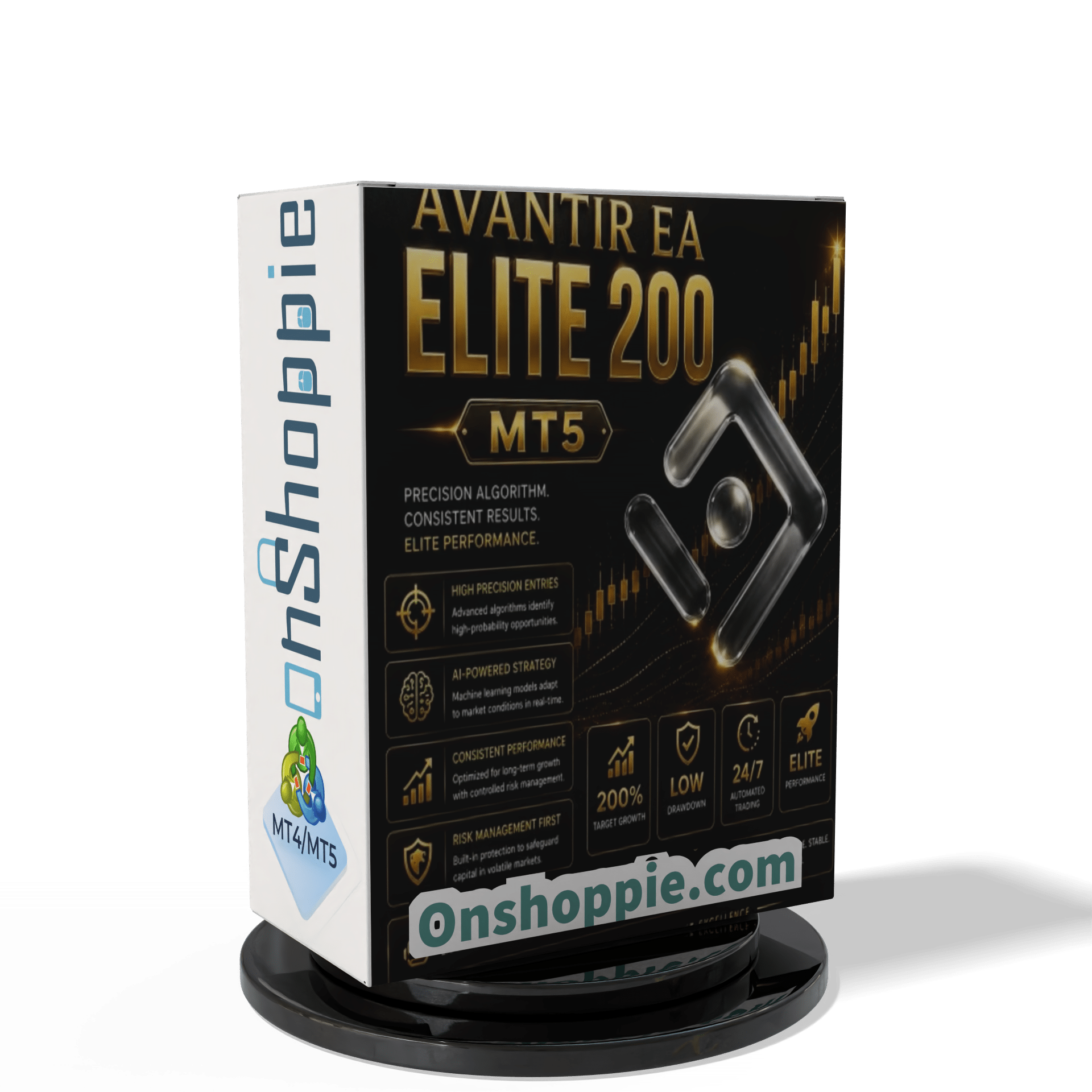

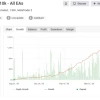
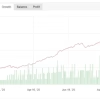
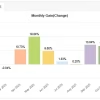
Avantir EA ELITE 200 MT5 V3.3 + Setfiles With DLL 5984
Avantir EA ELITE 200 MT5 V3.3 + Setfiles With DLL 5984


$14.95
Explore the Avantir EA ELITE 200 and discover why traders love its proven performance. Get amazing results with this powerful tool. Start your journey today!
Avantir EA ELITE 200 – The Complete Guide to a Smarter Gold Expert Advisor
Avantir EA ELITE 200 – Intelligent AI-Powered Gold Trading on MT5
Table of Contents
- Quick Overview
- What Is Avantir EA ELITE 200?
- Why the Focus on Gold (XAUUSD)?
- Set-Up Guide on MetaTrader 5
- Best Practices for Day-to-Day Use
- Common Questions Answered
- Final Thoughts
Quick Overview
Avantir EA ELITE 200 is a fully automated Expert Advisor designed for Gold traders who use MetaTrader 5. By bringing artificial intelligence, rule-based trade execution, and lifetime support together in one package, it aims to make XAUUSD trading more structured and less stressful. Whether you want to grow a personal account or pass a prop-firm challenge, the EA provides a toolkit that covers entry, exit, and risk control around the clock.
What Is Avantir EA ELITE 200?
Avantir EA ELITE 200 (often written as Avantir EA-ELITE 200 MT5) is software you install on the MetaTrader 5 platform. Once running on an XAUUSD chart, it:
- Watches the market 24 hours a day, Monday to Friday
- Places buy or sell orders based on pre-set rules
- Manages open trades with stop-loss and take-profit logic
- Adjusts to changing market data through built-in AI modules
Because the process is fully automated, you do not need to sit in front of your screen to catch every price movement.
Why the Focus on Gold (XAUUSD)?
- Liquidity: Gold is one of the most traded instruments worldwide.
- Volatility: Daily price swings create frequent trade signals.
- Clear Behaviour Patterns: XAUUSD responds well to technical levels and market sentiment, making it suitable for rule-based systems like Avantir EA ELITE 200.
By specialising in one instrument, the development team can fine-tune entries and exits instead of spreading resources across many markets.
Set-Up Guide on MetaTrader 5
- Download & Install
- Copy the
.ex5file into theMQL5/Expertsfolder.
- Copy the
- Open XAUUSD Chart
- Select the M5 timeframe.
- Attach the EA
- Drag Avantir EA ELITE 200 to the chart and click “Allow Algo Trading.”
- Enable Algo Trading (top toolbar)
- Keep MetaTrader 5 Running
- Or host the terminal on a VPS for 24/5 uptime.
Best Practices for Day-to-Day Use
- Demo Phase: Run the EA on demo for two weeks to learn its rhythm.
- VPS Hosting: Helps keep trades running if your home internet fails.
- Weekly Review: Check the trade journal every Friday.
- Stay Informed: Major economic news can affect gold. Consider reducing risk before high-impact events.
Common Questions Answered For Avantir EA ELITE 200
Q: Can I run Avantir EA ELITE 200 on other pairs?A: The EA is optimised solely for XAUUSD. Running it on other instruments is not recommended.
Q: Do I need programming skills?A: No. Installation is a drag-and-drop process in MetaTrader 5.
Q: What minimum balance is required?A: Many users start with $1,000, but any amount your broker allows for XAUUSD can work, provided you adjust lot size accordingly.
Q: Is it compatible with MetaTrader 4?A: No, the code uses MT5-specific functions.
Final Thoughts About Avantir EA ELITE 200
Avantir EA ELITE 200 gives Gold traders a structured way to approach the market. By combining automated entries, AI-driven adjustments, and built-in risk controls, it eases many of the challenges that come with manual trading. Add lifetime updates and an active support group, and you have a package aimed at both personal and prop-firm goals.
Happy trading, and remember: test first, risk small, and let the numbers guide your decisions.
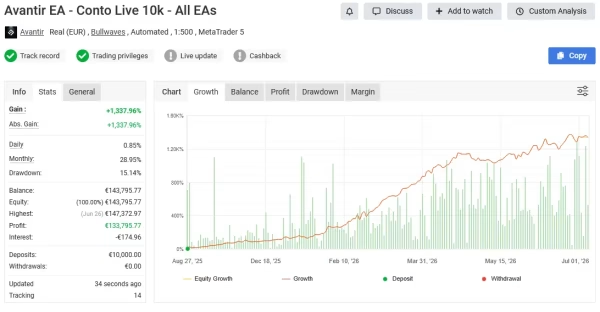
Live Results – Click Here
Vendor Site – Click Here
| Membership | Yearly Membership |
|---|---|
| Additional Services | Unlock & Decompile |
| Recommended Brokers | Exness Broker, FPMarkets |
| Recommended VPS | FXVM (Low Latency) |
| Youtube Channel | ForexForYou |
| Telegram Channel | Onshoppie Forex EA's & Indicators |
| Telegram Support | Onshoppie Support |
| Installation Guides | Onshoppie Forex Guides |
Brand
ea-mt5
Only logged in customers who have purchased this product may leave a review.









Reviews
There are no reviews yet.