

GoldWave EA MT5 V4.72 + Setfiles For Build 5984+
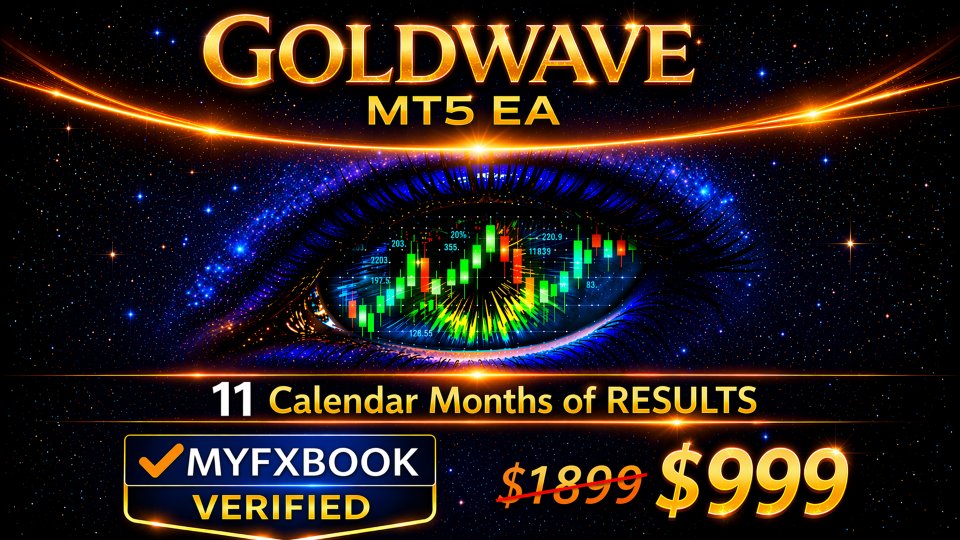
GoldWave EA MT5 V4.72 + Setfiles For Build 5984+


Original price was: $999.00.$14.95Current price is: $14.95.
Revealed: GoldWave EA secrets that trading professionals do not want you to know Automated system that generates consistent profitable results.
This item: GoldWave EA MT5 V4.72 + Setfiles For Build 5984+
Original price was: $999.00.$14.95Current price is: $14.95.
Original price was: $999.00.$14.95Current price is: $14.95.

Original price was: $9.95.$7.96Current price is: $7.96.

Original price was: $14.95.$11.96Current price is: $11.96.

GoldWave EA: A Practical Guide to Smarter Gold Trading
GoldWave EA – A Clear-Cut Answer for XAUUSD Traders Who Value Risk Control
Table of Contents
- What Is GoldWave EA?
- How GoldWave EA Works
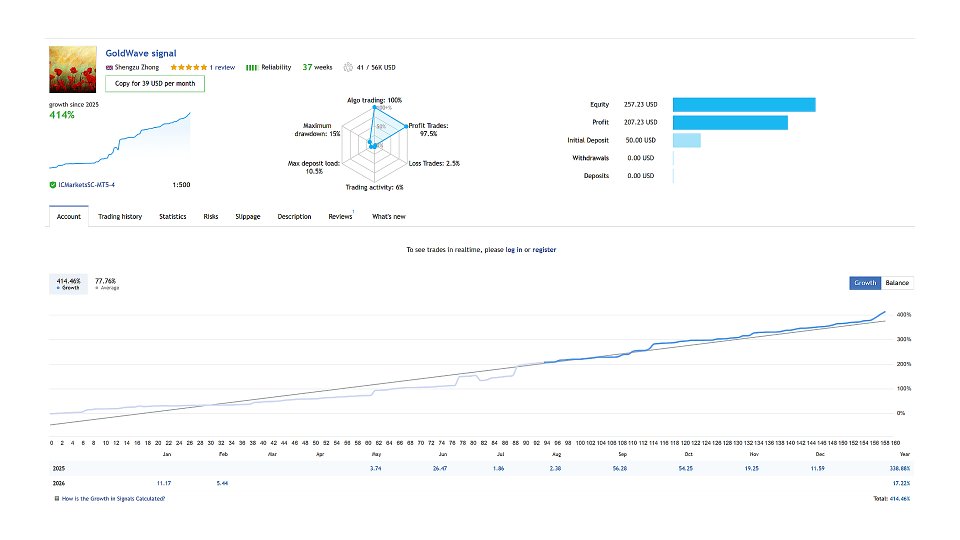
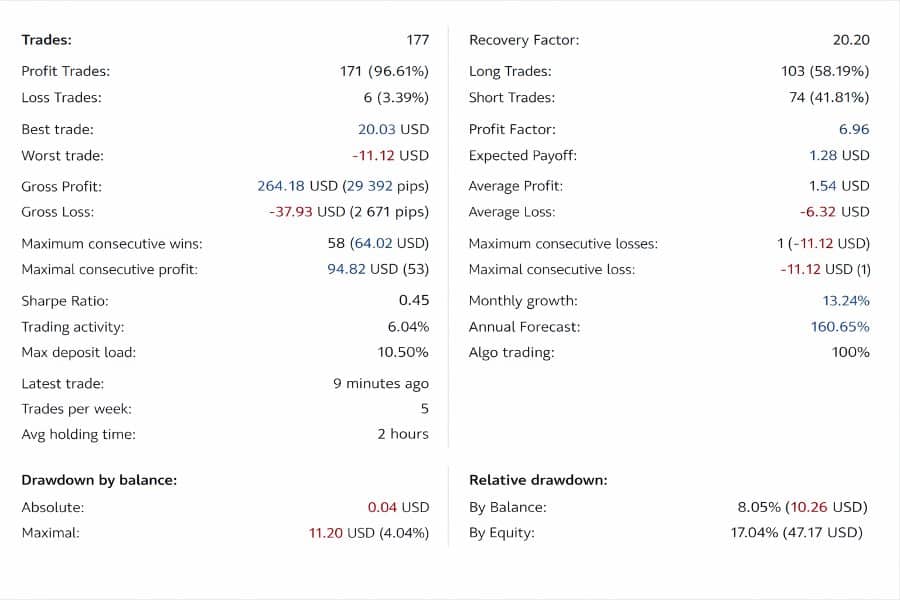
- Live Signal on MQL5 vs. Your Own Account
- Why GoldWave EA Trades Only Gold (XAUUSD)
- Setting Up GoldWave EA Step by Step
- Recommended Risk Settings
- Common Questions Answered
- Final Thoughts
What Is GoldWave EA?
GoldWave EA is an automated trading robot (Expert Advisor) built for MetaTrader 5. It focuses on a single symbol—XAUUSD (Gold)—and applies adaptive decision logic.Unlike many robots that rely on fixed entries, GoldWave EA evaluates the current market environment in real time and decides whether to open a trade.
Key points in one look
- Designed specifically for Gold.
- Uses AI-assisted logic to adapt to changing volatility.
- Includes a built-in news filter.
- Avoids risky methods (no martingale, no grid, no averaging down).
- Works best on reputable ECN or RAW-spread brokers such as IC Markets or TMGM.
- Mirrors the same logic used in the verified live signal shown on MQL5.
How GoldWave EA Works
AI-Assisted Adaptive Logic
Most standard EAs rely on static indicators—say, “RSI crosses 30, so buy.” GoldWave EA does not lock itself into any single indicator setup.Instead, it:
- Reads multiple price metrics: volatility, recent highs/lows, and liquidity spikes.
- Runs these inputs through a rule-based adaptive model.
- Decides if market risk is acceptable right now.
- Opens a single trade with a pre-defined Stop Loss and an adaptive Take Profit.
If the environment looks bad—for example, spreads blow up or news risk is high—the EA simply does nothing.
News Filter & WebRequest
GoldWave EA pulls event schedules from trusted news services using MetaTrader’s WebRequest function.Because Strategy Tester in MetaTrader blocks WebRequest, backtests cannot reproduce the real-time filtering logic. This is why demo or live forward testing is strongly advised before judging the EA’s performance.
No Grid, No Martingale, No Averaging Down
The EA never stacks positions to force a recovery. Each trade stands on its own.
- One active trade at any time under normal conditions.
- A fixed emergency Stop Loss acts as a hard fail-safe.
- Dynamic exit logic usually closes a trade well before that worst-case level.
Live Signal on MQL5 vs. Your Own Account
GoldWave EA follows the very same logic shown in its verified live signal on MQL5. Still, some differences can show up on your copy.
Broker Choice Matters
When used with the recommended, optimized settings on a reputable ECN/RAW-spread broker (for example, IC Markets or TMGM), the EA’s live trading behavior is designed to closely match the trade structure observed on the reference signal.However, brokers vary on:
- Server location and latency.
- Quote accuracy and freeze levels.
- Commission and spread mark-ups.
Spread & Execution Delays
If your broker widens spreads at night or slips orders by 200 ms, you might see:
- Slightly different entry prices.
- Trades that the reference signal accepted but your copy skipped.
- Minor deviations in profit targets and Stop Loss hit rates.
Why GoldWave EA Trades Only Gold (XAUUSD)
Gold is liquid 23 hours a day, volatile enough for clear intraday ranges, and often reacts quickly to macro news.Building a single-symbol EA lets the developer:
- Tailor the strategy to one set of price behaviors.
- Tune risk controls to gold’s typical $1 – $2 per-pip value.
- Avoid over-diversified logic that works “okay” on everything but excels on nothing.
Setting Up GoldWave EA Step by Step
| Step | Action | Notes |
|---|---|---|
| 1 | Open a Raw-spread account | IC Markets, TMGM, or any broker with tight Gold spreads. |
| 2 | Deposit at least $500 | Allows the EA to place stops and targets at practical sizes. |
| 3 | Attach EA to an M1 chart | The timeframe aids event detection; it does not change trade frequency. |
| 4 | Enable Algo Trading in MT5 | Also allow WebRequest to the news URLs listed in the EA’s manual. |
| 5 | Keep a reliable VPS online | Latency < 3 ms to broker server advised. |
| 6 | Let the EA run 24/5 | Check occasionally that the platform is still connected. |
Tip: Use a demo account for one to two weeks first. Confirm that trades line up with the MQL5 live signal before moving real funds.
Recommended Risk Settings
- Default risk: ~1 % per trade (built-in).
- Maximum allowed lot size: Adjust downward if your balance is small.
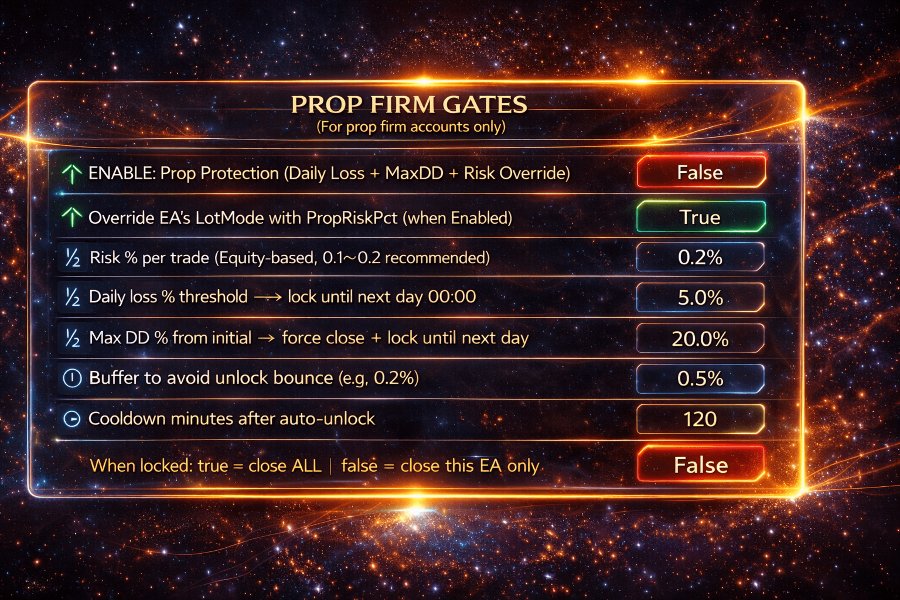
- Max Drawdown Stop: Optional feature that disables new entries if equity drawdown passes a user-set threshold.
Conservative traders can:
- Cut the risk percentage in half.
- Raise the emergency Stop Loss size (wider stops = smaller lots).
- Enable “Trade Pause” around high-impact news.
Aggressive traders might:
- Double the default risk.
- Shorten Take Profit distance.
- Accept more frequent but shallower exits.
Always test changes on demo first.
Common Questions Answered
- Can I use GoldWave EA on Forex pairs like EURUSD?→ No. The logic reads Gold-specific volatility.
- Does the EA need constant optimization?→ No. The adaptive model updates internally on every tick.
- Will it open a trade every day?→ Only if the market meets its quality filter. Some days it stays flat.
- What happens during NFP or FOMC?→ The news filter blocks new entries before big releases. Existing trades may close early.
Final Thoughts
GoldWave EA is not a magic switch for instant wealth. It is a risk-aware, adaptive tool aimed at traders who want consistent exposure to Gold without resorting to martingale or grid systems.Used on a reliable ECN broker and allowed to run without manual interference, its live behavior should remain close to the verified signal shared on MQL5.
If you value capital protection, clear logic, and the patience to wait for high-quality setups, GoldWave EA may deserve a spot in your trading toolbox.
Live Results – Click Here
Vendor Site – Click Here
| Membership | Yearly Membership |
|---|---|
| Additional Services | Unlock & Decompile |
| Recommended Brokers | Exness Broker, FPMarkets |
| Recommended VPS | FXVM (Low Latency) |
| Youtube Channel | ForexForYou |
| Telegram Channel | Onshoppie Forex EA's & Indicators |
| Telegram Support | Onshoppie Support |
| Installation Guides | Onshoppie Forex Guides |
Brand
ea-mt5
Only logged in customers who have purchased this product may leave a review.



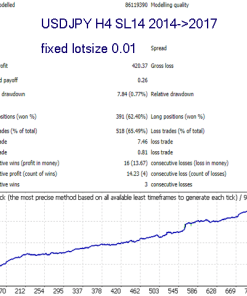

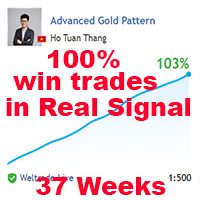


Reviews
There are no reviews yet.