
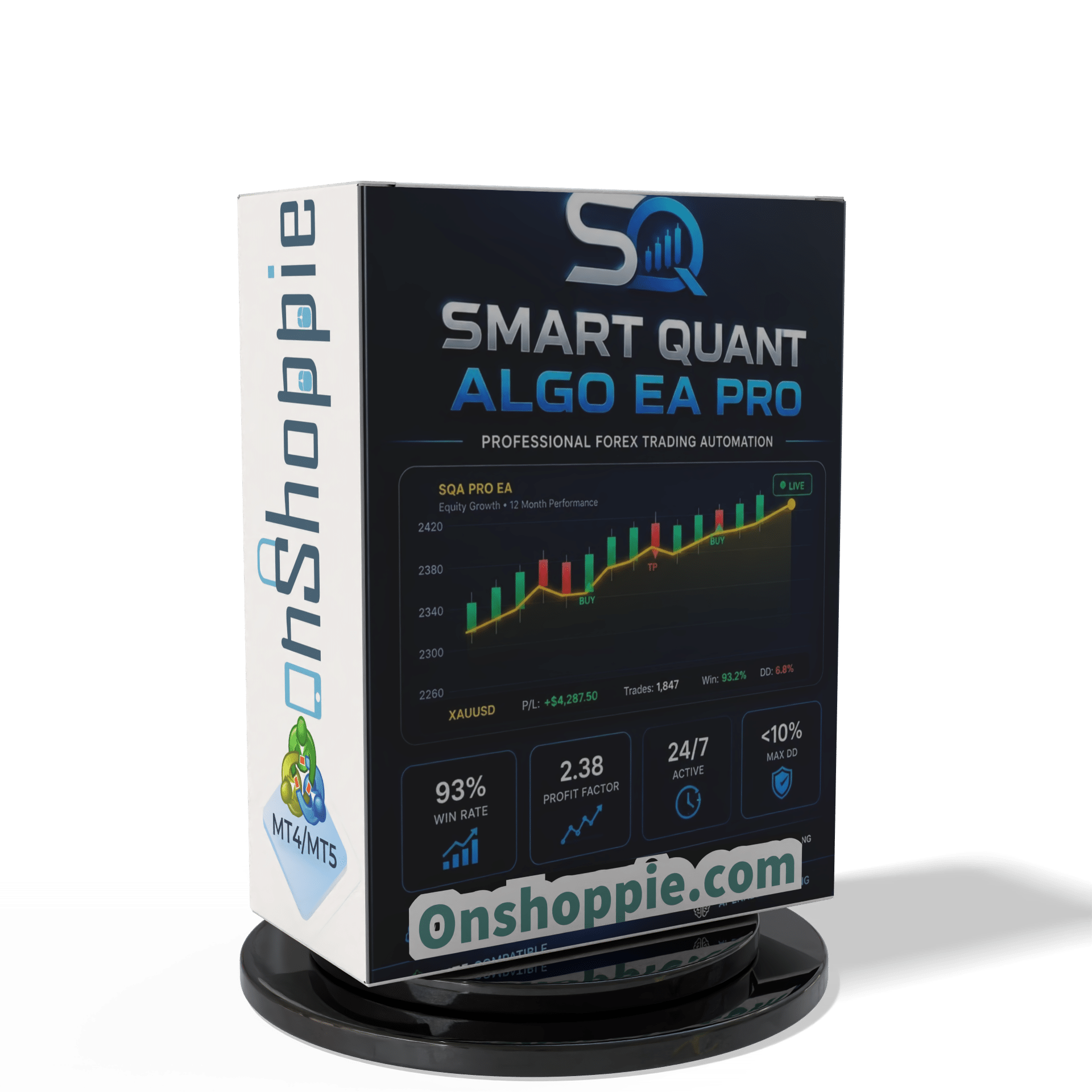


Smart Quant Algo EA Pro MT5 With DLL 5836
Original price was: $349.00.$14.95Current price is: $14.95.
Discover the proven Smart Quant Algo EA Pro strategies that traders swear by. Unlock powerful insights to boost your trading profits fast and reliably.

Description
Smart Quant Algo EA Pro: The Data-Driven MT5 Expert Advisor Traders Are Talking About
Smart Quant Algo EA Pro – Why This MT5 Robot With a 93 % Win Rate May Fit Your Trading Plan
Table of Contents
- What Is Smart Quant Algo EA Pro?
- How the Strategy Works
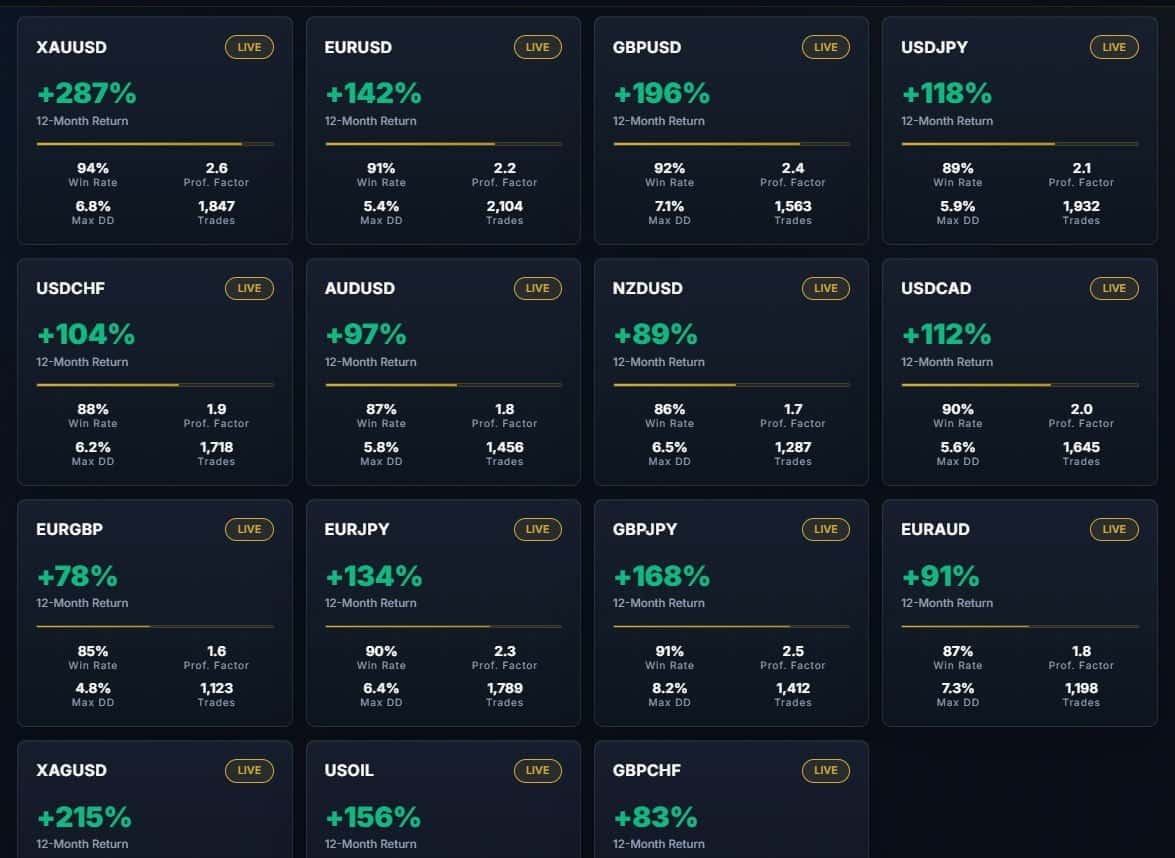
- Supported Currency Pairs and Timeframes
- Step-by-Step Installation Guide
- Frequently Asked Questions
- Final Thoughts
What Is Smart Quant Algo EA Pro?
Smart Quant Algo EA Pro (often shortened to SQA Pro EA) is a fully automated trading robot for MetaTrader 5. After you add it to a chart and set your risk, the software scans the market, places orders, and manages exits without any manual input. Its goal is steady, low-drawdown growth—nothing more, nothing less.
The expert advisor follows three simple ideas:
- Every trade must have a hard stop-loss visible on the broker’s server.
- No martingale, no grid, and no “hope and pray” recovery methods.
- Adaptive position sizing that keeps risk per trade fixed, even as your balance changes.
Because SQA Pro EA ticks those boxes, many retail traders use it on personal accounts and prop-firm evaluations such as FTMO, The Funded Trader, and E8 Funding.
How the Strategy Works
Multi-Layer Entry Validation
Before opening a position, the EA runs five checks:
- Higher-timeframe trend (200-EMA slope).
- Momentum confirmation with both RSI and Stochastic.
- Volatility filter using ATR; if the market is too quiet or too wild, the trade is skipped.
- Spread filter to avoid costly fills when liquidity is thin.
- Session filter to stay within London and New York hours by default.
Only when all filters agree does SQA Pro EA place an order.
Dynamic Money Management
- Default risk: 1 % of balance per trade.
- Position size scales up or down as your account grows or shrinks.
- A fixed lot option is available for traders who prefer it.
Adaptable Exits
- Stop-loss: 20–80 pips, calculated from current ATR.
- Take-profit: Blend of recent support & resistance, Fibonacci extensions, and volatility bands.
- Trailing stop kicks in once price moves in your favor by a set distance (configurable).
Because all exits are coded into the trade, you can shut down your computer and the broker’s server will still manage everything.
Supported Currency Pairs and Timeframes
Primary pairs (pre-tuned presets):
- XAUUSD
- GBPUSD
- EURUSD
- AUDUSD
- EURJPY
- EURGBP
- USDCAD
Community-tested extras:
- USDCHF
- NZDUSD
- GBPJPY
- EURAUD
Recommended chart timeframe: M15(Back-tests on M30 and H1 also show solid stats, but M15 gives the best risk-adjusted return.)
Step-by-Step Installation Guide
- Download the EA file (.ex5).
- Open MetaTrader 5 → File → Open Data Folder.
- Go to
MQL5 > Expertsand copy the file there. - Restart MT5 or right-click Expert Advisors → Refresh.
- Drag Smart Quant Algo EA Pro onto a supported chart.
- In the Inputs tab:
- Set
RiskPercentorLotSizeFixed. - Choose your session hours.
- Leave other settings at their preset if you are new.
- Set
- Enable Algo Trading in the MT5 toolbar.
- Check the top-right smiley face 😊 to confirm the EA is running.
That’s it. The robot will now monitor price and act when rules line up.
Frequently Asked Questions Regarding Smart Quant Algo EA
Q: Do I need any trading experience to run SQA Pro?A: No. Once installed, the EA does everything. That said, knowing the basics of lot size, leverage, and broker spreads helps you make informed decisions.
Q: Will it work on a standard account, or do I need ECN?A: It will run on any MT5 account. Low-spread ECN feeds usually give better fills and slightly higher profit factors.
Q: Can I test on a demo first?A: Yes, and it’s encouraged. Demo results should be close to live because the EA avoids slippage-prone tactics.
Q: Does the EA scalp during rollover?A: No. A built-in time filter closes trading five minutes before rollover and resumes afterward.
Final Thoughts About Smart Quant Algo EA
Smart Quant Algo EA Pro sets itself apart through a strict stop-loss on every trade, adaptive money management, and a proven track record of keeping drawdown under 10 %. Whether you trade your own capital or face a prop-firm evaluation, the EA’s built-in risk controls help you stay within limits while seeking consistent growth.
Happy trading, and stay within your plan.
Reviews – Click Here
Live Results – Click Here
Vendor Site – Click Here
| Membership | Yearly Membership |
|---|---|
| Additional Services | Unlock & Decompile |
| Recommended Brokers | Exness Broker, FPMarkets |
| Recommended VPS | FXVM (Low Latency) |
| Youtube Channel | ForexForYou |
| Telegram Channel | Onshoppie Forex EA's & Indicators |
| Telegram Support | Onshoppie Support |
| Installation Guides | Onshoppie Forex Guides |
Brand
ea-mt5
Only logged in customers who have purchased this product may leave a review.
Related products



Products
-
 ThunderGold Scalper MT5 V1.3 + Setfiles For Build 6140+
Original price was: $379.00.$14.95Current price is: $14.95.
ThunderGold Scalper MT5 V1.3 + Setfiles For Build 6140+
Original price was: $379.00.$14.95Current price is: $14.95.
-
 Steve Pro EA MT5 V5.0 + Setfiles For Build 6140+
$14.95
Steve Pro EA MT5 V5.0 + Setfiles For Build 6140+
$14.95
-
 HEXA FX Scalper EA MT5 With DLL Build 6140
Original price was: $749.00.$34.95Current price is: $34.95.
HEXA FX Scalper EA MT5 With DLL Build 6140
Original price was: $749.00.$34.95Current price is: $34.95.
-
 H4 Gold Scalper EA MT5 V1.5 With DLL Build 6122
Original price was: $150.00.$14.95Current price is: $14.95.
H4 Gold Scalper EA MT5 V1.5 With DLL Build 6122
Original price was: $150.00.$14.95Current price is: $14.95.
-
 Mavrik Scalper EA MT5 V18.306 For Build 6140+
$14.95
Mavrik Scalper EA MT5 V18.306 For Build 6140+
$14.95
-
 Dude Alpha Gold EA MT5 V1.4.2 + Set Files For Build 6140+
Original price was: $499.00.$14.95Current price is: $14.95.
Dude Alpha Gold EA MT5 V1.4.2 + Set Files For Build 6140+
Original price was: $499.00.$14.95Current price is: $14.95.
-
 Ultra Beast EA MT5 + Setfiles For Build 6140+
$14.95
Ultra Beast EA MT5 + Setfiles For Build 6140+
$14.95
-
 Algo Edge SMC AI EA MT5 V3 For Build 6140+
$14.95
Algo Edge SMC AI EA MT5 V3 For Build 6140+
$14.95
Recent reviews
-
 Advanced Dashboard Currency Strength
by Balram
Advanced Dashboard Currency Strength
by Balram
Reviews
There are no reviews yet.