
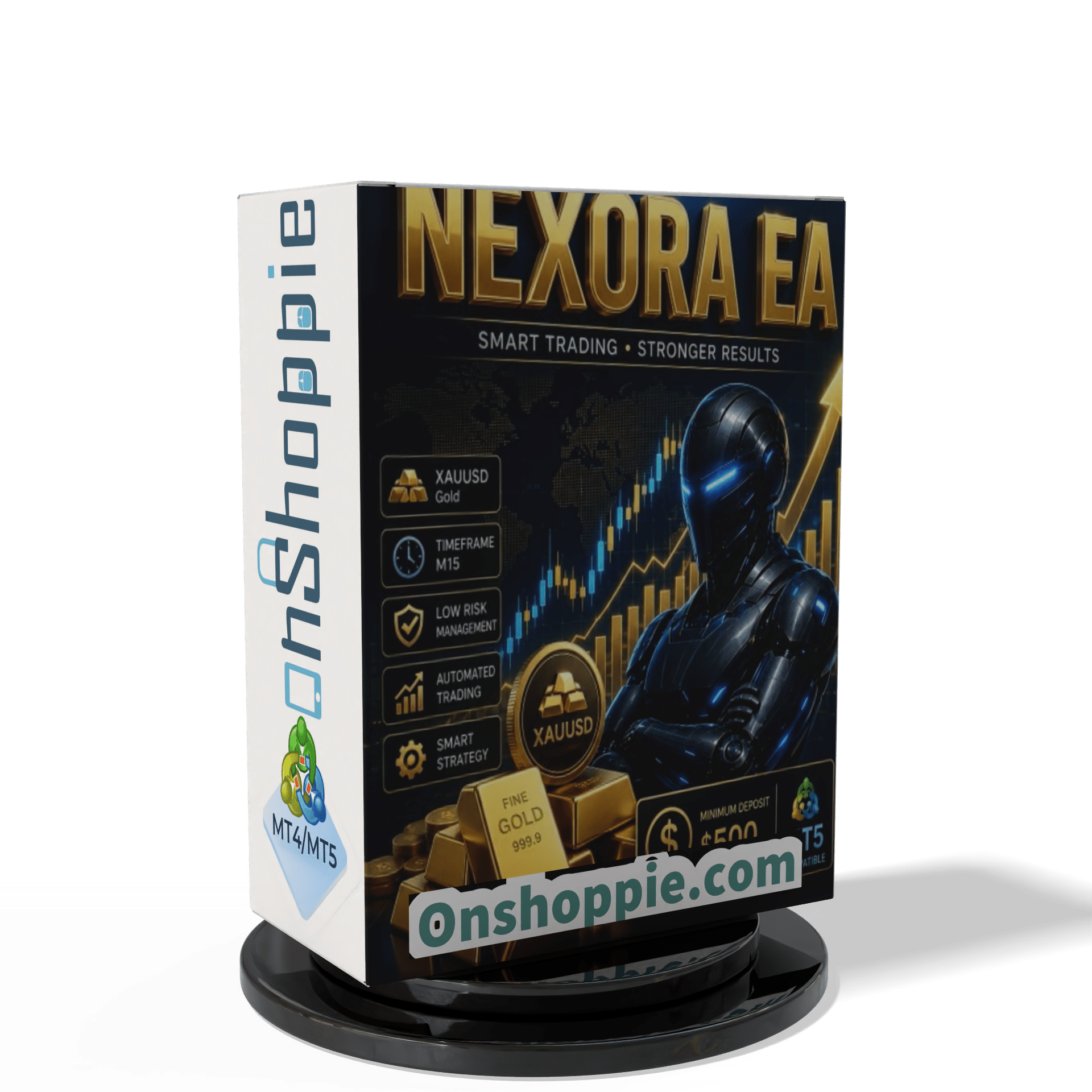
NEXORA EA MT5 For Build 5984+
NEXORA EA MT5 For Build 5984+


$14.95
Discover the amazing power of NEXORA EA and unlock proven trading strategies that deliver consistent profits. Start right here today!

This item: NEXORA EA MT5 For Build 5984+
$14.95
$14.95

Original price was: $9.95.$7.96Current price is: $7.96.
Original price was: $14.95.$11.96Current price is: $11.96.
NEXORA EA MT5: A Straightforward Guide to Automated Gold Trading
NEXORA EA – The Practical Path to Smarter Gold Trades
Table of Contents
- What Is NEXORA EA MT5?
- Why the Focus on XAUUSD (Gold)?
- How NEXORA EA MT5 Works in the Real World
- Step-by-Step Installation & Setup
- FAQ: Common Questions Answered
- Final Thoughts
What Is NEXORA EA MT5?
NEXORA EA MT5 is a fully automated trading program—often called an Expert Advisor—built for the MetaTrader 5 platform. Unlike “universal” robots that jump between dozens of instruments, NEXORA EA focuses only on XAUUSD (Gold).
The idea is simple:
- Constant market analysis
- Automatic trade entry and exit
- Clear, rule-based risk control
By doing the repetitive work, the EA frees traders from screen-watching so they can spend time on strategy review instead of rapid-fire clicking.
Quick Snapshot
| Item | Detail |
|---|---|
| Platform | MetaTrader 5 |
| Instrument | XAUUSD (Gold) |
| Timeframe | 15-Minute (M15) |
| Trading Style | 100 % automated |
| Minimum Deposit | 500 USD |
| VPS Use | Suggested for 24/7 uptime |
Why the Focus on XAUUSD (Gold)?
Gold is one of the most liquid and volatile instruments in the global market. Sharp intraday price swings can be rewarding—if handled with discipline. By designing NEXORA EA only for Gold, the developers avoided the “one-size-fits-all” trap.
Key points about XAUUSD:
- Tight spreads on most brokers
- Regular intraday ranges of 1 % or more
- Clear reaction to macro events (e.g., Fed meetings, inflation data)
- High retail and institutional participation
Because the code is tuned to Gold’s structure, the EA does not waste resources adapting to pairs with totally different behavior like EURUSD or USDJPY.
How NEXORA EA MT5 Works in the Real World
Below is a simplified flow of what happens after you attach the EA to an XAUUSD M15 chart.
- Market ScanThe EA tracks price movement, volume, and volatility.
- Signal GenerationWhen predefined criteria are met, a buy or sell order is prepared.
- ExecutionThe order is sent in milliseconds, using the broker’s market-execution model.
- MonitoringTrade size, stop-loss, and take-profit are updated if rules require.
- ExitThe position closes – either at TP, SL, or by logic-based intervention (e.g., time-out).
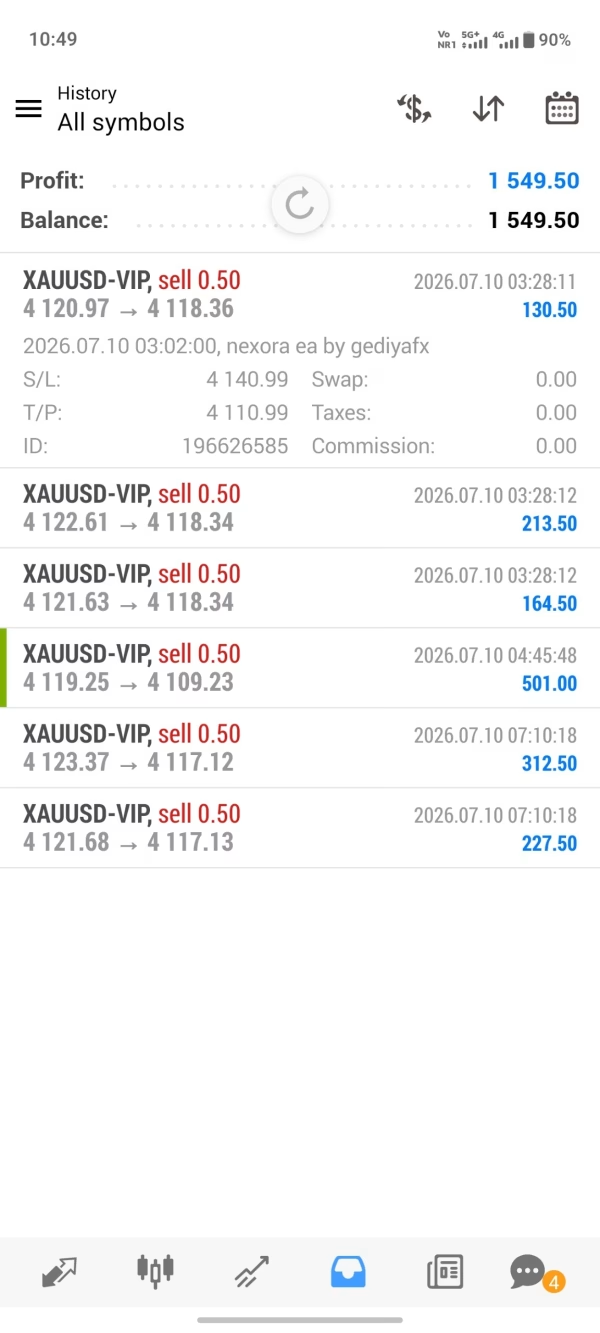
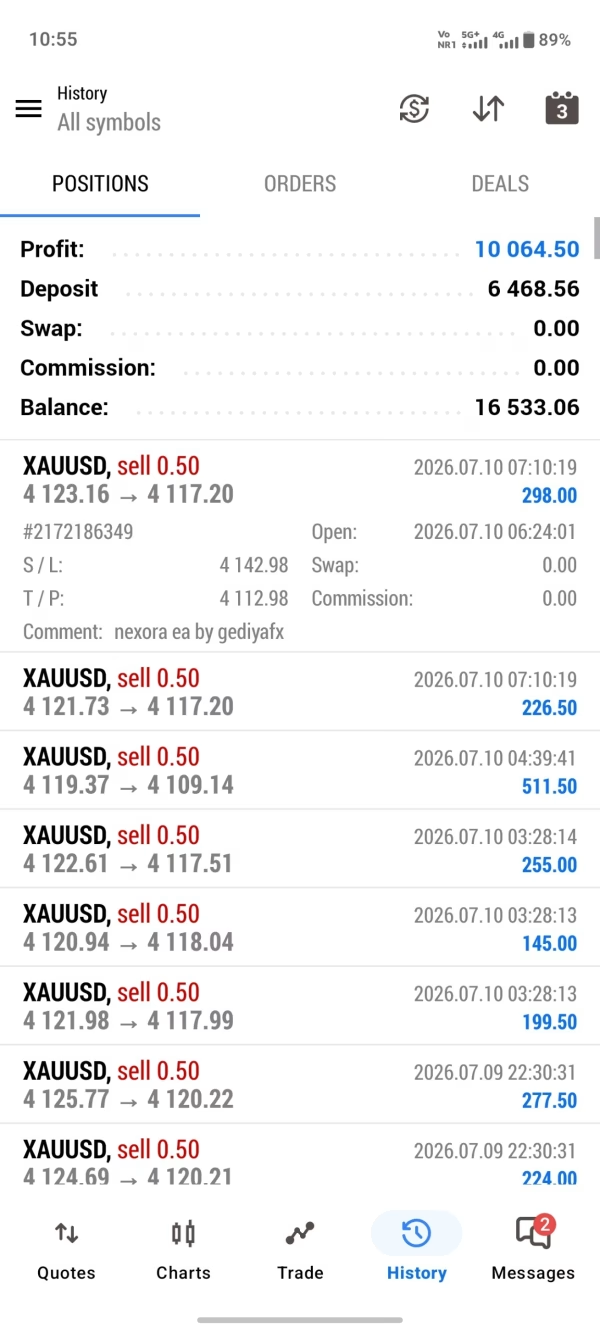
- RecordkeepingEvery trade is logged in MetaTrader’s history for later review.
The whole loop runs non-stop as long as AutoTrading is enabled and your trading platform is connected.
Step-by-Step Installation & Setup
Estimated time: 5 minutes
- Download the EA file (
NEXORA_EA.ex5). - Open MetaTrader 5 → File > Open Data Folder.
- Navigate to MQL5 > Experts and copy the file inside.
- Restart MetaTrader 5.
- In the Navigator window, drag NEXORA EA MT5 onto an XAUUSD M15 chart.
- Tick Allow Algo Trading in the settings pop-up.
- Press OK.
- Click the Algo Trading button on the toolbar (it must be green).
That’s it. The EA will start tracking Gold right away.
FAQ: Common Questions Answered for NEXORA EA
“Can I Run this EA on MetaTrader 4?”
No. NEXORA EA MT5 uses functions that are only available in MetaTrader 5.
“What Is the Ideal VPS?”
Any stable server with <20 ms ping to your broker is fine. Popular choices include:
“Does It Work on Other Timeframes?”
The code is optimized for M15. You can test on M5 or M30, but results may differ.
“Do I Need to Watch the EA All Day?”
No. Once installed on a VPS, the EA can run without manual help. Check your account once a day to review logs.
“Is Profit Guaranteed?”
No trading system can promise profit. this EA lowers human error but does not remove market risk.
Final Thoughts About NEXORA EA
This EA aims to make Gold trading as systematic and stress-free as possible. By focusing on a single instrument and following strict risk rules, the EA provides a clear, disciplined path for those who want to add automated trading to their toolbox.
Happy trading, and remember: keep risk small, stay consistent, and let NEXORA EA handle the heavy lifting.
| Membership | Yearly Membership |
|---|---|
| Additional Services | Unlock & Decompile |
| Recommended Brokers | Exness Broker, FPMarkets |
| Recommended VPS | FXVM (Low Latency) |
| Youtube Channel | ForexForYou |
| Telegram Channel | Onshoppie Forex EA's & Indicators |
| Telegram Support | Onshoppie Support |
| Installation Guides | Onshoppie Forex Guides |
Brand
ea-mt5
Only logged in customers who have purchased this product may leave a review.
Related products


Out of stock
$9.95



Out of stock
$9.95


Reviews
There are no reviews yet.