

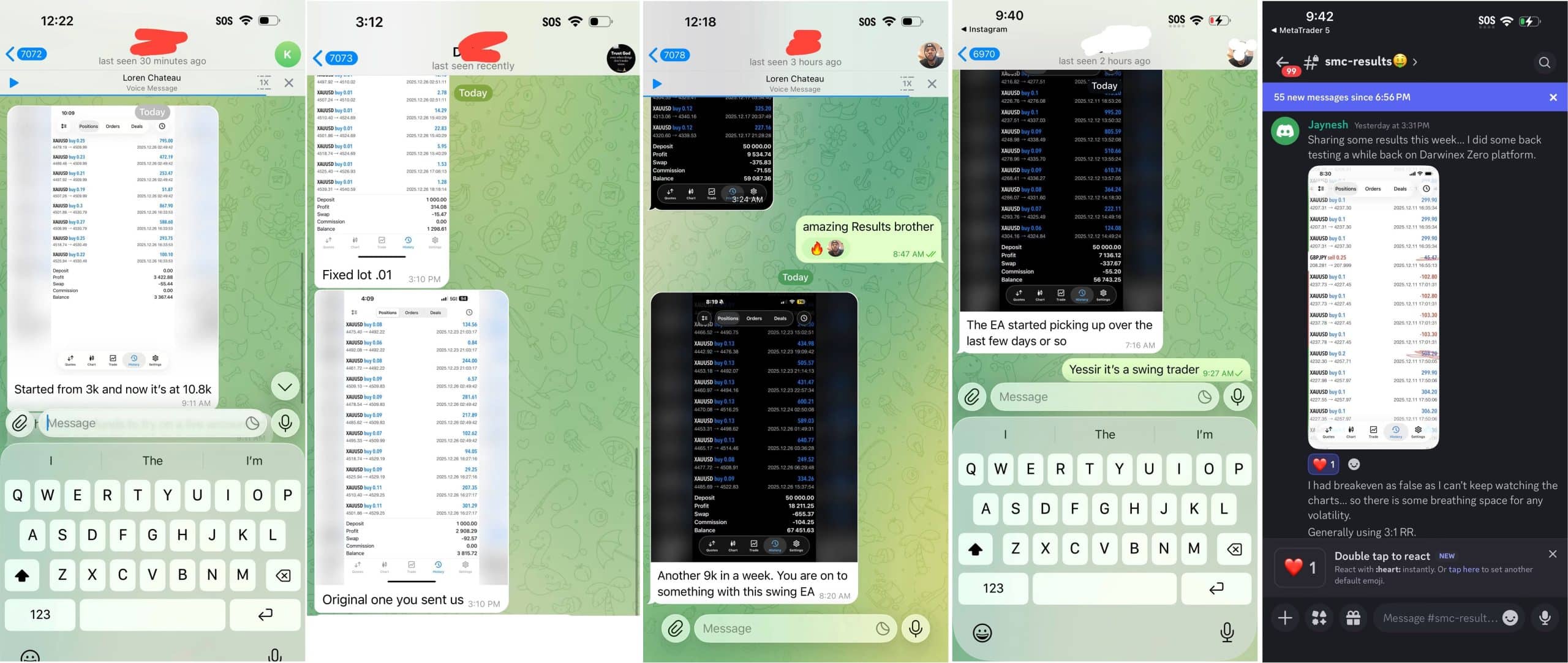
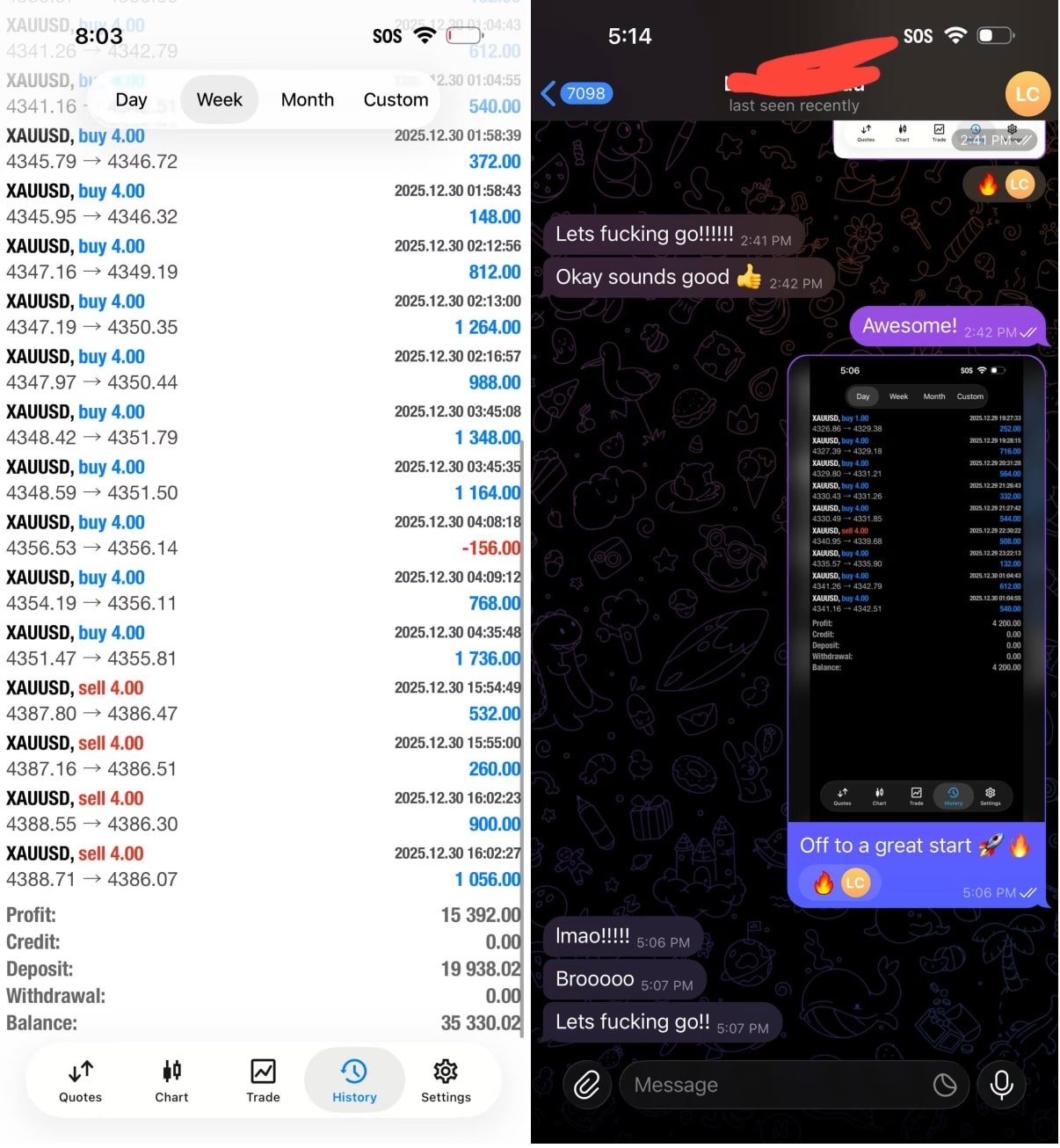


Final Boss EA MT5 V1.73 + SetFiles For Build 5977+
Original price was: $999.00.$14.95Current price is: $14.95.
Discover the power of Expert Final Boss EA trading. Unlock exclusive strategies, maximize profits, and transform your trading experience.


Description
Final Boss EA: Inside the Numbers of a Professional-Grade Trading Algorithm
Alternative Title : Final Boss EA MT5 – A Deep Dive Into Its Long-Term Consistency
Table of Contents Final Boss EA
- What Is Final Boss EA?
- How Final Boss EA MT5 Works
- Step-by-Step Setup Guide
- Frequently Asked Questions
- Final Thoughts & Next Steps
What Is Final Boss EA?
Final Boss EA is an Expert Advisor written for MetaTrader 5 (MT5). Rather than trying to scalp a few pips, it watches broad market cycles, opens positions in line with macro structure, and aims to stay consistent over many years.
Key points:
- Runs on real tick data for testing and live execution.
- Built with an institution-style risk model—no martingale blow-ups.
- Tracked from 2024 to today with stable results on live spreads.
Because of its focus on long-term consistency, Final Boss EA MT5 has gained attention from both retail traders and small prop desks who need a system that will not fold during a single volatile week.
How Final Boss EA MT5 Works
1. Market-Cycle Detection
The EA scans higher-time-frame swings (H1–H4). Once it spots a confirmed cycle low or high, it stages entries in that zone only. This keeps trade frequency modest yet meaningful.
2. Multi-Layer Position Logic
- First trade sizes are small—just a fraction of margin.
- If price moves favorably, the EA scales in with equal or smaller units, never over-leveraging.
- If price stalls, the system tightens the stop rather than averaging down.
3. Stat-Based Exit Rules
Exits are guided by:
- MFE/MAE ratios—the EA follows a threshold where unrealized gains must outpace unrealized loss risk.
- Dynamic ATR targets—when volatility expands, targets widen.
4. Built-In Recovery Engine
Drawdown pockets are addressed through:
- Reduced lot sizing after a string of losses.
- All new trades paused if equity dip crosses a set percentage.
Together, these filters protect balance while still letting the program “sit through” normal price rotations that larger funds also endure.
Step-by-Step Setup Guide for Final Boss EA
- Download & Install
- Purchase or download Final Boss EA MT5 from us.
- Drop the
.ex5file intoMQL5/Experts/on your MT5 terminal.
- Attach to the Correct Chart
- Recommended pair: EURUSD H1 (default).
- Enable AutoTrading
- MT5 toolbar → green play icon.
- Check that smiley face appears on top right of chart.
- Set VPS or Keep PC On
- Because cycle trades may span days, stable connectivity matters.
- MetaQuotes or third-party VPS both work.
- Monitor, Don’t Micro-Manage
- Weekly review is enough.
- Adjust risk % only if account size or personal tolerance changes.
Frequently Asked Questions Regarding Final Boss EA
Q1. Can I run the EA on MetaTrader 4?A: The code base is written for MT5 only. Porting to MT4 would remove some built-in functions like higher-resolution tick handling.
Q2. What pairs besides EURUSD have been tested?A: GBPUSD, USDJPY, and XAUUSD were also run with positive outcomes, though the public statement is focused on EURUSD.
Q3. Does Final Boss EA martingale or grid?A: No straight martingale. Some overlapping entries can appear because it trades a cycle, but lot size stays fixed or reduces after losses.
Q4. How often does it trade?A: Roughly 20–40 trades per month on one pair, depending on volatility.
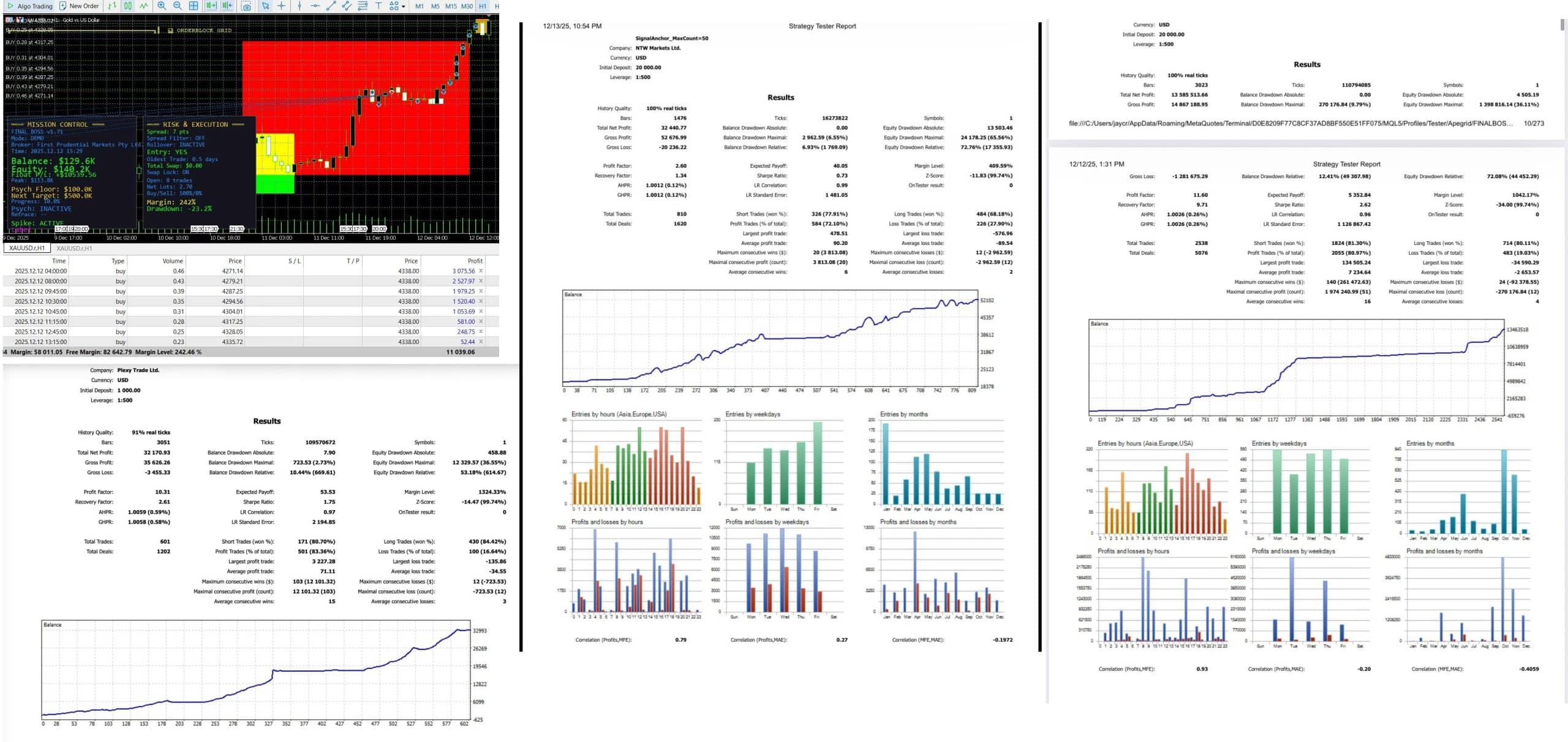
Q5. Is the 36 % equity drawdown too high?A: Remember, that figure includes floating loss during an entire multi-year back test on high leverage. Balance drawdown (closed trades) stays under 10 %.
Q6. What VPS spec do I need?A: 1 CPU core, 1 GB RAM is usually enough because computation load is light.
Final Thoughts & Next Steps For Final Boss EA
Final Boss EA offers a professional-grade algorithm that focuses on steady growth rather than flashy one-week gains. Its high win rate, large average payoff, and tight risk design make it suitable for traders who want an “institutional feel” without writing their own code from scratch.
Vendor Site – Private
| Membership | Yearly Membership |
|---|---|
| Additional Services | Unlock & Decompile |
| Recommended Brokers | Exness Broker, FPMarkets |
| Recommended VPS | FXVM (Low Latency) |
| Youtube Channel | ForexForYou |
| Telegram Channel | Onshoppie Forex EA's & Indicators |
| Telegram Support | Onshoppie Support |
| Installation Guides | Onshoppie Forex Guides |
Brand
ea-mt5
Only logged in customers who have purchased this product may leave a review.
Related products



Products
-
 Straddle EA MT5 V1.138 MQ5 Source Code + SetFiles
$599.95
Straddle EA MT5 V1.138 MQ5 Source Code + SetFiles
$599.95
-
 ThunderGold Scalper MT5 V1.3 + Setfiles For Build 6140+
Original price was: $379.00.$14.95Current price is: $14.95.
ThunderGold Scalper MT5 V1.3 + Setfiles For Build 6140+
Original price was: $379.00.$14.95Current price is: $14.95.
-
 Steve Pro EA MT5 V5.0 + Setfiles For Build 6140+
$14.95
Steve Pro EA MT5 V5.0 + Setfiles For Build 6140+
$14.95
-
 HEXA FX Scalper EA MT5 With DLL Build 6140
Original price was: $749.00.$34.95Current price is: $34.95.
HEXA FX Scalper EA MT5 With DLL Build 6140
Original price was: $749.00.$34.95Current price is: $34.95.
-
 H4 Gold Scalper EA MT5 V1.5 With DLL Build 6122
Original price was: $150.00.$14.95Current price is: $14.95.
H4 Gold Scalper EA MT5 V1.5 With DLL Build 6122
Original price was: $150.00.$14.95Current price is: $14.95.
-
 Mavrik Scalper EA MT5 V18.306 For Build 6140+
$14.95
Mavrik Scalper EA MT5 V18.306 For Build 6140+
$14.95
-
 Dude Alpha Gold EA MT5 V1.4.2 + Set Files For Build 6140+
Original price was: $499.00.$14.95Current price is: $14.95.
Dude Alpha Gold EA MT5 V1.4.2 + Set Files For Build 6140+
Original price was: $499.00.$14.95Current price is: $14.95.
-
 Ultra Beast EA MT5 + Setfiles For Build 6140+
$14.95
Ultra Beast EA MT5 + Setfiles For Build 6140+
$14.95
Recent reviews
-
 Advanced Dashboard Currency Strength
by Balram
Advanced Dashboard Currency Strength
by Balram
Reviews
There are no reviews yet.