


Expert Prop Firms EA MT4 + SetFiles For Build 1455+
Expert Prop Firms EA MT4 + SetFiles For Build 1455+


$9.95
Expert Prop Firms EA is a MetaTrader 4 Expert Advisor programmed for short-term trading on Gold (XAUUSD) using the five-minute chart.

This item: Expert Prop Firms EA MT4 + SetFiles For Build 1455+
$9.95
$9.95
Original price was: $14.95.$11.96Current price is: $11.96.
Expert Prop Firms EA: A Practical Guide for Traders Working With Prop Firm Rules
Expert Prop Firms EA – How This MT4 Gold Robot Fits Into Strict Drawdown Limits
Table of Contents
- What Is Expert Prop Firms EA?
- Why Prop Firm Traders Need a Special EA
- Installation & First-Run Checklist
- Common Questions About Expert Prop Firms EA
- Final Thoughts
1. What Is Expert Prop Firms EA?
Expert Prop Firms EA is a MetaTrader 4 Expert Advisor programmed for short-term trading on Gold (XAUUSD) using the five-minute chart. The robot was designed with one goal in mind: respect the strict daily and overall drawdown limits that proprietary trading firms set during their evaluation phases.
2. Why Prop Firm Traders Need a Special EA
Many off-the-shelf robots focus on maximizing raw profit. Prop firm traders, however, are judged on how they make profits just as much as how much. Typical requirements include:
- Daily drawdown: Often capped at 4%–5%.
- Maximum overall drawdown: Usually around 8%–10%.
- Position size limits: Defined by the capital level (e.g., 1 lot per $100k).
An EA that ignores these limits can fail an evaluation in a single trading day. Expert Prop Firms EA MT4, by contrast, includes built-in filters and capital-based position sizing so that every trade attempts to stay within those boundaries.
3. Installation & First-Run Checklist
- Download the Expert Prop Firms EA.ex4 file.
- Open MetaTrader 4 → File → Open Data Folder. Copy the file into MQL4/Experts.
- In MT4, press Ctrl + R to refresh or restart the platform.
- Drag the EA onto a Gold (XAUUSD) M5 chart.
- Allow live trading (
AutoTrading) and DLL imports if requested. - Start with demo or an evaluation account.
4. Common Questions About Expert Prop Firms EA
Q1: Can I run the EA on currency pairs as well?
A: It is coded mainly for Gold M5. You can try currencies, but parameters would need a separate optimization which may void the built-in drawdown guard logic.
Q2: Does it work on MetaTrader 5?
A: The current build is MT4 only. An MT5 port is under development. Running an MT4 EA via a bridge on MT5 is not recommended due to execution delays.
Q3: My prop firm uses 1:100 leverage. Do I change anything?
A: The lot size auto-adjust algorithm already factors in leverage. You may still need to slightly lower RiskPerTrade if spreads widen during news.
Q4: How do I avoid platform disconnects?
A: Use a VPS located near your prop firm’s trading server. A 1-ms ping can make a real difference on the M5 timeframe.
5. Final Thoughts For Expert Prop Firms EA
Expert Prop Firms EA is not a magic profit generator, yet it offers a structured, rule-based path to trade Gold on a five-minute chart while respecting the tight constraints of proprietary trading firm challenges. By combining multiple technical indicators, strict drawdown stops, and time-based filters, the EA helps traders focus on their overall account management rather than staring at charts all day.
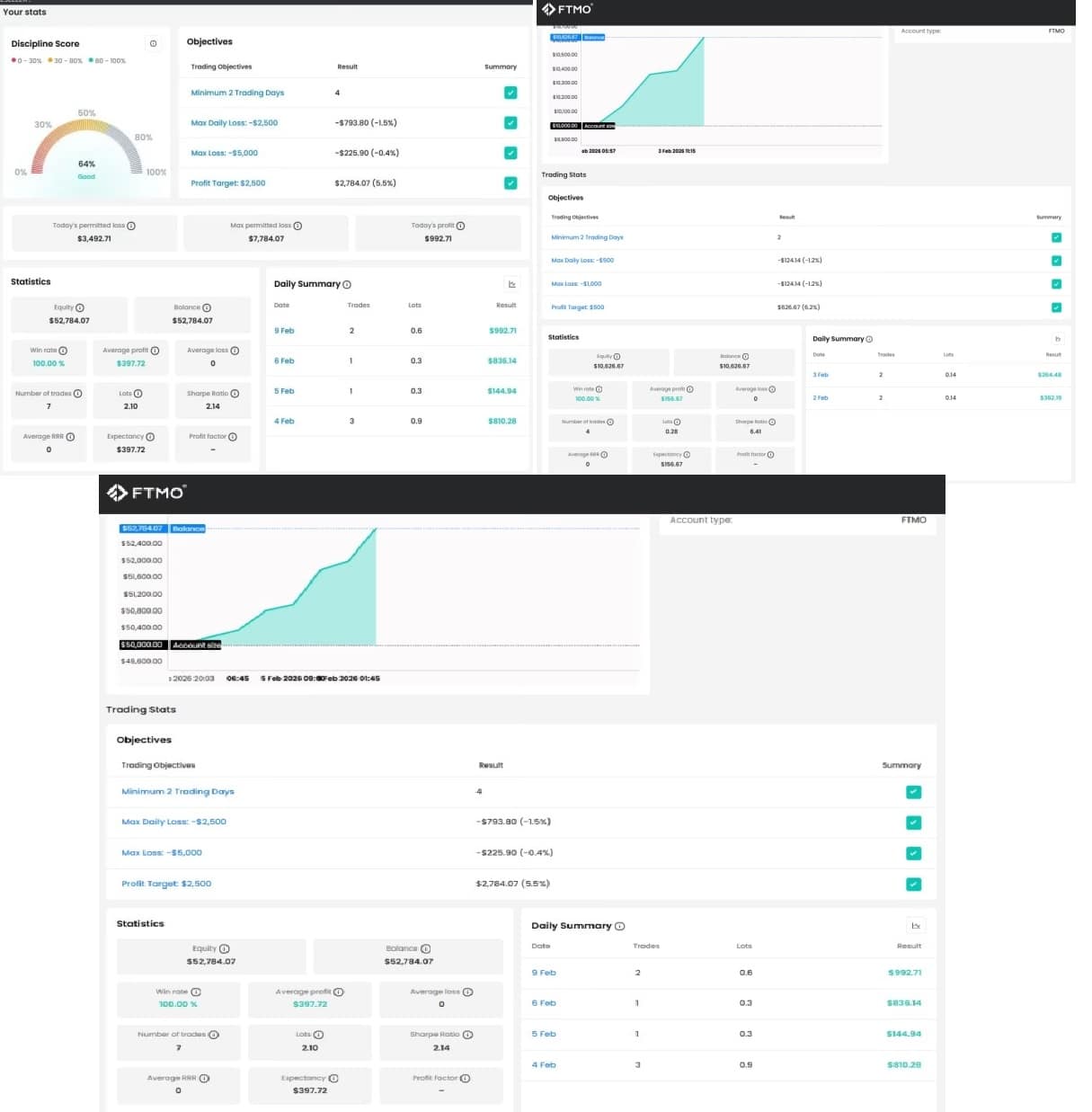
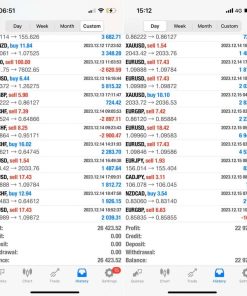
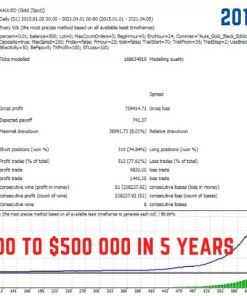
CHECK LIVE PERFORMANCE
Live performance: https://trader.ftmo.com/live-metrix/1420588257/share/019c2503-594d-701b-85aa-b3a759a229fb?lang=en
Live performance: https://trader.ftmo.com/live-metrix/1420588279/share/019c2517-0edc-71de-ab6d-a33bcbc919c8?lang=en
Live performance: https://trader.ftmo.com/live-metrix/1420591259/share/019c3394-1445-7148-b5ae-33b524c1fd46?lang=en
Vendor Site – Private
| Membership | Yearly Membership |
|---|---|
| Additional Services | Unlock & Decompile |
| Recommended Brokers | Exness Broker, FPMarkets |
| Recommended VPS | FXVM (Low Latency) |
| Youtube Channel | ForexForYou |
| Telegram Channel | Onshoppie Forex EA's & Indicators |
| Telegram Support | Onshoppie Support |
| Installation Guides | Onshoppie Forex Guides |
Brand
ea-mt4
Only logged in customers who have purchased this product may leave a review.








Reviews
There are no reviews yet.