










Aura Neuron EA MT4 V1.965 + Setfiles For Build 1455+
Original price was: $1,000.00.$14.95Current price is: $14.95.
Aura Neuron EA MT4 Expert Advisor: A Neural Network Trading System Comprehensive Guide to Aura Neuron for Forex Trading.



Description
Aura Neuron EA: Revolutionizing Forex Trading with Neural Networks
Alternative Title: Aura Neuron EA: The Future of Automated Trading is Here
Table of Contents
- Introduction to Aura Neuron MT4
- Key Features and Benefits
- Supported Trading Pairs and Requirements
- Installation and Setup Guide
- Conclusion: Is Aura Neuron Right for You?
Introduction to Aura Neuron EA
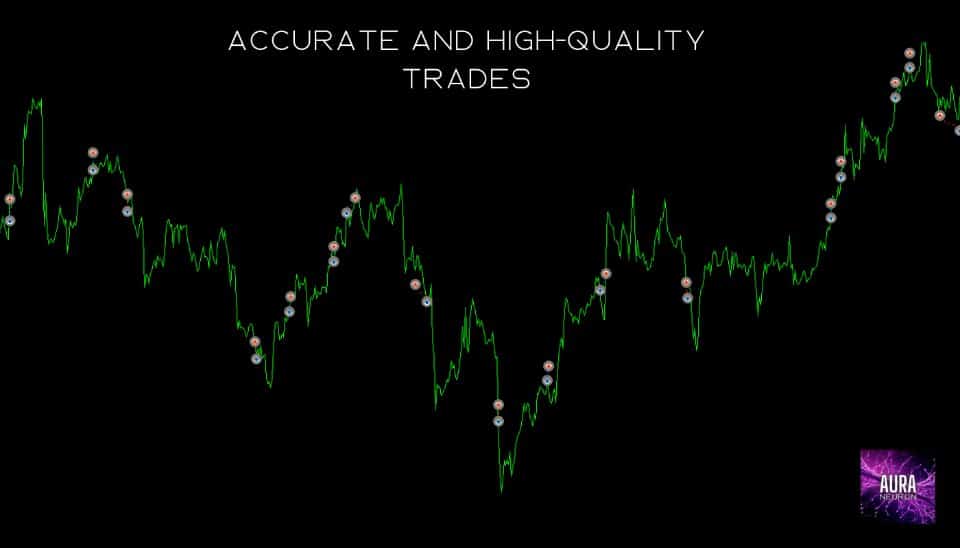
Aura Neuron EA is a groundbreaking Expert Advisor (EA) that’s changing the landscape of automated Forex trading. As the latest addition to the respected Aura series of trading systems, Aura Neuron combines advanced Neural Networks with time-tested classic trading strategies to offer traders a powerful, innovative approach to the markets.
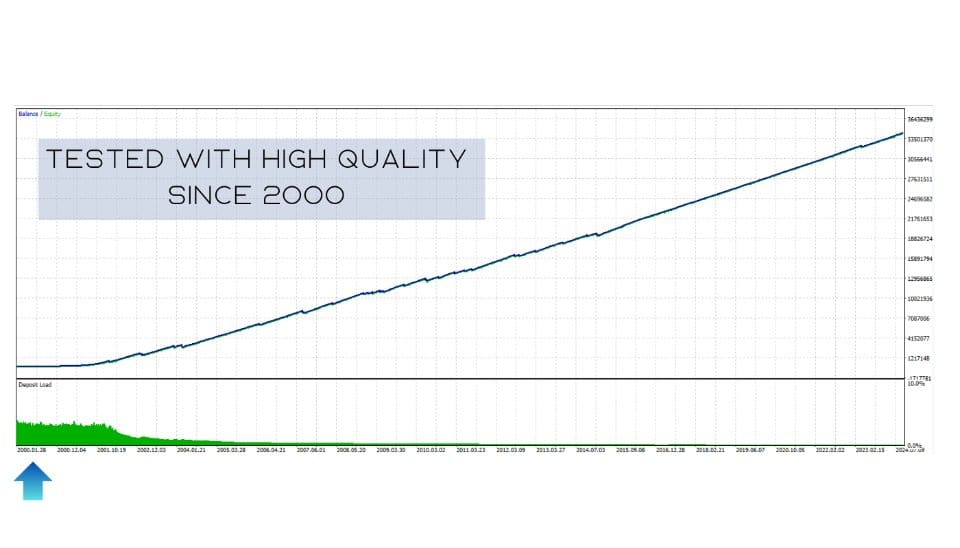
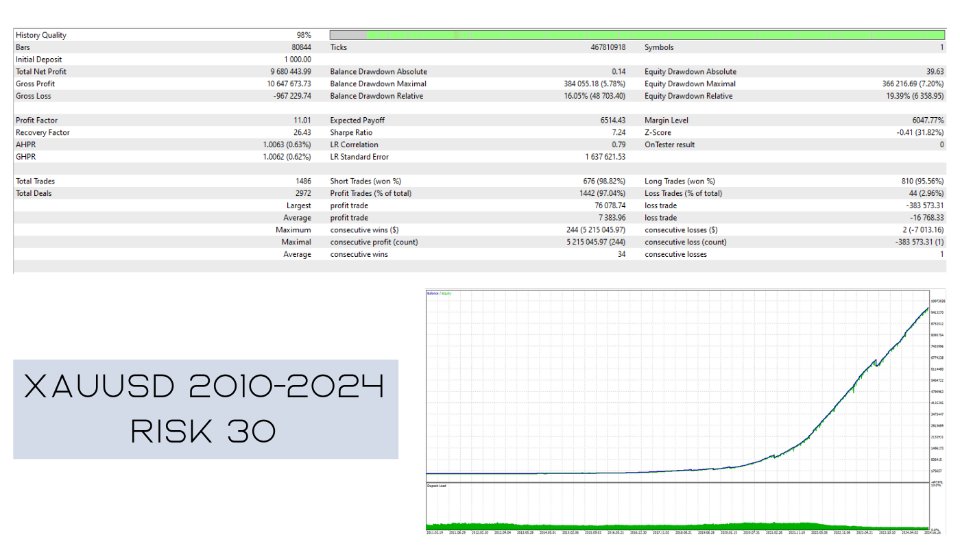
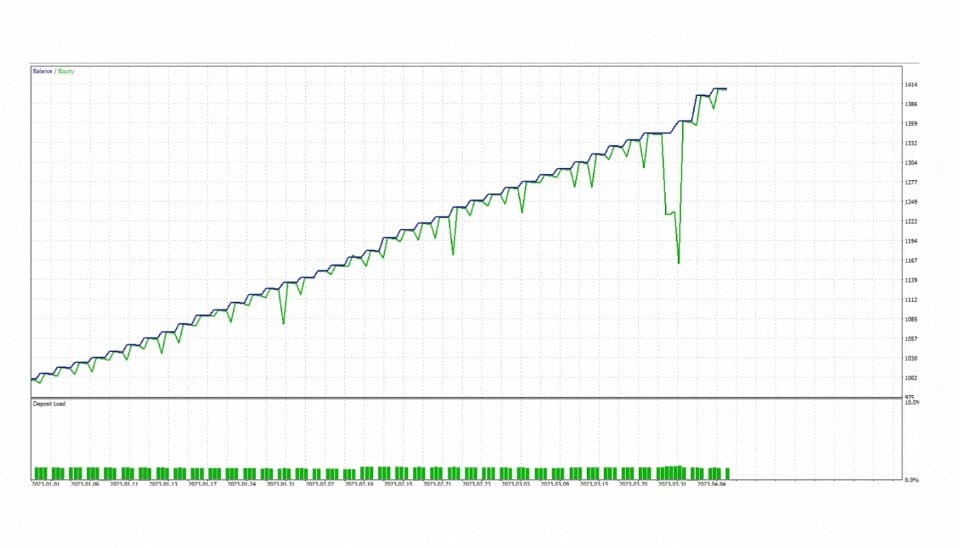
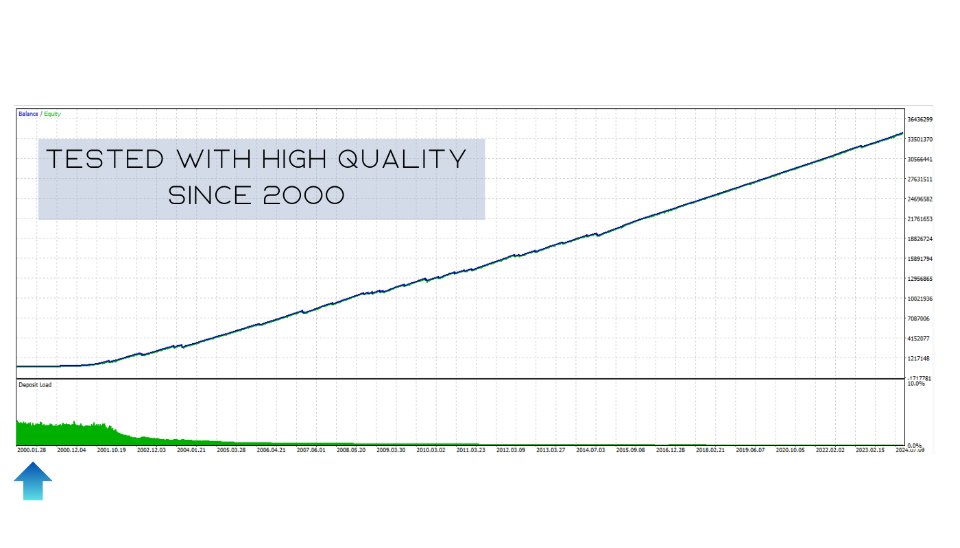
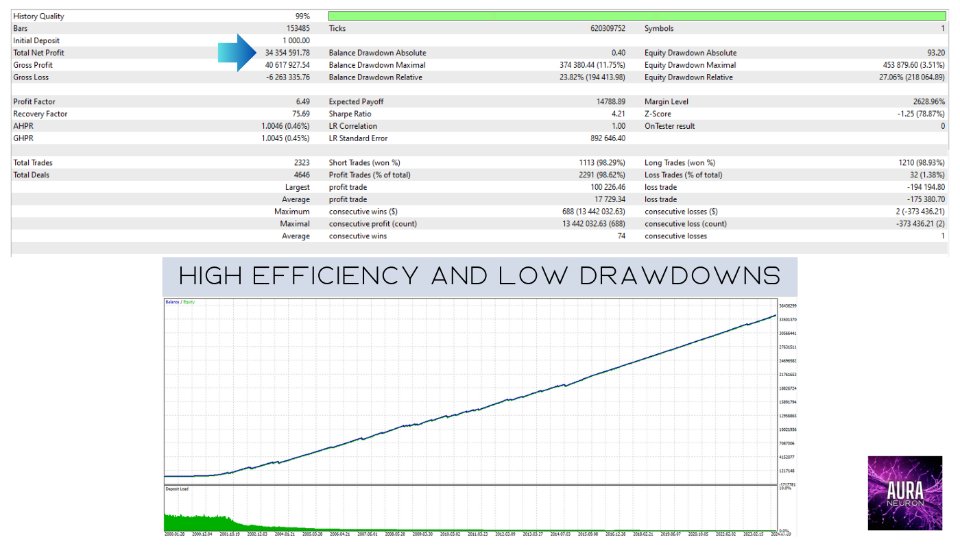
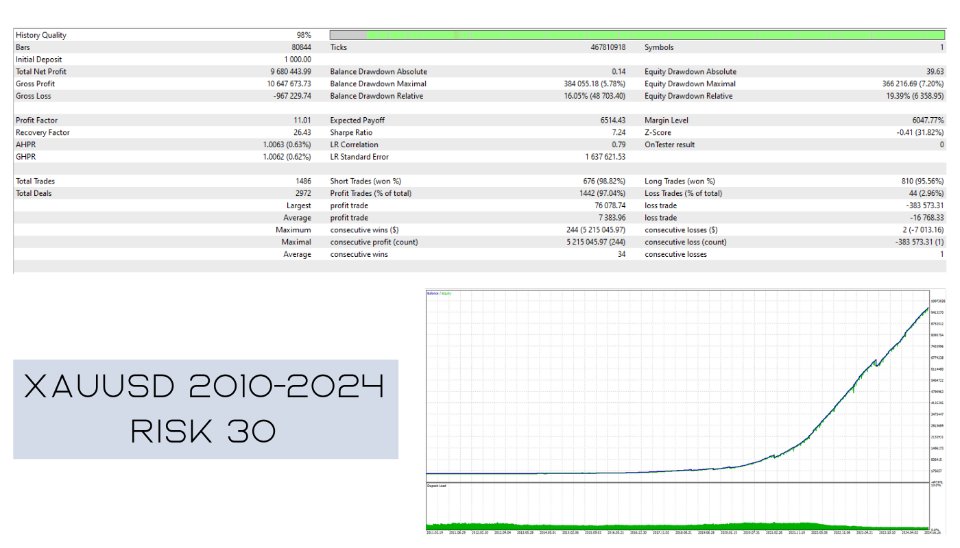
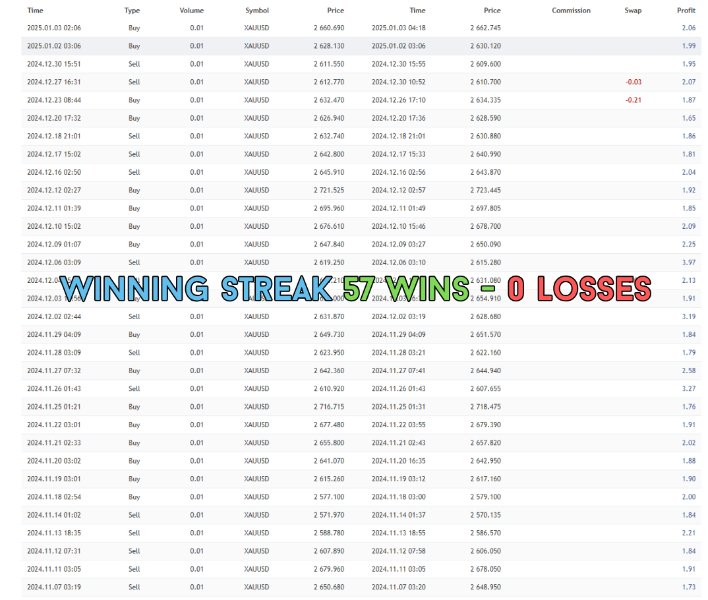
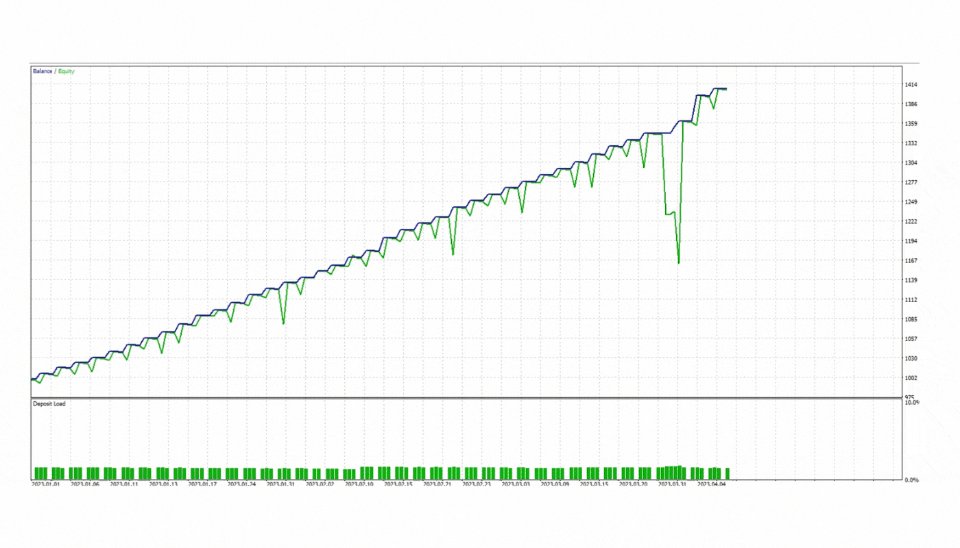
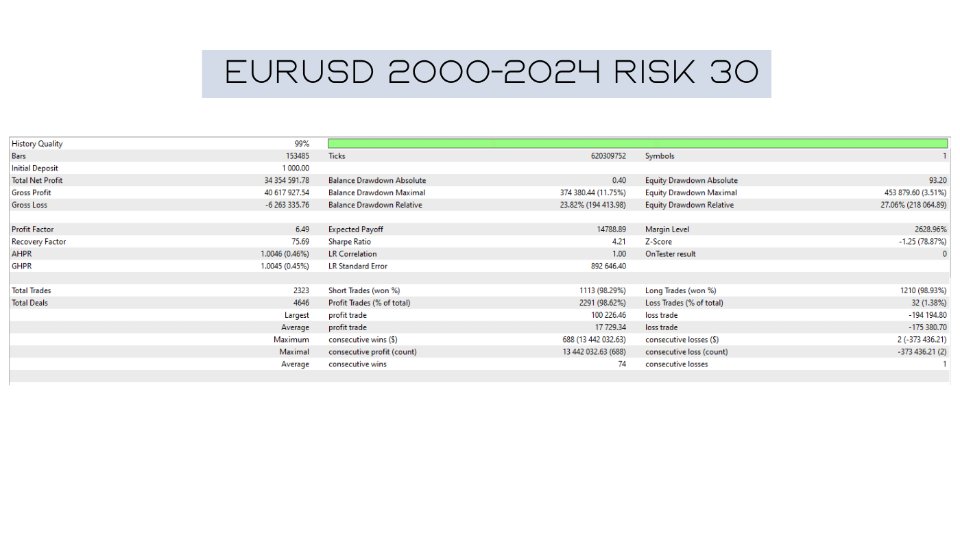
Designed for both novice and experienced traders, Aura Neuron stands out in the crowded world of EAs by leveraging cutting-edge technology to adapt to ever-changing market conditions. Its ability to trade popular currency pairs like EURUSD and XAUUSD (GOLD) with consistent stability from 1999 to 2023 is a testament to its robustness and reliability.
Key Features and Benefits of Aura Neuron EA
Aura Neuron EA comes packed with features designed to maximize trading success while minimizing risk:
- Fully Automated Trading: Once set up, Aura Neuron operates independently, freeing traders from constant market monitoring.
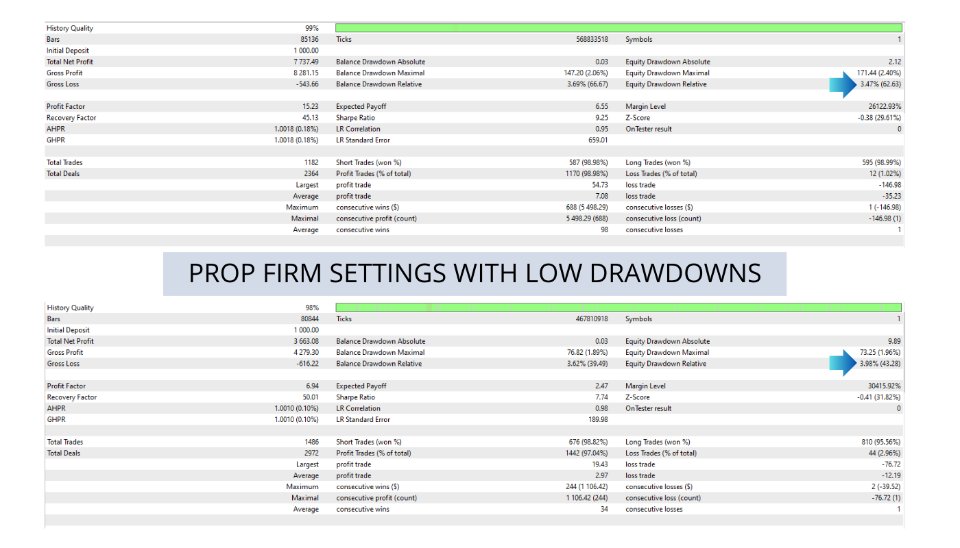
- Advanced Risk Management: The EA employs hard stop loss and take profit levels for every trade, ensuring controlled risk exposure.
- No Dangerous Strategies: Aura Neuron avoids risky techniques like martingale, grid trading, or scalping, making it suitable for various broker conditions.
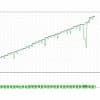
- Long-Term Stability: Demonstrated consistent performance across supported pairs from 1999 to 2023.
- Broker-Friendly: Works with any broker, though an ECN broker is recommendation for optimal performance.
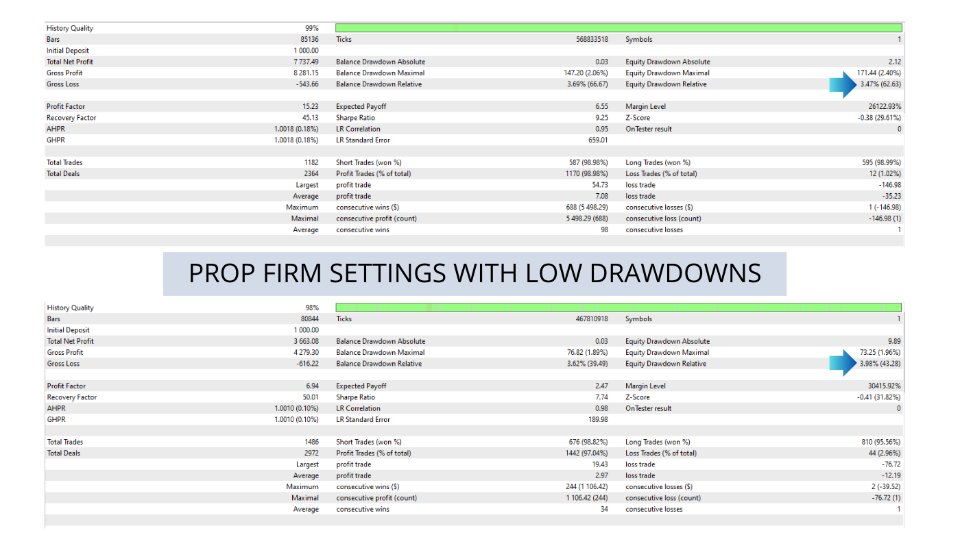
- FTMO and Prop Firm Ready: Complies with FIFO rules (hedging can be disabled in EA settings).
- Easy to Use: Simple installation and setup process, accessible even for traders new to EAs.
- Adaptive Intelligence: The neural network allows Aura Neuron to evolve and improve its strategies over time.
Supported Trading Pairs and Requirements
Optimization Aura Neuron EA for the following:
- Trading Pairs: XAUUSD (GOLD)
- Timeframe: H1 (1-hour)
- Deposit: $100
- Leverage: 1:20
While Aura Neuron can work with any broker, an ECN (Electronic Communication Network) broker is for best results. ECN brokers typically offer tighter spreads and faster execution, which can be crucial for the EA’s performance.
Installation and Setup Guide for Aura Neuron EA
Setting up Aura Neuron EA is a straightforward process:
- Purchase and download the EA from here.
- Close all MetaTrader 4 terminals on your computer.
- Open the MT4 Data Folder (File > Open Data Folder in MT4).
- Copy the Aura Neuron .ex4 file into the “Experts” folder.
- Restart MetaTrader 4.
- In the Navigator window, you should now see Aura Neuron under Expert Advisors.
- Drag and drop Aura Neuron onto the chart of XAUUSD.
- Adjust settings if necessary and enable automated trading.
For optimal performance, ensure your MT4 platform is running 24/5 on a stable internet connection. Virtual Private Servers (VPS) are recommended for uninterrupted operation.
Conclusion: Is Aura Neuron Right for You?
Aura Neuron EA represents a significant advancement in automated Forex trading. Its combination of neural network technology, robust risk management, and proven stability make it an attractive option for traders looking to leverage cutting-edge AI in their trading strategies.
However, as with any trading system, it’s essential to understand that past performance doesn’t guarantee future results. Traders should carefully consider their risk tolerance and trading goals before implementing any automated system.
If you’re intrigued by the potential of neural network-driven trading and are looking for a stable, long-term solution for your Forex trading, Aura Neuron could be the EA you’ve been waiting for. With its current promotional pricing, now might be the ideal time to add this powerful tool to your trading arsenal.
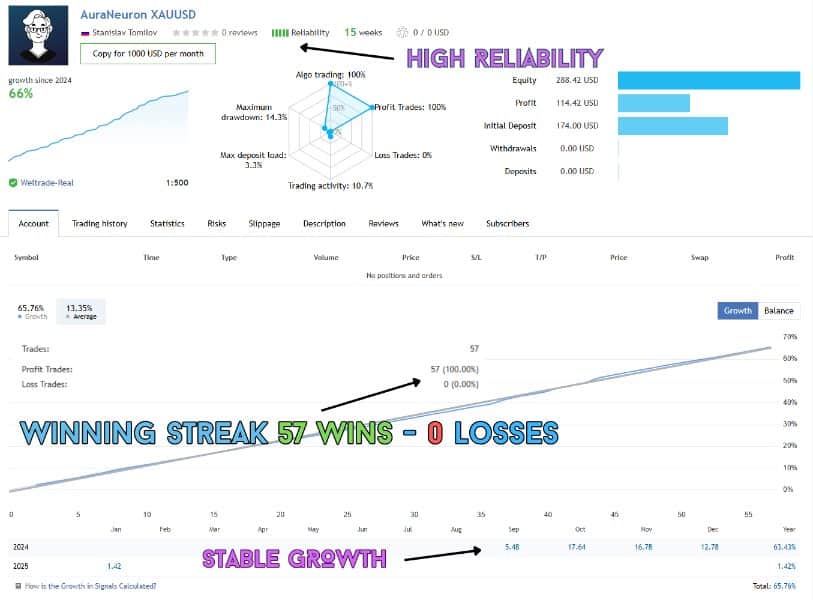
Check out the live results here:
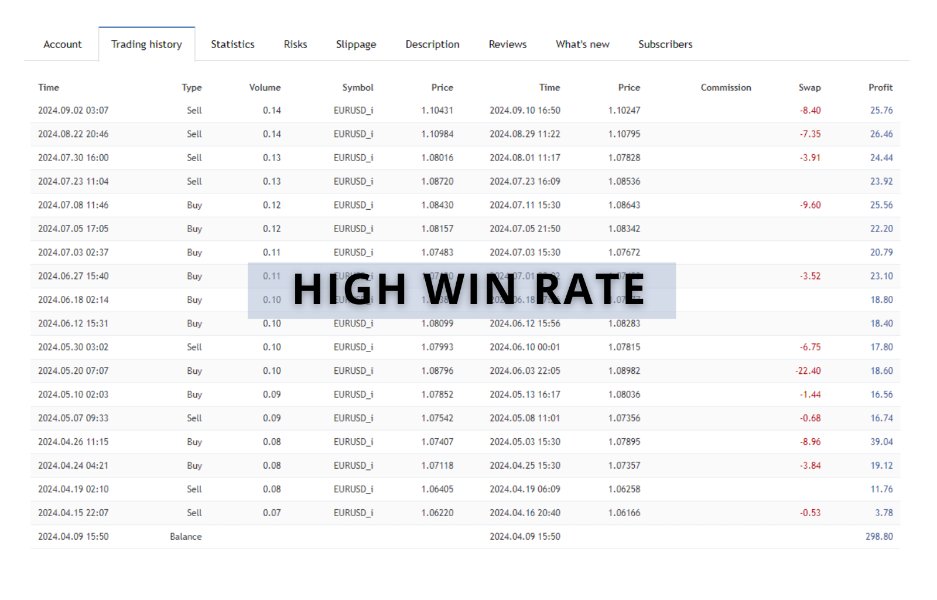
ICMarkets Low Risk https://www.mql5.com/en/signals/2259480 (All by default, Risk 4%)
More signals in Profile >>>>>> Check my profile
Vendor Site – Click Here

| Membership | Yearly Membership |
|---|---|
| Additional Services | Unlock & Decompile |
| Recommended Brokers | Exness Broker, FPMarkets |
| Recommended VPS | FXVM (Low Latency) |
| Youtube Channel | ForexForYou |
| Telegram Channel | Onshoppie Forex EA's & Indicators |
| Telegram Support | Onshoppie Support |
| Installation Guides | Onshoppie Forex Guides |
Brand
ea-mt4
Only logged in customers who have purchased this product may leave a review.
Related products


Products
-
 Real Scalp EA MT5 V3.0 For Build 5660+
Original price was: $500.00.$19.95Current price is: $19.95.
Real Scalp EA MT5 V3.0 For Build 5660+
Original price was: $500.00.$19.95Current price is: $19.95.
-
 MASHALLAH PRO EA MT4 V2 For Build 1455+
$19.95
MASHALLAH PRO EA MT4 V2 For Build 1455+
$19.95
-
 Veloz Scalping Bot MT5 + SetFiles For Build 5660+
$14.95
Veloz Scalping Bot MT5 + SetFiles For Build 5660+
$14.95
-
 Titany X AXI Pro EA MT4 v4.1 + SetFiles For Build 1455+
$14.95
Titany X AXI Pro EA MT4 v4.1 + SetFiles For Build 1455+
$14.95
-
 XAURON EA MT5 v3.3 + Setfiles For Build 5640+
$14.95
XAURON EA MT5 v3.3 + Setfiles For Build 5640+
$14.95
-
Gold M1 Dynamic Follow Trend Expert MT4 For Build 1455+
Original price was: $8,789.00.$14.95Current price is: $14.95.
-
EA Gold Algo MT4 v4.0 For Build 1455+
Original price was: $299.00.$14.95Current price is: $14.95.
-
Expert Prop Firms EA MT4 + SetFiles For Build 1455+
$14.99


Recent reviews
-
 Advanced Dashboard Currency Strength
by Balram
Advanced Dashboard Currency Strength
by Balram

Reviews
There are no reviews yet.