
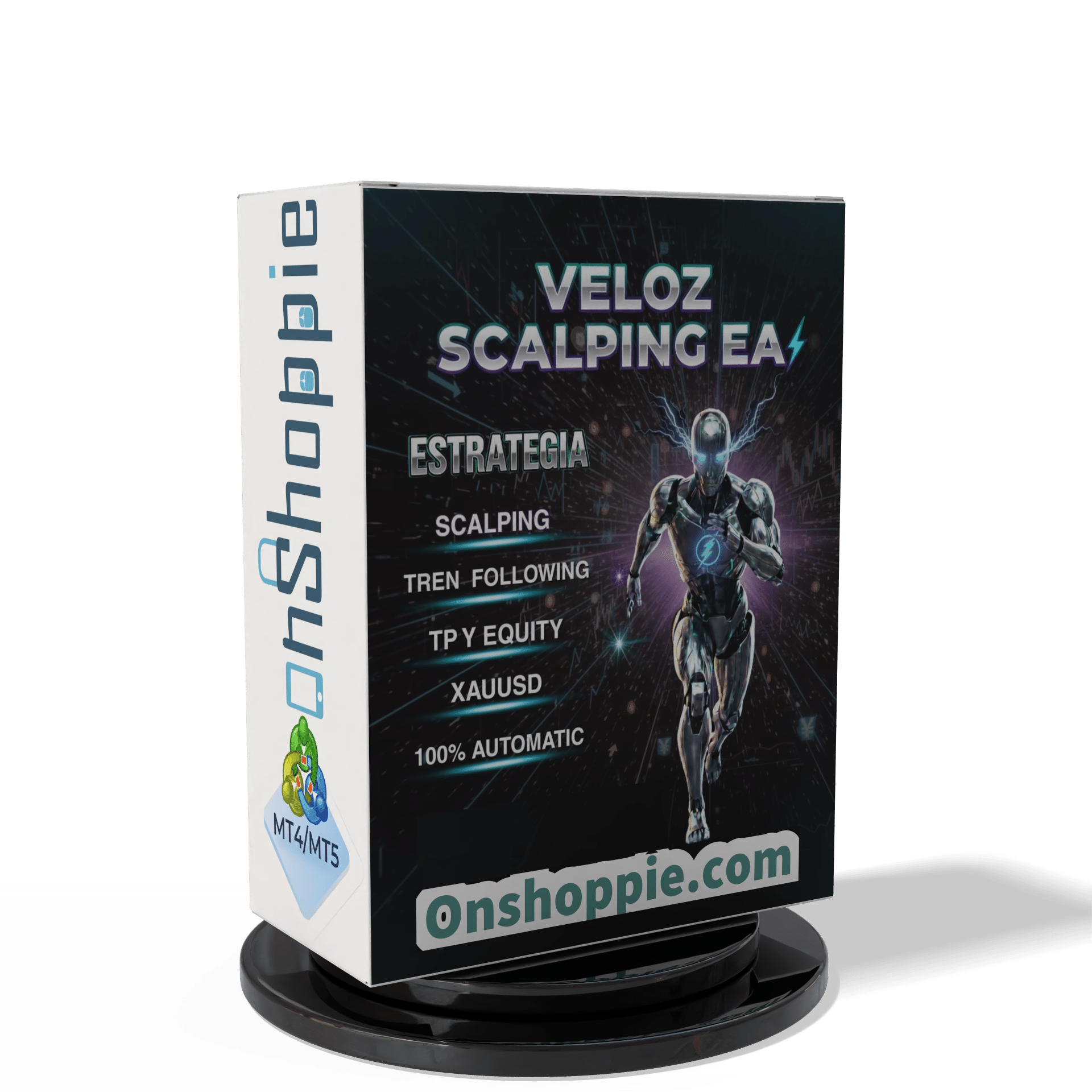

Veloz Scalping Bot MT5 V3.0 + SetFiles For Build 5836+
Veloz Scalping Bot MT5 V3.0 + SetFiles For Build 5836+


$14.95
Expert Veloz Scalping Bot is an advanced Forex robot that applies cutting-edge machine learning to optimize trading strategies on the MetaTrader platform.
This item: Veloz Scalping Bot MT5 V3.0 + SetFiles For Build 5836+
$14.95
$14.95

Original price was: $14.95.$11.96Current price is: $11.96.

Original price was: $14.95.$11.96Current price is: $11.96.

Original price was: $9.95.$7.96Current price is: $7.96.
VELOZ SCALPING BOT: A Complete Guide for MT5 Gold Traders
VELOZ SCALPING BOT – Your Roadmap to Faster XAUUSD Trades
Table of Contents
- Introduction
- What Is VELOZ SCALPING BOT MT5?
- Installing the EA on MetaTrader 5
- Recommended Broker & Account Settings
- Optimization Tips and Best Practices
- Frequently Asked Questions
- Final Thoughts
Introduction
Gold moves fast. Holding a position for even a few extra minutes can eat up hard-won profits. VELOZ SCALPING BOT MT5 is designed to handle that speed for you. By combining a scalping approach with trend-following logic, this automated Expert Advisor (EA) aims to capture small but frequent gains on XAUUSD while keeping risk under control.
In this guide, we’ll look at how the bot works, what settings matter, and what you should know before letting it trade on your MetaTrader 5 platform.
What Is VELOZ SCALPING BOT MT5?
| Quick Facts | Details |
|---|---|
| Platform | MetaTrader 5 |
| Instrument | XAUUSD (Gold) |
| Timeframe | M5 |
| Core Style | Scalping + Trend-following |
| Risk Control | Equity-based position sizing |
The VELOZ SCALPING BOT is a fully automated script (EA) that reads price data on the 5-minute chart, works out whether the immediate move is in line with the short-term trend, and places quick in-out orders. It does not use grid or martingale tactics; instead, it sizes positions based on a fixed percent of account equity.
Because every calculation happens in microseconds, the bot can react long before most manual traders even click “Buy.”
Installing the EA on MetaTrader 5
- Download the
.ex5file from the official source. - Open MT5 → File → Open Data Folder →
MQL5→Experts. - Paste the EA file and restart MT5.
- Drag
VELOZ SCALPING BOTonto the XAUUSD M5 chart. - In Common settings, tick “Allow algorithmic trading.”
- Click “OK.” The smiling face icon should appear in the upper right of your chart.
Recommended Broker & Account Settings
- Account Type: ECN/RAW spread.
- Server Time: New York close (for accurate daily candle data).
- Execution Speed: < 100 ms (check with Ping Test).
- Minimum Deposit: 500 USD for 1% risk, 1,000 USD for 2–3% risk.
Tip: Some brokers widen their gold spread at rollover (23:55–00:05 server time). Add those minutes to the EA’s “No-Trade Time” filter to avoid slippage.
Optimization Tips and Best Practices with Veloz Scalping Bot
- Focus on Spread & SlippageBack-test results mean little if your live spread is double. Choose ECN brokers with ≤ 1 pip typical spread on XAUUSD.
- Use TIC Data for OptimizationMT5’s built-in “Every tick based on real ticks” mode weighs each trade with more accuracy than bar modeling.
- Parameter Walk-ForwardOptimize on 2-year chunks, validate on the next 6 months. Repeat to avoid curve-fitting.
- VPS ProximityHost your platform in a data center close to the broker to minimize execution lag. MetaQuotes VPS is simple to set up.
- Diversify Risk %If 2% per trade feels high, dial down to 1% until the EA proves itself on your live account.
Frequently Asked Questions Regarding Veloz Scalping Bot
Q1: Can I run the EA on other pairs like EURUSD?A: The code is tuned for gold’s volatility and spread. While technically possible, performance is not guaranteed.
Q2: Does the bot use hedging?A: No. Trades are opened in one direction at a time—either buy or sell on XAUUSD.
Q4: Is a VPS mandatory?A: Not mandatory, but highly recommended for speed and continuous uptime.
Q5: Can I change TP/SL values?A: Yes, but test changes on demo first. Aggressive settings might raise drawdown.
Final Thoughts For Veloz Scalping Bot
VELOZ SCALPING BOT offers a balanced mix of speed, precision, and safety for traders who focus on the gold market. By relying on scalping entries, trend confirmation, and equity-based risk management, the EA aims to take the edge of human emotion out of fast-moving XAUUSD trades.
Disclaimer: Trading carries risk. Past performance does not guarantee future results. This article is for educational purposes only and not financial advice.
Investor ID password Account
Login : 198151076
Password : Veloz.123
Server : Exness-MT5Trial11
| Membership | Yearly Membership |
|---|---|
| Additional Services | Unlock & Decompile |
| Recommended Brokers | Exness Broker, FPMarkets |
| Recommended VPS | FXVM (Low Latency) |
| Youtube Channel | ForexForYou |
| Telegram Channel | Onshoppie Forex EA's & Indicators |
| Telegram Support | Onshoppie Support |
| Installation Guides | Onshoppie Forex Guides |
Brand
ea-mt5
Only logged in customers who have purchased this product may leave a review.






Reviews
There are no reviews yet.