




TPSPRO RFI Levels Indicator MT4 V5.3 FOR BUILD 1476+
Original price was: $75.00.$14.95Current price is: $14.95.
Experience the power of TPSPRO RFI Levels Indicator. Boost productivity with cutting-edge technology. Don’t miss this opportunity.



Description
TPSpro RFI Levels Indicator – The Complete, Plain-English Guide
TPSpro RFI Levels Indicator Review: Spot Buyer & Seller Zones Without Guesswork
Table of Contents
- What Is the TPSpro RFI Levels Indicator?
- How the Indicator Works in Real Charts
- Scanning, Alerts & Notifications
- Setting Up the TPSpro RFI Levels Indicator
- Frequently Asked Questions
- Final Thoughts & Next Steps
What Is the TPSpro RFI Levels Indicator?
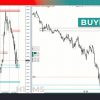
The TPSpro RFI Levels Indicator is a plug-in for MetaTrader 4 and MetaTrader 5 that plots ready-made support and resistance levels—called RFI levels—on any chart.In plain words, the tool shows you:
- Where larger buyers and sellers are likely to step in.
- When those areas “switch on” in real time (the level changes color and fills).
- Clear arrows and circles that tell you, “look here for an entry.”
Because it runs on both lower and higher timeframes (from M1 to MN), traders can use it for scalp, swing, or position strategies without changing indicators.
How the Indicator Works in Real Charts
Below are the three pillars that make the TPSpro RFI Levels Indicator popular among both new and experienced traders.
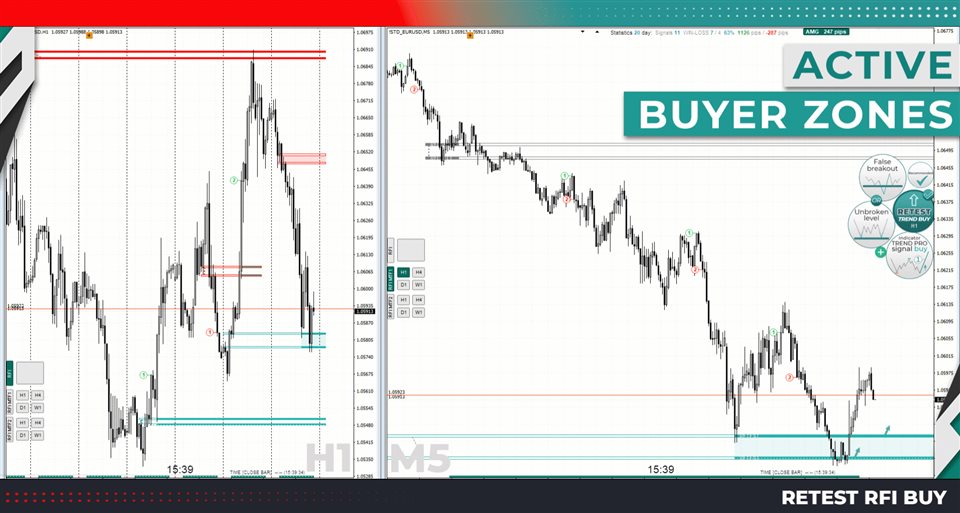
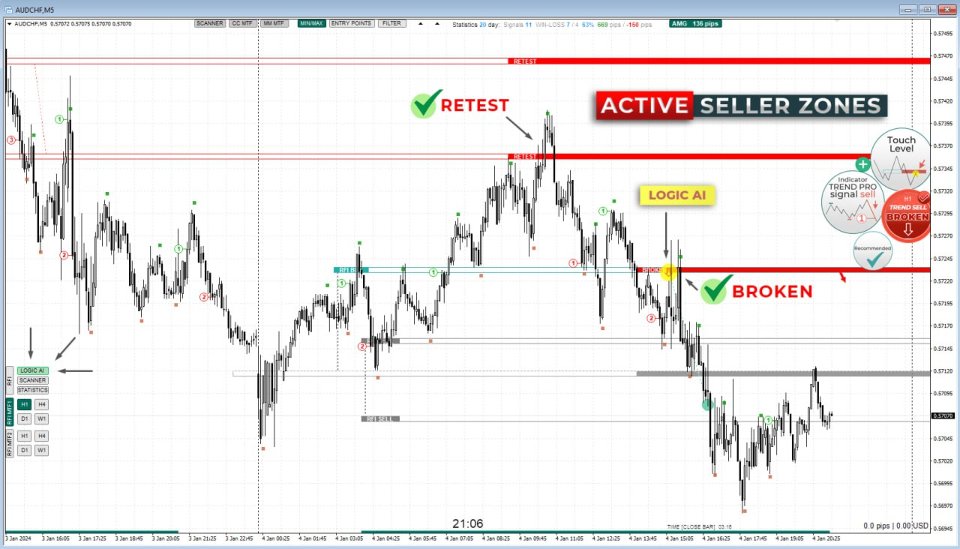
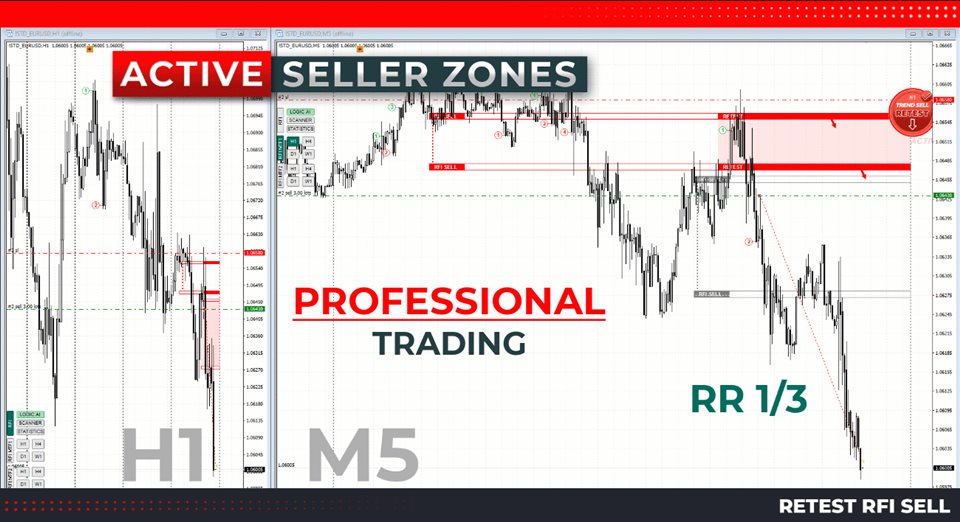
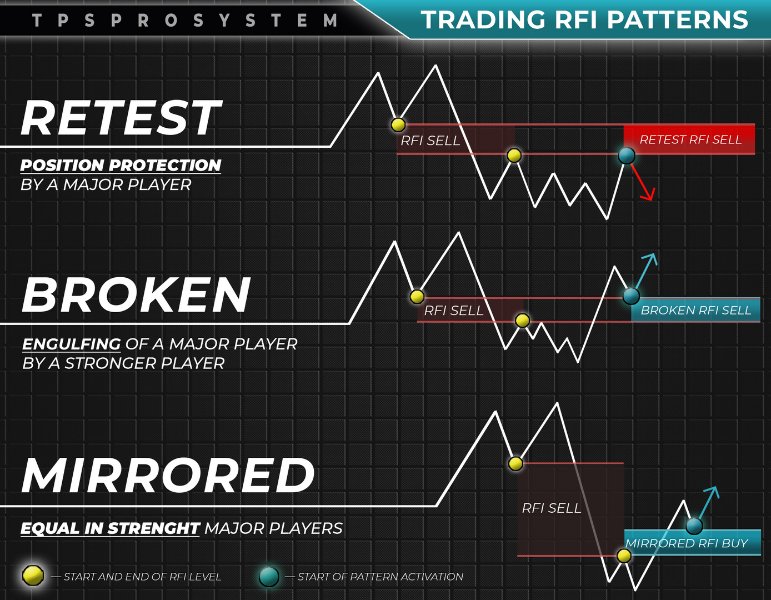
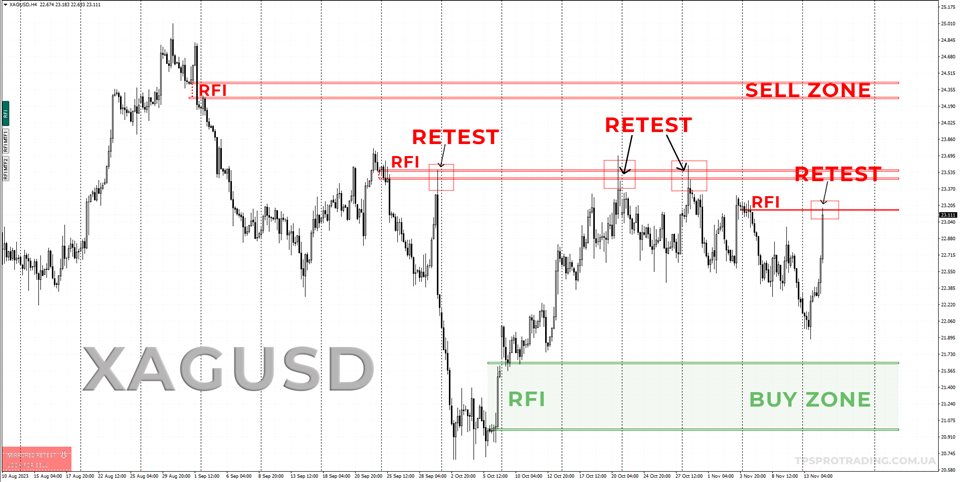
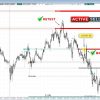
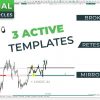
Active Zones of Sellers and Buyers
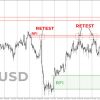
- The indicator displays the first impulse zones—the spots where price first reacted with power.
- When the market revisits one of these levels, the indicator turns the zone green (for potential buys) or red (for potential sells).
- An arrow appears in the same color so you can see the signal even if you zoom out.
Why this matters: you no longer scroll through history to hand-draw zones. The software keeps them updated for you.
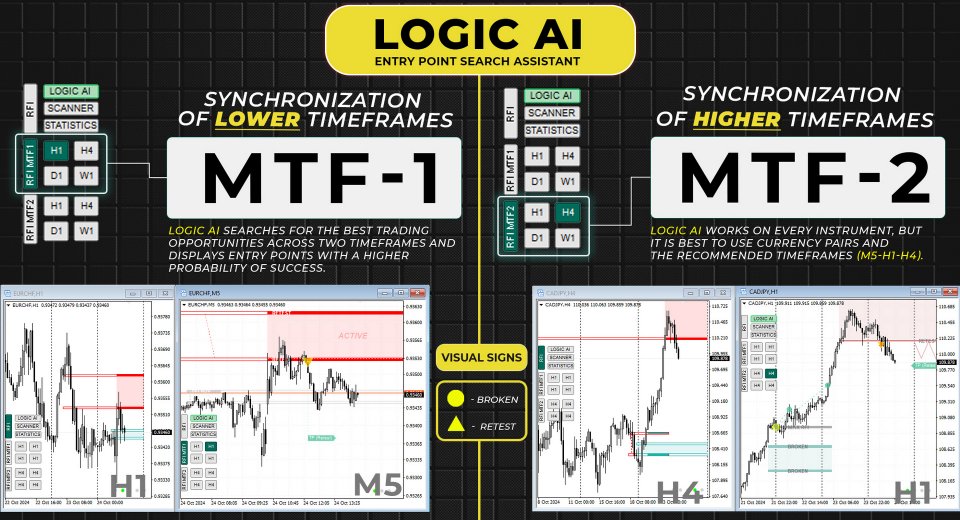
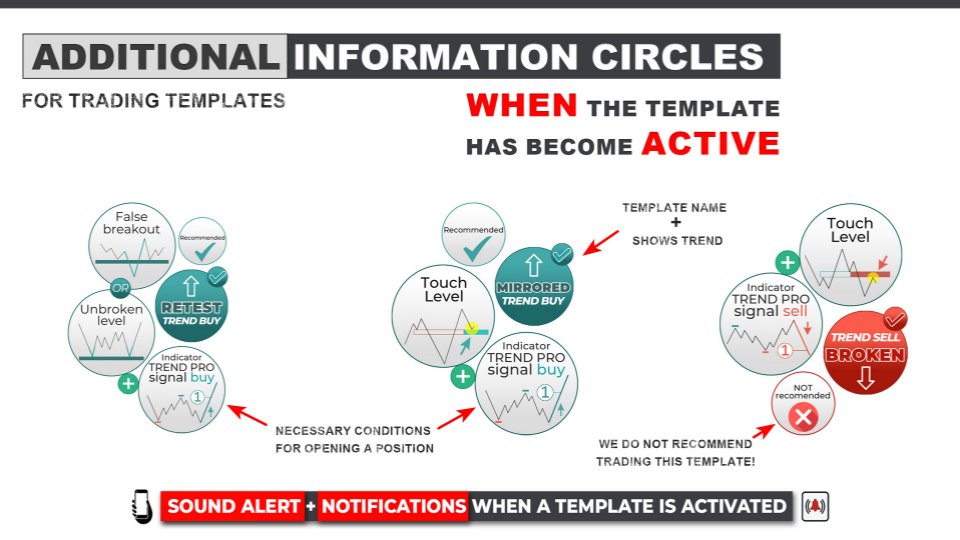
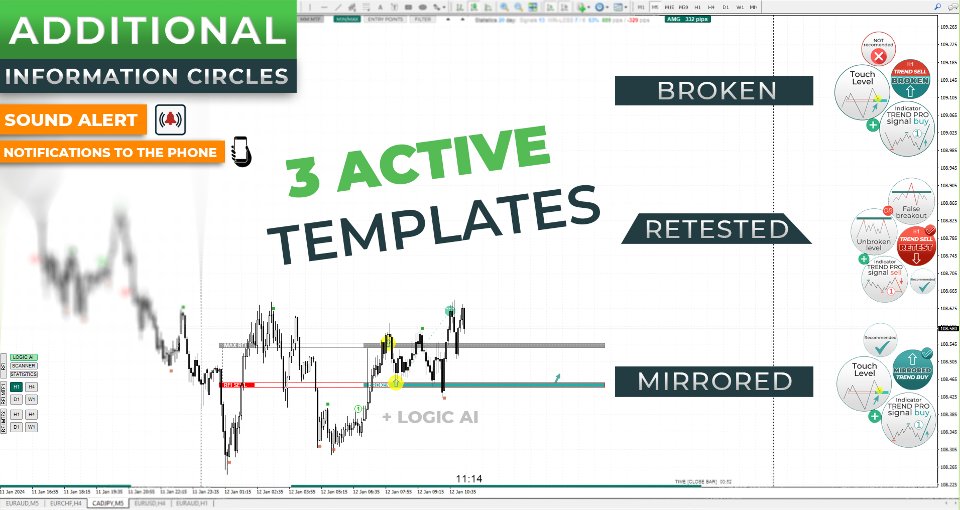
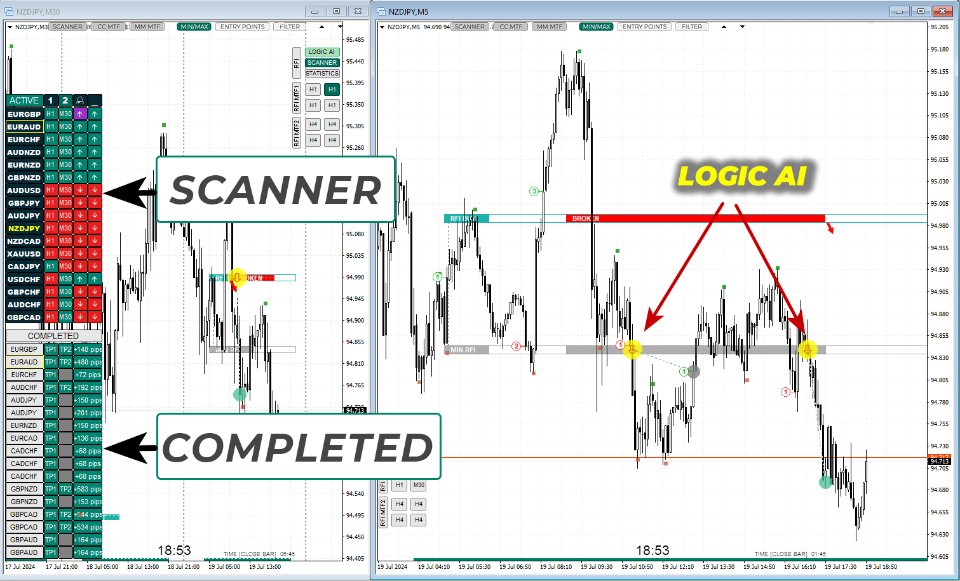
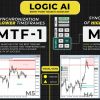
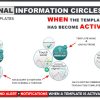
LOGIC AI Circles for Entry-Point Search
To reduce screen clutter, the developers added LOGIC AI circles—small shaded areas that only pop up when a valid template is active.Inside these circles:
- You look for your candle pattern or oscillator confirmation.
- If price leaves the circle in the wrong direction, you stand aside; no second-guessing.
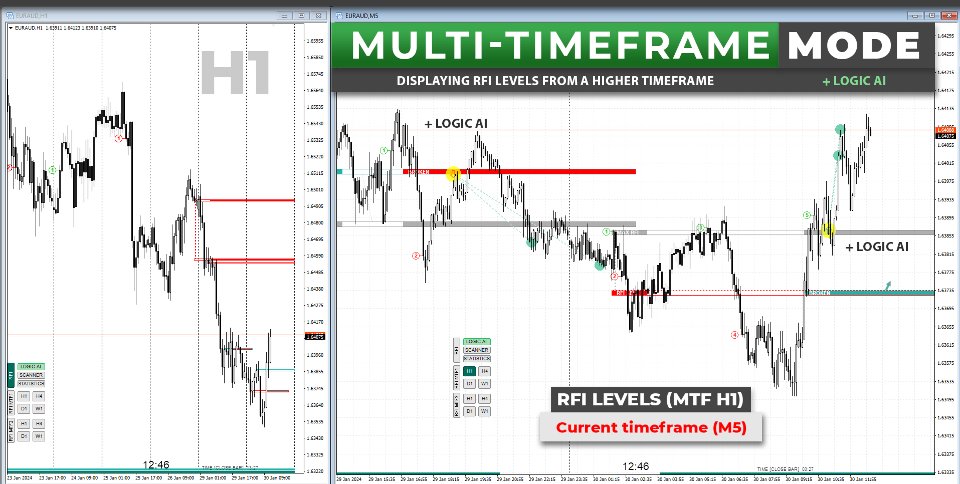
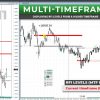
Multi-Timeframe (MTF) Mode
Select MTF-1 or MTF-2 from the panel:
- MTF-1 plots higher-timeframe levels faded into the background.
- MTF-2 adds short lines at the start of each level (press L to toggle).
Having higher-timeframe RFI levels in sight means you will not trade against a weekly wall when you are scalping on M5.
Scanning, Alerts & Notifications
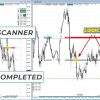
The built-in active template scanner is small but effective:
- Runs across every timeframe of the current symbol in the background.
- Pops up a panel message and arrow when any template triggers.
- Sends push notifications to the MetaTrader mobile app.
- Plays a custom sound so you catch the alert even when tabs are hidden.
No extra scripts are required; the scanner loads automatically with the indicator.
Setting Up the TPSpro RFI Levels Indicator
Follow these quick steps:
- Download the
.ex4file from onshoppie.com. - In MetaTrader, go to File → Open Data Folder → MQL4 → Indicators.
- Paste the file and restart the platform.
- Drag TPSpro RFI Levels Indicator from the Navigator onto your chart.
- Tick Allow DLL imports if you want phone notifications.
- Press Z once to show or hide the floating panel.
That is it. The default settings work out of the box. If you want to change colors, all options sit under the Colors tab.
Frequently Asked Questions regarding TPSPro RFI Levels
Q: Does the TPSpro RFI Levels Indicator repaint?A: No. Once a level is fixed and activated it stays in place; only the fill color and arrow appear or disappear in real time.
Q: Can I add it to existing expert advisors?A: Yes, as long as the EA can read indicator buffers or panel outputs.
Q: What markets does it cover?A: Any instrument offered in MetaTrader: forex pairs, indices, metals, crypto CFDs and even some stocks.
Q: Is it beginner friendly?A: A video guide inside the download explains each button. Most users report getting comfortable after a weekend of practice on demo.
Final Thoughts & Next Steps About TPSPro RFI Levels
The TPSpro RFI Levels Indicator takes guesswork out of drawing support and resistance. Clear color changes, LOGIC AI circles, and phone alerts mean you can focus on decision-making rather than chores.
Happy trading, and may your next RFI level hold firm!
Instructions – Click Here
Vendor Site – Click Here
| Membership | Yearly Membership |
|---|---|
| Additional Services | Unlock & Decompile |
| Recommended Brokers | Exness Broker, FPMarkets |
| Recommended VPS | FXVM (Low Latency) |
| Youtube Channel | ForexForYou |
| Telegram Channel | Onshoppie Forex EA's & Indicators |
| Telegram Support | Onshoppie Support |
| Installation Guides | Onshoppie Forex Guides |
Brand
Indicator-mt4
Only logged in customers who have purchased this product may leave a review.
Related products



Products
-
 H4 Gold Scalper EA MT5 V1.5 With DLL Build 6122
Original price was: $150.00.$14.95Current price is: $14.95.
H4 Gold Scalper EA MT5 V1.5 With DLL Build 6122
Original price was: $150.00.$14.95Current price is: $14.95.
-
 Mavrik Scalper EA MT5 V18.306 For Build 6140+
$14.95
Mavrik Scalper EA MT5 V18.306 For Build 6140+
$14.95
-
 Dude Alpha Gold EA MT5 V1.4.2 + Set Files For Build 6140+
Original price was: $499.00.$14.95Current price is: $14.95.
Dude Alpha Gold EA MT5 V1.4.2 + Set Files For Build 6140+
Original price was: $499.00.$14.95Current price is: $14.95.
-
 Ultra Beast EA MT5 + Setfiles For Build 6140+
$14.95
Ultra Beast EA MT5 + Setfiles For Build 6140+
$14.95
-
 Algo Edge SMC AI EA MT5 V3 For Build 6140+
$14.95
Algo Edge SMC AI EA MT5 V3 For Build 6140+
$14.95
-
 Aura Absolute EA MT4 V1.1 For Build 1476+
$14.95
Aura Absolute EA MT4 V1.1 For Build 1476+
$14.95
-
 Gold Neural Core EA MT5 V1.5 For Build 6140+
Original price was: $500.00.$14.95Current price is: $14.95.
Gold Neural Core EA MT5 V1.5 For Build 6140+
Original price was: $500.00.$14.95Current price is: $14.95.
-
 Global Trade Plan EA MT5 V3.1 + SetFiles With DLL 6140
Original price was: $399.00.$14.95Current price is: $14.95.
Global Trade Plan EA MT5 V3.1 + SetFiles With DLL 6140
Original price was: $399.00.$14.95Current price is: $14.95.
Recent reviews
-
 Advanced Dashboard Currency Strength
by Balram
Advanced Dashboard Currency Strength
by Balram
Reviews
There are no reviews yet.