

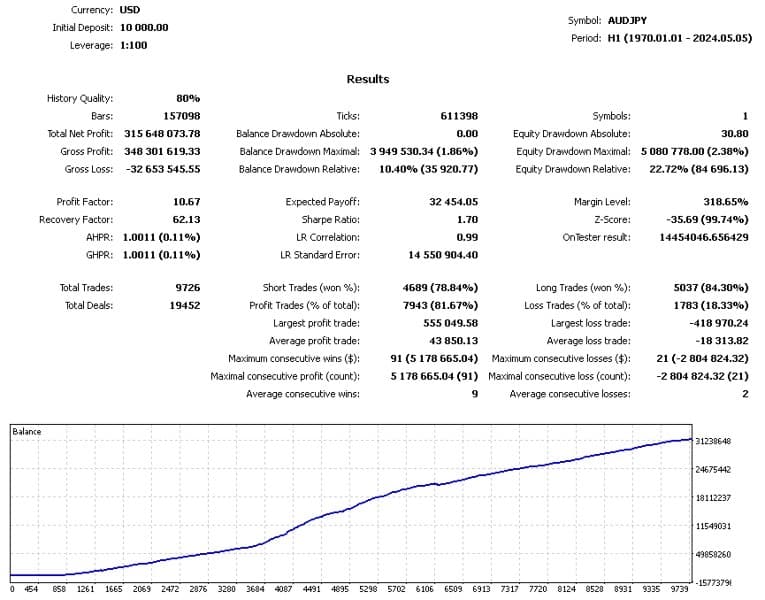
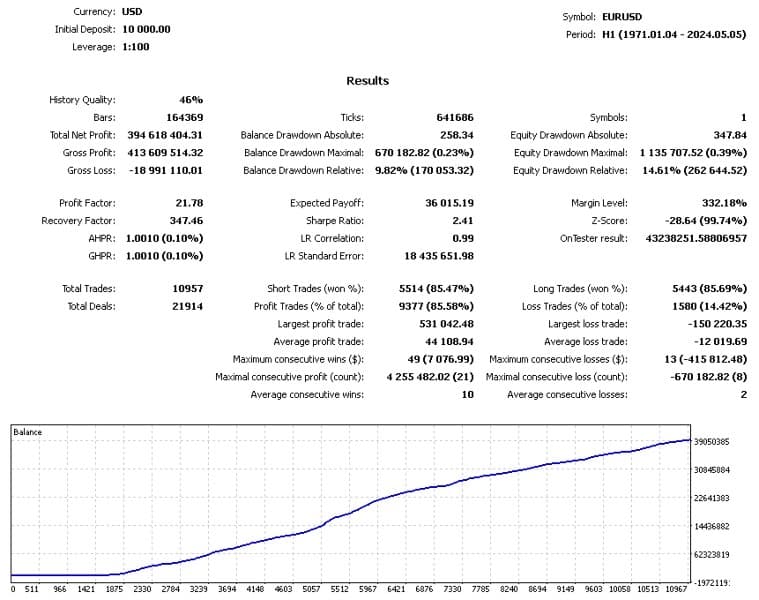
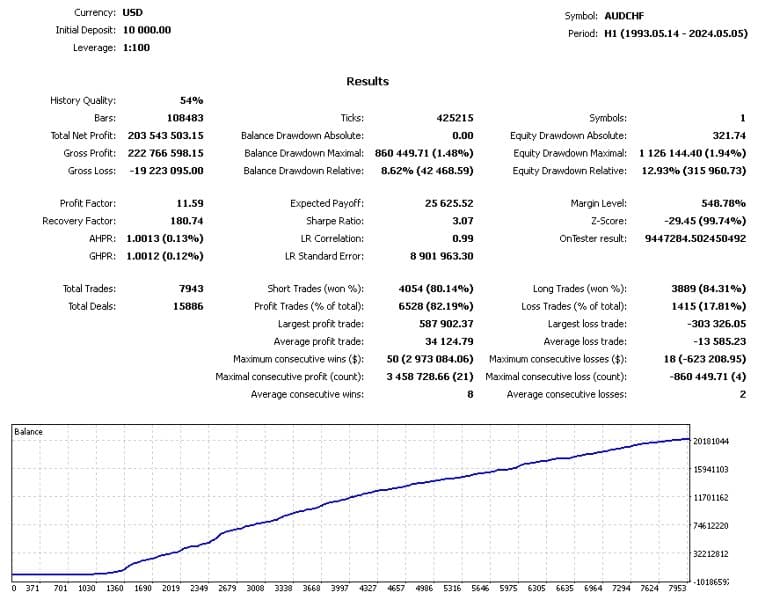
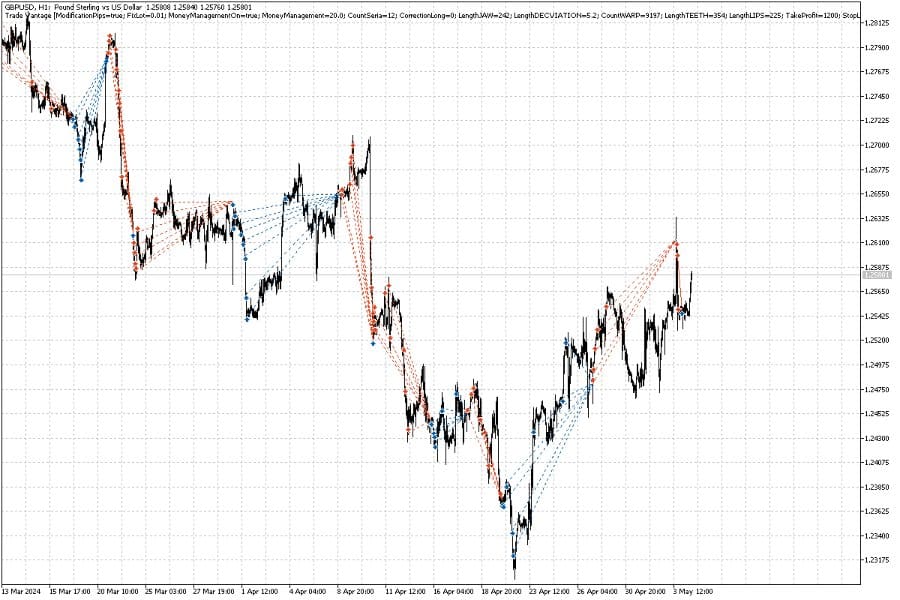
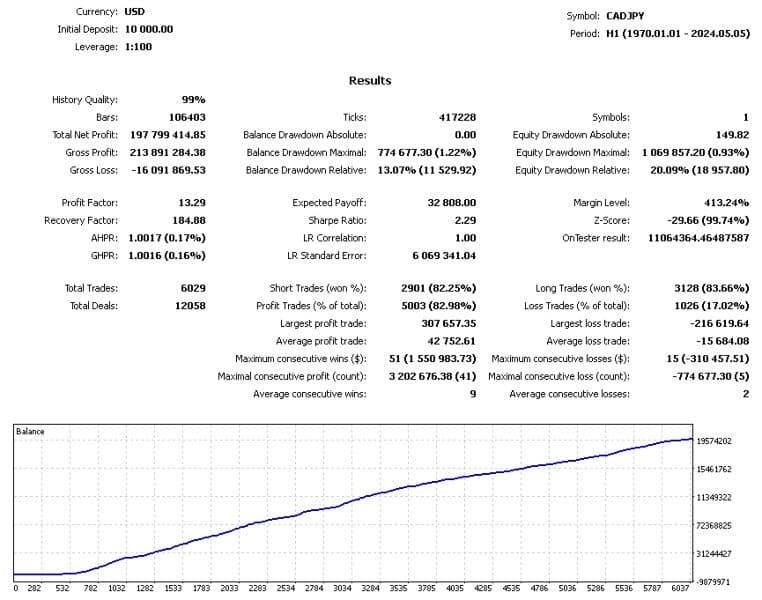
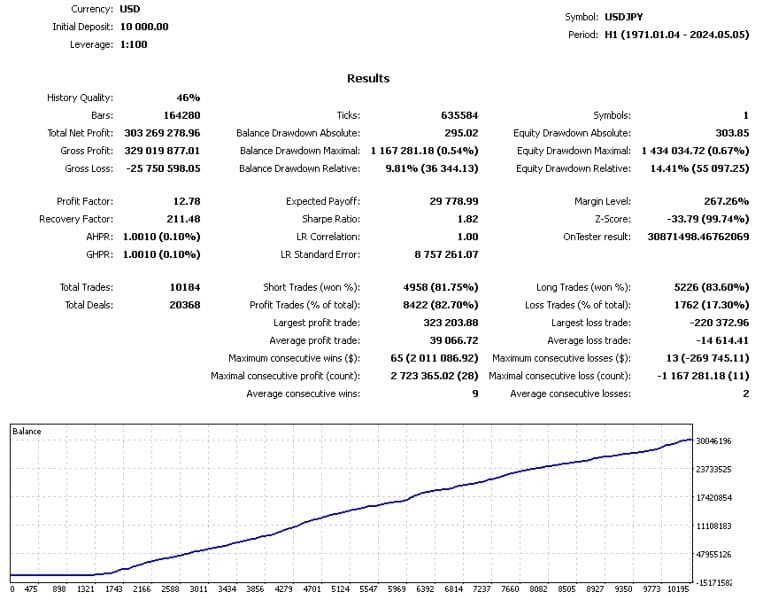
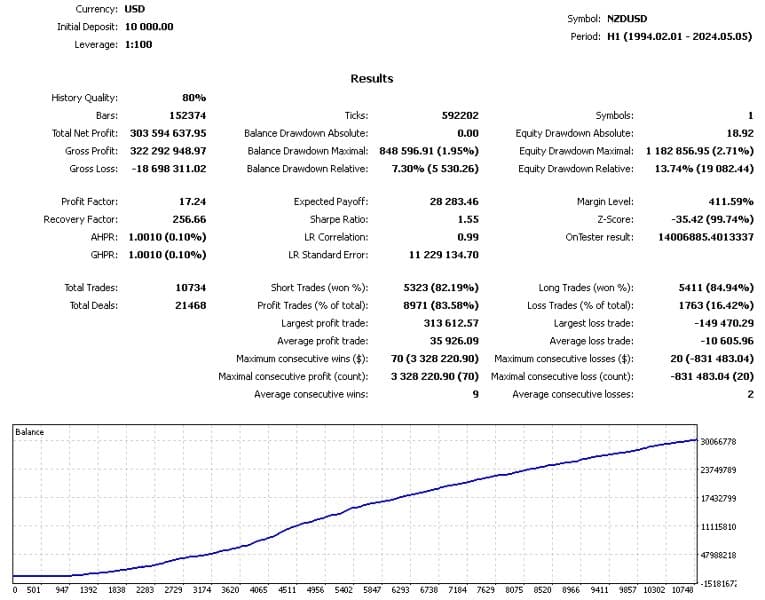
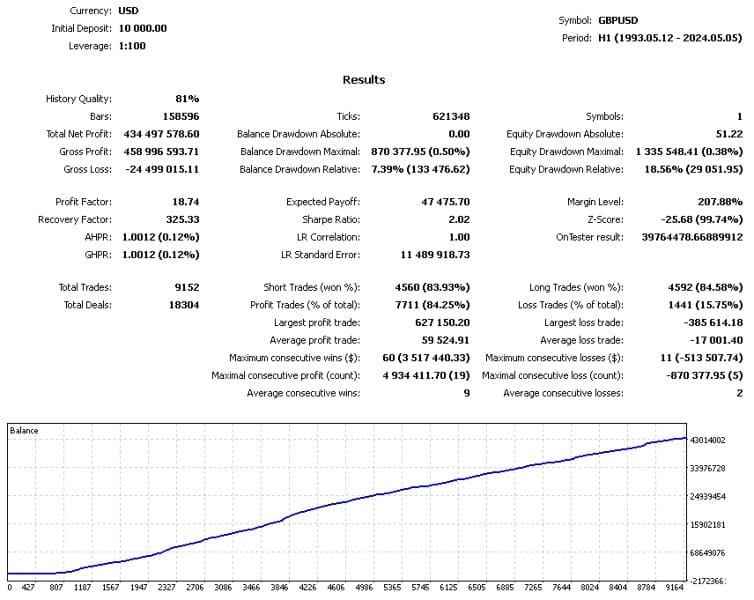
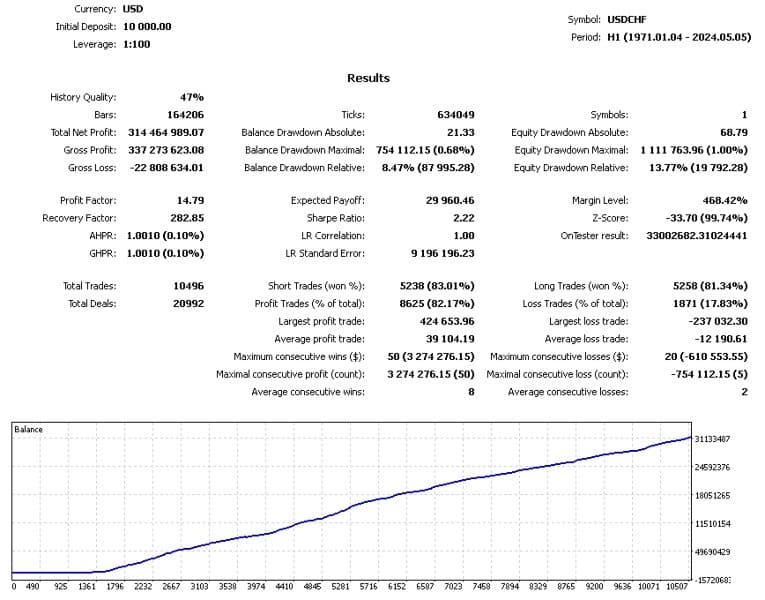
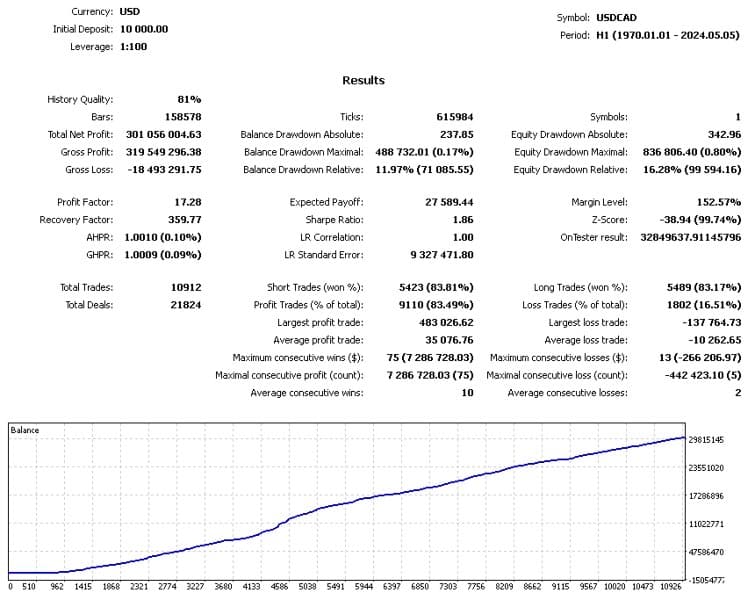

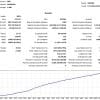
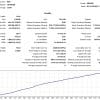
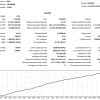
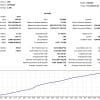
Trade Vantage V4 MT4 v5.0 For Build 1444+
Original price was: $1,399.00.$19.95Current price is: $19.95.
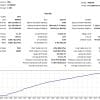
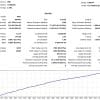
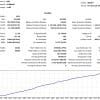
Discover the ultimate Trade Vantage V4 EA for thrilling forex results. Professional automated trading with proven performance and reliable profits.



Description
Trade Vantage V4 EA: The Complete Guide For Safe, Rule-Based Forex & Crypto Trading
Trade Vantage V4 EA Review: How This Algorithm Reads Price Action And Manages Risk For You
Table of Contents
- Introduction
- Detailed Look At The Main Settings
- Step-By-Step Installation Guide
- Frequently Asked Questions
- Final Thoughts
Introduction
“Can a robot really spot a weakening trend before your eyes do?”That is the main question behind Trade Vantage V4 EA, an expert advisor (EA) for MetaTrader that studies price momentum on the H1 chart and places trades on both Forex pairs and cryptocurrencies. In this in-depth post we break down how the tool works, why its built-in risk limits matter, and the practical steps you need to follow before you hit the “Auto-Trade” button.
Detailed Look At The Main Settings
Below we translate every block of settings into plain English and add practical pointers.
^^^^^^^^^^ General Expert Settings ^^^^^^^^^^
| Setting | Meaning | Tip |
|---|---|---|
MyMagic |
Unique ID for each chart | Use 1001 for EURUSD, 1002 for GBPUSD, etc. |
MyComment |
Text that shows in MT4 order list | Handy for sorting trade history |
MyRequotes |
Max slippage before the order is re-sent | Set 10–20 points on most brokers |
SetStopsLevel |
Forces a wider stop if broker has a freeze level | Leave at 0 unless broker rejects orders |
EcnMode |
Adapts order flow for ECN accounts | Turn on if your broker runs ECN/STP |
AsynchronousMode |
Sends orders non-blocking | Only needed on brokers that state this rule |
TypeFilling |
IOC or FOK filling type | Keep default unless errors appear |
^^^^^^^^^^ MM Settings ^^^^^^^^^^
| Setting | Meaning | Tip |
|---|---|---|
EnabledMM |
Turns money management on/off | On = lot size adjusts to balance |
ValueMM |
Percentage or fixed formula | 0.5 means 0.5% risk per trade in many templates |
MyVolume |
Fixed lot when MM is off | Enter 0.10 or 0.20 etc. |
^^^^^^^^^^ Orders Series Settings ^^^^^^^^^^
Works similarly to a controlled grid:
Limit Orders-Series– Max trades the EA may stack.Exponent Orders-Series– How quickly spacing widens. A higher exponent means the gap between orders grows, which can smooth drawdown.
^^^^^^^^^^ TakeProfit And StopLoss Settings ^^^^^^^^^^
| Setting | Description |
|---|---|
TakeProfit |
Target in points or pips |
StopLoss |
Hard floor in points or pips |
Both values can be set smaller for high-liquidity pairs like EURUSD, and larger for fast move pairs like BTCUSD.
^^^^^^^^^^ PolyParams Settings ^^^^^^^^^^
These letters (A to H) hold the numeric thresholds and weights of the internal indication system. In practice:
- Leave at default if you are new.
- Tweak one group at a time and record results.
- Avoid over-optimisation on a short data sample.
Step-By-Step Installation Guide for Trade Vantage V4 EA
- Download & copy the
Trade Vantage V4 EA.ex4file intoMQL4/Experts/(orMQL5/Experts/). - Restart MetaTrader so the platform can read the file.
- Drag the EA from
Navigatoronto the chart. - In the pop-up window:
- Tick “Allow live trading”.
- Set
MyMagicto a unique number.
- Press OK.
- Check that the smiley icon in the top-right corner of the chart is smiling, which means auto-trading is on.
Frequently Asked Questions regarding Trade Vantage V4 EA
Q1. Can I change the time-frame to M30?No. The algorithm’s maths uses the H1 candle range. Other periods will distort results.
Q2. Does Trade Vantage V4 EA work on Mac?It can run on MetaTrader inside a Wine wrapper or through a VPS with Windows.
Q5. How many pairs should I trade at the same time?Start with one or two, monitor drawdown, then add more once you are comfortable.
Final Thoughts About Trade Vantage V4 EA
Trade Vantage V4 EA gives traders a rule-based method to catch trend shifts, backed by automatic stop loss, take profit, and position sizing. It is not a magic bullet—no system is—but by following the set-up steps, keeping risk small, and recording results, you give yourself a fair shot at steady returns.
Ready to test it? Download the EA, open a demo account, and run it for at least four weeks before going live with real funds. Happy trading!
Vendor Site – Click Here
| Membership | Yearly Membership |
|---|---|
| Additional Services | Unlock & Decompile |
| Recommended Brokers | Exness Broker, FPMarkets |
| Recommended VPS | FXVM (Low Latency) |
| Youtube Channel | ForexForYou |
| Telegram Channel | Onshoppie Forex EA's & Indicators |
| Telegram Support | Onshoppie Support |
| Installation Guides | Onshoppie Forex Guides |
Brand
ea-mt4
Only logged in customers who have purchased this product may leave a review.
Related products



Products
-
 Aurus Gold EA MT4 v1.11 For Build 1444+
Original price was: $967.00.$19.95Current price is: $19.95.
Aurus Gold EA MT4 v1.11 For Build 1444+
Original price was: $967.00.$19.95Current price is: $19.95.
-
Chinese UAV EA MT4 For Build 1444+
$24.95
-
Trade Vantage V4 MT4 v5.0 For Build 1444+
Original price was: $1,399.00.$19.95Current price is: $19.95.
-
Gold Or MT4 EA v1.10 + SetFiles For Build 1444+
Original price was: $399.00.$14.95Current price is: $14.95.
-
Merlin Scalp EA MT4 V1.7 For Build 1444+
Original price was: $876.00.$9.95Current price is: $9.95.
-
Gold Hunter EA MT5 V8 For Build 5452+
Original price was: $280.00.$9.95Current price is: $9.95.
-
Highly Profitable Gold Scalper MT5 v1.20 + SetFiles
$9.95
-
Golden Baron EA MT4 For Build 1444+
$9.95







Recent reviews
-
 Advanced Dashboard Currency Strength
by Balram
Advanced Dashboard Currency Strength
by Balram

Reviews
There are no reviews yet.