

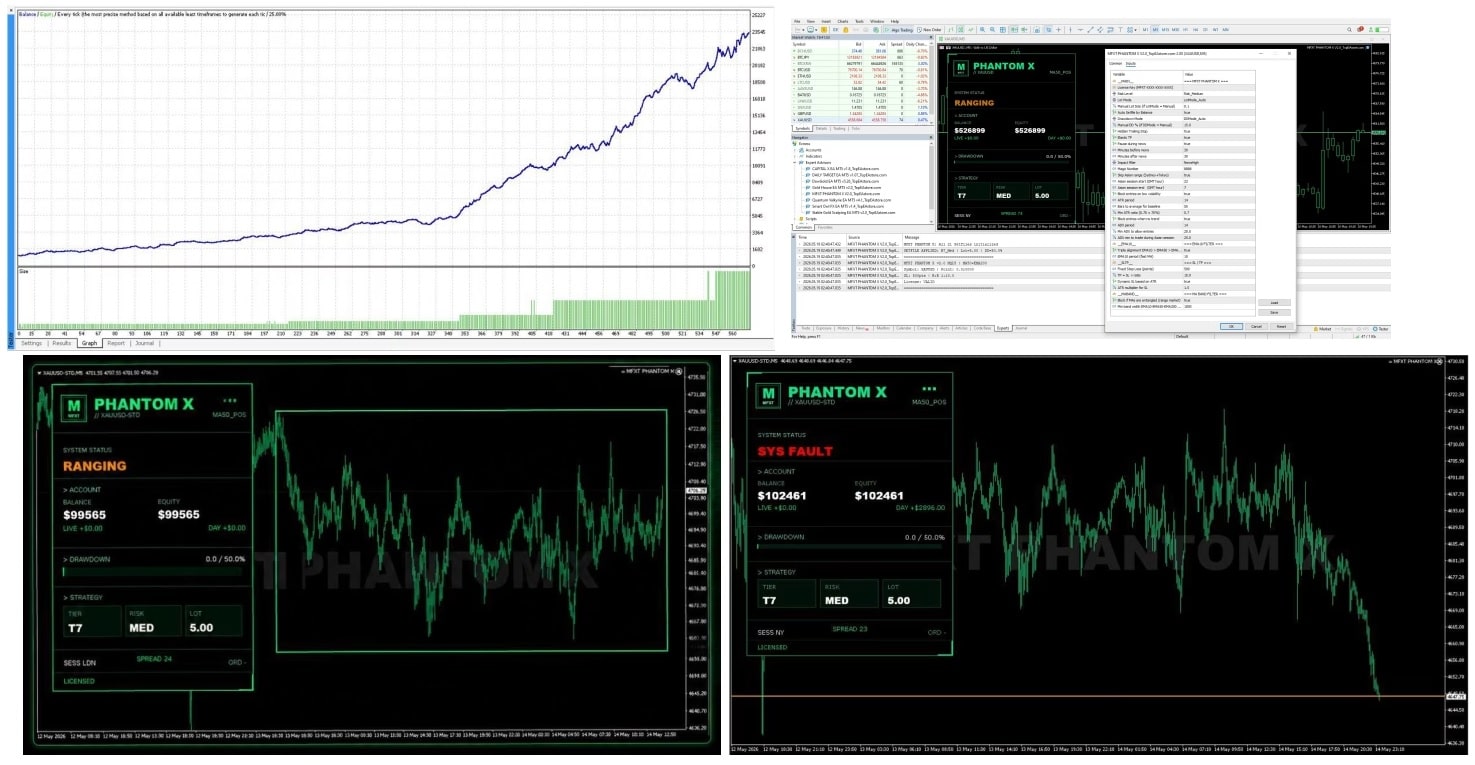
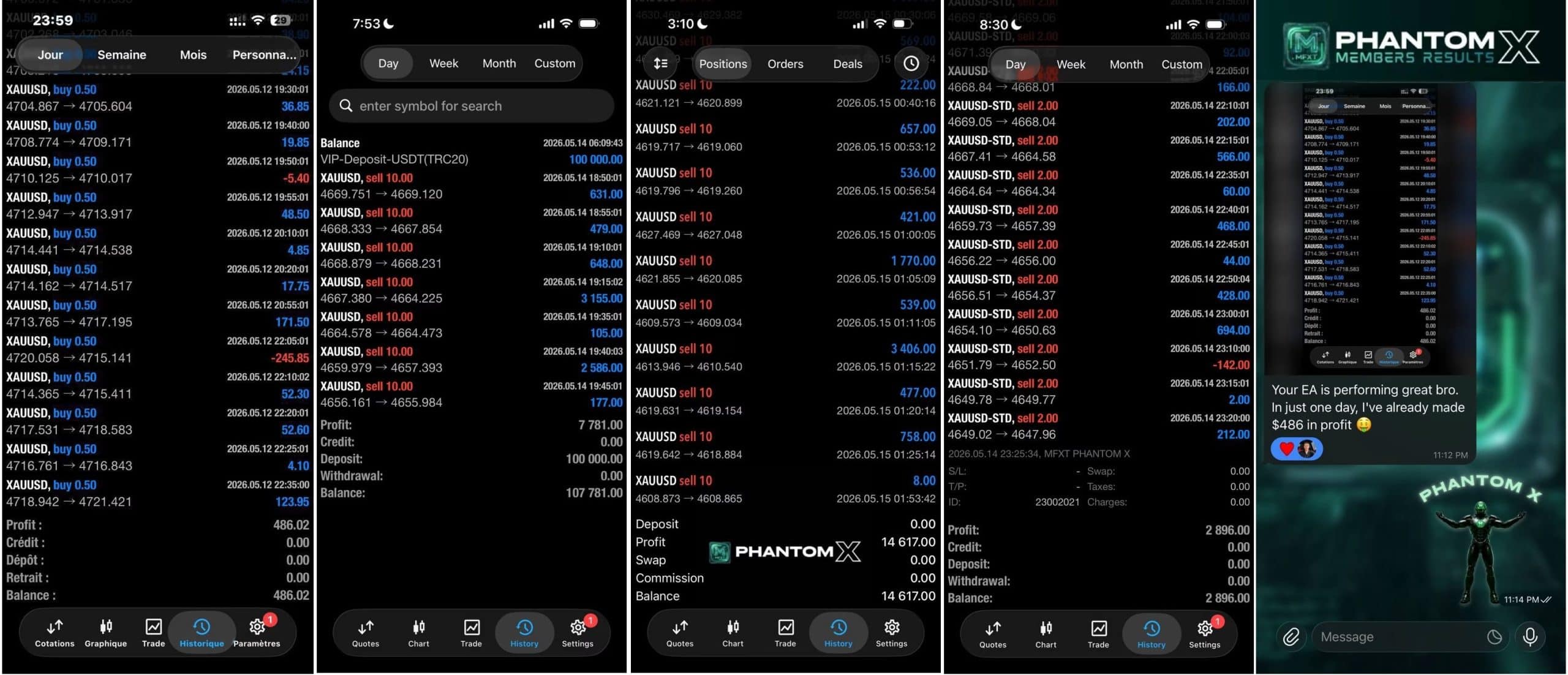

MFXT PHANTOM X EA MT5 v2.0 For Build 5833+
$14.95
MFXT PHANTOM X EA watches these turning points. When price pushes through the last swing top, the move suggests bullish strength.


Description
MFXT PHANTOM X: A Practical Guide to Using the AI-Based Trading Robot on MetaTrader 5
Alternative Title: MFXT PHANTOM X – Everything You Need to Know Before Letting the EA Trade for You
Table of Contents
- What Is MFXT PHANTOM X?
- Key Takeaways at a Glance
- Installation on MetaTrader 5
- Dynamic Risk Management in Detail
- Final Thoughts
What Is MFXT PHANTOM X?
MFXT PHANTOM X EA MT5 is an automated AI-based trading robot for MetaTrader 5 that analyzes market structure in real time, filters low-volatility periods, confirms trend strength, and executes trades during high-probability market conditions with disciplined trade management.
In everyday terms, think of it as a smart set of rules that sits inside your MT5 platform, looks at price charts for you, and then places trades only when its rules agree that the odds are in your favor. It aims to avoid dull sideways markets and focus on clearer, stronger moves.
Key Takeaways at a Glance
- Selective trading: Fewer, higher-quality positions rather than a flurry of random trades.
- AI-driven analysis: Quick scans for trend strength, breakout confirmation, and consolidation zones.
- Dynamic risk management: Automatic position sizing to protect account equity.
- No forced trades: The robot can stay flat during ranging conditions to limit noise.
- Fast adaptation: Real-time checks mean it can react to market changes without you staring at the screen all day.
Want the short version? MFXT PHANTOM X aims to keep you in high-probability trades and out of trouble.
Installation MFXT PHANTOM X on MetaTrader 5
Follow these simple steps (it takes under five minutes):
- Download the MFXT PHANTOM X.ex5 file from the vendor’s page.
- In MT5, click File → Open Data Folder.
- Go to MQL5 → Experts and copy the file there.
- Restart MetaTrader 5.
- Drag the EA from Navigator → Expert Advisors onto your desired chart.
- Tick Allow algorithmic trading in the settings box.
- Choose a lot-size mode (fixed, balance-percentage, or risk-per-trade).
- Click OK and you’re live.
Dynamic Risk Management in Detail
One of the areas where MFXT PHANTOM X stands out is how it sizes trades on the fly:
- Stop-loss first – The EA measures the distance from entry to stop using recent price swings or ATR.
- Lot size next – It then works backward so that the cash amount at risk equals the % you set.
- Volatility cap – If spreads or slippage jump, it may reduce size to stay within risk limits.
- Equity guard – During drawdowns, the EA can lower risk automatically (e.g., 1 % → 0.5 %).
- Profit boost – After a string of winners, it can raise risk back to normal, but never above the ceiling you define.
Why it helps: You don’t need to redo the math for every single pair or timeframe. The robot does it and keeps your dollar risk level steady.
Final Thoughts About MFXT PHANTOM X
MFXT PHANTOM X focuses on quality over quantity, trades only when its rules line up, and keeps an eye on risk through dynamic position sizing. If you are looking for a set-and-observe style EA that does not spam hundreds of tiny trades, it could be worth adding to your toolkit. Just remember to test on a demo account first, stay within safe risk levels, and review performance every few weeks.
(This article includes general information and is not financial advice. Trading carries risk.)
Vendor Site – Click Here
| Membership | Yearly Membership |
|---|---|
| Additional Services | Unlock & Decompile |
| Recommended Brokers | Exness Broker, FPMarkets |
| Recommended VPS | FXVM (Low Latency) |
| Youtube Channel | ForexForYou |
| Telegram Channel | Onshoppie Forex EA's & Indicators |
| Telegram Support | Onshoppie Support |
| Installation Guides | Onshoppie Forex Guides |
Brand
ea-mt5
Only logged in customers who have purchased this product may leave a review.
Related products



Products
-
 H4 Gold Scalper EA MT5 V1.5 With DLL Build 6122
Original price was: $150.00.$14.95Current price is: $14.95.
H4 Gold Scalper EA MT5 V1.5 With DLL Build 6122
Original price was: $150.00.$14.95Current price is: $14.95.
-
 Mavrik Scalper EA MT5 V18.306 For Build 6140+
$14.95
Mavrik Scalper EA MT5 V18.306 For Build 6140+
$14.95
-
 Dude Alpha Gold EA MT5 V1.4.2 + Set Files For Build 6140+
Original price was: $499.00.$14.95Current price is: $14.95.
Dude Alpha Gold EA MT5 V1.4.2 + Set Files For Build 6140+
Original price was: $499.00.$14.95Current price is: $14.95.
-
 Ultra Beast EA MT5 + Setfiles For Build 6140+
$14.95
Ultra Beast EA MT5 + Setfiles For Build 6140+
$14.95
-
 Algo Edge SMC AI EA MT5 V3 For Build 6140+
$14.95
Algo Edge SMC AI EA MT5 V3 For Build 6140+
$14.95
-
 Aura Absolute EA MT4 V1.1 For Build 1476+
$14.95
Aura Absolute EA MT4 V1.1 For Build 1476+
$14.95
-
 Gold Neural Core EA MT5 V1.5 For Build 6140+
Original price was: $500.00.$14.95Current price is: $14.95.
Gold Neural Core EA MT5 V1.5 For Build 6140+
Original price was: $500.00.$14.95Current price is: $14.95.
-
 Global Trade Plan EA MT5 V3.1 + SetFiles With DLL 6140
Original price was: $399.00.$14.95Current price is: $14.95.
Global Trade Plan EA MT5 V3.1 + SetFiles With DLL 6140
Original price was: $399.00.$14.95Current price is: $14.95.
Recent reviews
-
 Advanced Dashboard Currency Strength
by Balram
Advanced Dashboard Currency Strength
by Balram
Reviews
There are no reviews yet.