

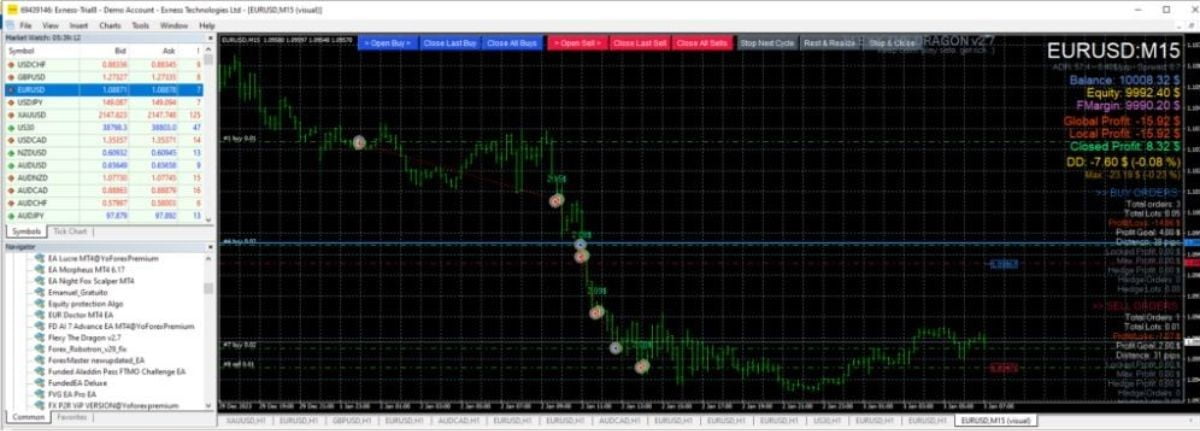
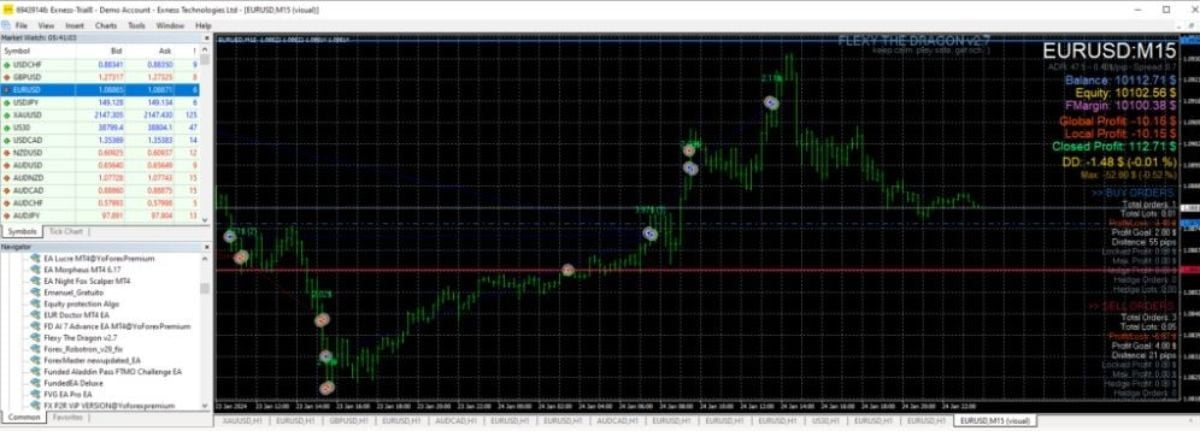



Flexy The Dragon EA MT5 V2.1.1 For Build 5660+
$9.95
Discover exclusive Flexy The Dragon EA secrets that deliver mind-blowing trading results. Get access to proven strategies that transform your portfolio.




Description
Flexy The Dragon EA: A Practical Guide for MT5 Users
Flexy The Dragon EA – Everything You Need to Know Before You Start
Table of Contents
- What Is Flexy The Dragon EA?
- Installation Guide
- First-Time Set-Up Checklist
- Choosing a Broker and VPS
- Building a Trading Plan
- Frequently Asked Questions
- Final Thoughts
1. What Is Flexy The Dragon EA?
Flexy The Dragon EA is an advanced automated trading solution made for the MetaTrader 5 platform. Once attached to a chart, it can:
- Scan the market on a 15-minute timeframe
- Place and close trades on major and minor forex pairs such as EURUSD, USDCHF, GBPUSD, USDJPY, EURGBP, and EURJPY
- Adjust lot sizes through a Dynamic ATR formula
- Filter entries with up to three custom indicators plus standard tools like Bollinger Bands, Stochastic Oscillator, Relative Strength Index (RSI), and Commodity Channel Index (CCI)
In short, Flexy The Dragon EA gives MT5 users a way to automate grid-based strategies while still keeping control of risk.
2. Installation Guide
- Open MetaTrader 5.
- Click File → Open Data Folder.
- In the window, navigate to MQL5 → Experts.
- Copy
FlexyTheDragon.ex5into this folder. - Restart MT5 or right-click Experts and pick Refresh.
- Drag Flexy The Dragon EA onto a 15-minute chart of a supported pair.
- Tick Allow live trading in the settings pop-up.
Tip: Keep “AutoTrading” enabled in the MT5 toolbar or the EA cannot send any orders.
3. First-Time Set-Up Checklist
- Chart timeframe set to M15
- Pair has a typical spread under 1.5 pips
- Minimum balance of $100 (though $500+ is more realistic)
Allow DLL importsunchecked unless a custom indicator needs itAllow Algo Trading(global switch) on
4. Choosing a Broker and VPS
A broker with low spreads and fast execution helps any EA work better, especially a grid strategy. Look for:
- Tight spread under 1 pip on EURUSD during London and New York sessions
- Low commission or a spread-only account
- Reliable connection—consider using a VPS close to the broker’s data center (latency <10 ms)
For VPS options, check providers such as:
- Contabo, ForexVPS, or any server with 1 GB RAM and Windows Server 2016+
5. Building a Trading Plan With Flexy The Dragon EA
Many traders skip planning and rely on default files. Instead, work through these steps:
- Pick one or two pairs to start (e.g., EURUSD and GBPUSD).
- Choose a risk model: Fixed lot or Autolot at 1 % per cycle.
- Select indicators you trust. For a trend approach:
- Bollinger Bands for volatility
- RSI for momentum confirmation
- Define trading hours. Some users avoid the Asian session due to low liquidity.
- Back-test at least five years if you can source quality tick data (see next section).
- Go live with a small balance or a cent account.
- Review results weekly. Adjust ATR multipliers or grid step size if needed.
6. Frequently Asked Questions Regarding Flexy The Dragon EA
Q1: Is Flexy The Dragon EA suitable for beginners?A: Yes, as long as you start on demo and keep risk low. The interface is friendly, and default files help new users get going.
Q2: Can I use it on commodities or indices?A: The EA was coded for forex pairs. Commodities often have larger step values and wider spreads, so performance is uncertain.
Q3: How many charts can I run at once?A: Technically unlimited if your VPS has enough RAM and CPU. In practice, start with 2–4 charts to keep margin under control.
Q5: What leverage is best?A: 1:200 to 1:500 gives breathing room. Lower leverage (1:30 in Europe) still works if you cut lot sizes early.
7. Final Thoughts About Flexy The Dragon EA
Flexy The Dragon EA brings a balanced mix of automation, custom filters, and built-in safeguards to the MT5 environment. It can manage trades around the clock, adapt lot size to market volatility, and give clear one-click control when you need to step in.If you set sensible risk limits, test before going live, and keep an eye on news events, the EA can take much of the routine work out of forex trading.
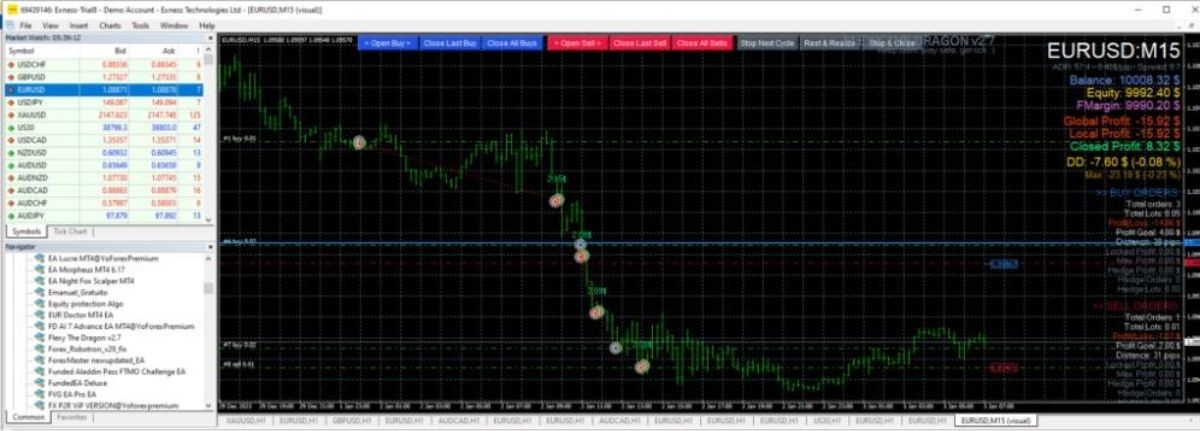
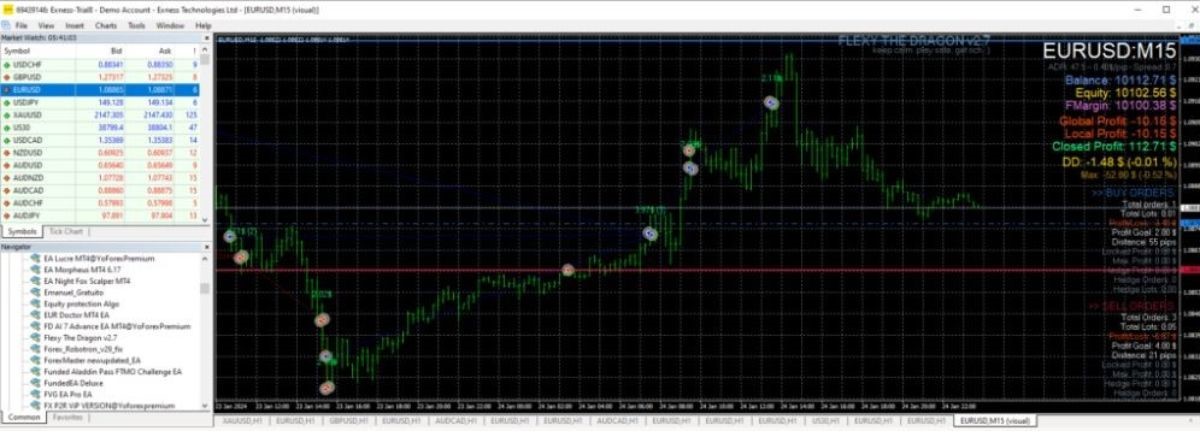
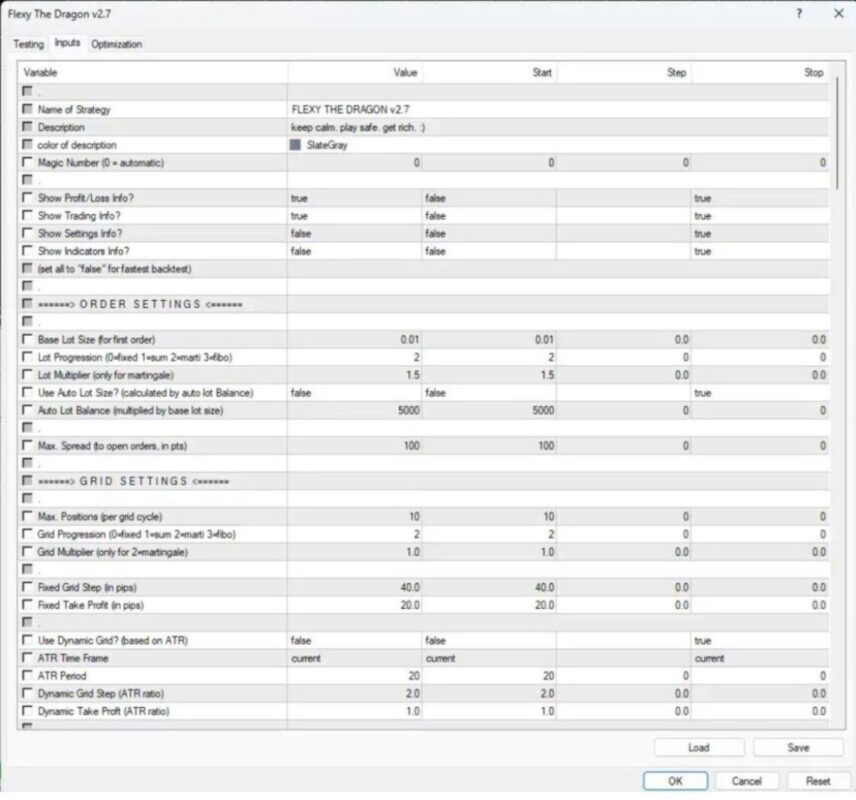
| Membership | Yearly Membership |
|---|---|
| Additional Services | Unlock & Decompile |
| Recommended Brokers | Exness Broker, FPMarkets |
| Recommended VPS | FXVM (Low Latency) |
| Youtube Channel | ForexForYou |
| Telegram Channel | Onshoppie Forex EA's & Indicators |
| Telegram Support | Onshoppie Support |
| Installation Guides | Onshoppie Forex Guides |
Brand
ea-mt5
Only logged in customers who have purchased this product may leave a review.
Related products



Products
-
 Quantum Emperor EA MT5 V7.5 For Build 5836+
Original price was: $799.00.$14.95Current price is: $14.95.
Quantum Emperor EA MT5 V7.5 For Build 5836+
Original price was: $799.00.$14.95Current price is: $14.95.
-
 Quantum King EA MT5 V3.1 For Build 5836+
Original price was: $649.00.$14.95Current price is: $14.95.
Quantum King EA MT5 V3.1 For Build 5836+
Original price was: $649.00.$14.95Current price is: $14.95.
-
 Bitcoin Robot Grid EA MT4 V6.0 For Build 1473+
Original price was: $899.00.$14.95Current price is: $14.95.
Bitcoin Robot Grid EA MT4 V6.0 For Build 1473+
Original price was: $899.00.$14.95Current price is: $14.95.
-
 IS PI Scalper EA Virtual Level Final MT4 + SetFiles
$14.95
IS PI Scalper EA Virtual Level Final MT4 + SetFiles
$14.95
-
 ArtQuant Gold EA MT5 V3.0 For Build 5836+
Original price was: $700.00.$24.95Current price is: $24.95.
ArtQuant Gold EA MT5 V3.0 For Build 5836+
Original price was: $700.00.$24.95Current price is: $24.95.
-
 Gold Trap EA MT5 V4.1 For Build 5836+
$44.95
Gold Trap EA MT5 V4.1 For Build 5836+
$44.95
-
 AI X HFT VIP EA MT4 V14 With DLL 1470
$24.95
AI X HFT VIP EA MT4 V14 With DLL 1470
$24.95
-
 Wisdom EA MT4 + SetFiles For Build 1471+
$14.95
Wisdom EA MT4 + SetFiles For Build 1471+
$14.95
Recent reviews
-
 Advanced Dashboard Currency Strength
by Balram
Advanced Dashboard Currency Strength
by Balram
Reviews
There are no reviews yet.