


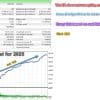
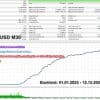
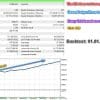

EA Legendary Scalper MT4 v151.98 + SetFiles For Build 1455+
Original price was: $299.00.$149.95Current price is: $149.95.
Get exclusive access to EA Legendary Scalper expert strategies. Learn how this amazing robot makes consistent fortune in forex trading markets today.


Description
EA Legendary Scalper – A Practical Guide for Reliable Breakout Trading
EA Legendary Scalper: Everything You Need to Know Before You Start
Table of Contents
- Overview: What Makes EA Legendary Scalper Different?
- Step-by-Step Setup Guide (MT4 & MT5)
- Frequently Asked Questions
- Final Thoughts & Next Steps
1. Overview: What Makes EA Legendary Scalper Different?
EA Legendary Scalper is an automated trading program (Expert Advisor) for MetaTrader 4 and MetaTrader 5. Its main job is simple: wait for price to break an important level, decide whether that break looks “healthy,” and open a trade with a clear stop loss and target.
Key idea in plain language:Imagine a calm, disciplined trader who sits in front of the chart all day, ignores impulses, and only clicks “Buy” or “Sell” when the odds are clearly in his favor. EA Legendary Scalper tries to do exactly that—without fatigue, emotions, or second-guessing.
Why it stands out:
- It does not guess. It places pending orders only when an objective breakout pattern appears.
- A built-in neural network compares the current move with hundreds of past successful breakouts.
- Multi-stage filters reduce the chance of jumping on a fake spike.
- Adaptive stops react to changing volatility instead of using a rigid number of pips.
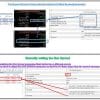
2. Step-by-Step Setup Guide (MT4)
Follow these steps and you’ll be running in under 20 minutes.
Step 1 – Download & Install
- Save
EA_Legendary_Scalper.ex4to…/MQL4/Experts/. - Refresh the Navigator panel or restart MetaTrader.
Step 2 – Attach to a Chart
- Open XAUUSD, BTCUSD, ETHUSD timeframe M30.
- Drag the EA onto the chart.
- In the Common tab, allow live trading and DLL imports.
Step 4 – Enable AutoTrading
Click the green AutoTrading button in the toolbar.
3. Frequently Asked Questions
Q1: Can I run EA Legendary Scalper on Forex pairs?Yes, but you need to back-test and optimise. The EA was tuned for volatile symbols, so tight-range majors like EURUSD may need wider adaptive stops.
Q2: What VPS specs do I need?1 vCPU, 1 GB RAM is enough for one terminal with three charts. CPU usage rarely exceeds 10 %. The key is latency (< 5 ms).
4. Final Thoughts & Next Steps For EA Legendary Scalper
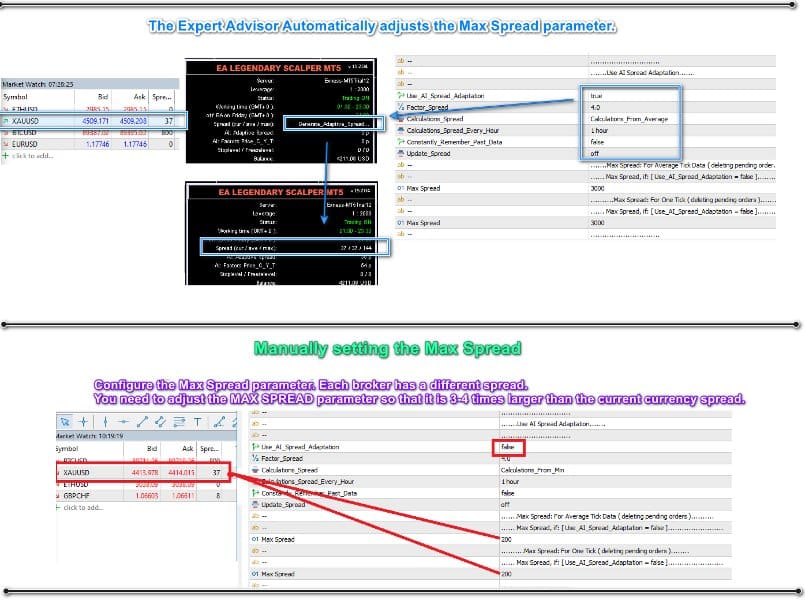
EA Legendary Scalper gives you a disciplined approach to breakout trading, backed by neural-network screening and strict risk controls. Place it on a low-latency VPS, stick to quality ECN spreads, and avoid messing with the stop settings just because a few trades lost. The EA will do its job if you let it.
Download the set files: https://www.mql5.com/en/market/product/158843/comments#comment_58910299
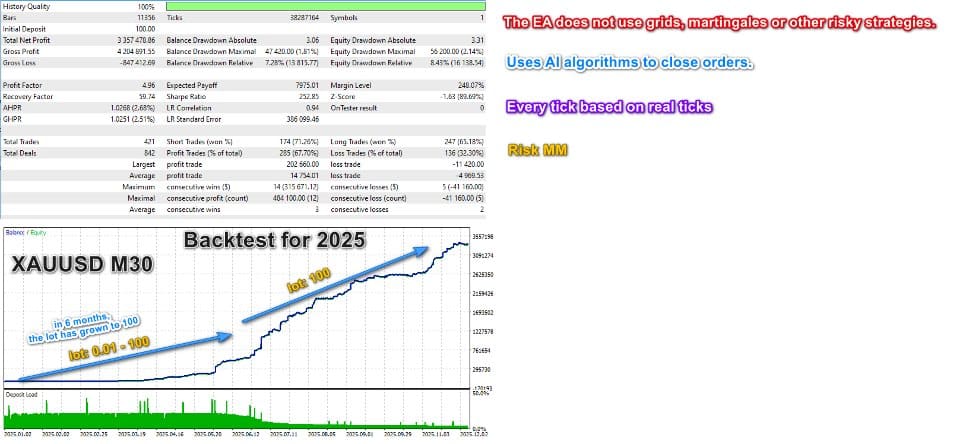
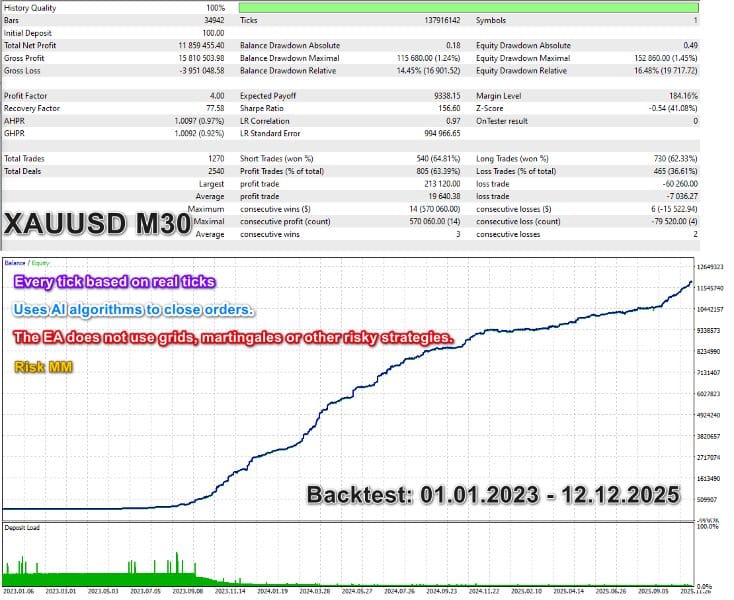
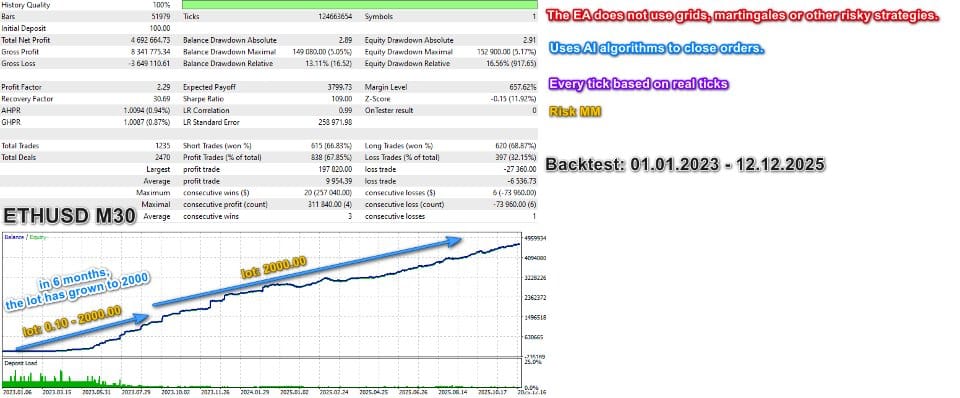
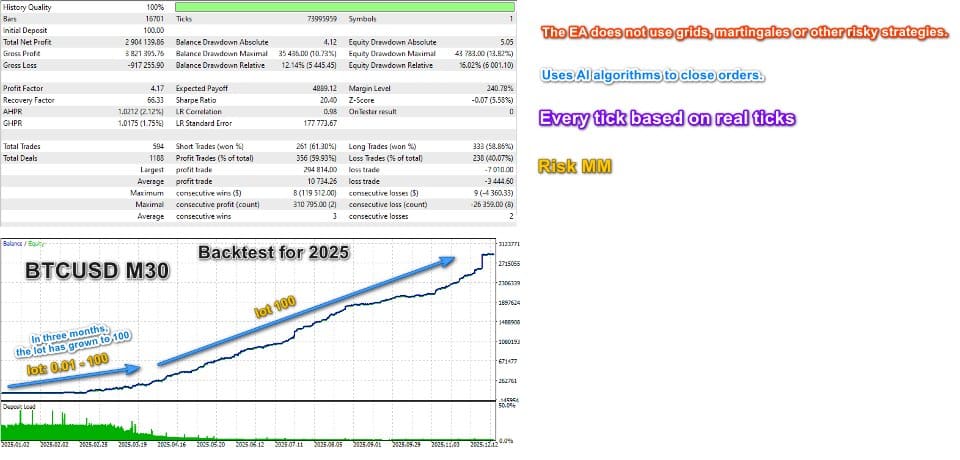
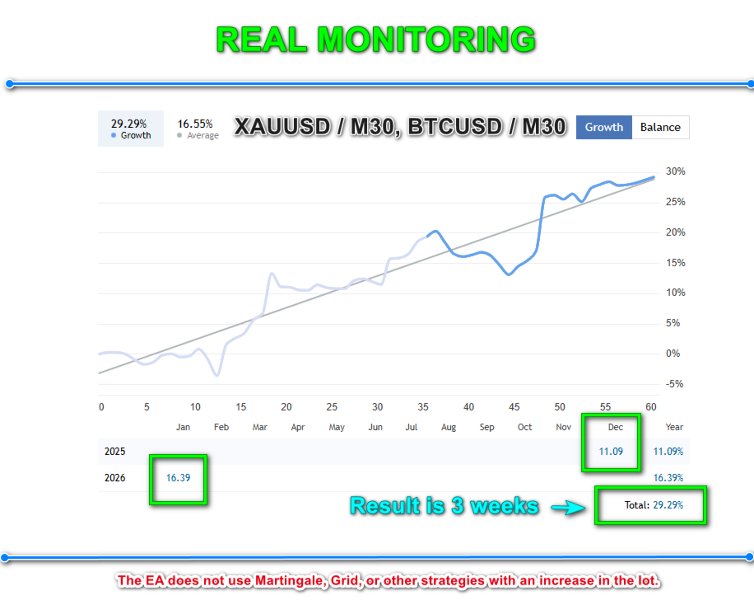
Recommended pair/timeframe: XAUUSD / M30, BTCUSD / M30, ETHUSD / M30
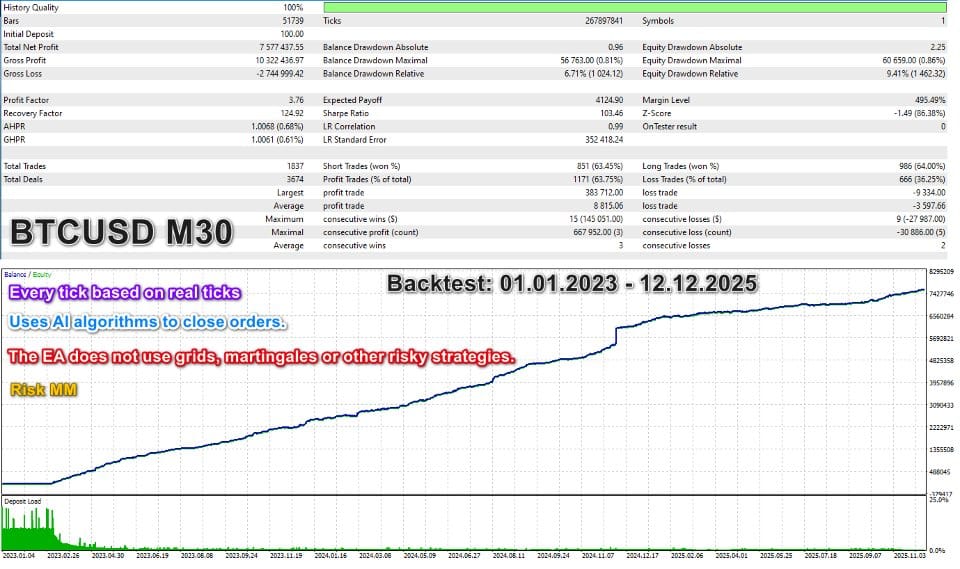
The EA does not use Martingale, Grid, or other strategies with an increase in the lot.
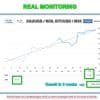
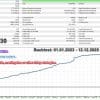
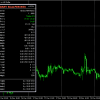
Real monitoring: XAUUSD__BTCUSD__M30__SL3
Vendor Site – Click Here
| Membership | Yearly Membership |
|---|---|
| Additional Services | Unlock & Decompile |
| Recommended Brokers | Exness Broker, FPMarkets |
| Recommended VPS | FXVM (Low Latency) |
| Youtube Channel | ForexForYou |
| Telegram Channel | Onshoppie Forex EA's & Indicators |
| Telegram Support | Onshoppie Support |
| Installation Guides | Onshoppie Forex Guides |
Brand
ea-mt4
Only logged in customers who have purchased this product may leave a review.
Related products



Products
-
 Real Scalp EA MT5 V3.0 For Build 5660+
Original price was: $500.00.$19.95Current price is: $19.95.
Real Scalp EA MT5 V3.0 For Build 5660+
Original price was: $500.00.$19.95Current price is: $19.95.
-
MASHALLAH PRO EA MT4 V2 For Build 1455+
$19.95
-
Veloz Scalping Bot MT5 + SetFiles For Build 5660+
$14.95
-
Titany X AXI Pro EA MT4 v4.1 + SetFiles For Build 1455+
$14.95
-
XAURON EA MT5 v3.3 + Setfiles For Build 5640+
$14.95
-
Gold M1 Dynamic Follow Trend Expert MT4 For Build 1455+
Original price was: $8,789.00.$14.95Current price is: $14.95.
-
EA Gold Algo MT4 v4.0 For Build 1455+
Original price was: $299.00.$14.95Current price is: $14.95.
-
Expert Prop Firms EA MT4 + SetFiles For Build 1455+
$14.99


Recent reviews
-
 Advanced Dashboard Currency Strength
by Balram
Advanced Dashboard Currency Strength
by Balram

Reviews
There are no reviews yet.