





Scalping Robot Pro EA MT5 V2.0 For Build 5836+
Original price was: $1,599.00.$14.95Current price is: $14.95.
Discover the amazing Scalping Robot Pro EA that traders swear by. Get proven strategies, real results, and start making smarter trades today. Don’t miss out!


Description
Main Title
Scalping Robot Pro EA: A Practical Guide to Fast Gold Scalping on XAUUSD (M1)
Alternative Title
Scalping Robot Pro EA – Everything You Need to Know Before Running It on XAUUSD M1
Table of Contents
- Why Traders Look at Scalping Robot Pro EA
- Core Idea Behind the Strategy
- Step-by-Step Setup in MetaTrader 5
- Recommended Account Settings
- Common Questions Answered
- Simple Tips for Better Performance
- Final Thoughts
Why Traders Look at Scalping Robot Pro EA
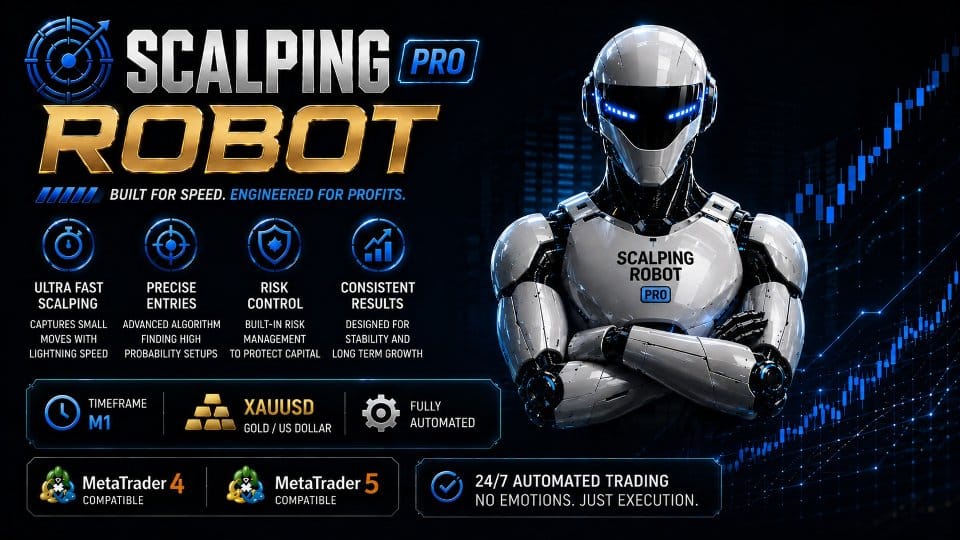
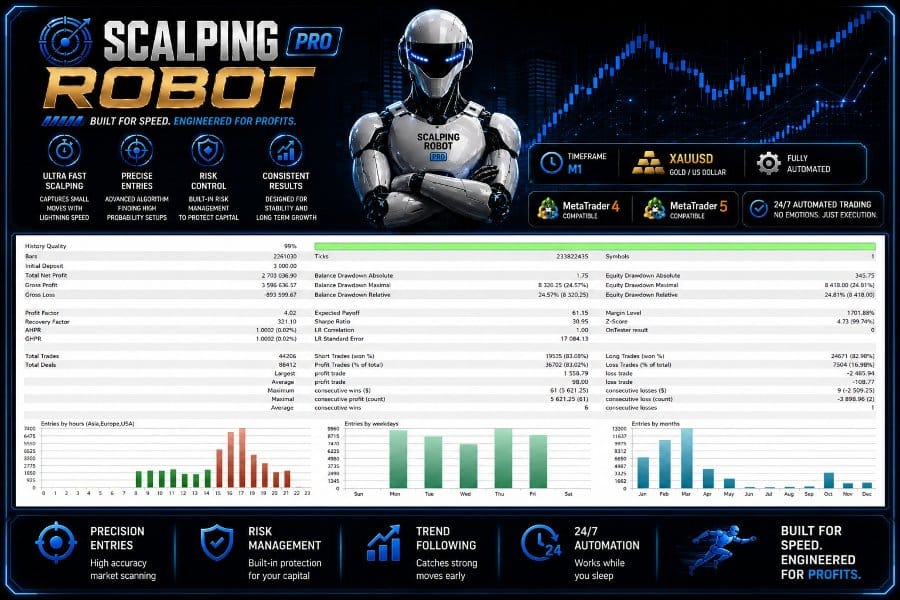
Scalping Robot Pro EA is a professional trading system built to capture very short-term price changes on XAUUSD using the M1 timeframe. Because gold often moves in quick bursts, a robot that reacts in real time can help traders enter and exit within seconds while keeping risk under control.
- Works on MetaTrader 4 and MetaTrader 5
- Designed around the specific behaviour of gold
- Includes tight risk tools so losing days stay limited
- No huge learning curve – default settings work out of the box
Core Idea Behind the Strategy
Scalping Robot Pro EA watches the live price feed and checks for:
- Momentum shifts
- Short-term volatility spikes
- Immediate changes in order flow
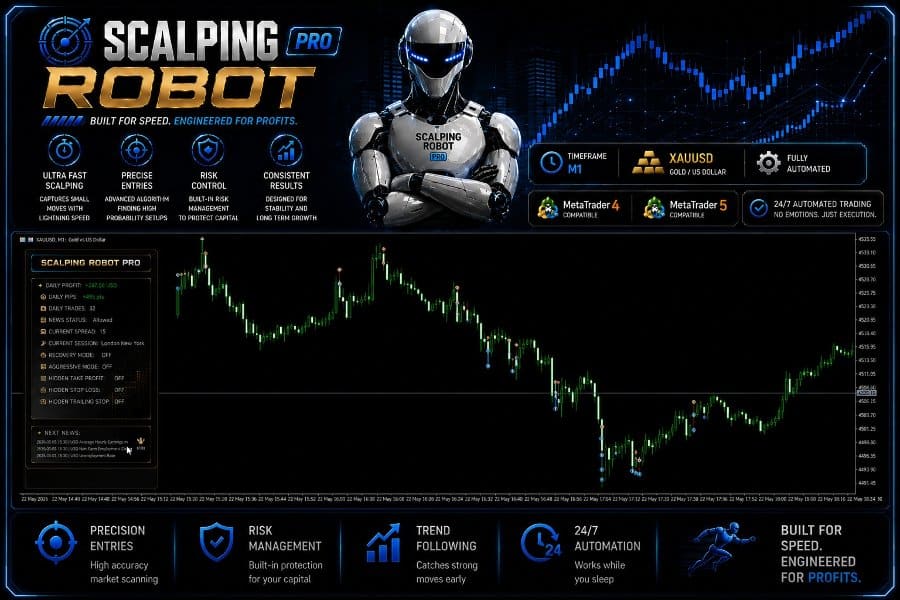
When the above factors line up, the EA places a trade with a pre-defined Stop Loss and Take Profit. If price keeps moving in the right direction, a built-in Trailing Stop locks in gains. If the market turns, the pre-set Stop Loss cuts the loss quickly.
Why One Pair, One Timeframe?
Focusing on only XAUUSD M1 lets the developer fine-tune entry rules, filters, and exits. That narrow scope simplifies testing and helps avoid feature bloat.
Step-by-Step Setup in MetaTrader 5
- Open the MT5 Strategy Tester
- Shortcut:
Ctrl + R
- Shortcut:
- Select “Scalping Robot Pro EA.”
- Testing Parameters
- Symbol:
XAUUSD - Timeframe:
M1 - Model:
Every Tick (Normal) - Deposit:
1000(or your planned live deposit) - Leverage:
1:100is a balanced choice
- Symbol:
- Inputs
- Lot Size: Start with
0.01per $1000 until you see stable results. - Keep all other default settings.
- Lot Size: Start with
- Press “Start.”
- Review the Report
- Pay attention to drawdown, consecutive losses, and profit factor.
Recommended Account Settings for Scalping Robot Pro EA
- Broker Type: ECN or RAW spread account
- Server Time: A server aligned with London or New-York open often shows tighter spreads on gold.
- Leverage: Anything between 1:20 and 1:500. Lower leverage can still work if you scale lot size down.
- Minimum Deposit: $1000 (as per the developer’s documentation)
- Execution: Market execution; avoid brokers that requote heavily during volatile moves.
Common Questions Answered Regarding Scalping Robot Pro EA
1. Do I need coding skills?
No. You only load the EA, set the lot size, and optionally tweak risk limits.
2. Can I disable the news filter?
Yes, although it is not recommended for real accounts. You can turn it off for backtests.
3. What if my broker’s symbols are “XAUUSD.a” or “GOLD?”
Add the suffix/prefix inside the Symbol input or simply drag the EA onto the correct chart.
4. Does it open many positions at once?
It can run a small, controlled grid only if the first trade needs additional coverage. Max positions are user-defined.
Simple Tips for Better Performance
- Use Low Spread AccountsGold spreads can widen during news. Tight baseline spread keeps costs low.
- Keep Platform UpdatedLatest MetaTrader builds include bug fixes that can affect EA performance.
- Run on a VPSA New-York or London-based VPS with low ping (<5 ms) helps with fast order execution.
- Avoid Manual OverridesInterfering with the robot’s positions can break the logic.
- Monitor Economic CalendarEven with news filter on, knowing when CPI or NFP drops keeps you aware.
- Scale Lot Size SlowlyIf you start at 0.01 per $1000 and results look good for 4-8 weeks, consider moving to 0.02. Never jump straight to high risk.
Final Thoughts About Scalping Robot Pro EA
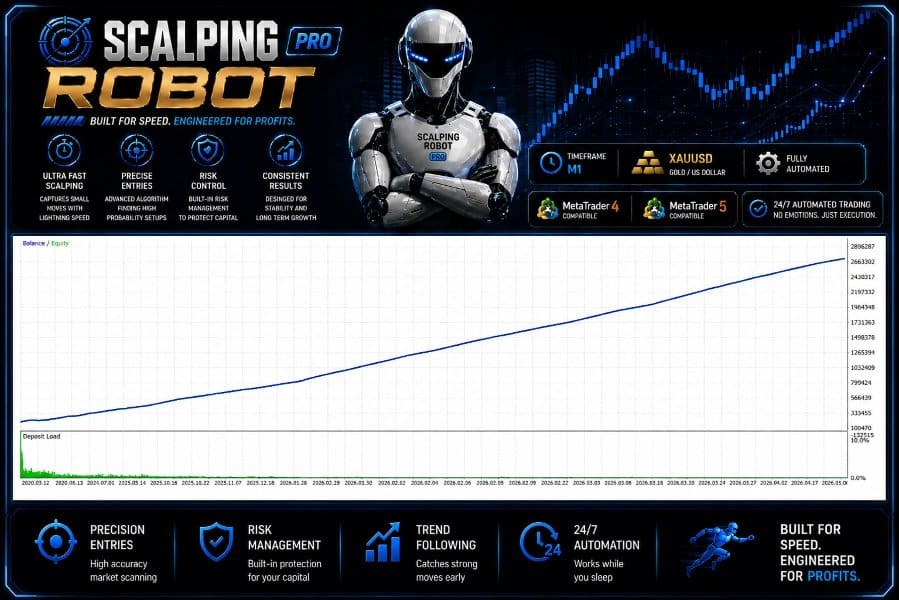
Scalping Robot Pro EA brings a focused, disciplined approach to gold scalping on the M1 chart. By combining real-time price analysis with strict risk controls, it aims to capture many small moves while guarding the account against sharp reversals. If you prefer a hands-off method that still reacts in seconds to changing conditions, this EA is worth a close look.
Happy trading and stay disciplined!
Live Signal – Click Here
Vendor Site – Click Here
| Membership | Yearly Membership |
|---|---|
| Additional Services | Unlock & Decompile |
| Recommended Brokers | Exness Broker, FPMarkets |
| Recommended VPS | FXVM (Low Latency) |
| Youtube Channel | ForexForYou |
| Telegram Channel | Onshoppie Forex EA's & Indicators |
| Telegram Support | Onshoppie Support |
| Installation Guides | Onshoppie Forex Guides |
Brand
ea-mt5
Only logged in customers who have purchased this product may leave a review.
Related products



Products
-
 Adaptive Gold Scalper EA MT5 V1.9 + Setfiles With DLL 5836
Original price was: $375.00.$14.95Current price is: $14.95.
Adaptive Gold Scalper EA MT5 V1.9 + Setfiles With DLL 5836
Original price was: $375.00.$14.95Current price is: $14.95.
-
 Zerqon EA MT5 V22.2 For Build 5836+
Original price was: $299.00.$14.95Current price is: $14.95.
Zerqon EA MT5 V22.2 For Build 5836+
Original price was: $299.00.$14.95Current price is: $14.95.
-
 MHD Scalper Pro EA MT5 V9.1 For Build 5836+
Original price was: $1,200.00.$14.95Current price is: $14.95.
MHD Scalper Pro EA MT5 V9.1 For Build 5836+
Original price was: $1,200.00.$14.95Current price is: $14.95.
-
 Quantum OmniGold EA MT5 V1.8 For Build 5836+
Original price was: $1,099.00.$14.95Current price is: $14.95.
Quantum OmniGold EA MT5 V1.8 For Build 5836+
Original price was: $1,099.00.$14.95Current price is: $14.95.
-
 BTC Scalper IA EA MT5 V1.2 For Build 5836+
$14.95
BTC Scalper IA EA MT5 V1.2 For Build 5836+
$14.95
-
 Eternal Engine EA MT5 V2.30 + Setfiles For Build 5836+
Original price was: $599.00.$39.95Current price is: $39.95.
Eternal Engine EA MT5 V2.30 + Setfiles For Build 5836+
Original price was: $599.00.$39.95Current price is: $39.95.
-
 Forex Flex EA MT4 V4.91 + Setfiles For Build 1473+
Original price was: $499.00.$39.95Current price is: $39.95.
Forex Flex EA MT4 V4.91 + Setfiles For Build 1473+
Original price was: $499.00.$39.95Current price is: $39.95.
-
Scalping Robot Pro EA MT5 V2.0 For Build 5836+
Original price was: $1,599.00.$14.95Current price is: $14.95.
Recent reviews
-
 Advanced Dashboard Currency Strength
by Balram
Advanced Dashboard Currency Strength
by Balram
Reviews
There are no reviews yet.