

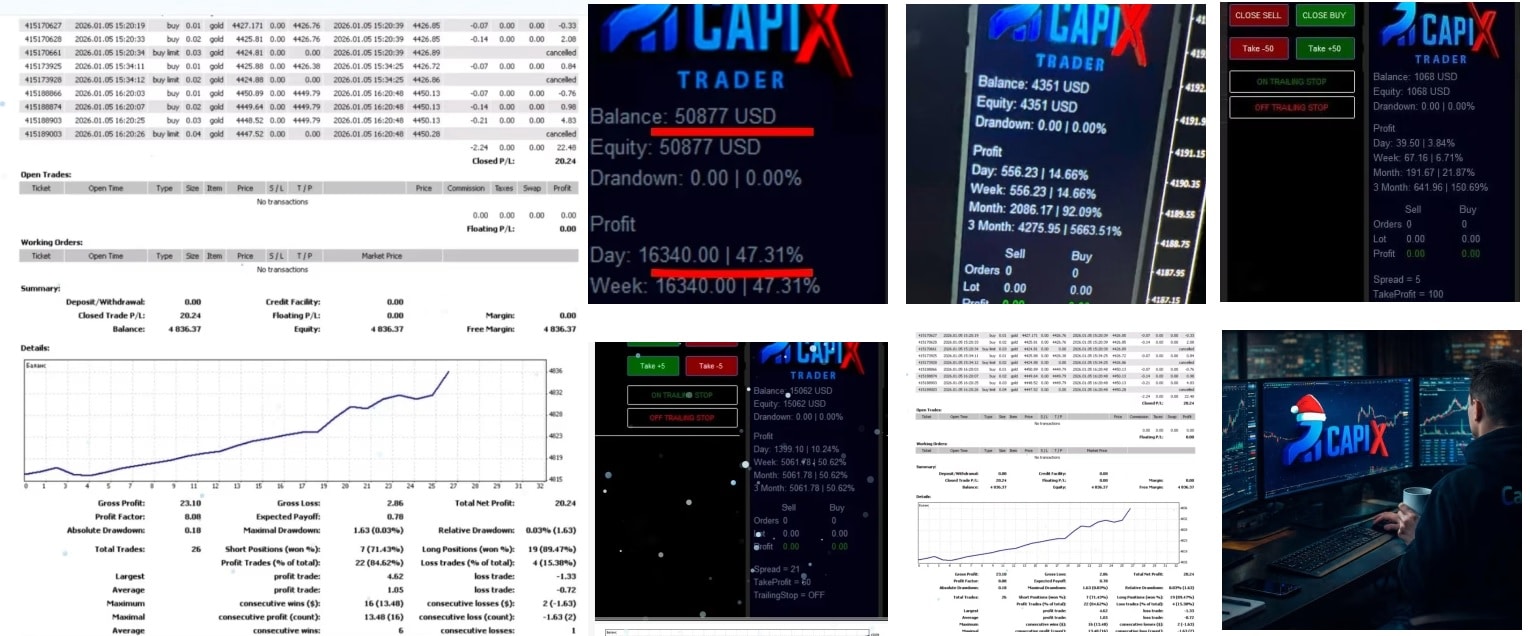


Semi-automatic System CapiX MT4 3 EA & Indicator Build 1455+
$9.95
Semi-automatic system CapiX provides a practical solution for traders rule-based execution on MT4. By focusing on order blocks and supply & demand zones.
Description
Semi-automatic system CapiX: A Practical Guide for MetaTrader 4 Users
Semi-automatic system CapiX—How It Works, Why It Matters, and How to Get Started Today
Table of Contents
- Semi-automatic system CapiX Introduction
- The Trading Concept Behind CapiX
- Installing CapiX MT4 Step-by-Step
- Risk Management With CapiX
- Common Mistakes and How to Avoid Them
- Conclusion
1. Introduction
If you trade on MetaTrader 4, you have probably tried a script or two that promised the moon but delivered noisy signals. The Semi-automatic system CapiX MT4 was built for a different purpose: it gives clear entry signals while you remain in charge of the final click. In everyday language, CapiX tells you when the odds are on your side but leaves the yes or no to you.
This balance between guidance and control helps traders stick to a structured trading plan, stay disciplined, and cut down on emotional mistakes. In the sections below we break down how the semi-automatic system CapiX works, how to install it, and how to fit it into your style of trading.
2. The Trading Concept Behind CapiX
The developers of CapiX focus on structured entries rather than random flashes on the chart. Each alert is built on four core ideas:
- Momentum alignment — The trade direction must agree with the short- and medium-term momentum.
- Reaction zones — Price should approach an area where prior market reactions suggest support or resistance.
- Trend continuation potential — The broader trend should have room to move, not be exhausted.
- Controlled pullbacks — Entries often occur after a modest retrace that gives a better price without breaking the trend structure.
By combining these ideas, CapiX aims to find moments when the market is most likely to move smoothly in one direction.
3. Installing Semi-automatic system CapiX MT4 Step-by-Step
- Download the file
- Obtain the
.ex4file from the official vendor site or your client portal.
- Obtain the
- Place in the correct folder
- Open MetaTrader 4.
- Go to
File ▸ Open Data Folder ▸ MQL4 ▸ Expertsand paste the file.
- Restart MetaTrader 4
- Attach to a chart
- Open any chart.
- In the Navigator panel, drag
CapiXonto the chart.
- Enable auto-trading
- Click the AutoTrading button so CapiX can read live prices.
- Input parameters
- Risk percentage
- Alert types (popup, sound, email, push notification)
- Time frames to scan
- Save your template
- Right-click on the chart ▸
Templates ▸ Save Template. - This way you can apply the same settings to other pairs in seconds.
- Right-click on the chart ▸
4. Risk Management With Semi-automatic system CapiX
CapiX provides disciplined entry ideas, yet risk is still in your hands:
- Fixed fractional: Risk a fixed % per trade (e.g., 1%).
- Max open positions: Limit to 3 at a time.
- Daily drawdown cap: Stop trading after 3 losses or 5% down—whichever comes first.
- Weekend exposure: Close trades on Friday if swap or gap risk worries you.
5. Common Mistakes and How to Avoid Them
| Mistake | Why It Happens | Fix |
|---|---|---|
| Taking every signal | Fear of missing out | Filter with higher-time-frame trend |
| Ignoring news releases | Habit | Check an economic calendar daily |
| Moving stops early | Anxiety during drawdown | Pre-plan stop adjustments |
| Over-leveraging | Chasing quick profits | Respect position-size rules |
CapiX can’t stop you from these errors, but awareness is half the battle.
6. Conclusion About Semi-automatic system CapiX
The Semi-automatic system CapiX helps traders find high-probability entry points by checking momentum alignment, reaction zones, trend continuation potential, and controlled pullbacks. It is neither a black-box robot nor a simple signal pop-up; it is a disciplined companion that nudges you toward better decisions while you stay in charge. Install it, take the time to learn its logic, and pair it with sound risk management.
Vendor Site – Click Here
| Membership | Yearly Membership |
|---|---|
| Additional Services | Unlock & Decompile |
| Recommended Brokers | Exness Broker, FPMarkets |
| Recommended VPS | FXVM (Low Latency) |
| Youtube Channel | ForexForYou |
| Telegram Channel | Onshoppie Forex EA's & Indicators |
| Telegram Support | Onshoppie Support |
| Installation Guides | Onshoppie Forex Guides |
Brand
ea-mt4
Only logged in customers who have purchased this product may leave a review.
Related products



Products
-
 Semi-automatic System CapiX MT4 3 EA & Indicator Build 1455+
$9.95
Semi-automatic System CapiX MT4 3 EA & Indicator Build 1455+
$9.95
-
 Inova Prime EA MT4 + SetFiles For Build 1455+
$29.95
Inova Prime EA MT4 + SetFiles For Build 1455+
$29.95
-
 VIGRO PRO V5 EA MT4 For Build 1455+
$29.95
VIGRO PRO V5 EA MT4 For Build 1455+
$29.95
-
 BTX SCALPER PRO EA MT5 For BUILD 5573+
Original price was: $999.00.$9.95Current price is: $9.95.
BTX SCALPER PRO EA MT5 For BUILD 5573+
Original price was: $999.00.$9.95Current price is: $9.95.
-
Vortex Turbo EA MT4 v1.1 For Build 1455+
Original price was: $399.00.$29.95Current price is: $29.95.
-
Challenger X EA MT4 v1.1 + SetFiles For Build 1455+
$9.95
-
Apex G EA MT4 v1.26 For Build 1455+
Original price was: $2,199.00.$9.95Current price is: $9.95.
-
MFXT GOLD AI BOT MT4 v2.0 + SetFiles For Build 1455+
$9.95





Recent reviews
-
 Advanced Dashboard Currency Strength
by Balram
Advanced Dashboard Currency Strength
by Balram

Reviews
There are no reviews yet.