


Chinese UAV EA MT4 For Build 1444+
$24.95
Unlock secret Chinese UAV EA strategies generating mind-blowing forex profits. Revolutionary automated trading system transforms ordinary traders instantly.



Description
Chinese UAV EA: Full Review & Practical Guide for MT4 Traders
Alternative Title: Chinese UAV EA – The MT4 Robot Built for Fast, Multi-Pair Trading
Table of Contents
- Introduction
- What Is Chinese UAV EA MT4?
- Supported Currency Pairs
- Timeframe, Platform, and Broker Needs
- Step-by-Step Setup Guide
- Frequently Asked Questions
- Final Thoughts
Introduction
If you trade Forex on MetaTrader 4 and want an automated helper that can work on several pairs at once, Chinese UAV EA could be worth a closer look. This expert advisor, sometimes called Chinese UAV EA MT4, was built for the fast-moving 5-minute chart and supports a wide mix of major and cross pairs. In this guide we cover how the EA works, what you need to run it, and the practical steps that help keep trading smooth and clear.
What Is Chinese UAV EA MT4?
Chinese UAV EA MT4 is a professional-grade robot designed for high-frequency trading on the M5 timeframe. Instead of relying on one or two setups, it can run on a full basket of pairs. Each chart gets its own magic number so the EA can track and close trades without mix-ups.
Main ideas to remember:
- Runs only on MetaTrader 4.
- Optimised for the 5-minute chart (M5).
- Works with many pairs at the same time.
- Uses simple, rule-based logic that focuses on speed and consistency.
By spreading trades across several instruments, the robot aims to smooth out equity swings and capture more short-term market moves.
Supported Currency Pairs
Chinese UAV EA is coded to handle the following pairs:
- GBPUSD
- EURUSD
- AUDUSD
- NZDUSD
- USDCHF
- AUDCAD
- EURAUD
- AUDNZD
- EURCAD
- GBPCAD
- GBPNZD
- EURNZD
- GBPAUD
Running the EA across this broad set lets it tap into different market sessions—London, New York, and Asia—while also diversifying across unique volatility profiles.
Timeframe, Platform, and Broker Needs
Timeframe
Stick to the M5 chart. Higher timeframes have not been optimised and will likely distort entry and exit signals.
Platform
Only MetaTrader 4 is supported.
Broker Considerations
| Requirement | Why It Matters |
|---|---|
| Low spreads | Keeps trading costs down on frequent entries. |
| Fast execution | High-frequency strategies rely on quick fills. |
| No dealing-desk interference (ECN/STP) | Reduces the chance of re-quotes. |
Tip: Always test the EA on a demo account at your chosen broker first. This checks slippage, spread, and server stability before you risk real funds.
Step-by-Step Setup Guide for Chinese UAV EA
Follow these simple steps to install and start Chinese UAV EA MT4:
- Download & Copy the EAPlace the
.ex4or.mq4file insideMQL4/Expertson your MT4 data folder. - Restart or Refresh MT4Either restart the terminal or click Navigator → Expert Advisors → Refresh.
- Open All Supported ChartsLoad each of the 13 currency pairs on separate M5 charts.
- Drag Chinese UAV EA Onto Each ChartIn the EA settings:
- Enable Allow live trading.
- Set a unique magic number for every pair (e.g., 1001 for EURUSD, 1002 for GBPUSD, etc.).
- Adjust lot size or risk percent if offered.
- Check AutoTrading Is OnConfirm the AutoTrading button at the top of MT4 is green.
- Verify Trade Journal MessagesLook at the Experts and Journal tabs to ensure no error codes appear.
- Monitor Initial TradesAllow the EA to place a few small positions first—ideal for confirming proper function before scaling size.
Frequently Asked Questions regarding Chinese UAV EA
Q1: Can I run Chinese UAV EA MT4 on a mobile device?A: You need the desktop version of MT4 for the EA to function. Mobile MT4 apps do not allow Expert Advisors.
Q2: Are the default settings safe?A: Defaults are moderate, but every account differs. Always back-test or forward-test on demo before live deployment.
Q4: Will the EA work with brokers that have different suffixes, like EURUSD.m?A: Yes, as long as you select the correct symbol in MT4. Double-check that trade requests match the broker’s naming convention.
Q5: Can I use the EA on gold or indices?A: The current build is optimised only for the 13 currency pairs listed. Running on other symbols is at your own risk.
Final Thoughts About Chinese UAV EA
Chinese UAV EA offers a practical, rule-based way to trade multiple Forex pairs on the 5-minute chart without constant screen time. When you combine proper magic numbers, low-latency execution, and sensible risk limits, the EA can become a steady part of a diversified trading plan.
If you decide to try Chinese UAV EA MT4, begin on demo, track results on a verified platform, and move to live funds only once you are comfortable with its behaviour.
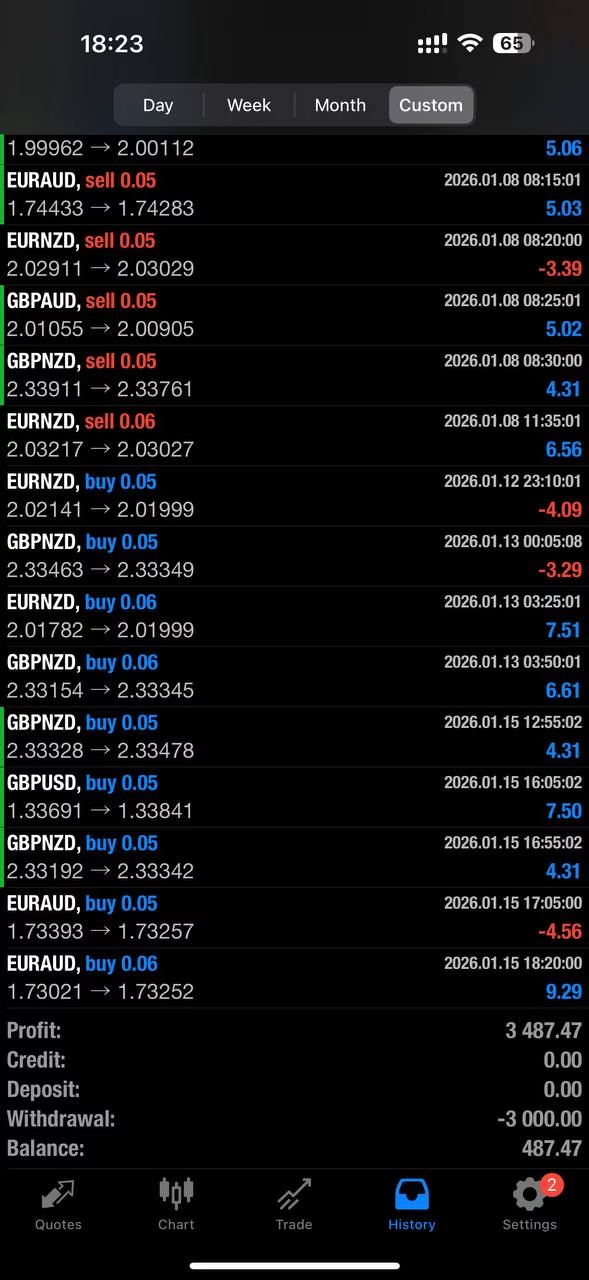
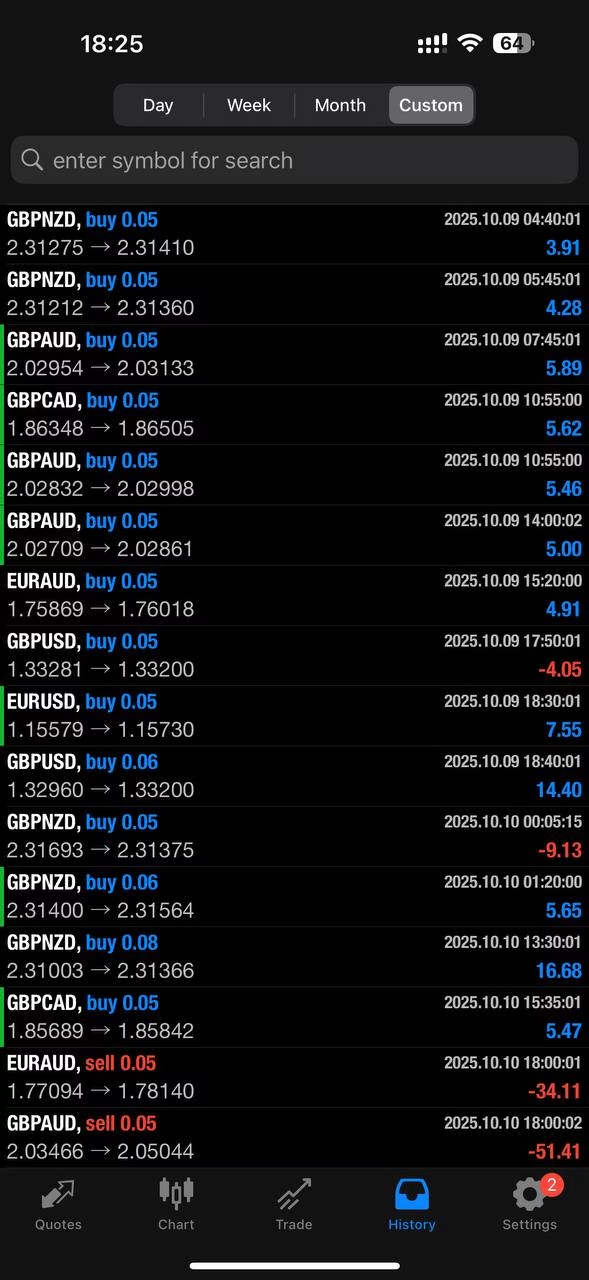
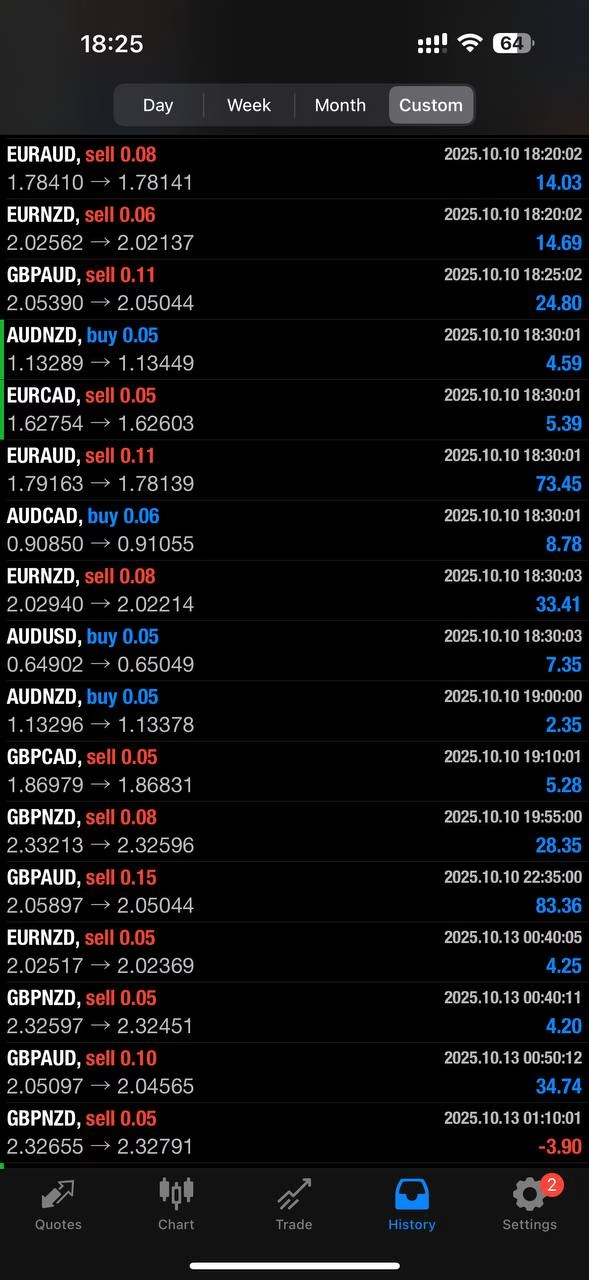
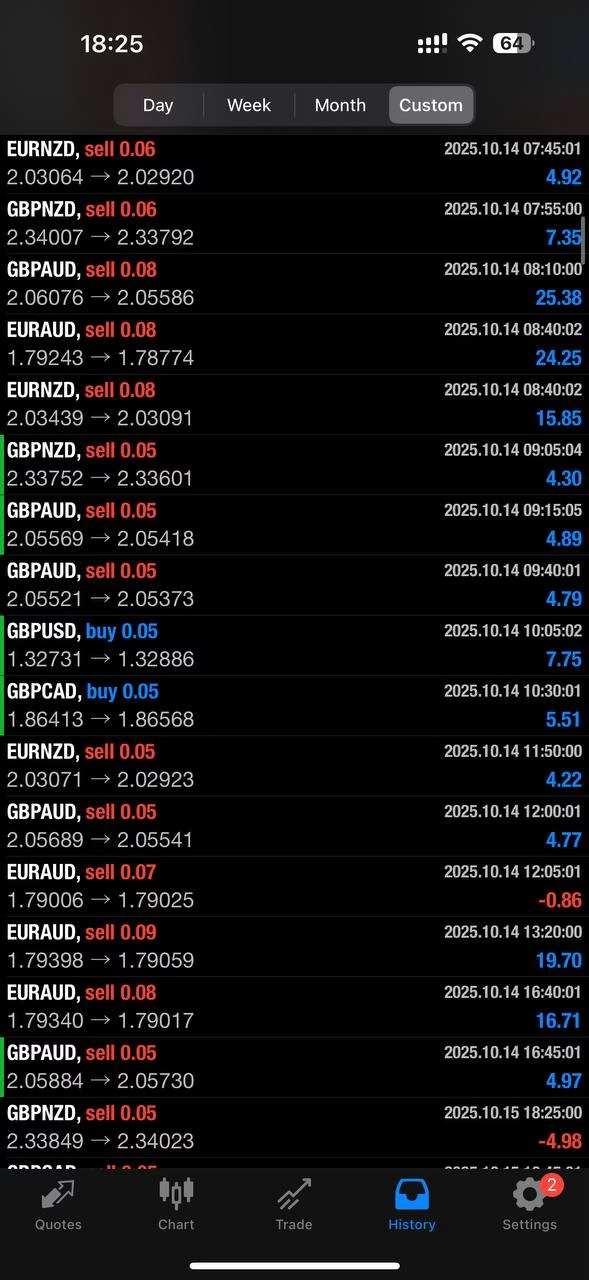
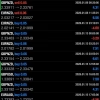
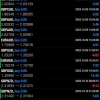
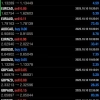
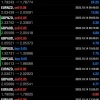
Live Results:
Live Account Number: 2132619305
Server: CXMTradingLtd-Real
Password: qwe123
| Membership | Yearly Membership |
|---|---|
| Additional Services | Unlock & Decompile |
| Recommended Brokers | Exness Broker, FPMarkets |
| Recommended VPS | FXVM (Low Latency) |
| Youtube Channel | ForexForYou |
| Telegram Channel | Onshoppie Forex EA's & Indicators |
| Telegram Support | Onshoppie Support |
| Installation Guides | Onshoppie Forex Guides |
Brand
ea-mt4
Only logged in customers who have purchased this product may leave a review.
Related products



Products
-
 Aurus Gold EA MT4 v1.11 For Build 1444+
Original price was: $967.00.$19.95Current price is: $19.95.
Aurus Gold EA MT4 v1.11 For Build 1444+
Original price was: $967.00.$19.95Current price is: $19.95.
-
Chinese UAV EA MT4 For Build 1444+
$24.95
-
Trade Vantage V4 MT4 v5.0 For Build 1444+
Original price was: $1,399.00.$19.95Current price is: $19.95.
-
Merlin Scalp EA MT4 V1.7 For Build 1444+
Original price was: $876.00.$9.95Current price is: $9.95.
-
Gold Hunter EA MT5 V8 For Build 5452+
Original price was: $280.00.$9.95Current price is: $9.95.
-
Highly Profitable Gold Scalper MT5 v1.20 + SetFiles
$9.95
-
Golden Baron EA MT4 For Build 1444+
$9.95
-
CM TSO EA MT4 + SetFiles For Build 1444+
$9.95







Recent reviews
-
 Advanced Dashboard Currency Strength
by Balram
Advanced Dashboard Currency Strength
by Balram

Reviews
There are no reviews yet.