



EA Game Changer MT4 v2.0 + SetFiles For Build 1455+
Original price was: $50.00.$9.95Current price is: $9.95.
Discover the ultimate EA Game Changer that delivers jaw-dropping trading results. Transform your forex experience with this powerful automated system.




Description
EA Game Changer: Complete Guide to the “Dot-and-X” Trend-Following Expert Advisor
Alternative Title: EA Game Changer – Everything You Need to Know Before You Switch It On
Table of Contents
What Is EA Game Changer?
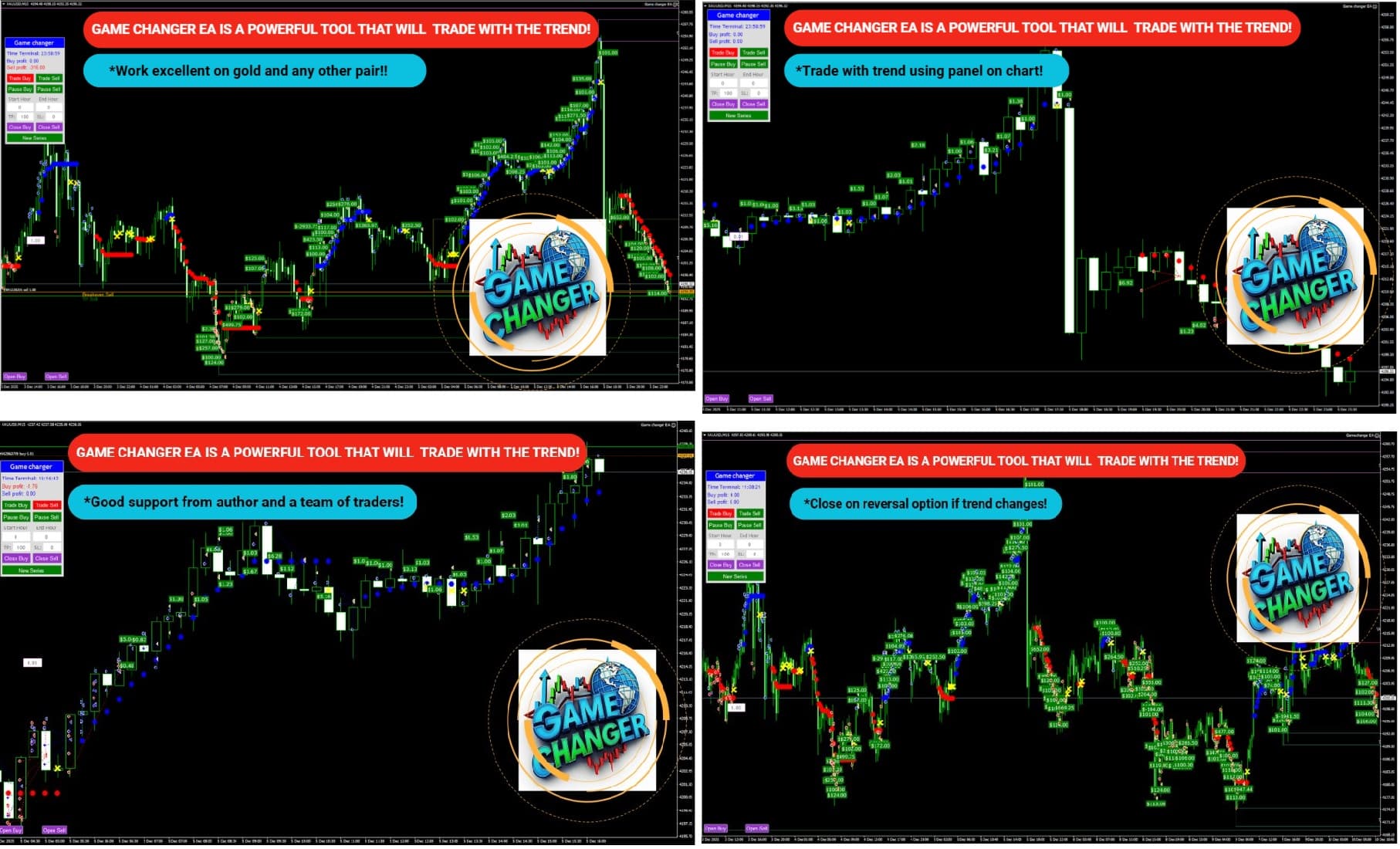
EA Game Changer is an Expert Advisor (EA) designed for MetaTrader 4 and MetaTrader 5. It follows trends by reading signals from the Game Changer indicator. In short:
- A blue dot = start buying.
- A red dot = start selling.
- A yellow X = close all open trades in that direction.
Because the EA does the opening, closing, and management for you, it can save time and remove emotional decision-making—especially when markets move fast.
Step-by-Step Installation Guide
- Download the EA file (.ex4 or .ex5).
- Open MetaTrader. Press File ➜ Open Data Folder.
- Navigate to MQL4 ➜ Experts (or MQL5 ➜ Experts).
- Copy the EA file into that folder.
- Restart MetaTrader or right-click Navigator and choose Refresh.
- Drag “EA Game Changer” onto your chart.
- On the pop-up:
- Tick “Allow live trading”.
- Set common inputs such as Magic Number to avoid clashes with other EAs.
- Adjust the settings covered earlier.
- Press OK. A smiley face in the chart’s top-right corner shows the EA is active.
Troubleshooting and Frequently Asked Questions
1. The EA doesn’t trade at all.• Check AutoTrading button (should be green).• Look in the Experts tab for error codes.• Time window: confirm current server time is inside your Start Hour–End Hour.
2. Big drawdowns after news events.• Turn on your broker’s economic calendar notification or avoid trading during major releases.• Alternatively, schedule Start Hour and End Hour to skip the high-volatility windows.
Final Thoughts About EA Game Changer
EA Game Changer offers a straightforward, rule-based way to follow market trends using its blue-dot, red-dot, and yellow-X signals. When set up with sound money management and tested on suitable trending instruments—especially XAUUSD on M15—the EA can add structure and discipline to a trading plan. Remember: keep lot sizes modest, cap the number of open orders, and always forward-test on a demo account before going live.
Vendor Site – Click Here
| Membership | Yearly Membership |
|---|---|
| Additional Services | Unlock & Decompile |
| Recommended Brokers | Exness Broker, FPMarkets |
| Recommended VPS | FXVM (Low Latency) |
| Youtube Channel | ForexForYou |
| Telegram Channel | Onshoppie Forex EA's & Indicators |
| Telegram Support | Onshoppie Support |
| Installation Guides | Onshoppie Forex Guides |
Brand
ea-mt4
Only logged in customers who have purchased this product may leave a review.
Related products


Products
-
 Perceptrader AI EA MT5 V2.43 + Setfiles For Build 5836+
Original price was: $2,800.00.$14.95Current price is: $14.95.
Perceptrader AI EA MT5 V2.43 + Setfiles For Build 5836+
Original price was: $2,800.00.$14.95Current price is: $14.95.
-
 Quantum Emperor EA MT5 V7.5 For Build 5836+
Original price was: $799.00.$14.95Current price is: $14.95.
Quantum Emperor EA MT5 V7.5 For Build 5836+
Original price was: $799.00.$14.95Current price is: $14.95.
-
 Quantum King EA MT5 V3.1 For Build 5836+
Original price was: $649.00.$14.95Current price is: $14.95.
Quantum King EA MT5 V3.1 For Build 5836+
Original price was: $649.00.$14.95Current price is: $14.95.
-
 Bitcoin Robot Grid EA MT4 V6.0 For Build 1473+
Original price was: $899.00.$14.95Current price is: $14.95.
Bitcoin Robot Grid EA MT4 V6.0 For Build 1473+
Original price was: $899.00.$14.95Current price is: $14.95.
-
 IS PI Scalper EA Virtual Level Final MT4 + SetFiles
$14.95
IS PI Scalper EA Virtual Level Final MT4 + SetFiles
$14.95
-
 ArtQuant Gold EA MT5 V3.0 For Build 5836+
Original price was: $700.00.$14.95Current price is: $14.95.
ArtQuant Gold EA MT5 V3.0 For Build 5836+
Original price was: $700.00.$14.95Current price is: $14.95.
-
 Gold Trap EA MT5 V4.2.3 + Setfiles For Build 5836+
Original price was: $499.00.$19.95Current price is: $19.95.
Gold Trap EA MT5 V4.2.3 + Setfiles For Build 5836+
Original price was: $499.00.$19.95Current price is: $19.95.
-
 AI X HFT VIP EA MT4 V14 With DLL 1473
$14.95
AI X HFT VIP EA MT4 V14 With DLL 1473
$14.95
Recent reviews
-
 Advanced Dashboard Currency Strength
by Balram
Advanced Dashboard Currency Strength
by Balram
Reviews
There are no reviews yet.