


AI Gold Sniper EA MT4 V1.4 For Build 1455+
Original price was: $399.00.$14.95Current price is: $14.95.
Amazing AI Gold Sniper EA creates explosive trading opportunities. This automated expert advisor revolutionizes your gold trading strategy with precision.




Description
Table of Contents
- Quick Overview AI Gold Sniper EA
- How the AI Gold Sniper EA Works
- Why Trade XAU/USD With This Expert Advisor?
- Key Features at a Glance
- System Requirements
- Initial Setup Checklist
- Frequently Asked Questions
- Final Thoughts
Quick Overview
AI Gold Sniper EA is an automatic trading robot for MetaTrader 4 designed to trade gold (symbol: XAU/USD). It blends the latest GPT-4o model with a multi-layered algorithmic framework. In simple terms, it looks at historic price patterns, real-time news, macro data, and technical signals—all at once—then places a single, stop-loss-protected trade when the odds line up.
Key points:
- Runs on any broker that offers XAU/USD.
- Needs only a $200 starting balance for 0.01 lot (though $500 is suggested).
- Uses no grid, no martingale, and never leaves trades open without a stop loss.
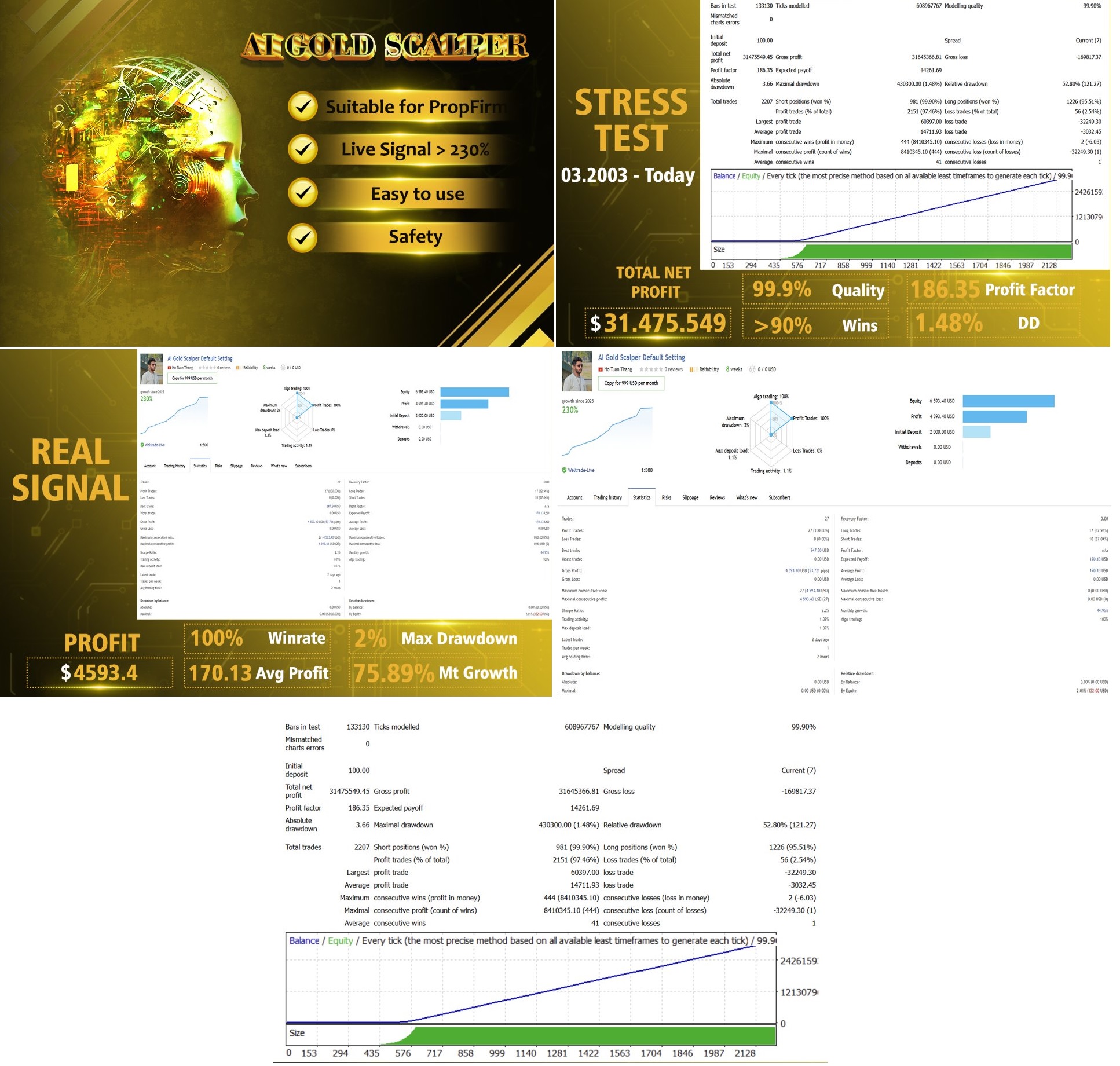
- Shows a tested drawdown of under 5 % and a Sharpe ratio above 2.3 in 2003-2024 back-tests.
How the AI Gold Sniper EA Works
1. Multi-Layered Algorithm
| Layer | Data Source | Tool | Job |
|---|---|---|---|
| Sentiment | News headlines, tweets, economic releases | NLP | Measure mood shifts |
| Technical | Price candles from M1 to H1 | CNN | Detect pattern clusters |
| Macro | Interest rates, inflation, USD Index | RNN | Spot longer moves |
| Cross-Market | Crude oil, US bond yields | Reinforcement Learning | Adjust bias |
| Risk | Volatility bands | Stochastic Meta-Learning | Adapt stop size |
The engine then merges these views into a single trade call. When probability is on your side, the EA opens a market order on XAU/USD, sets a tight stop loss, and lets MetaTrader trail the target.
2. GPT-4o at the Core
GPT-4o by OpenAI tunes the filter that decides if a news item is bullish or bearish for gold. Because GPT-4o has been trained on both market text and mainstream media, the EA can read a headline such as “Fed hikes rates by 25 bps” and instantly adjust its stance.
Why Trade XAU/USD With This Expert Advisor?
- Gold tends to trend strongly after macro events.
- XAU/USD has high liquidity even at off-peak hours, letting the EA fill orders fast.
- Spread is narrow on most ECN accounts, which fits the one-trade-at-a-time style.
- The pair reacts to both USD data and risk sentiment, giving the multi-layer engine plenty of signals.
Key Features of AI Gold Sniper EA at a Glance
- One trade only, no grid, no martingale.
- Hard stop loss on every position.
- Works on any timeframe; H1 is advised so the robot can scan all sub-timeframes.
- Smart time filter blocks trades in low-liquidity or high-gap sessions.
- Plug-and-play default settings.
- Verified on Dukascopy real ticks (100 % quality).
System Requirements for AI Gold Sniper EA
- MetaTrader 4 (download from your broker).
- Windows 10/11 PC or VPS with at least 2 GB RAM and stable internet.
- Account leverage: 1:100 or above (1:500 offers more margin but is not required).
- Starting balance: $200 for 0.01 lot or $500 to keep drawdown near 10 %.
- Symbol name must be XAUUSD. If your broker uses a suffix (e.g., XAUUSD.m), adjust in settings.
Initial Setup Checklist for AI Gold Sniper EA
- XAU/USD chart open on H1.
- EA file in
Expertsfolder. - DLL imports allowed.
- Auto-trading enabled (green triangle).
- Default risk OK or edited.
- Preset loaded (if any).
- Internet connection stable (ping < 100 ms).
Frequently Asked Questions Regarding AI Gold Sniper EA
Q: Can I run AI Gold Sniper EA on MetaTrader 5?A: Not at the moment. The file is coded for MT4 only.
Q: Does the EA hedge or average down?A: No. It opens one trade, sets a stop loss, and closes it before opening another.
Q: Will the EA work on a $100 account?A: Technically yes, but the stop loss might be too large relative to equity. $200 is the minimum we recommend.
Q: Do I need to adjust settings for news releases?A: No. The smart time filter handles major US news events automatically.
Final Thoughts About AI Gold Sniper EA
The AI Gold Sniper EA mixes deep learning, news reading, and strict risk control to aim for steady profits in gold trading. It avoids dangerous techniques like martingale and always places a stop loss. With a quick setup and the full installation instructions above, you can have the robot trading on an H1 chart in under 10 minutes.
Ready to start?
- Download the EA.
- Follow the step-by-step install.
- Run a test, then go live.
Happy trading!
| Membership | Yearly Membership |
|---|---|
| Additional Services | Unlock & Decompile |
| Recommended Brokers | Exness Broker, FPMarkets |
| Recommended VPS | FXVM (Low Latency) |
| Youtube Channel | ForexForYou |
| Telegram Channel | Onshoppie Forex EA's & Indicators |
| Telegram Support | Onshoppie Support |
| Installation Guides | Onshoppie Forex Guides |
Brand
ea-mt4
Only logged in customers who have purchased this product may leave a review.
Related products



Products
-
 Quantum Queen X EA MT5 V4.3 MQ5 Source Code
Original price was: $1,799.00.$19.95Current price is: $19.95.
Quantum Queen X EA MT5 V4.3 MQ5 Source Code
Original price was: $1,799.00.$19.95Current price is: $19.95.
-
 Smart Gold Hunter EA MT5 V2.0 MQ5 Source Code
Original price was: $249.00.$28.95Current price is: $28.95.
Smart Gold Hunter EA MT5 V2.0 MQ5 Source Code
Original price was: $249.00.$28.95Current price is: $28.95.
-
 The Gold Reaper EA MQ5 V4.1 Source Code + Setfiles
Original price was: $949.00.$19.95Current price is: $19.95.
The Gold Reaper EA MQ5 V4.1 Source Code + Setfiles
Original price was: $949.00.$19.95Current price is: $19.95.
-
 ATM Alpha BOT MT5 For Build 5984+
$14.95
ATM Alpha BOT MT5 For Build 5984+
$14.95
-
 Pandora Box EA MT5 V1.1 + SetFiles With DLL 5984
$14.95
Pandora Box EA MT5 V1.1 + SetFiles With DLL 5984
$14.95
-
 Bully Max Pro EA MT5 For Build 5984+
$14.95
Bully Max Pro EA MT5 For Build 5984+
$14.95
-
 Trinetra EA MT5 + SetFiles For Build 5984+
$34.95
Trinetra EA MT5 + SetFiles For Build 5984+
$34.95
-
 Strict HedgeZone Final EA MT5 V10 + SetFiles For Build 5984+
$14.95
Strict HedgeZone Final EA MT5 V10 + SetFiles For Build 5984+
$14.95
Recent reviews
-
 Advanced Dashboard Currency Strength
by Balram
Advanced Dashboard Currency Strength
by Balram
Reviews
There are no reviews yet.