
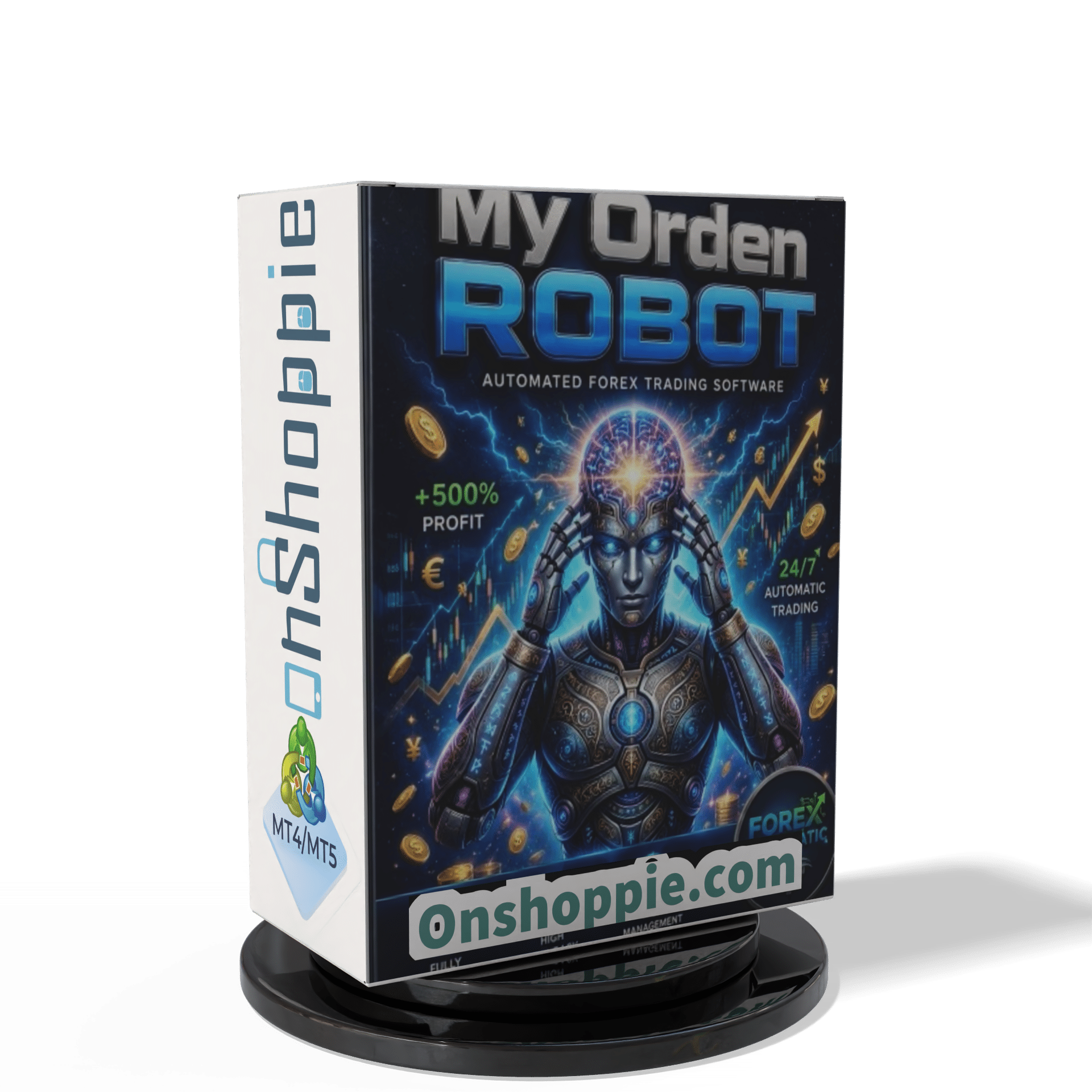
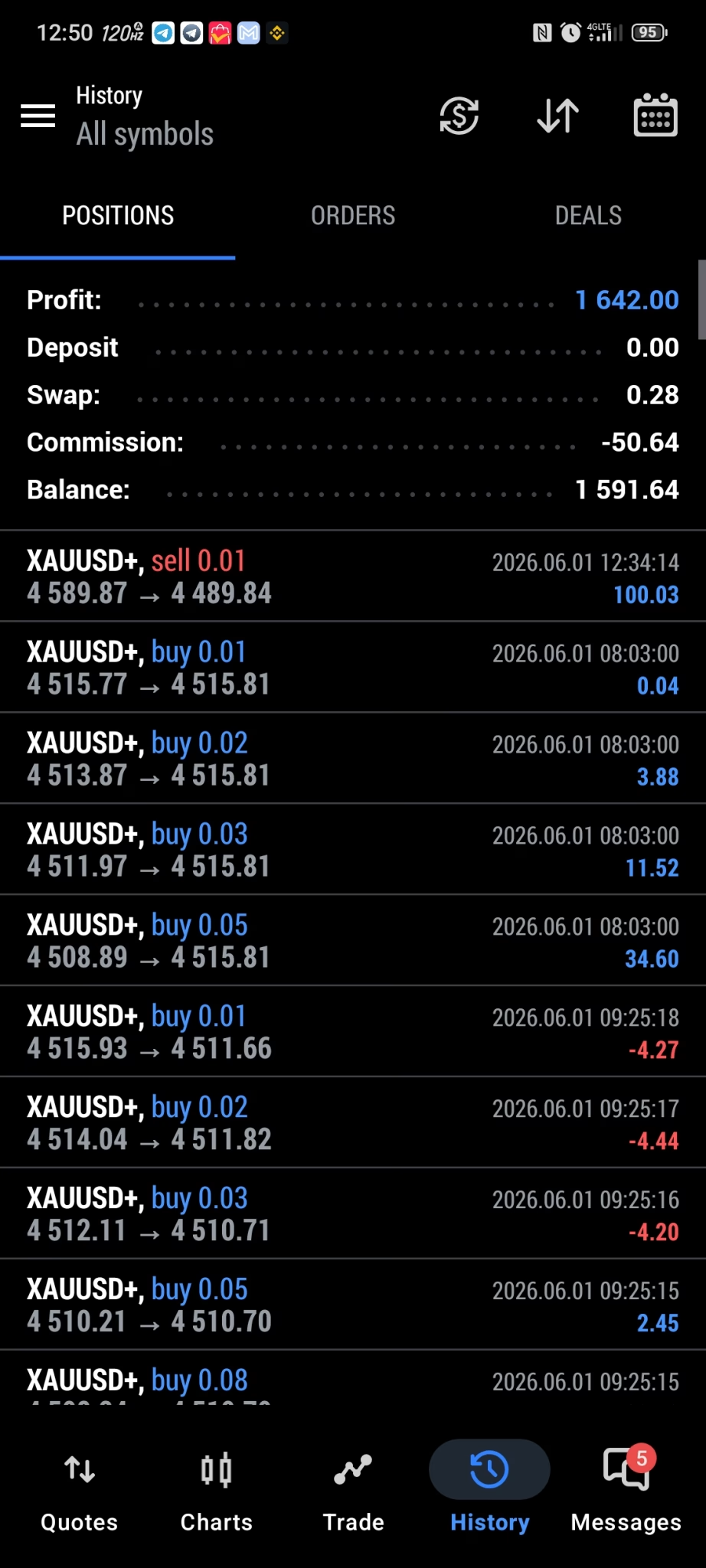
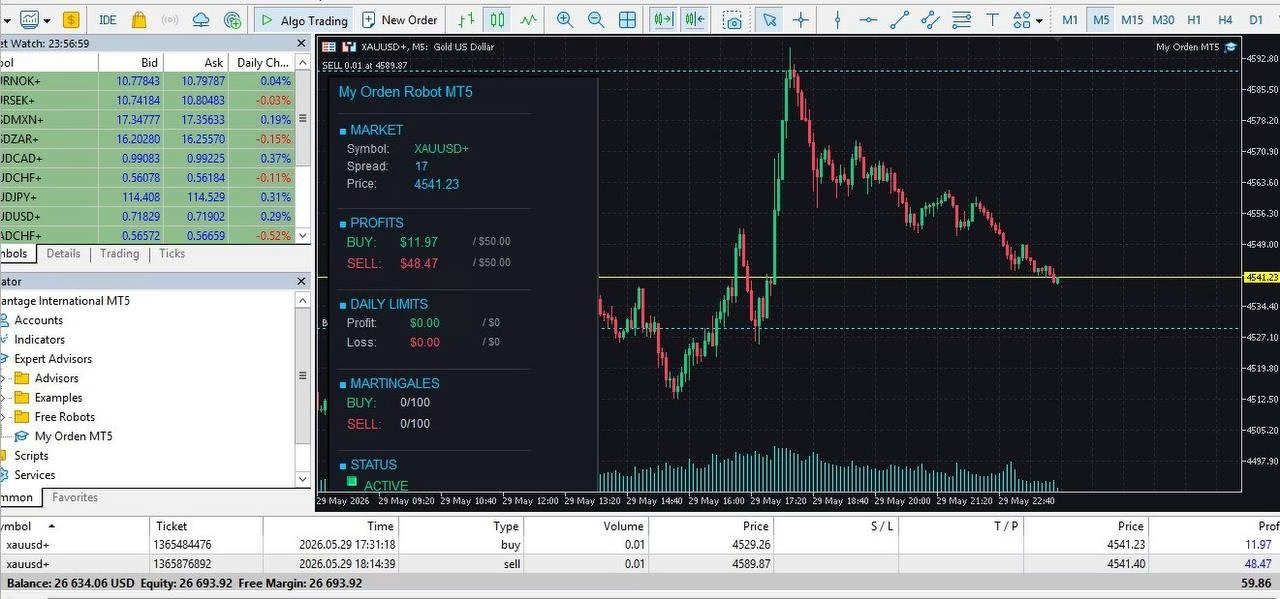
My Orden Robot EA MT5 For Build 5833+
$14.95
Discover the powerful secrets of My Orden Robot EA. This proven tool helps traders grow their portfolio with ease and confidence. Start your journey today!
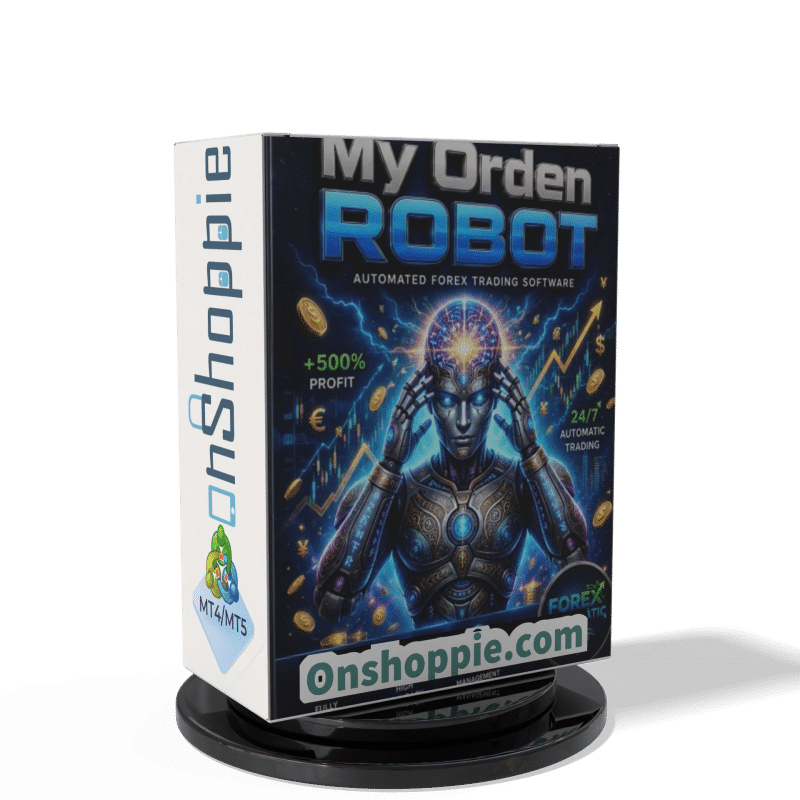


Description
My Orden Robot EA: The Complete Guide to Smarter, Safer Automated Trading
My Orden Robot EA – A Practical Road-Map for Account Protection and Steady Growth
Table of Contents
- Introduction
- What Is My Orden Robot EA?
- How the Advanced Order Management System Works
- Step-by-Step Installation on MT5
- Best Practices for Day-to-Day Use
- Frequently Asked Questions
- Final Thoughts
Introduction
Looking for a clear way to manage risk while letting your trades work for you? My Orden Robot EA for the MT5 platform brings automated order control, strict drawdown limits, and fully custom settings into one Expert Advisor. Instead of worrying about manual errors or emotional moves, you can set simple rules and let the robot handle them in real time.
What Is My Orden Robot EA?
My Orden Robot EA is an MT5 Expert Advisor built to:
- Monitor every open position 24/5
- Cap daily losses before they hurt long-term growth
- Lock in daily profit targets when the goal is reached
- Keep risk settings consistent, no matter how busy the market is
In short, it is not a signal generator. It is a risk and order manager that works with any strategy you already use or plan to test.
How the Advanced Order Management System Works
- Smart Trade Management• Tracks open positions tick by tick.• Adjusts stop loss if price moves in your favour.
- Automated Position Monitoring• Alerts you when risk limits are near.• Closes offending trades if the limit is breached.
- Flexible Risk Control• Set risk as percent of balance or fixed lot size.• Separate settings for different pairs or groups.
- Dynamic Profit Protection• Moves stops to break-even at custom levels.• Optionally trails stops to secure partial gains.
- Daily Profit & Loss Controls• Daily target example: stop trading after +2 %.• Daily loss cap example: halt trading after –1 %.
Tip: You can switch any module on or off. That means the EA never forces a style you dislike.
Step-by-Step Installation on MT5
- Open the MetaTrader 5 platform.
- Click File → Open Data Folder.
- Navigate to MQL5 → Experts.
- Copy MyOrdenRobot.ex5 into that folder.
- Restart MT5 or right-click Navigator → Refresh.
- Drag the EA onto a chart.
- Set the options under the Inputs tab.
- Enable Algo Trading at the top of MT5.
- Confirm the smiley face in the chart’s top-right corner.
Best Practices for Day-to-Day Use
- Run a VPS.Keep MT5 online 24/5 to avoid missed actions.
- Use pairs with low spreads.EURUSD, GBPUSD, and XAUUSD (gold) are popular.
- Begin on demo or cent.Test tweaks without risking real funds.
- Review logs weekly.Search for recurring alerts or errors.
- Avoid changing settings mid-trade.Wait for all positions to close to keep data clean.
- Back up the preset file.Quick recovery if you reinstall MT5.
Frequently Asked Questions Regarding My Orden Robot
Q1: Can I run other EAs on the same account?A: Yes, but make sure total risk across all EAs stays within your comfort zone.
Q2: Which time frame should I attach it to?A: Any. The EA reads account data rather than chart data.
Q3: Will it conflict with broker rules?A: The functions are standard MT5 commands, so conflicts are rare. Just avoid exceeding broker margin limits.
Q4: How often do I need to tweak settings?A: Only when your goals or risk appetite change. Many users keep the same profile for months.
Final Thoughts About My Orden Robot
My Orden Robot EA stands out for simple reasons: it cuts down large drawdowns, closes shop after healthy daily gains, and keeps every trade within a rule set you choose. Whether you are new to Forex or trade full-time, adding a structured order manager can protect your capital and bring steadier results.
Ready to put rules first? Download My Orden Robot EA, test it on a cent account, and see how a clear risk plan feels in live market conditions.
MT5 Account with invest passwords
Server: VantageInternational-Demo
Login: 25440573
Password: Orden.123
| Membership | Yearly Membership |
|---|---|
| Additional Services | Unlock & Decompile |
| Recommended Brokers | Exness Broker, FPMarkets |
| Recommended VPS | FXVM (Low Latency) |
| Youtube Channel | ForexForYou |
| Telegram Channel | Onshoppie Forex EA's & Indicators |
| Telegram Support | Onshoppie Support |
| Installation Guides | Onshoppie Forex Guides |
Brand
ea-mt5
Only logged in customers who have purchased this product may leave a review.
Related products


Products
-
 Perceptrader AI EA MT5 V2.43 + Setfiles For Build 5836+
Original price was: $2,800.00.$14.95Current price is: $14.95.
Perceptrader AI EA MT5 V2.43 + Setfiles For Build 5836+
Original price was: $2,800.00.$14.95Current price is: $14.95.
-
 Quantum Emperor EA MT5 V7.5 For Build 5836+
Original price was: $799.00.$14.95Current price is: $14.95.
Quantum Emperor EA MT5 V7.5 For Build 5836+
Original price was: $799.00.$14.95Current price is: $14.95.
-
 Quantum King EA MT5 V3.1 For Build 5836+
Original price was: $649.00.$14.95Current price is: $14.95.
Quantum King EA MT5 V3.1 For Build 5836+
Original price was: $649.00.$14.95Current price is: $14.95.
-
 Bitcoin Robot Grid EA MT4 V6.0 For Build 1473+
Original price was: $899.00.$14.95Current price is: $14.95.
Bitcoin Robot Grid EA MT4 V6.0 For Build 1473+
Original price was: $899.00.$14.95Current price is: $14.95.
-
 IS PI Scalper EA Virtual Level Final MT4 + SetFiles
$14.95
IS PI Scalper EA Virtual Level Final MT4 + SetFiles
$14.95
-
 ArtQuant Gold EA MT5 V3.0 For Build 5836+
Original price was: $700.00.$14.95Current price is: $14.95.
ArtQuant Gold EA MT5 V3.0 For Build 5836+
Original price was: $700.00.$14.95Current price is: $14.95.
-
 Gold Trap EA MT5 V4.24 + Setfiles For Build 5836+
$24.95
Gold Trap EA MT5 V4.24 + Setfiles For Build 5836+
$24.95
-
 AI X HFT VIP EA MT4 V14 With DLL 1473
$14.95
AI X HFT VIP EA MT4 V14 With DLL 1473
$14.95
Recent reviews
-
 Advanced Dashboard Currency Strength
by Balram
Advanced Dashboard Currency Strength
by Balram
Reviews
There are no reviews yet.