

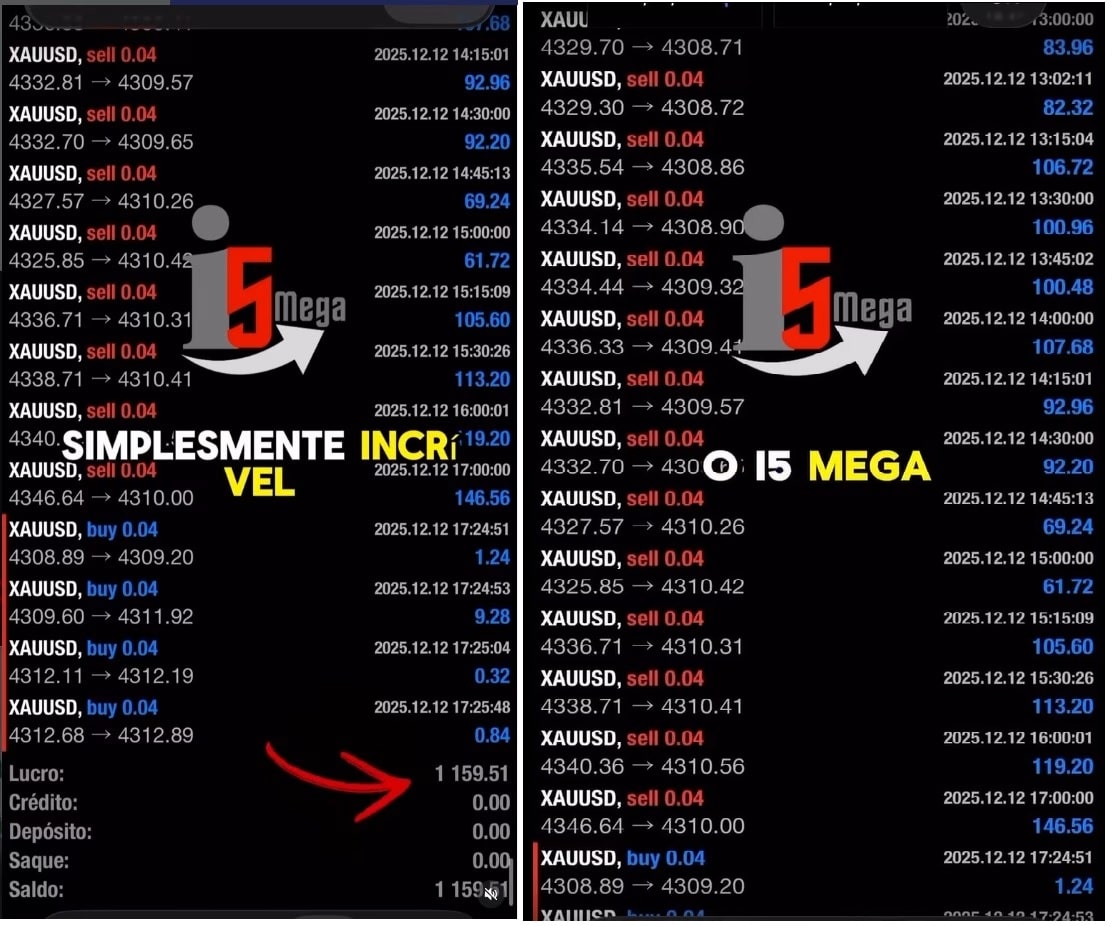

i5 Mega EA MT4 v4.5 For Build 1444+
$9.95
i5 Mega EA may fit your style. Built as i5 Mega EA MT4, it checks fresh data every few seconds, and makes calm, calculated decisions.




Description
i5 Mega EA MT4: Complete Guide to a Fast Gold Trading Robot
Alternative Title
i5 Mega EA MT4 – Everything You Need to Know About This XAUUSD Expert Advisor
Table of Contents
- Quick Introduction
- What Is the i5 Mega EA MT4?
- Why Traders Pick an EA for Gold
- Core Features of i5 Mega EA
- How the Algorithm Works on the M1 Chart
- Default Settings and Custom Options
- Who Should Use the i5 Mega EA MT4?
- Installation: Step-by-Step
- Best Practices for Running an Expert Advisor
- Back-Testing and Forward-Testing Tips
- Risk Management With an EA
- Frequently Asked Questions
- Final Thoughts
Quick Introduction
If you trade Gold, you already know the XAUUSD pair moves fast. The i5 Mega EA MT4 is built for exactly that pace. Working on the M1 timeframe, this automated trading robot acts on small price moves while following a clear plan. In this guide we break down how it works, why people use it, and what to keep in mind before you hit “Enable Auto Trading.”
What Is the i5 Mega EA MT4?
The i5 Mega EA MT4 is an Expert Advisor designed for MetaTrader 4. It was made for traders who want their platform to spot, open, manage, and close trades on Gold without manual clicks.
Key points:
- Focused entirely on XAUUSD.
- Operates on the M1 chart for quick entries and exits.
- Comes with pre-tuned default settings, so you can attach it and start.
External reference: Learn more about Expert Advisors on MetaTrader’s official site.
Why Traders Pick an EA for Gold
Gold can spike several dollars in seconds. Watching every tick is hard, but an EA:
- Reacts the moment a condition appears.
- Keeps emotions out of the equation.
- Sticks to the same rules all day, every day.
That is why many traders adopt a robot such as i5 Mega EA MT4 when trading XAUUSD.
Core Features of i5 Mega EA
| Feature | Why It Matters for XAUUSD |
|---|---|
| Fully automated execution | No manual order entry, reducing slippage. |
| M1 precision | Captures small moves that add up over time. |
| Pre-set risk controls | Lot size, stop loss, and take profit built in. |
| MT4 compatibility | Runs on a platform many brokers already offer. |
| Plug-and-run defaults | You can start with no extra tuning. |
Additional Perks
- Smart algorithm separates trend and noise.
- Fast execution through MT4 trade functions.
- Works on both demo and live accounts.
How the Algorithm Works on the M1 Chart
The developer used short-term patterns often seen in Gold:
- Impulse candles: When Gold breaks out of a box, the EA looks for entries on pullbacks.
- Session filters: Active during London and New York hours when spread is tight.
- Adaptive stop loss: Ranges are wider during volatile news and tighter during calm periods.
Because the timeframe is one minute, the strategy does not chase every wiggle; it waits for a signal that meets the rule set, then takes action in milliseconds.
Default Settings and Custom Options
Even though the EA is “ready out of the box,” you can still tweak it. Below are some key inputs you may see in the MT4 parameters window:
| Parameter | Default | What It Does |
|---|---|---|
| Risk_Per_Trade | 1 % | Sets lot size based on balance. |
| Max_Open_Trades | 3 | Caps the number of active positions. |
| Trade_Sessions | London+NY | Controls when the EA can open new trades. |
| Slippage | 5 pips | Max allowed deviation before entry cancels. |
| Dynamic_StopLoss | true | Lets the stop loss follow price after a set gain. |
Internal link: Skip ahead to Risk Management With an EA to learn more about safe position sizing.
Who Should Use the i5 Mega EA MT4?
- Busy traders who cannot watch charts all day.
- Beginners who want a rule-based method rather than guesswork.
- System traders looking to add a Gold strategy to a diversified EA portfolio.
If you prefer manual scalping, this EA can still run on a separate MT4 instance, giving you parallel income streams.
Installation: Step-by-Step
- Open MetaTrader 4.
- Click File → Open Data Folder.
- Inside MQL4/Experts, paste
i5MegaEA.ex4. - Restart MT4 or refresh the Navigator.
- Drag the EA onto an XAUUSD M1 chart.
- Tick Allow live trading in the common tab.
- Press AutoTrading at the top of MT4.
That’s it. The EA should print “i5 Mega EA MT4 initialized” in the Experts tab if loaded correctly.
Tip: Run the EA on a VPS near your broker server to cut down on latency.
Best Practices for Running an Expert Advisor
- Keep your platform updated to the latest MT4 build.
- Use a low-spread Gold account if your broker offers one.
- Check latency using the ping display in MT4 terminal.
- Review the journal tab daily for any errors or disconnects.
- Refrain from changing inputs during open trades.
Back-Testing and Forward-Testing Tips of i5 Mega EA
- Use MT4 Strategy Tester with M1 tick data for at least three years.
- Enable Every tick mode for higher accuracy.
- Compare default settings versus small tweaks (e.g., 1 % risk vs 0.5 %).
- When happy with results, move to a demo account for 30 days.
- Only after stable forward tests should you go live.
Useful tool: You can pull tick data from Dukascopy Data Center for more precise back-tests.
Risk Management With i5 Mega EA
Even with a solid algorithm, risk control remains your job. Consider:
- Account size: Trade the EA on money you can afford to set aside.
- Leverage: Lower leverage can prevent margin calls on a big Gold spike.
- Position size: Keep lot sizes small relative to balance (1 % or less).
- Diversification: Run other EAs or manual trades on different symbols to spread risk.
Internal link back to the Default Settings section for parameter details.
Frequently Asked Questions About i5 Mega EA
Q1: Can I run the i5 Mega EA on pairs other than Gold?A: It was optimized for XAUUSD. Running it on EURUSD or GBPUSD may lead to unknown results.
Q2: Does the EA use martingale or grid methods?A: Yes.
Q3: How much VPS RAM is needed?A: MT4 uses little memory. A 1 GB RAM VPS works fine when you run one platform.
Q4: Do I need to leave my PC on all the time?A: Yes, unless you use a VPS. The EA must stay connected to place and manage trades.
Q5: Will the EA stop trading during high-impact news?A: The default news filter setting is “off.” You can enable a news filter in Inputs or pause AutoTrading manually.
Final Thoughts about i5 Mega EA
The i5 Mega EA MT4 provides an automated way to engage with Gold’s rapid price swings. With its M1 focus, structured rules, and easy installation, it suits both new and seasoned traders who want a methodical approach. Remember to test thoroughly, apply sensible risk limits, and monitor performance.
Ready to give it a try? Set up the EA on a demo account today, test the default settings, and see if the strategy aligns with your trading goals.
Vendor Site – Click Here
| Membership | Yearly Membership |
|---|---|
| Additional Services | Unlock & Decompile |
| Recommended Brokers | Exness Broker, FPMarkets |
| Recommended VPS | FXVM (Low Latency) |
| Youtube Channel | ForexForYou |
| Telegram Channel | Onshoppie Forex EA's & Indicators |
| Telegram Support | Onshoppie Support |
| Installation Guides | Onshoppie Forex Guides |
Brand
ea-mt4
Only logged in customers who have purchased this product may leave a review.
Related products

Products
-
 Aurus Gold EA MT4 v1.11 For Build 1444+
Original price was: $967.00.$9.95Current price is: $9.95.
Aurus Gold EA MT4 v1.11 For Build 1444+
Original price was: $967.00.$9.95Current price is: $9.95.
-
Chinese UAV EA MT4 For Build 1444+
$9.95
-
Trade Vantage V4 MT4 v5.0 For Build 1444+
Original price was: $1,399.00.$19.95Current price is: $19.95.
-
Gold Or MT4 EA v1.10 + SetFiles For Build 1444+
Original price was: $399.00.$9.95Current price is: $9.95.
-
Alpha Trade Signal Pro MT5 For Build 5488+
$14.95
-
EA Legendary Scalper MT4 v151.98 + SetFiles For Build 1444+
Original price was: $299.00.$19.95Current price is: $19.95.
-
EA RTX-TERONGBUSUK MT5 + SetFiles With DLL 5430
Original price was: $50.00.$29.95Current price is: $29.95.
-
MFXT GOLD AI X1 EA MT5 With DLL 5488
$49.95








Recent reviews
-
 Advanced Dashboard Currency Strength
by Balram
Advanced Dashboard Currency Strength
by Balram

Reviews
There are no reviews yet.