
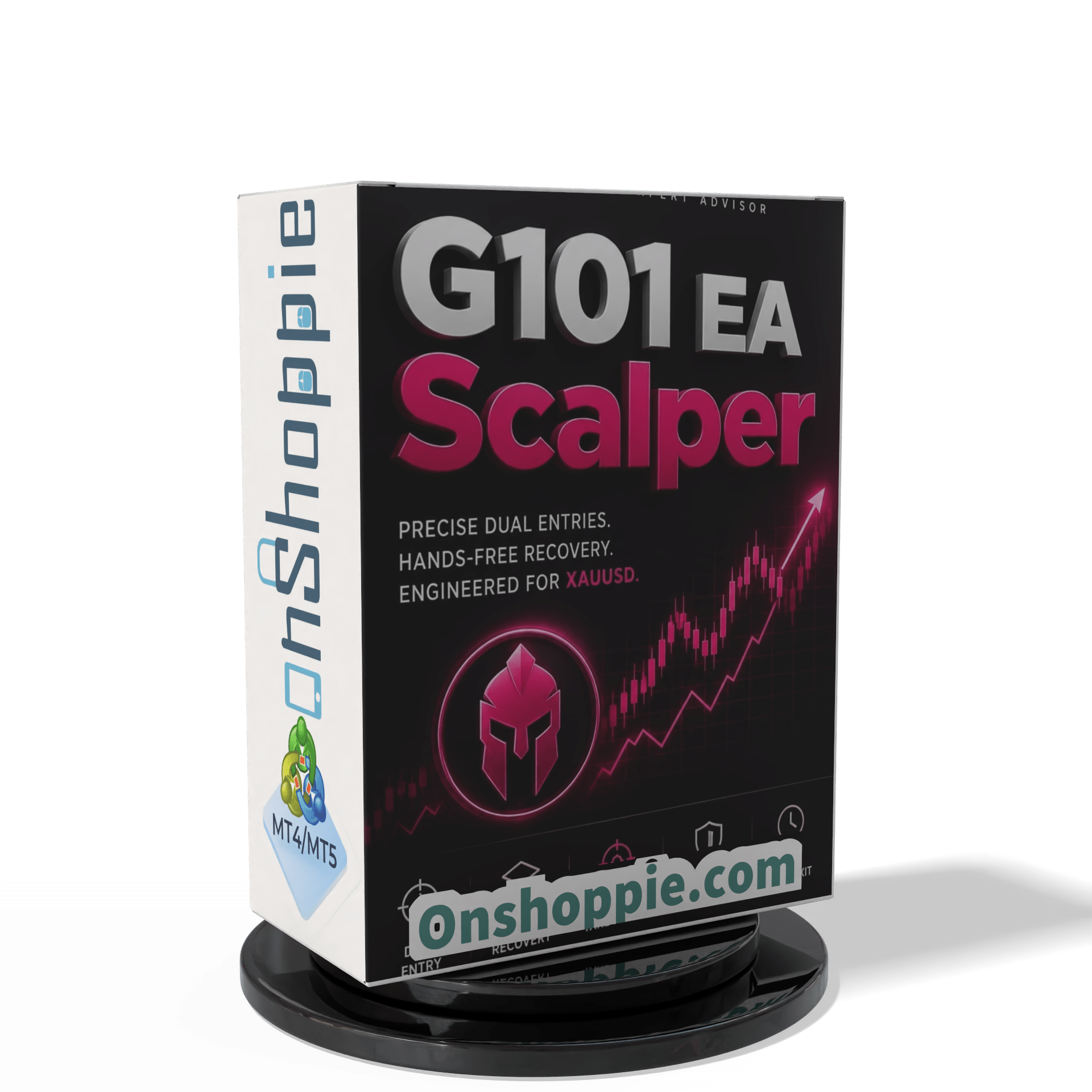

G101 EA Scalper MT5 V2.19.1 For Build 5836+
Original price was: $499.00.$14.95Current price is: $14.95.
Uncover the secrets of the G101 EA Scalper and soar past your trading goals. This powerful tool delivers consistently profitable results. Don’t miss out!


Description
Main Title
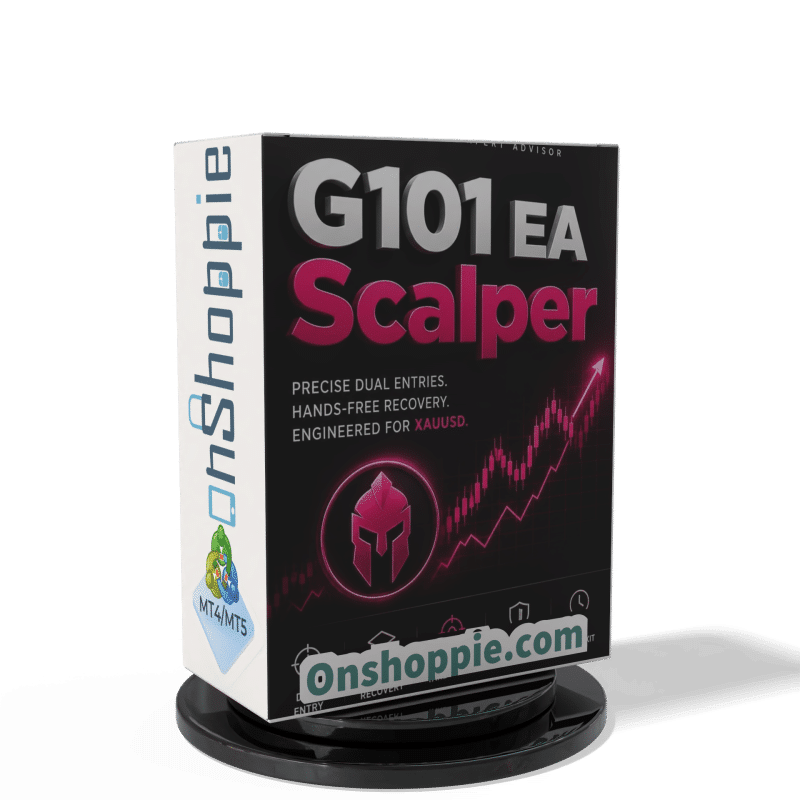
G101 EA Scalper: A Rule-Based Forex Robot You Can Track in Real Time
Alternative Title
G101 EA Scalper — See Every Trade Live and Learn How the Dual-Entry Grid Really Works
Table of Contents
- Quick Snapshot
- How the Dual-Entry Method Works
- Grid Recovery Without Guesswork
- Basket Exit: One Target for the Whole Group
- Capital Sizing Guide
- Setting Up G101 EA Scalper on MT5
- Best Practices for Running Automated Strategies
- Frequently Asked Questions
- Final Thoughts
Quick Snapshot of G101 EA Scalper
| Feature | At a Glance |
|---|---|
| Primary Approach | Dual stop orders (BuyStop & SellStop) |
| Recovery | Fixed-step grid with lot multiplier |
| Exit Logic | Shared break-even → basket take-profit |
| Platforms | MetaTrader 5 (MT5) |
| Risk Modes | T1 (High), T2 (Medium), T3 (Stable) |
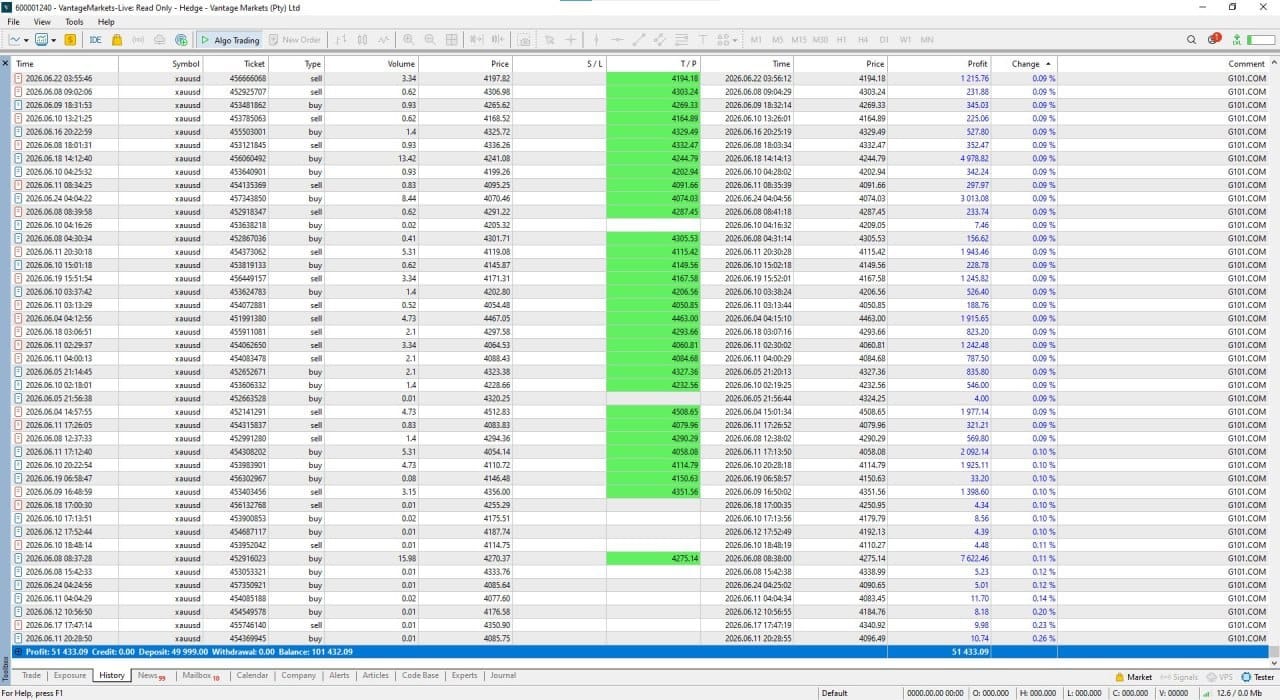
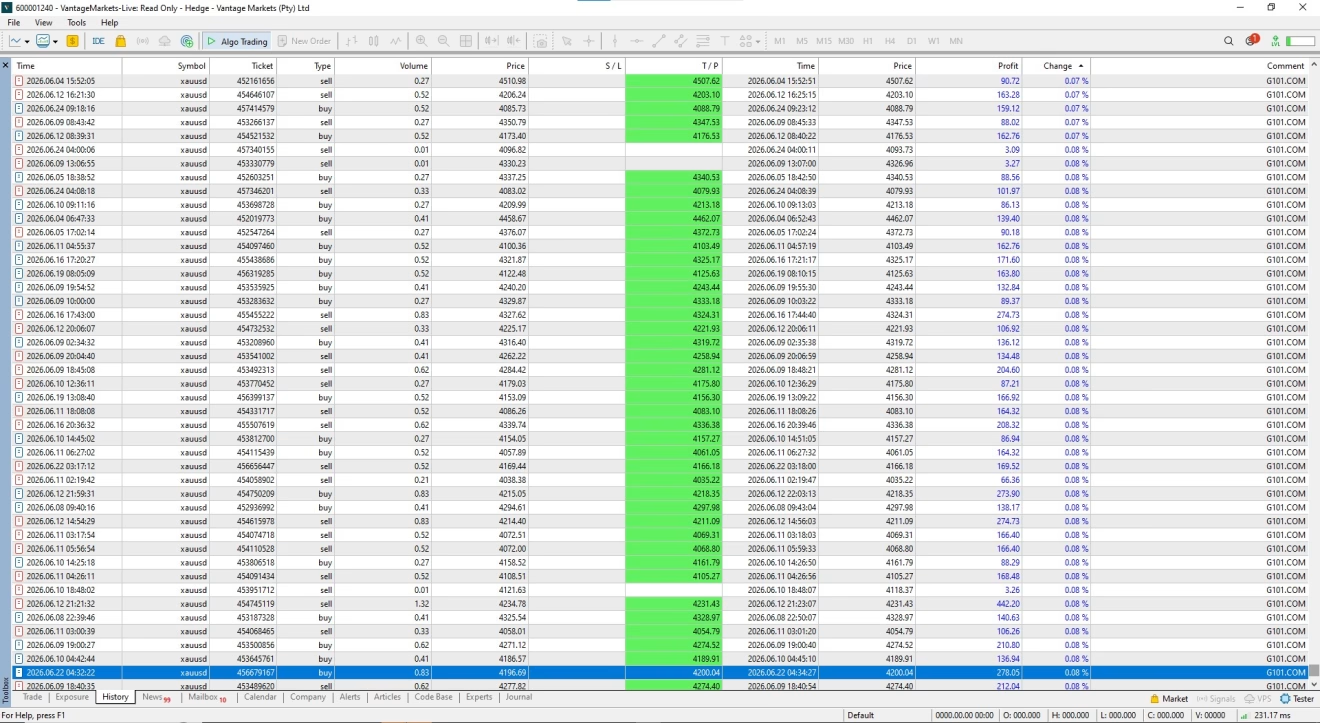
| Transparency | Read-only investor login so anyone can watch live trades |
The G101 EA Scalper is a fully automated trading robot designed for MetaTrader 5. Instead of predicting market direction, it follows a simple set of rules that repeat over and over. You can verify every position in real time—no screenshots, no edited statements—just log in with the provided investor credentials and see the trades unfold.
How the Dual-Entry Method Works in G101 EA Scalper
Step-by-Step Cycle
- Place the Dual Entry
- A BuyStop sits a set distance above price.
- A SellStop sits the same distance below price.
- Both come with predefined stop losses.
- One Side Triggers
- When price hits one stop order, that position opens.
- The opposite order is canceled right away.
- Recovery Grid Kicks In
- If price turns against the open position, the EA places extra orders at fixed intervals.
- Each new order uses a lot size based on a multiplier you choose.
- Basket Closes at One Target
- The EA calculates a common break-even for all open trades.
- Once that level is reached, every position closes together in profit.
- Reset & Repeat
- The cycle restarts immediately with a fresh dual entry—unless it’s rollover time.
- Pause at Rollover
- Dual entries are removed during the daily spread widening.
- Any open basket stays managed until completion.
What Makes It Different
- No Prediction, Just Reaction – The robot doesn’t guess direction; it reacts to price movement.
- Immediate Order Cancellation – Avoids the “both sides open” mistake that can drain equity.
- Shared Exit Level – Simplifies profit tracking; you only watch one number.
Grid Recovery Without Guesswork
Most grid strategies rely on adding trades as price moves away from the starting point. G101 EA Scalper keeps it straightforward:
| Parameter | What It Does | User Choice |
|---|---|---|
| Step Size | Distance (in pips) between grid orders | 10 – 100 pips |
| Grid Levels | How many added trades are allowed | 1 – 10 |
| Lot Multiplier | Lot size factor for each step | 1.1 – 2.0 |
Key points:
- Fixed steps make drawdown easy to map out ahead of time.
- A moderate multiplier (e.g., 1.3) offers balance between recovery speed and capital safety.
- Grid stops automatically when the basket reaches its equity break-even, reducing exposure.
Basket Exit: One Target for the Whole Group
Rather than closing trades one by one, G101 EA Scalper looks at every open order as a single basket.
Advantages:
- Lower Total Spread Cost – Fewer separate exits mean fewer times you pay the spread.
- Cleaner Account History – You see one tidy entry and one tidy exit for each cycle.
- Faster Breakeven Calculations – The EA tracks the group so you only need one profit target.
Capital Sizing Guide for G101 EA Scalper
T1 – High Risk | $100 USD
- Uses higher lot sizes relative to balance.
- Can grow fast but allows little room for deep pullbacks.
T2 – Medium Risk | $500 USD
- Balanced approach with a buffer for grid steps.
- Suitable for traders who want growth yet value account safety.
T3 – Stable | $1,000 USD
- Conservative scaling focused on long-term survival.
- Drawdown tolerance is highest at this level.
NoteYour broker’s leverage, spread, and margin rules can affect these figures. Always test on a demo account before funding a live wallet.
Setting Up G101 EA Scalper on MT5
- Download the EA file (ex5 format).
- Open MT5 → File → Open Data Folder → MQL5 → Experts
- Copy the EA file into the folder and restart the platform.
- Attach to a Chart (preferably a major pair like EURUSD)
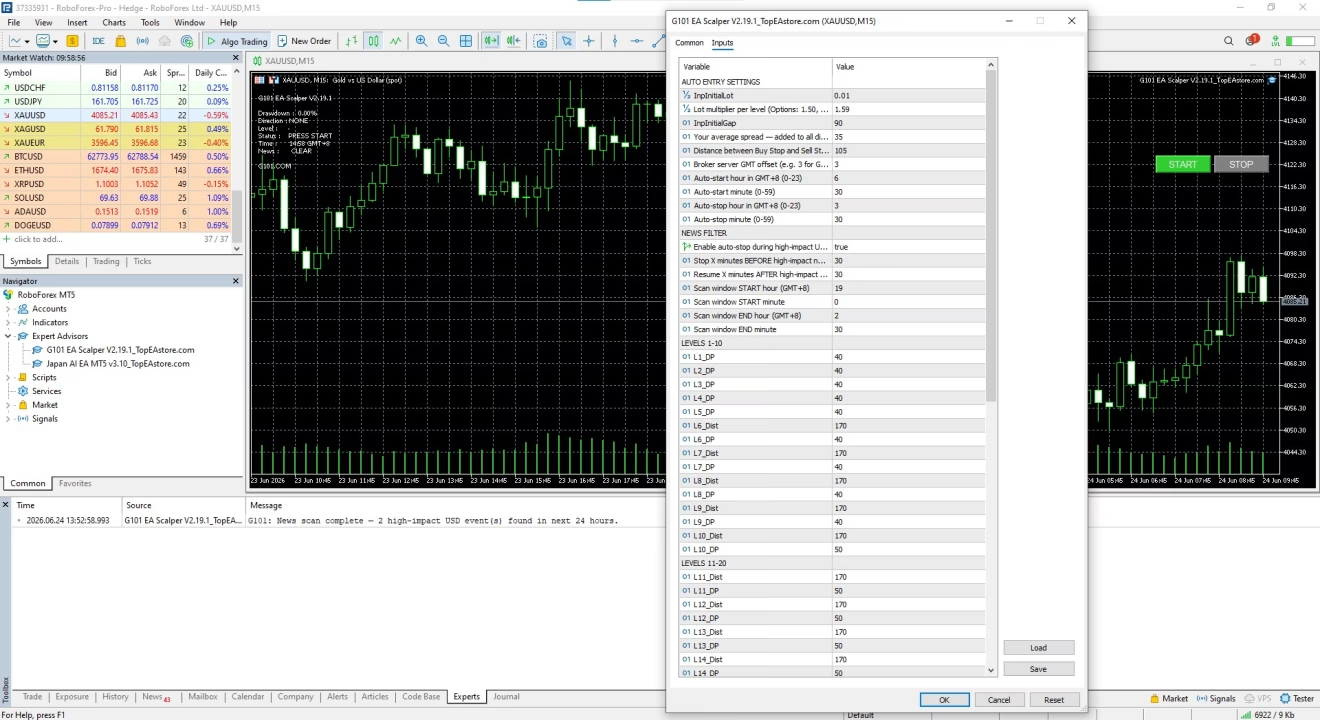
- Set Inputs
- Step Size
- Lot Multiplier
- Equity Cut-Off
- Enable Algo Trading by clicking the button in the top toolbar.
- Check the Journal Tab for messages like “Expert initialised” to confirm the robot is running.
Best Practices for Running Automated Strategies
- Start in Demo – Test settings for at least two weeks.
- Use a VPS – Keep MT5 running 24/7 without relying on your home internet.
- Stay Updated – Check for EA updates or broker rule changes.
- Avoid Over-Leverage – Stick to the capital sizing guide.
- Monitor News Events – Although the EA is rule-based, extreme volatility can widen spreads.
- Keep a Trading Journal – Note any manual changes or observations for future review.
Frequently Asked Questions regarding G101 EA Scalper
Q: Does G101 EA Scalper work on MT4?A: No, it is coded for MT5 only.
Q: Can I change the take-profit target?A: Yes. The basket-wide take-profit can be edited in the inputs.
Q: What pairs are recommended?A: Major pairs with tight spreads—EURUSD, GBPUSD, and USDJPY are common choices.
Q: How often does the EA trade?A: Frequency depends on market movement and your step size, but most users see several cycles per day on a 1-minute chart.
Q: Is hedging allowed?A: The dual-entry approach is not hedging because only one side stays active; check if your broker permits stop orders in both directions before using the EA.
Final Thoughts About G101 EA Scalper
The G101 EA Scalper offers a simple, repeatable way to trade without guessing where the market might go next. By pairing a dual-entry start with a pre-planned grid and a shared exit, the robot keeps things clear and mechanical. Add in live, read-only access for anyone who wants to check results, and you get a level of transparency that many automated systems lack.
Whether you choose the high-risk T1 approach to grow a small account fast or the more conservative T3 path for steady progress, the same core rules apply. As always, start in demo mode, follow the capital sizing guide, and keep an eye on your equity cut-off.
Trading carries risk. Never trade with money you cannot afford to lose.
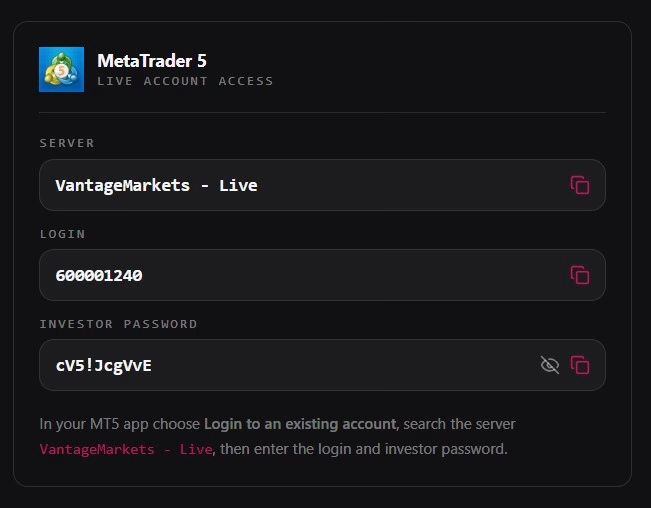
MT5 Account with invest passwords
Login 600001240
Password : cV5!JcgVvE
Server: VantageMarkets - Live
Passwords will be changed soon
Vendor Site – Click Here
| Membership | Yearly Membership |
|---|---|
| Additional Services | Unlock & Decompile |
| Recommended Brokers | Exness Broker, FPMarkets |
| Recommended VPS | FXVM (Low Latency) |
| Youtube Channel | ForexForYou |
| Telegram Channel | Onshoppie Forex EA's & Indicators |
| Telegram Support | Onshoppie Support |
| Installation Guides | Onshoppie Forex Guides |
Brand
ea-mt5
Only logged in customers who have purchased this product may leave a review.
Related products


Products
-
 Quantum Queen X EA MT5 V4.3 MQ5 Source Code
Original price was: $1,799.00.$19.95Current price is: $19.95.
Quantum Queen X EA MT5 V4.3 MQ5 Source Code
Original price was: $1,799.00.$19.95Current price is: $19.95.
-
 Smart Gold Hunter EA MT5 V2.0 MQ5 Source Code
Original price was: $249.00.$28.95Current price is: $28.95.
Smart Gold Hunter EA MT5 V2.0 MQ5 Source Code
Original price was: $249.00.$28.95Current price is: $28.95.
-
 The Gold Reaper EA MQ5 V4.1 Source Code + Setfiles
Original price was: $949.00.$19.95Current price is: $19.95.
The Gold Reaper EA MQ5 V4.1 Source Code + Setfiles
Original price was: $949.00.$19.95Current price is: $19.95.
-
 ATM Alpha BOT MT5 For Build 5984+
$14.95
ATM Alpha BOT MT5 For Build 5984+
$14.95
-
 Pandora Box EA MT5 V1.1 + SetFiles With DLL 5984
$14.95
Pandora Box EA MT5 V1.1 + SetFiles With DLL 5984
$14.95
-
 Bully Max Pro EA MT5 For Build 5984+
$14.95
Bully Max Pro EA MT5 For Build 5984+
$14.95
-
 Trinetra EA MT5 + SetFiles For Build 5984+
$34.95
Trinetra EA MT5 + SetFiles For Build 5984+
$34.95
-
 Strict HedgeZone Final EA MT5 V10 + SetFiles For Build 5984+
$14.95
Strict HedgeZone Final EA MT5 V10 + SetFiles For Build 5984+
$14.95
Recent reviews
-
 Advanced Dashboard Currency Strength
by Balram
Advanced Dashboard Currency Strength
by Balram
Reviews
There are no reviews yet.