

TPSproTREND PrO Indicator MT4 V6.3 For Build 1455+
Original price was: $125.00.$9.95Current price is: $9.95.
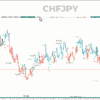
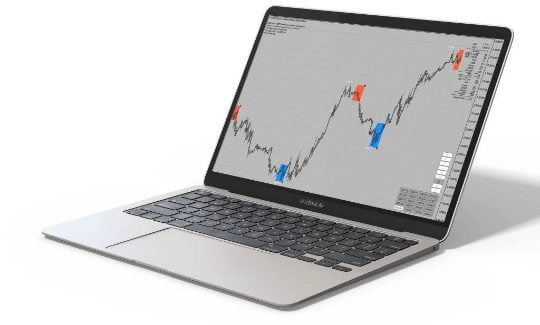
TPSproTREND PrO is a trend indicator that automatically analyzes the market and provides information about the trend and each of its changes.


Description
TPSproTREND PrO: A Practical Guide to Reliable Trade Signals
Alternative Title: TPSproTREND PrO – The Straight-Forward Way to Spot, Plan, and Manage Your Trades
Table of Contents
- Introduction: Why Traders Talk About TPSproTREND PrO
- Key Features at a Glance
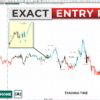
- Accurate Entry Signals without Repainting
- Clear Stop-Loss and Take-Profit Zones
- Multi-Timeframe MIN/MAX Levels
- Risk-to-Reward Ratio Above 1:2
- Trade Win-Rate Statistics
- Universal Timeframe Support
- Common Questions (FAQ)
- Final Thoughts and Next Steps
Introduction: Why Traders Talk About TPSproTREND PrO
TPSproTREND PrO is gaining attention because it focuses on one thing many indicators miss: giving clear signals that do not repaint. When a buy or sell arrow shows up, it stays there. That stability helps both new and seasoned traders plan entries, exits, and risk in a calmer way. In this post we will break down how each function works, provide simple examples, and share practical tips so you can decide whether TPSproTREND PrO fits your style.
Key Features at a Glance
| Feature | What It Means in Plain English |
|---|---|
| No Repainting | The arrow you see now will still be on the chart tomorrow. |
| Stop-Loss / Take-Profit Zones | Visual boxes that mark risk and reward clearly. |
| Higher-Timeframe MIN/MAX | Shows likely support or resistance from bigger charts. |
| Average RR > 1:2 | Wins tend to be at least twice the size of losses. |
| Direction Neutral | Generates signals in up, down, or sideways markets. |
| Win-Rate Data | Lets you know how the method has fared over past candles. |
| Works on M1 to MN | Same indicator on a 1-minute or monthly chart. |
| Graphic & Audio Alerts | Pop-ups and sounds when new arrows form. |
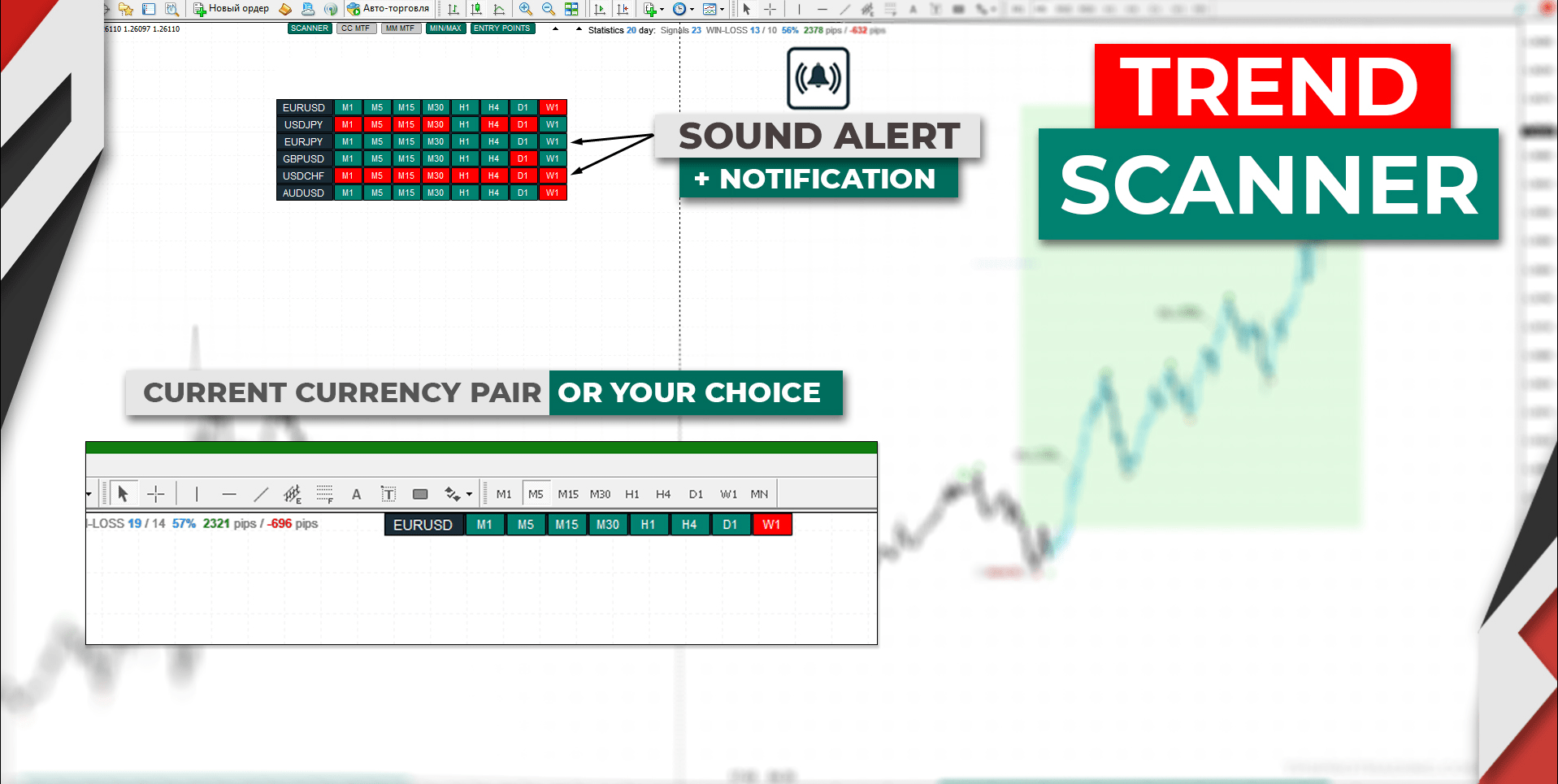
| Trend Scanner | One small panel tells you if all timeframes agree. |
| Hotkey “X” | Quickly hide or reveal the panel for a clean chart. |
Accurate Entry Signals without Repainting
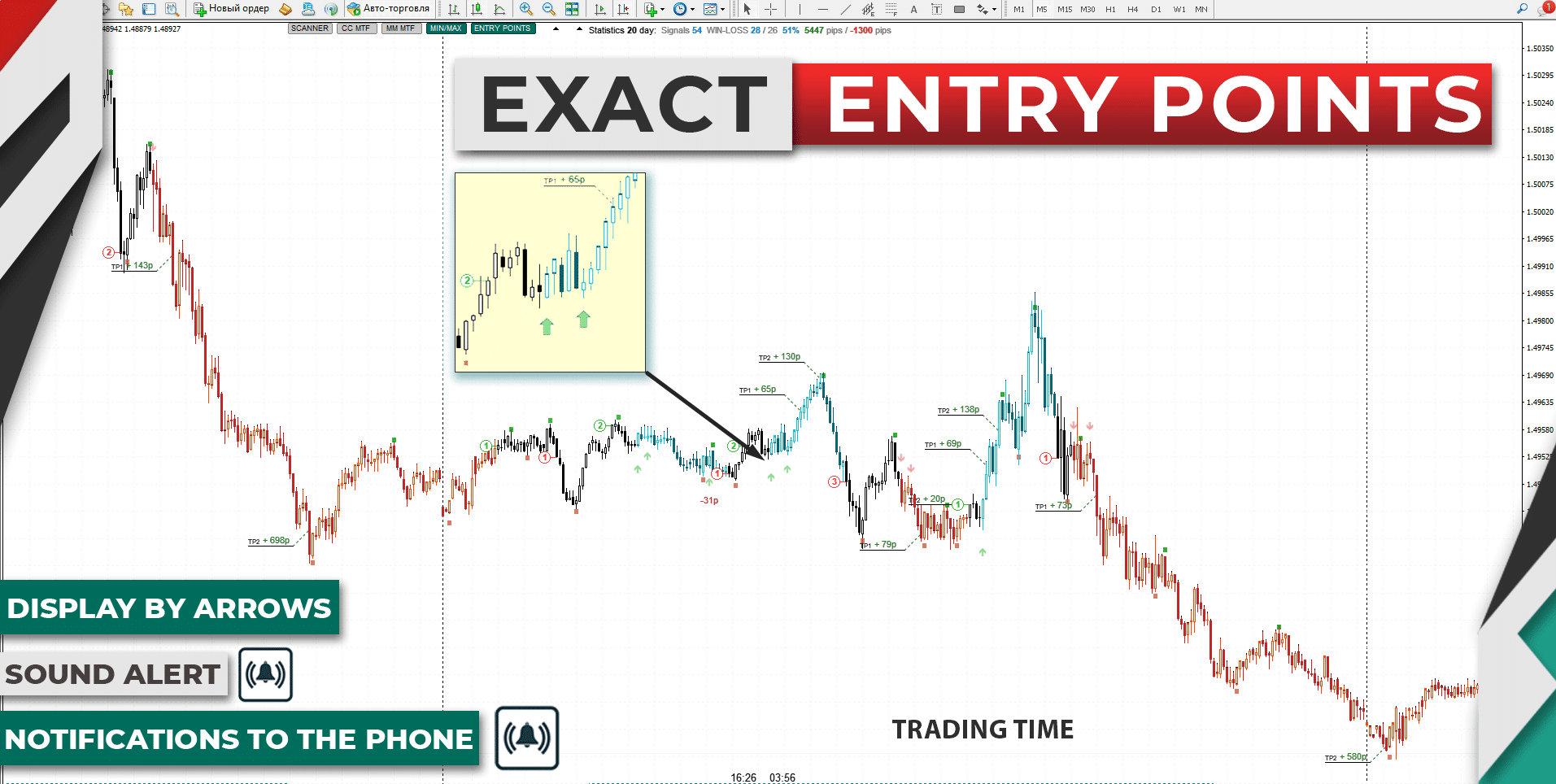
Many free tools will call a top, then quietly remove the signal once price moves against it. TPSproTREND PrO does the opposite:
- When a BUY arrow appears, it remains visible.
- The candles that follow are colored to show that the trade idea is still valid until either the take-profit level is hit or a new opposite arrow prints.
- You can check any past period and see exactly where trades would have triggered—no missing signals, no edits.
Why It Matters:
- Honest back-testing.
- Clear trade journaling.
- More confidence during live sessions.
Clear Stop-Loss and Take-Profit Zones
Locating an entry is only half the job; the next step is defining risk. TPSproTREND PrO draws colored blocks on the chart:
- The BUY/SELL Zone marks where price is in play.
- A STOP-LOSS line sits at the edge of that zone.
- The software can gradually pull the stop closer (move SL) as the trade matures, cutting risk.
Practical ExampleIf you get a buy arrow on EUR/USD at 1.0950:
- Stop-loss might be 1.0935.
- Take-profit shows at 1.0995.
- That sets up roughly a 15-pip risk for a 45-pip reward (RR 1:3).
Multi-Timeframe MIN/MAX Levels
Trading only one timeframe can hide larger support and resistance. With TPSproTREND PrO:
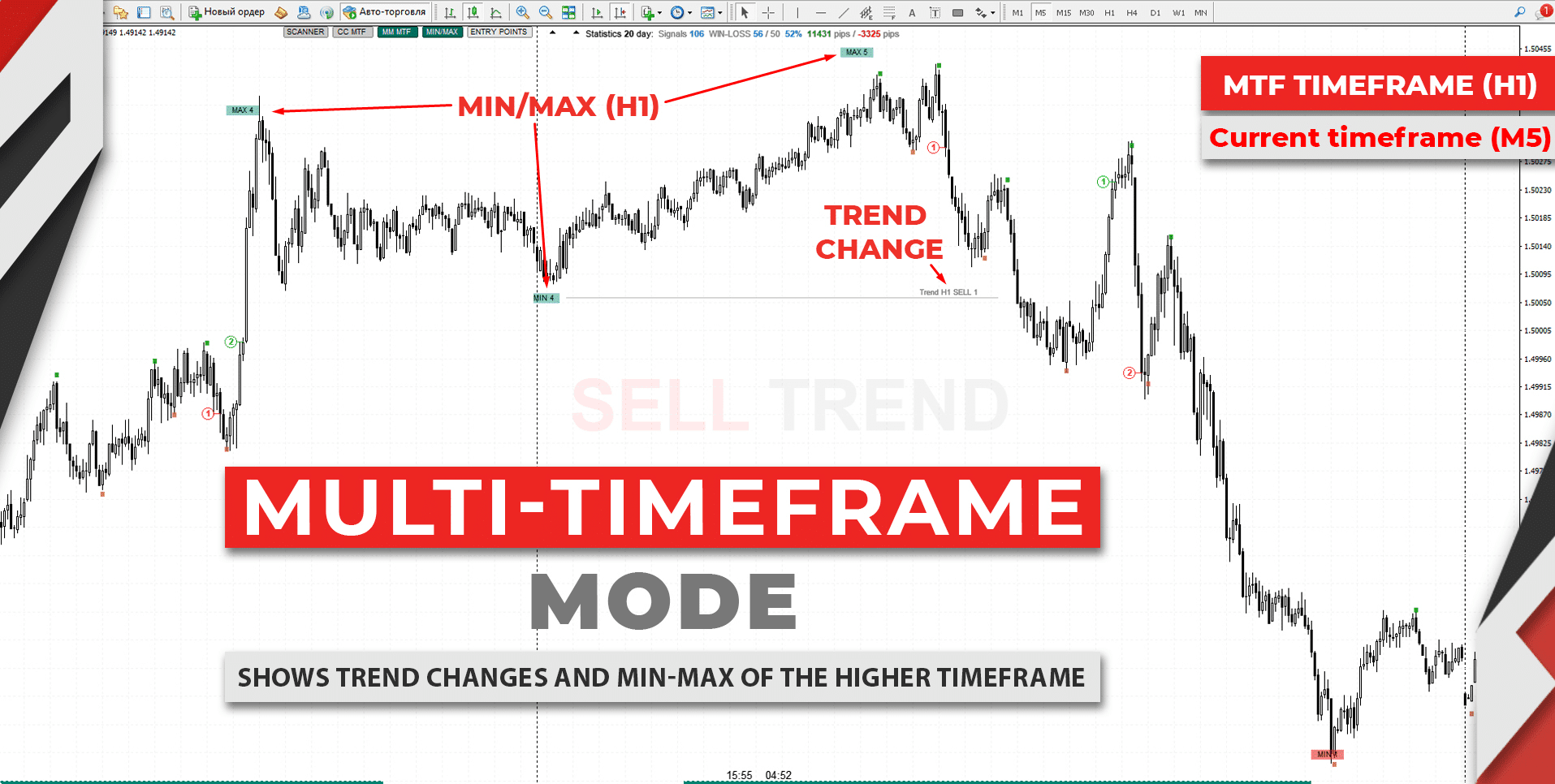
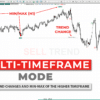
- The indicator draws the latest MIN (swing low) and MAX (swing high) from a higher timeframe you choose.
- Corrective swings are numbered, so you see if you are in Wave 1, 2, 3, or more.
- This helps spot trend change zones early.
Try setting the higher timeframe to H4 while watching H1. You will see broader levels without flipping charts.
Risk-to-Reward Ratio Above 1:2
Because arrows plot after a decent move and stops are kept tight, most trades aim for at least double the risk. Here is how the math works:
- Stop-Loss: 10 ticks
- Take-Profit: 25 ticks
- RR: 1:2.5
Over time, even a 45 % win rate can grow an account if losses are small and gains are larger.
Trade Win-Rate Statistics with TPSproTREND PrO
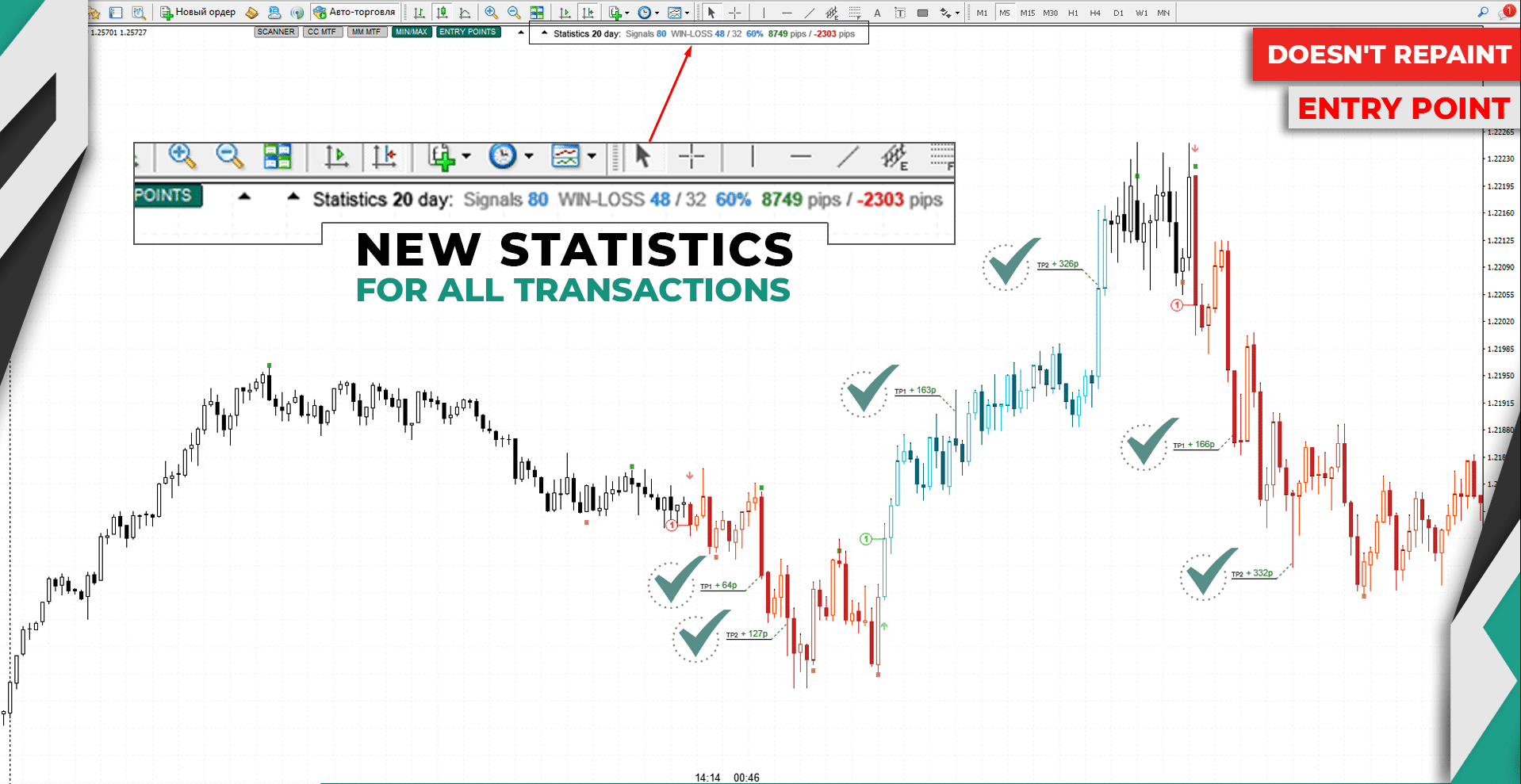
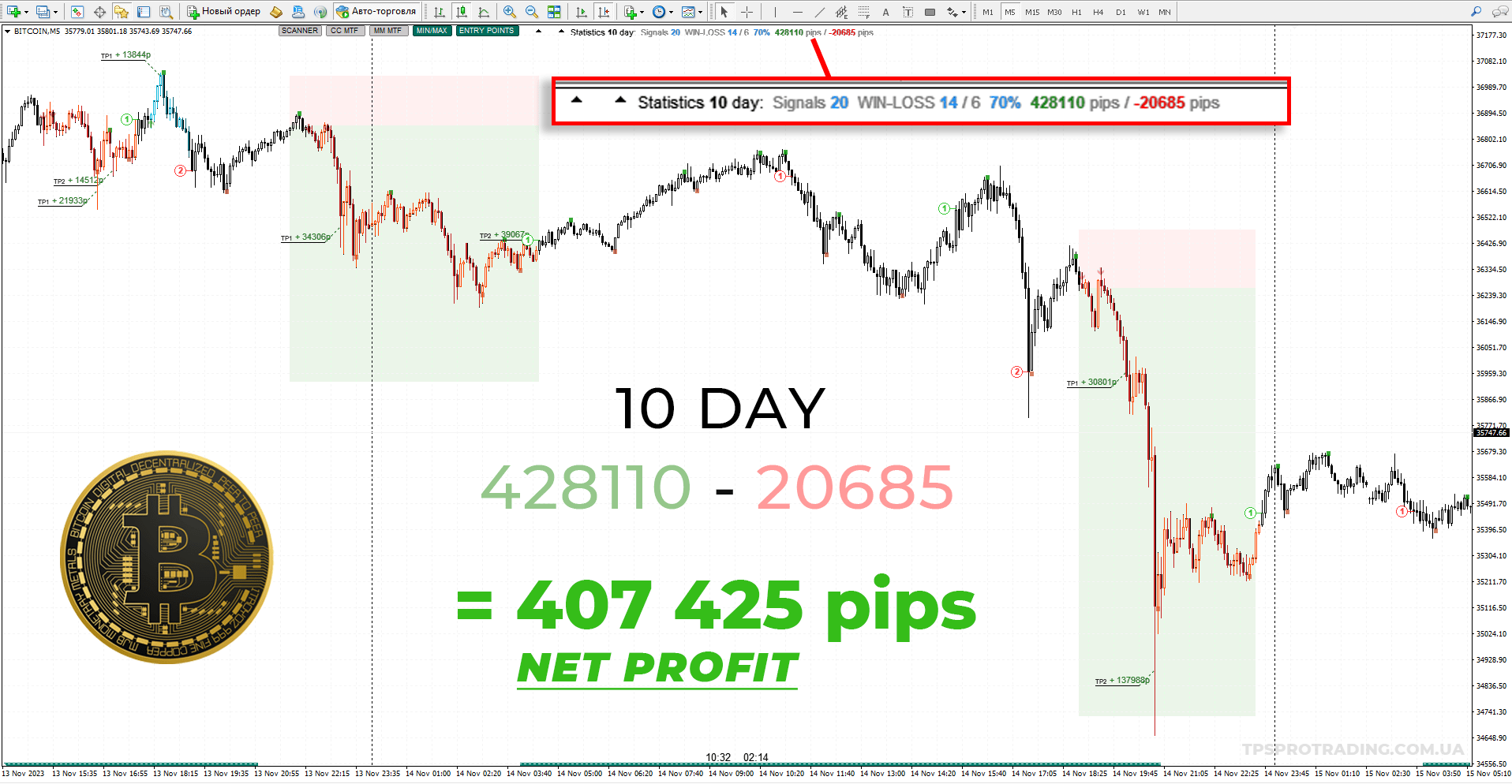
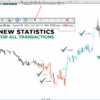
The built-in stats panel tells you:
- Total signals in the look-back period.
- Wins vs. losses.
- Cumulative pip gain.
Knowing these numbers helps adjust lot size and pick the pairs or timeframes where the indicator performs best.
Universal Timeframe Support with TPSproTREND PrO
Whether you scalp on M1 or hold positions for weeks on D1, the code is the same. Just change the chart timeframe:
- Scalpers like M1, M5, M15.
- Day traders sit on M30 or H1.
- Swing traders favor H4 to D1.
- Investors check W1 or MN.
This flexibility is useful if you trade multiple strategies under one broker account.
Common Questions (FAQ) Regarding TPSproTREND PrO
Q1: Does TPSproTREND PrO work on stocks and crypto?A: Yes, if your broker provides data in MetaTrader. Just adjust tick size in your mind when setting risk.
Q2: Can I automate trades?A: You can connect it to an Expert Advisor by reading the buffer that stores arrow values. Details are in the manual.
Q3: Is the indicator heavy on CPU?A: The code is lightweight; even mid-range laptops handle multiple charts.
Q4: How do I stop over-trading?A: Limit yourself to the first two valid signals per session and keep a journal.
Final Thoughts and Next Steps for TPSproTREND PrO
TPSproTREND PrO keeps things simple: clear arrows that do not repaint, built-in risk markers, and handy alerts. That simplicity can reduce decision fatigue and help you focus on price. If you want to test it, start with a demo and track the win-rate stats. When the numbers line up with your comfort level, consider adding the tool to your regular workflow.
Happy trading, and keep those risk levels tight!
Vendor Site – Click Here
| Membership | Yearly Membership |
|---|---|
| Additional Services | Unlock & Decompile |
| Recommended Brokers | Exness Broker, FPMarkets |
| Recommended VPS | FXVM (Low Latency) |
| Youtube Channel | ForexForYou |
| Telegram Channel | Onshoppie Forex EA's & Indicators |
| Telegram Support | Onshoppie Support |
| Installation Guides | Onshoppie Forex Guides |
Brand
Indicator-mt4
Only logged in customers who have purchased this product may leave a review.
Related products


Products
-
 Algo Gold Scalper MT4 EA For Build 1470+
$14.95
Algo Gold Scalper MT4 EA For Build 1470+
$14.95
-
ZYPHRON EA MT5 For Build 5660+
$14.95
-
Currency Pros Gold EA MT5 v1.03 For Build 5660+
Original price was: $1,497.00.$44.95Current price is: $44.95.
-
Pip Club Profit Max Pro EA MT5 v2.0 For Build 5739+
Original price was: $699.00.$14.95Current price is: $14.95.
-
Hand of God EA V4.5 MQ4 Source Code 1470+
$14.95
-
Hand of God EA V4.5 MT4 + SetFiles For Build 1470+
$14.95
-
Askaitrade EA MT5 v3.0 For Build 5660+
Original price was: $599.00.$14.95Current price is: $14.95.
-
Friday Pro EA MT4 V1.6 + SetFiles For Build 1470+
Original price was: $399.00.$19.95Current price is: $19.95.







Recent reviews
-
 Advanced Dashboard Currency Strength
by Balram
Advanced Dashboard Currency Strength
by Balram

Reviews
There are no reviews yet.